Everything Guidejar does,
on one page
Record a process once and turn it into step-by-step guides, interactive walkthroughs and a help center your team and customers can follow. Here is every piece, grouped by what it is for.
Capture
Record it once, however it happens
In the browser, on the desktop, or from the files and recordings you already have.
Short clips inside steps
Record a few seconds of scrolling, typing or a form fill where a screenshot isn’t enough.
Import what you already have
Turn a PDF, a Word doc, a web page or a folder of screenshots into a structured guide.
- DOCX
- URL
- Screenshots
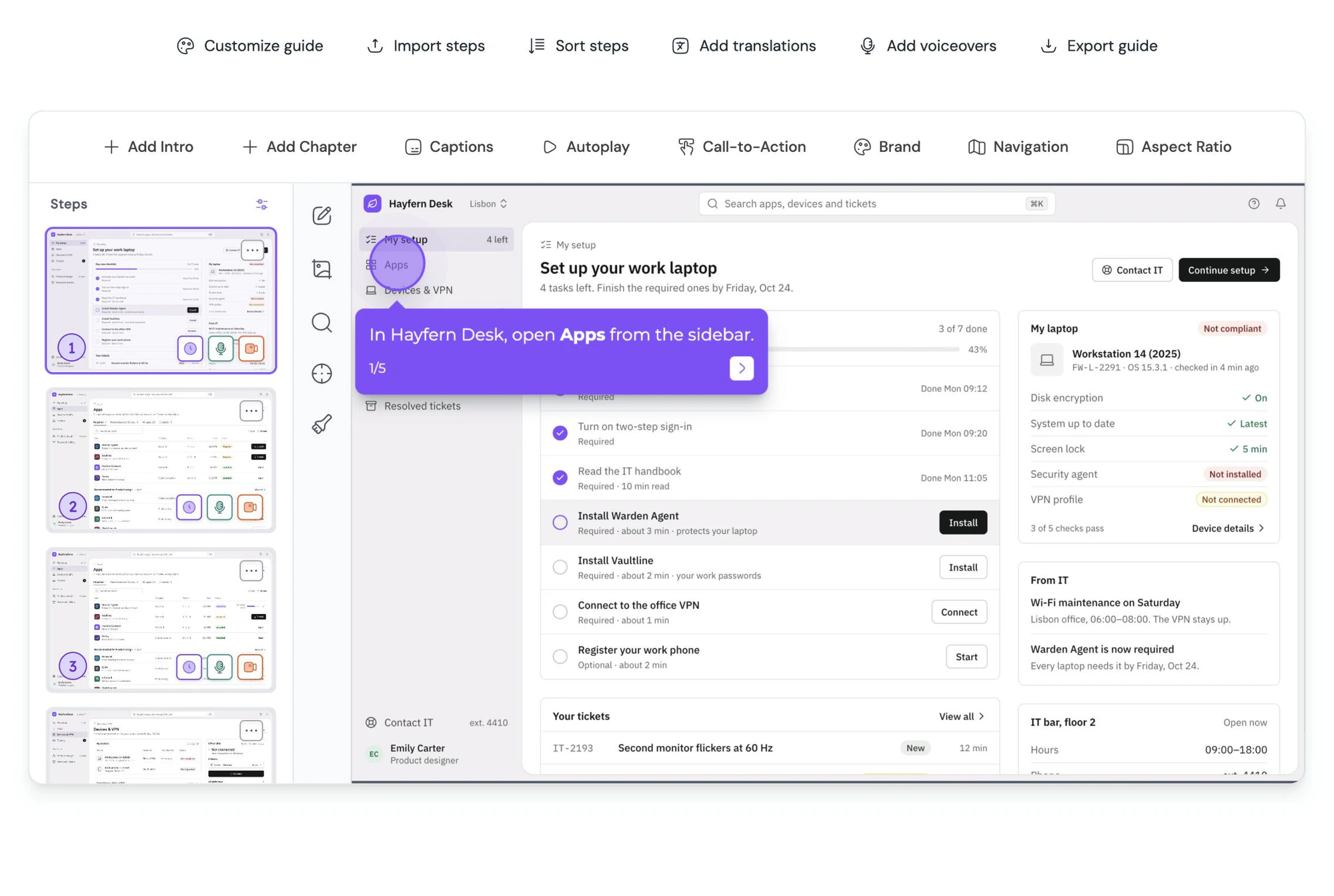
An editor tailored for guides
Rich text, copy and paste steps across guides, merge or bulk-delete, and undo a screenshot edit from the last five versions.
Guides & demos
One capture, every format
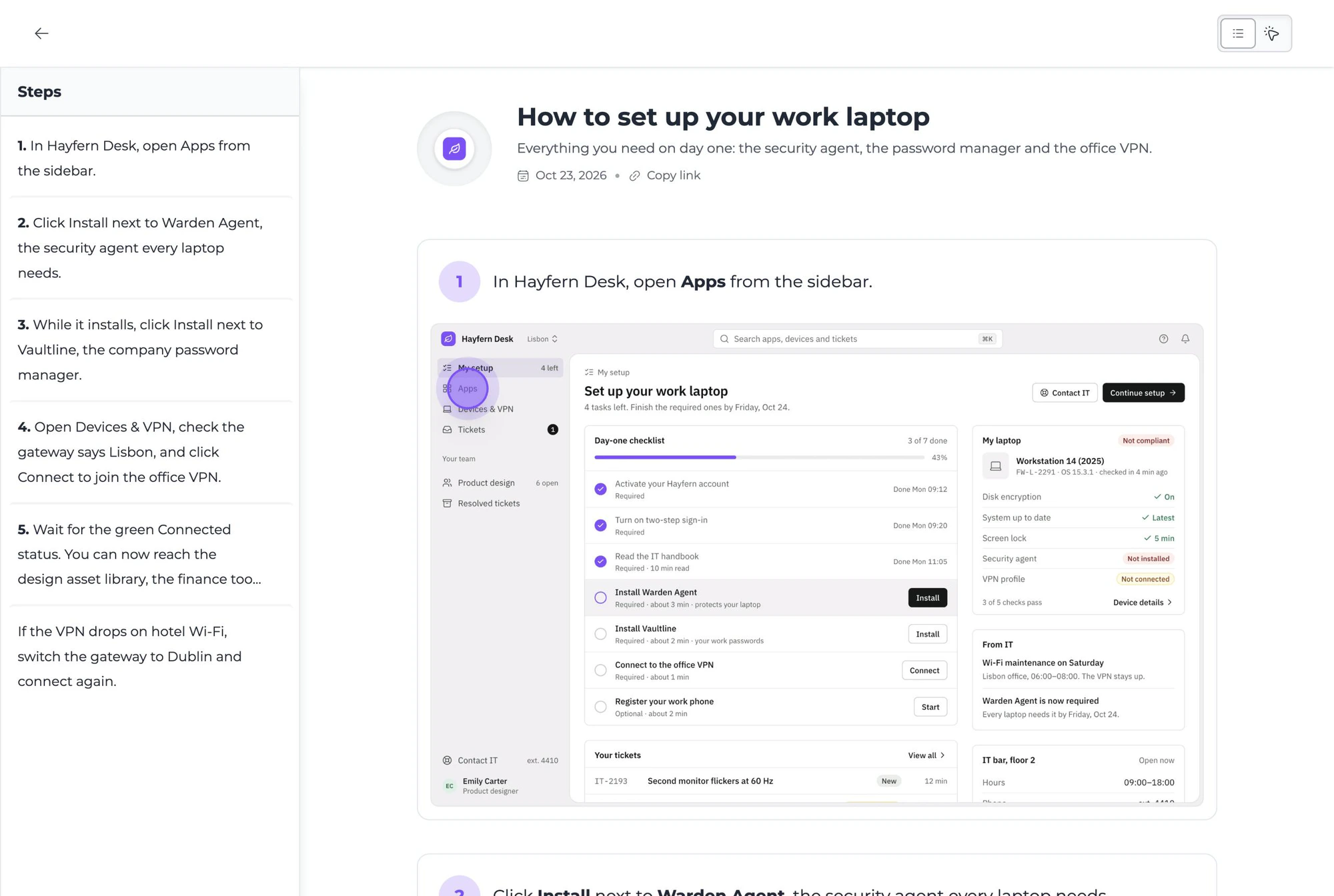
A skimmable guide and a clickable walkthrough from the same recording, with the tools to make both land.
Hotspots, highlight, pan and zoom
Point at the click, dim the rest, and zoom in on the part that matters. Saved pan positions keep every view consistent.
Annotate and blur
Arrows, shapes, numbered markers and callouts on any screenshot, and a blur tool for anything that shouldn’t ship.
Video export
Export a walkthrough as an MP4 video with narration and subtitles baked in.
Talking head
Record a webcam bubble beside the guide so the walkthrough has a face.
Calls to action
End any step, or the whole guide, with a button to sign up, book a call or open the docs.
AI
Documentation, minus the parts nobody has time for
Every AI feature runs on a monthly credit allowance, or on your own keys.
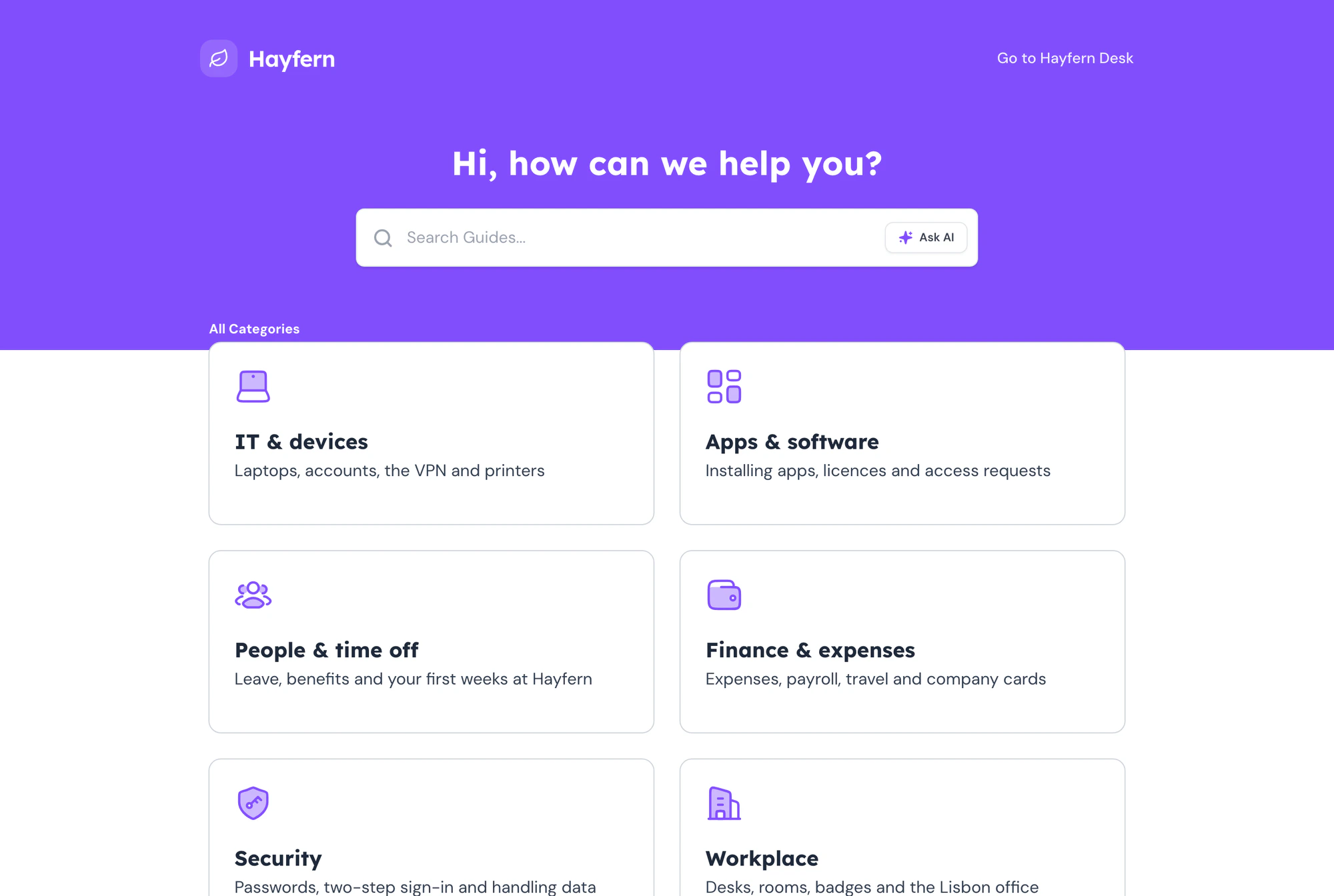
Help center
A home for all of it, on your domain
Publish guides and articles to a branded help center, in front of customers or behind a login.
Your own domain
Serve the help center from your own domain with a simple DNS setup.
help.yourcompany.com
Help center widget
One script tag puts your entire help center in a panel on every page of your site.
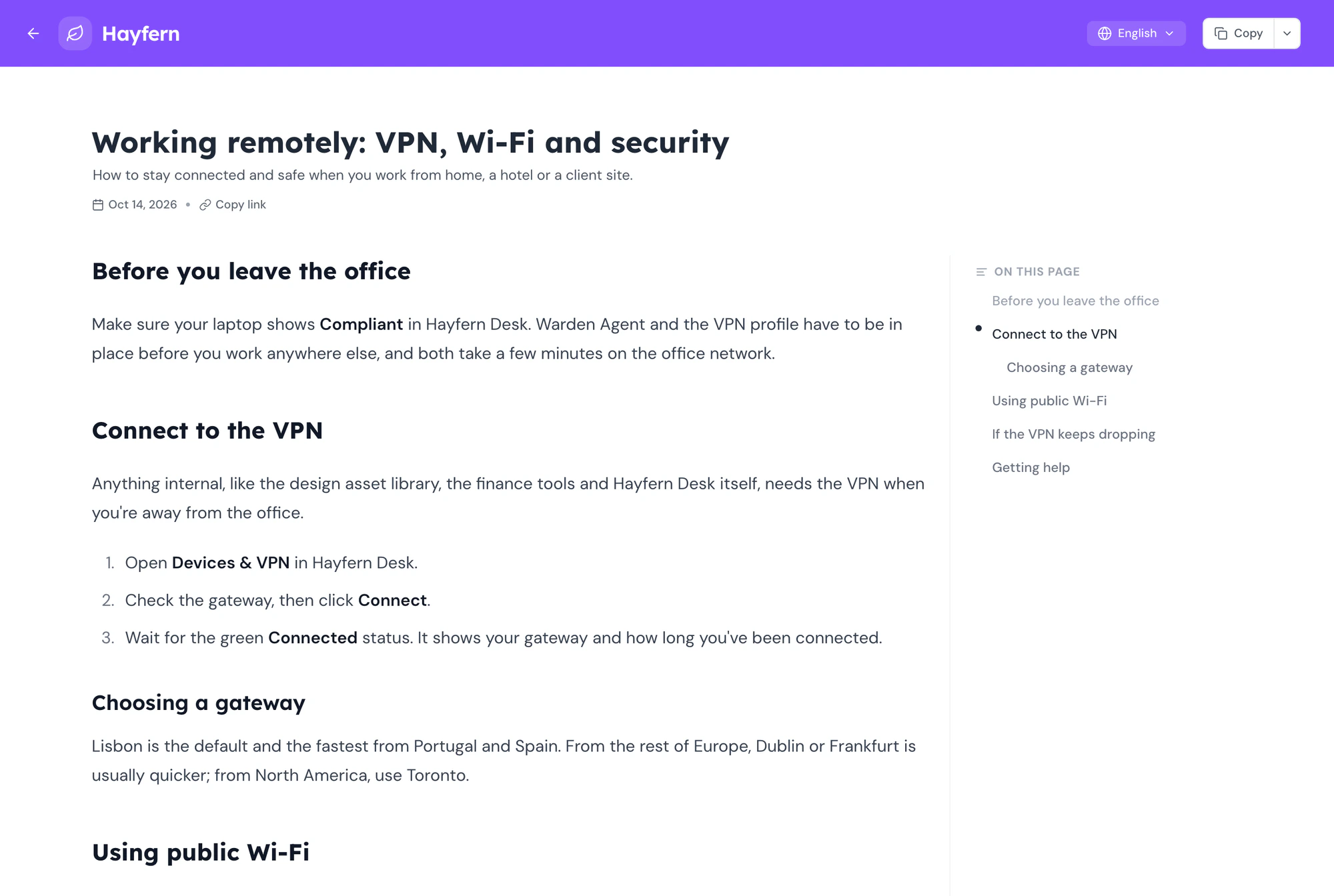
Articles and search
Write long-form articles next to captured guides, and let full-text search find both.
Analytics & feedback
Know what gets read, and where readers stop
Traffic for every guide, completion for every walkthrough, and a way for readers to talk back.
Reactions and comments
Readers react without signing in. Your team leaves comments on the guide itself.
Forms inside guides
Collect feedback or leads at the end of a guide and read the responses in one place.
Team & platform
Built for more than one author
Roles, workspaces, integrations and the safety nets a shared library needs.