Access Control
Share exactly as far as you mean to
Every guide has one switch: anyone with the link, or only the people you name. Your help center gets its own login, from a simple password to SAML.
- 2 sharing modes
- Public · Restricted
- Per person
- Can view or can edit
- Help center login
- Password, IP, custom auth, SAML
Two layers
Lock a guide, or lock the whole help center
Sharing controls for a single document. A login for everything behind your domain.
Per guide
Invite people by email and choose whether they can view or edit, or hand a guide to your whole team in one line.
- Restricted or public, set per guide
- Domain-restricted embeds
Use your Acme account to continue
Continue with SSOWhole help center
Put the entire help center behind a login your customers or employees already have. Nobody sees a guide, an article or a search result without signing in.
- Password or IP allowlist for the simple cases
- SAML SSO or custom auth for your identity provider
Also included
The details that make it usable
Team roles
Owner, admin, creator and viewer. Give the support team read access without handing out edit rights.
Domain-restricted embeds
An embedded guide only loads on the domains you allow.
Hi Linda, how can we help you?
Signed-in name and email flow into your guides as variables.
Knows who signed in
With SSO, the reader’s name and email flow into your guides, so a private help center can greet them by name.
Why it matters
Internal stays internal
SOPs that never leak
Onboarding docs, runbooks and pricing playbooks stay behind the same login as the rest of your tools.
Each customer sees their own docs
Restrict a guide to one client’s emails and send them the link. Nobody else can open it, even with the URL.
No second set of logins
SAML and custom auth reuse the identity provider you already run, so there is nothing new to provision.
Share on your terms
Help center authentication starts on Plus. SAML SSO is available on Business and Enterprise.
Explore more
Other powerful features
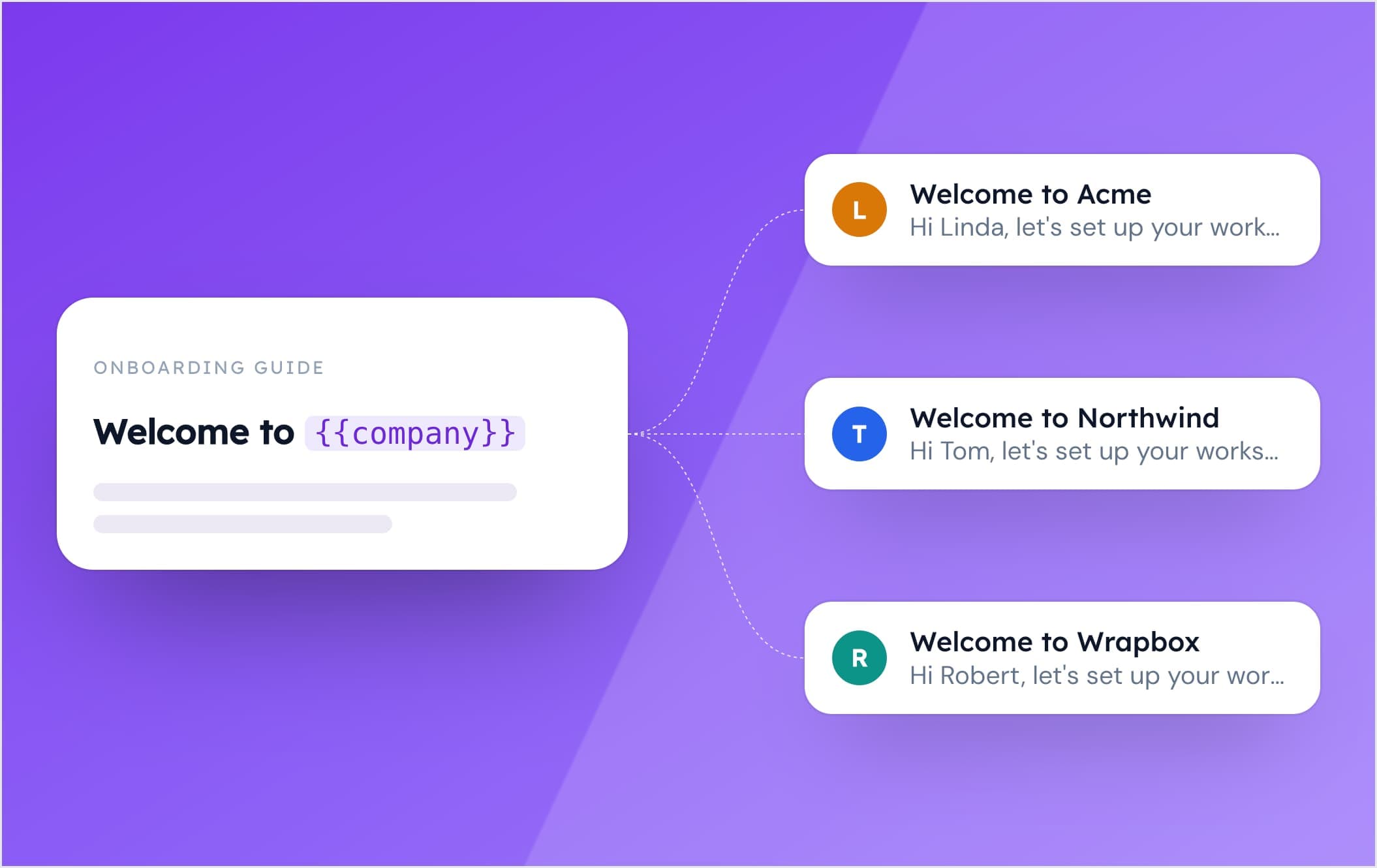
Dynamic Variables
Personalize your guides with dynamic variables. Tailor content to individual users effortlessly, creating more engaging and relevant experiences.
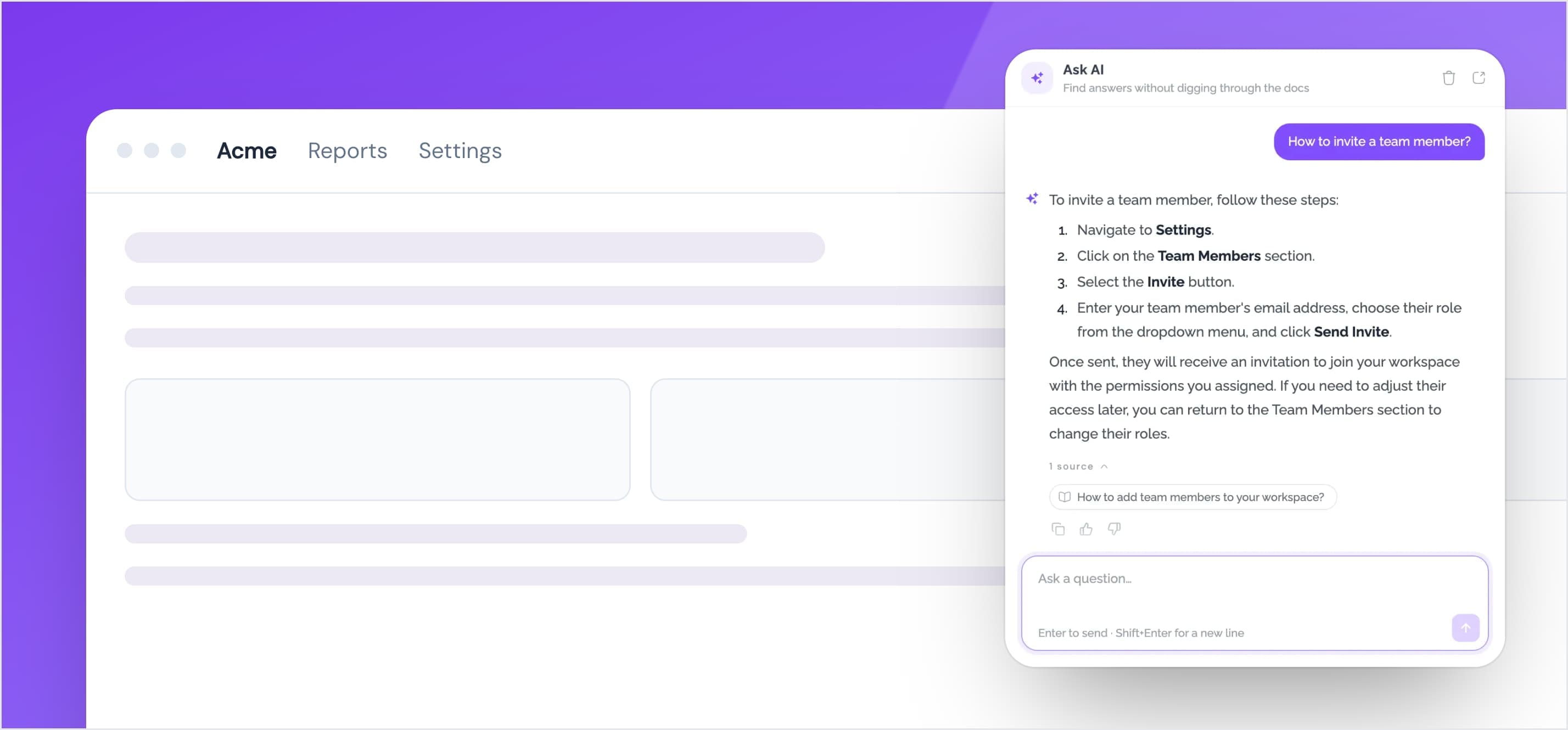
Help Center Widget
Embed your help center as a widget inside your website. Provide your users with instant access to your guides, articles, and FAQs.
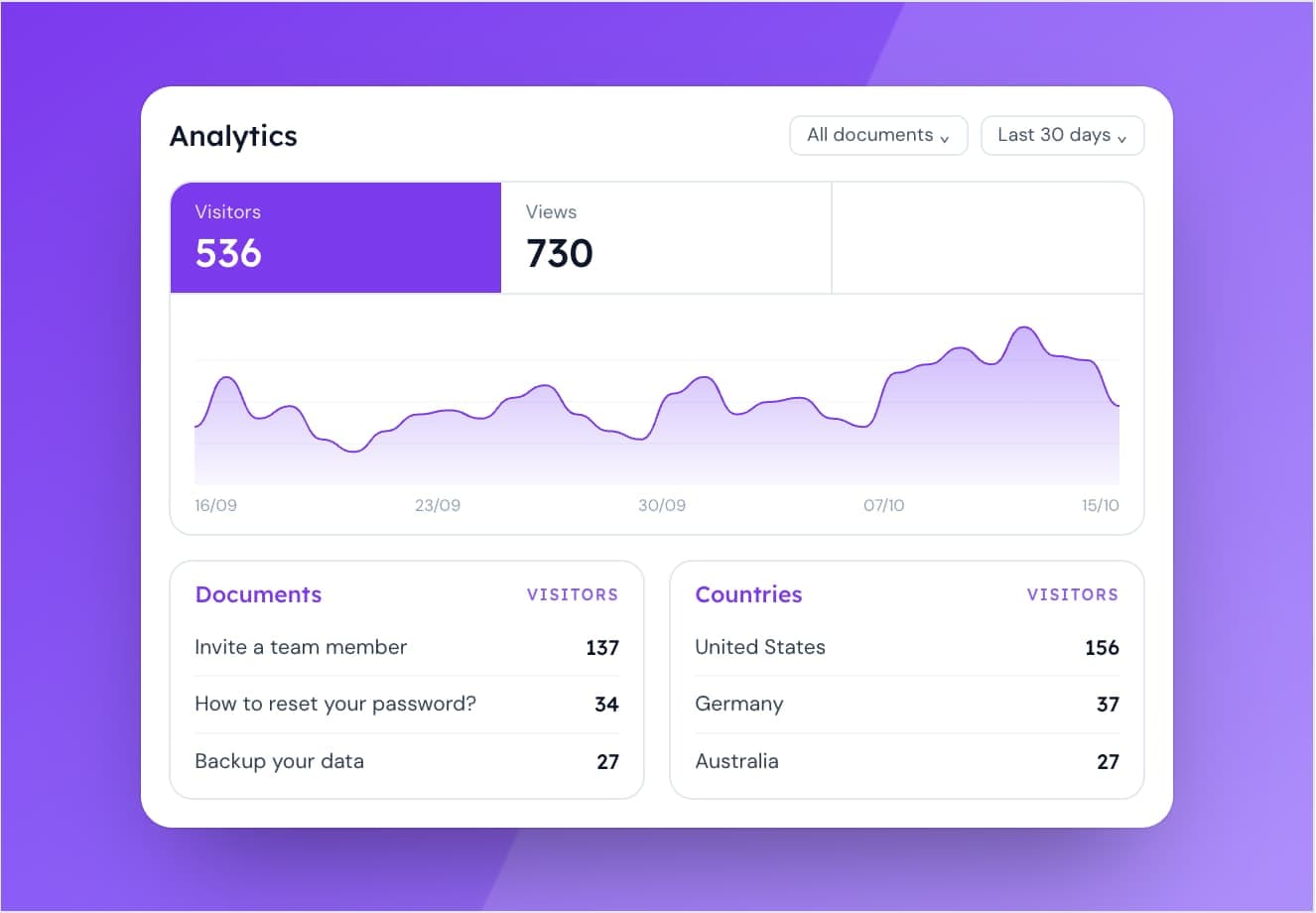
Analytics
Track user engagement with your guides and optimize your content.