Turn every “how do I do this?” into a guide that answers for you
Record any process once. Guidejar turns it into a shareable step-by-step guide or interactive walkthrough anyone can breeze through, anytime.







Trusted by teams worldwide











So, how does Guidejar work?
From "let me show you" to "here's the link" in three steps
Record
Click "Start Capture" on our Chrome extension or Desktop app, then simply walk through your process. Guidejar automatically records every interaction in real time. When you're finished, just click "Stop Capture" and your guide is instantly ready!
Customize
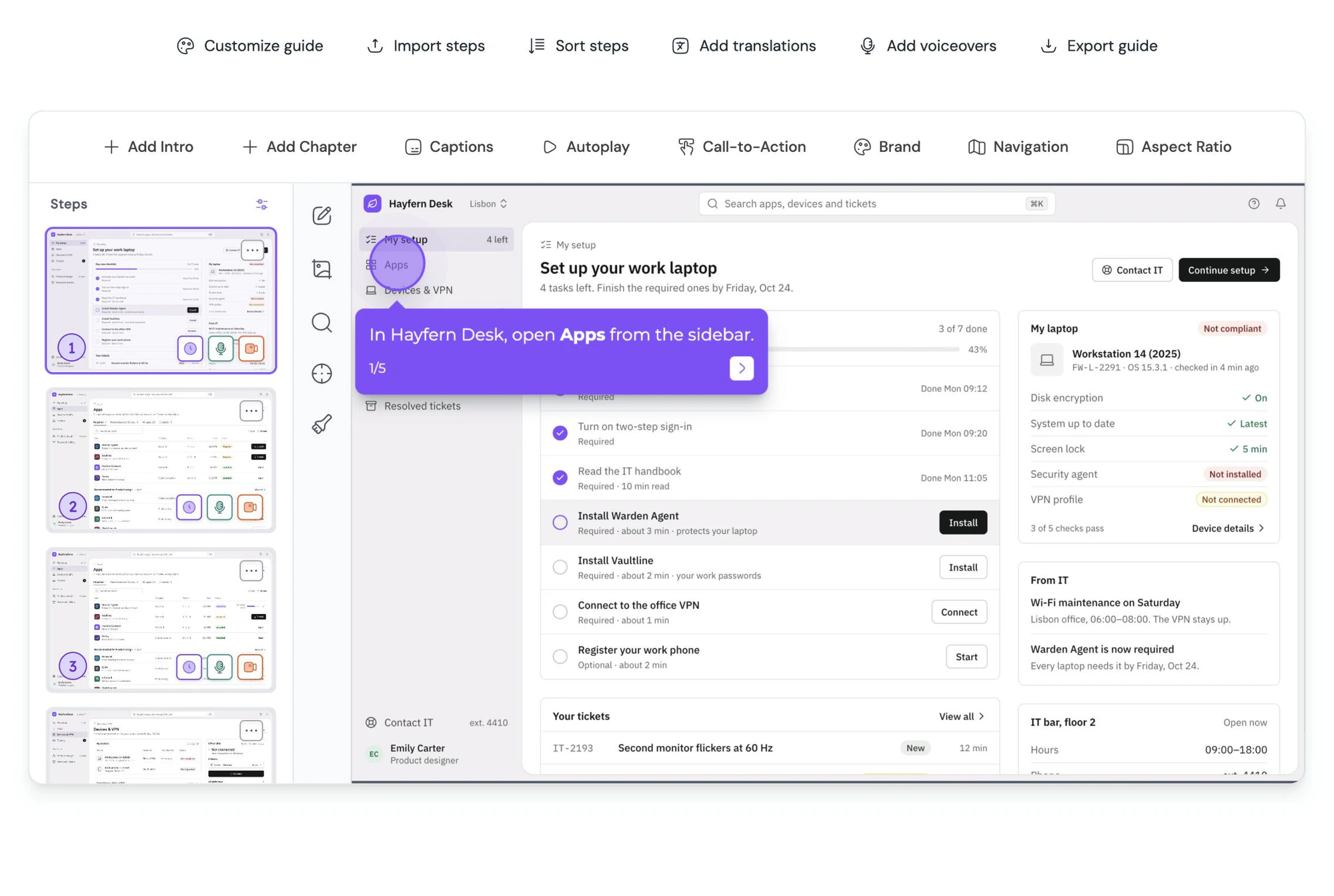
Edit steps, blur sensitive info, and highlight key details with pan & zoom effects. Add natural-sounding AI voiceovers, add chapters, create branching paths, seamlessly align the design with your brand, and much more.
Share
That's it! Share your guide effortlessly with your teammates and customers using links or embed it on your website.

And, here's how good your guide will look...
Elegant, simple and beautiful!
Solutions
How teams use Guidejar
Record a process once, then put it wherever your team or your customers need it: a wiki, a launch, an onboarding flow, a sales follow-up or a help center.
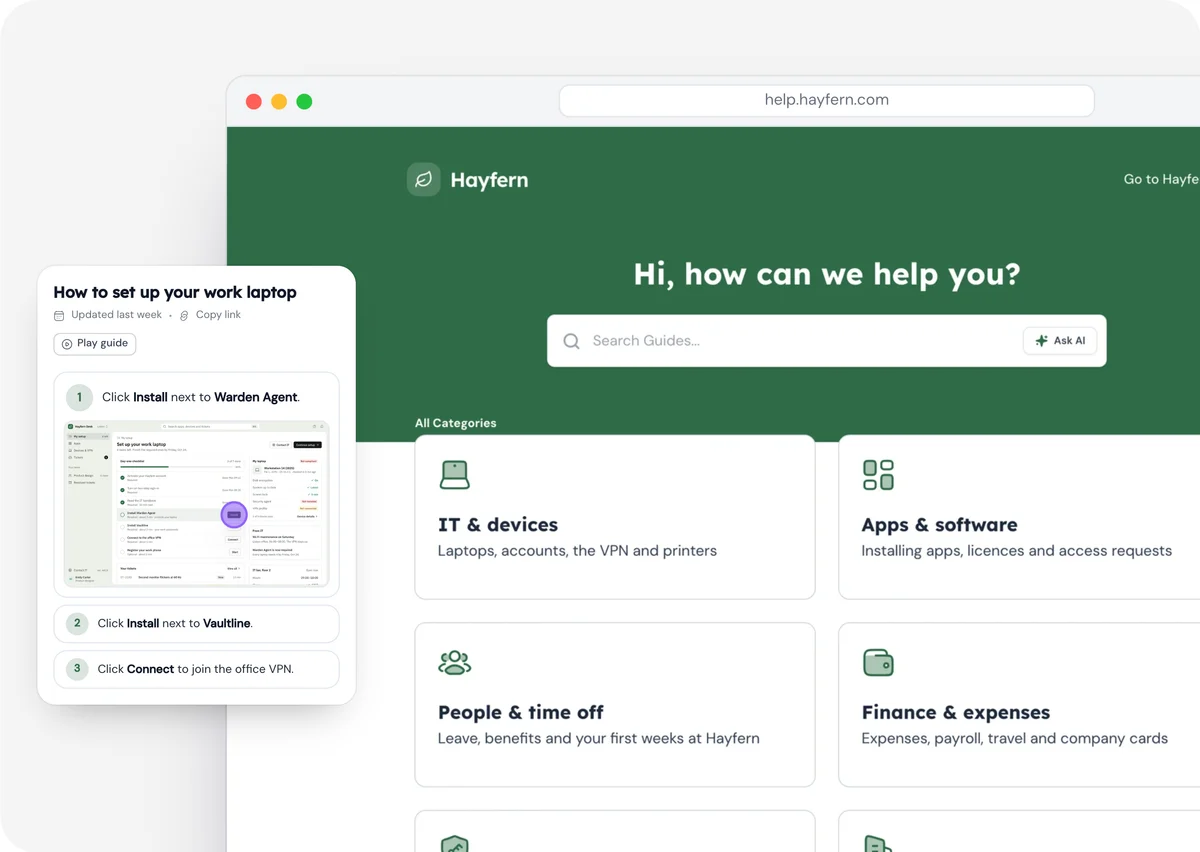
Ops, IT and people teams
Internal Wiki
Document processes, tools, and knowledge in simple, step-by-step guides your team can trust.
Explore Internal Wiki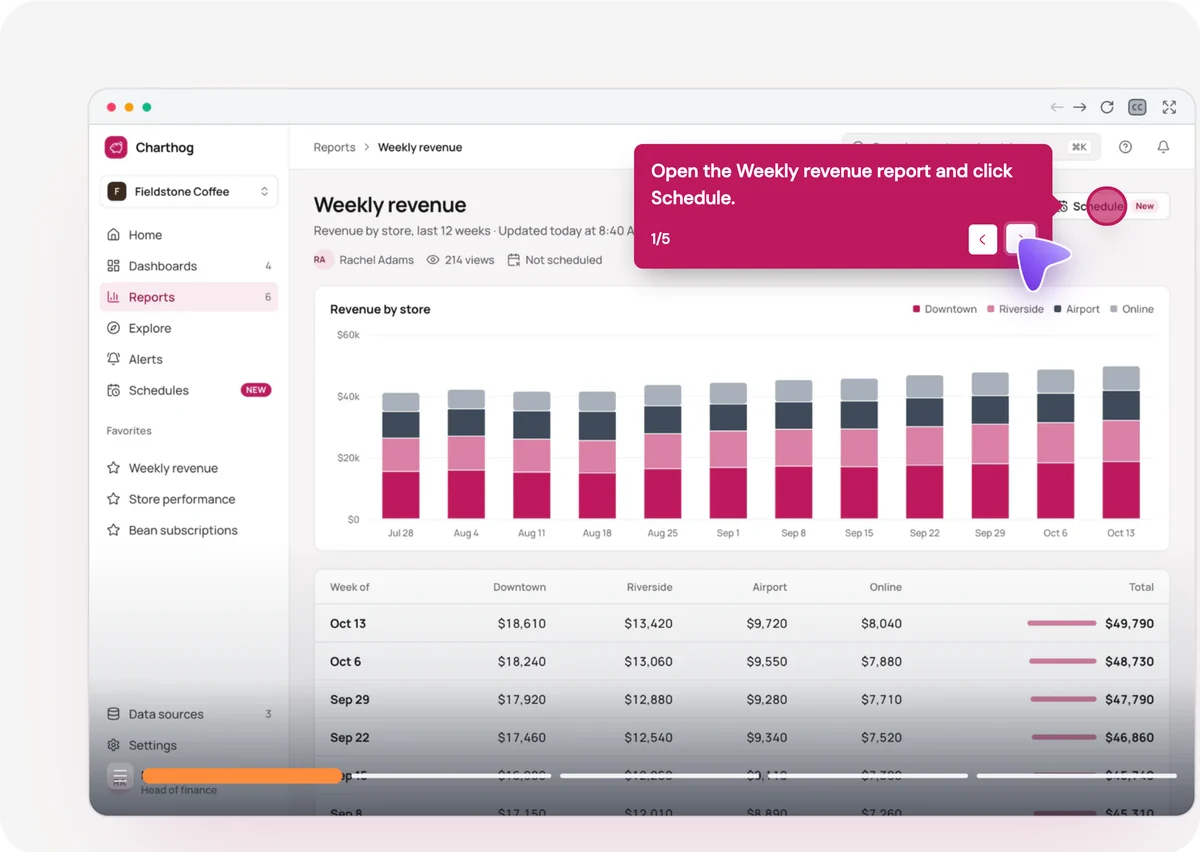
Product marketers
Product Marketing
Launch features, explain value, and educate users with interactive product tours.
Explore Product Marketing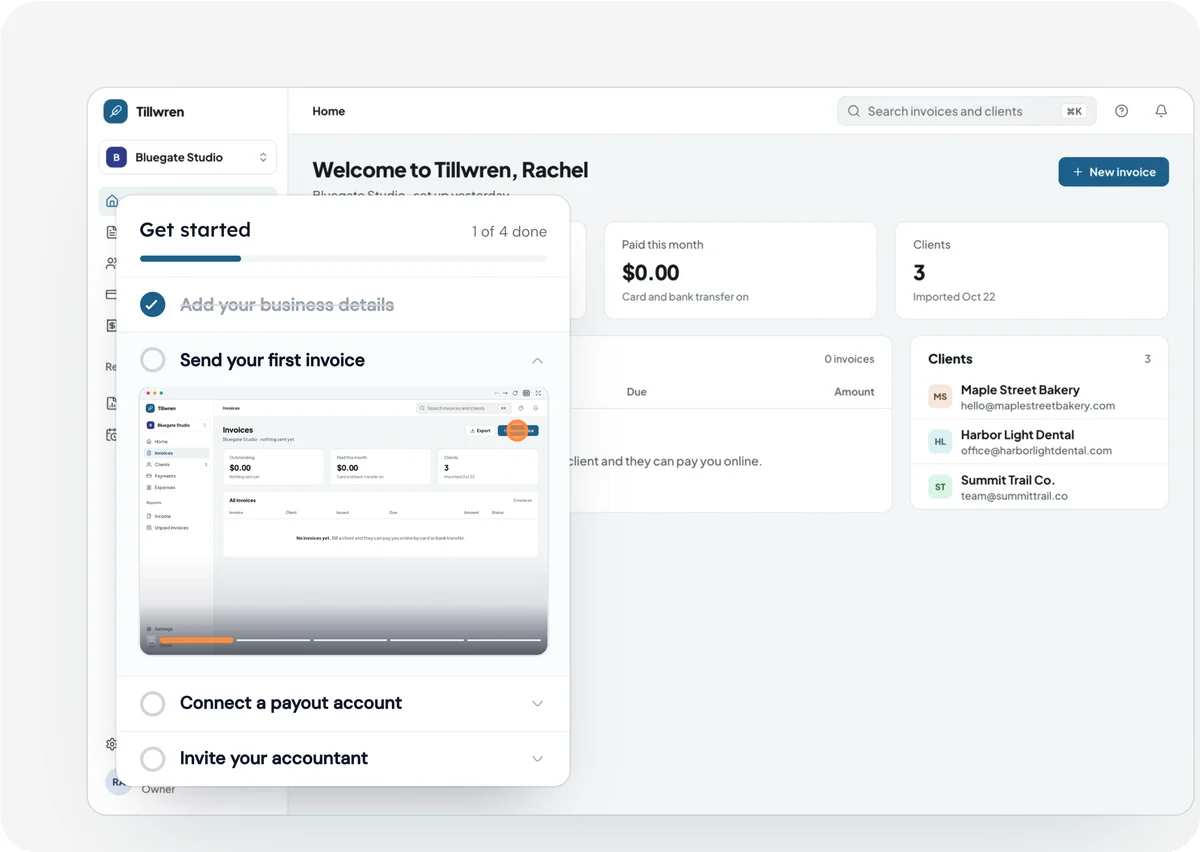
Customer success, support and product teams
User Onboarding
Guide new users step by step and turn signups into confident, activated customers.
Explore User Onboarding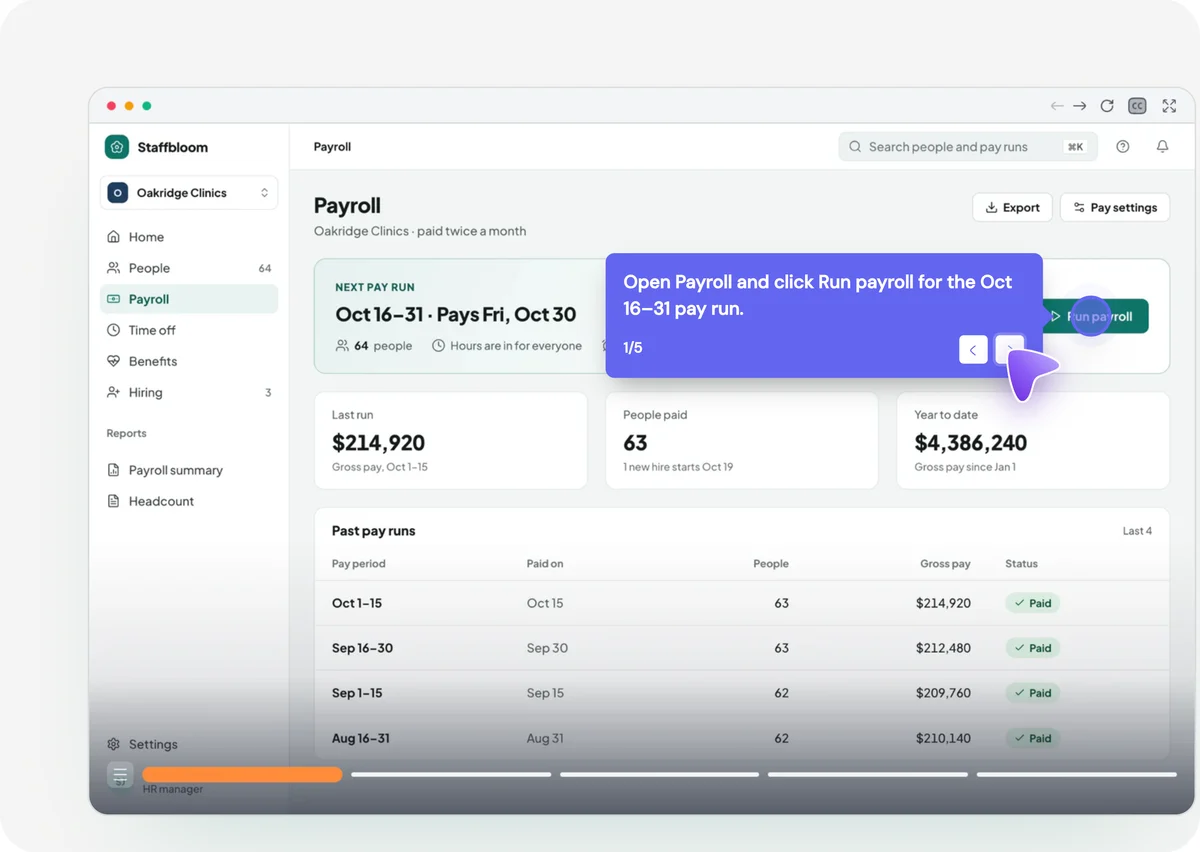
Sales teams
Sales Enablement
Give every rep the same walkthroughs to send, so every buyer sees the product the same way.
Explore Sales Enablement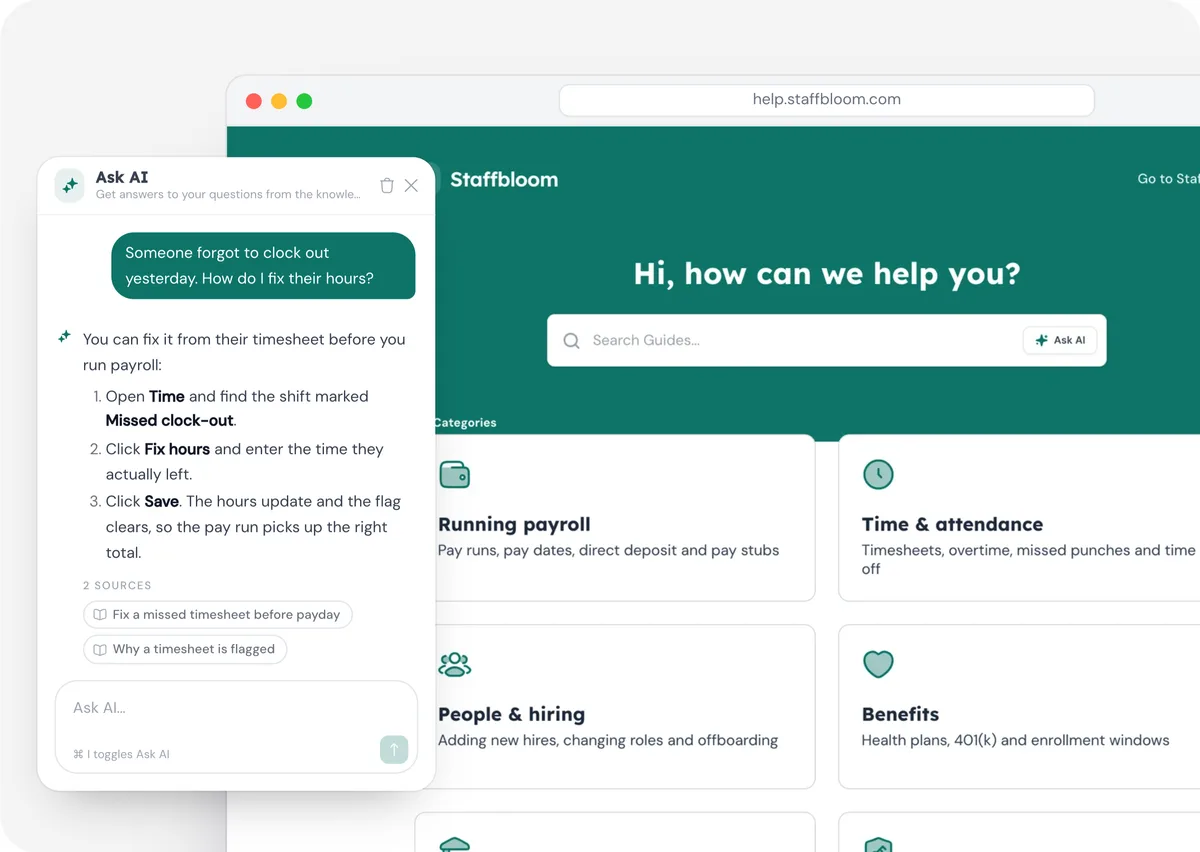
Customer support teams
Customer Self-Service
Answer the questions customers keep asking with a help center that shows them the steps.
Explore Customer Self-Service
Guidejar AI
Documentation, minus the parts
nobody has time for
You record the process. Nila writes it up in your tone, and the rest of Guidejar’s AI narrates it, translates it, hides sensitive details and answers questions about it. Your afternoon is yours again. Spend it on literally anything else.
Help Center
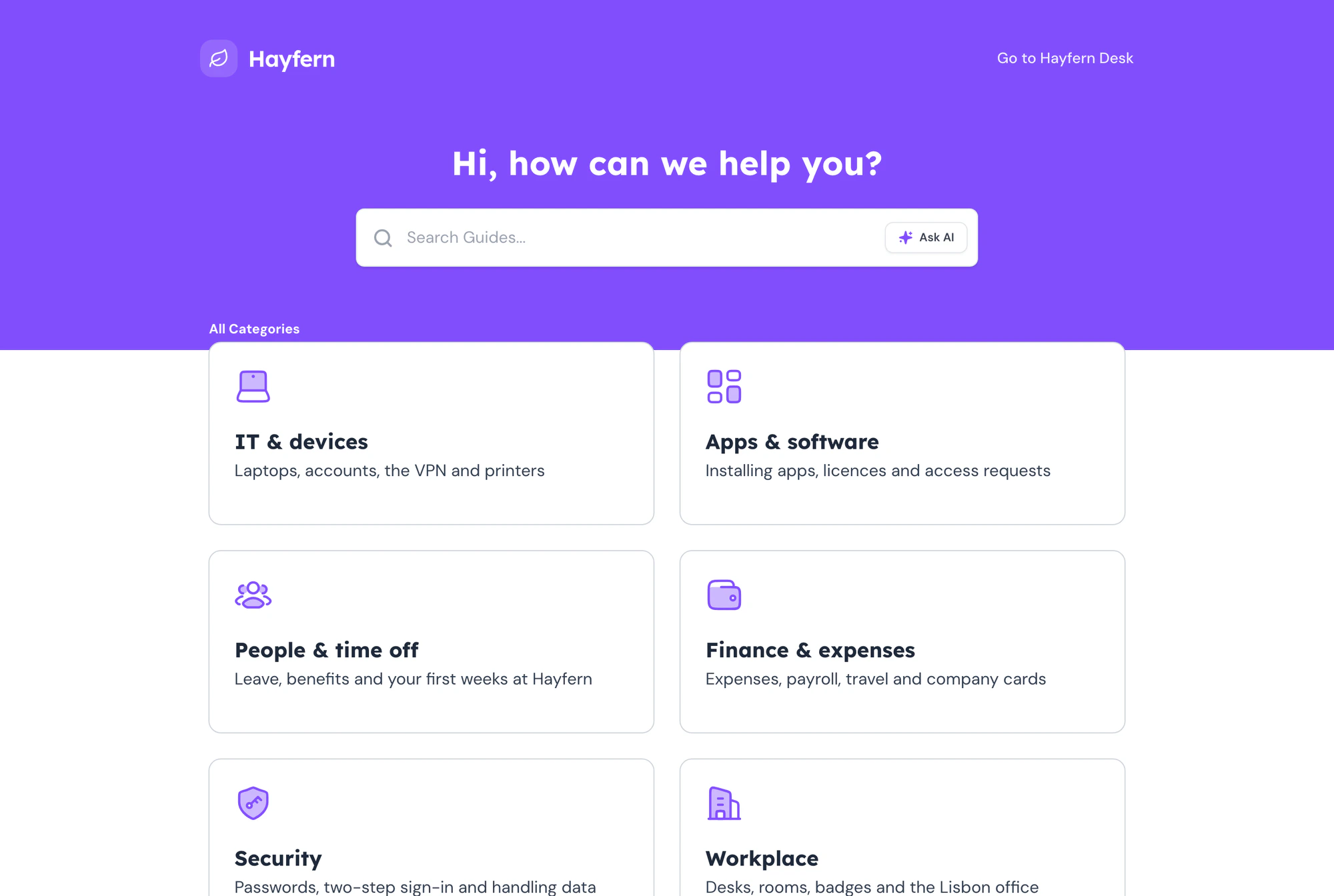
Bring all your guides under one roof, empowering your employees (or) customers to find answers independently and get things done faster.
Multi Layouts
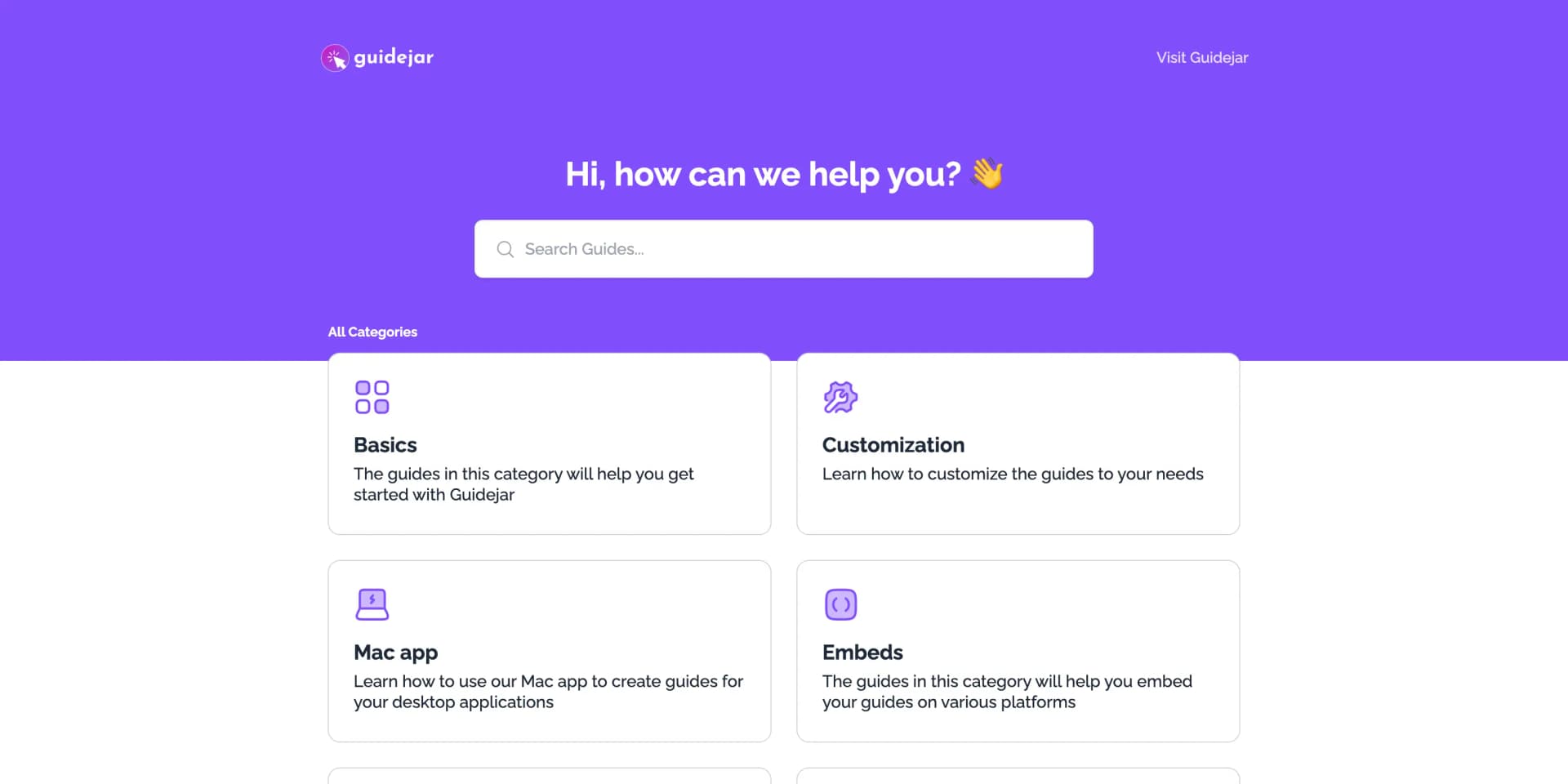
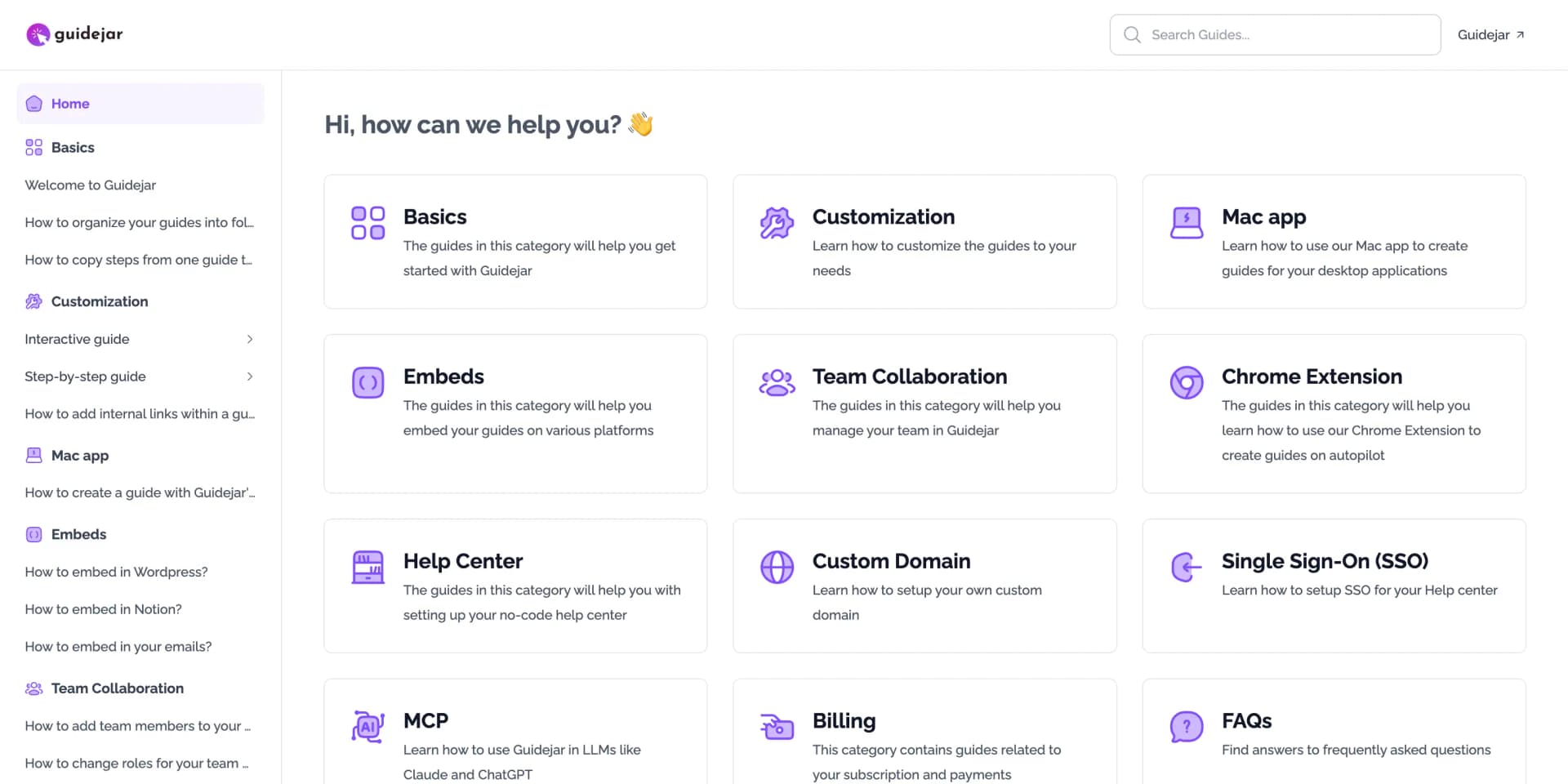
Two Layouts. One Powerful Help Center.
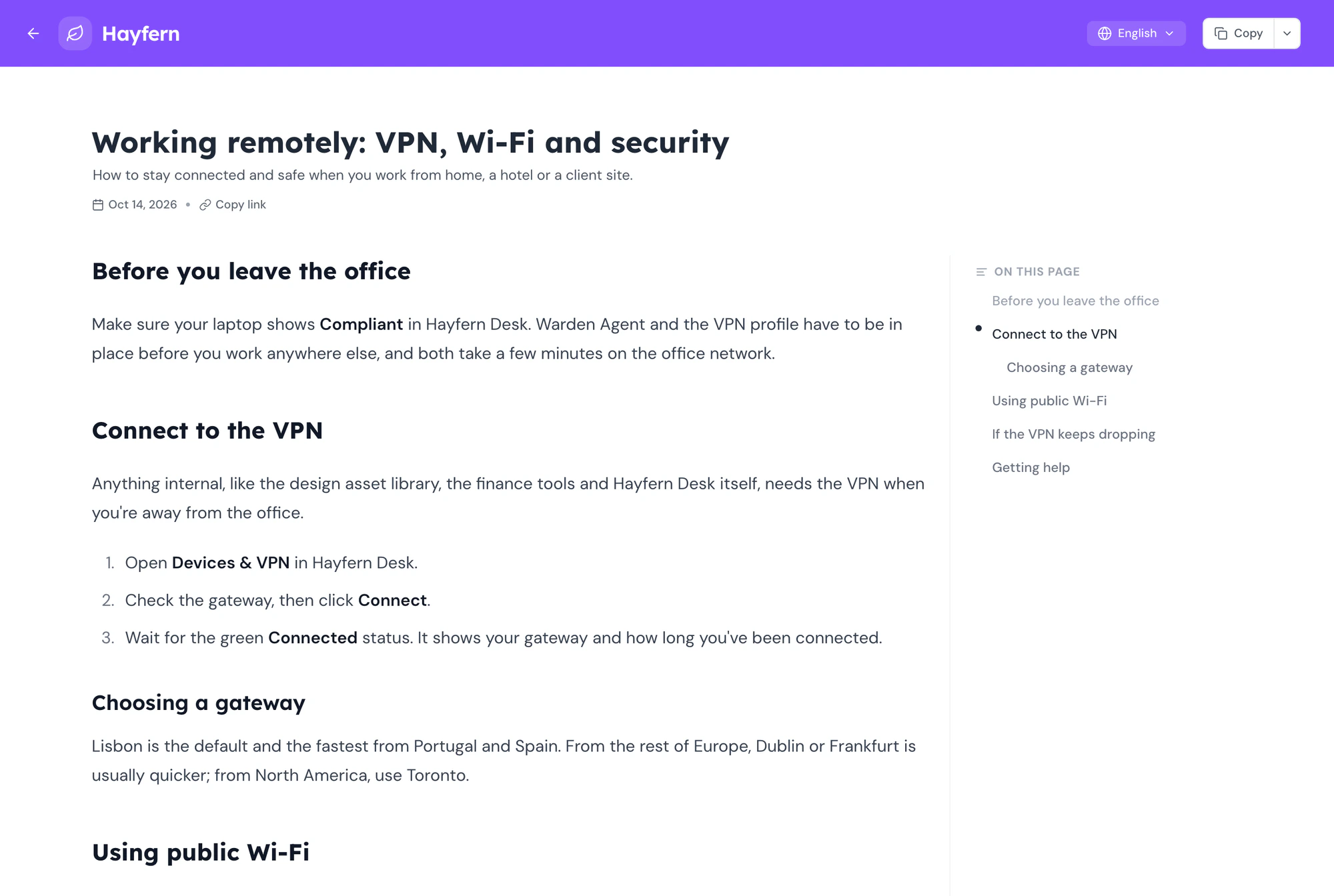
Choose between a clean, searchable layout optimized for customer-facing help centers and FAQs, or a structured layout designed for internal wikis and large knowledge bases.
Quick setup
Drag, drop, publish
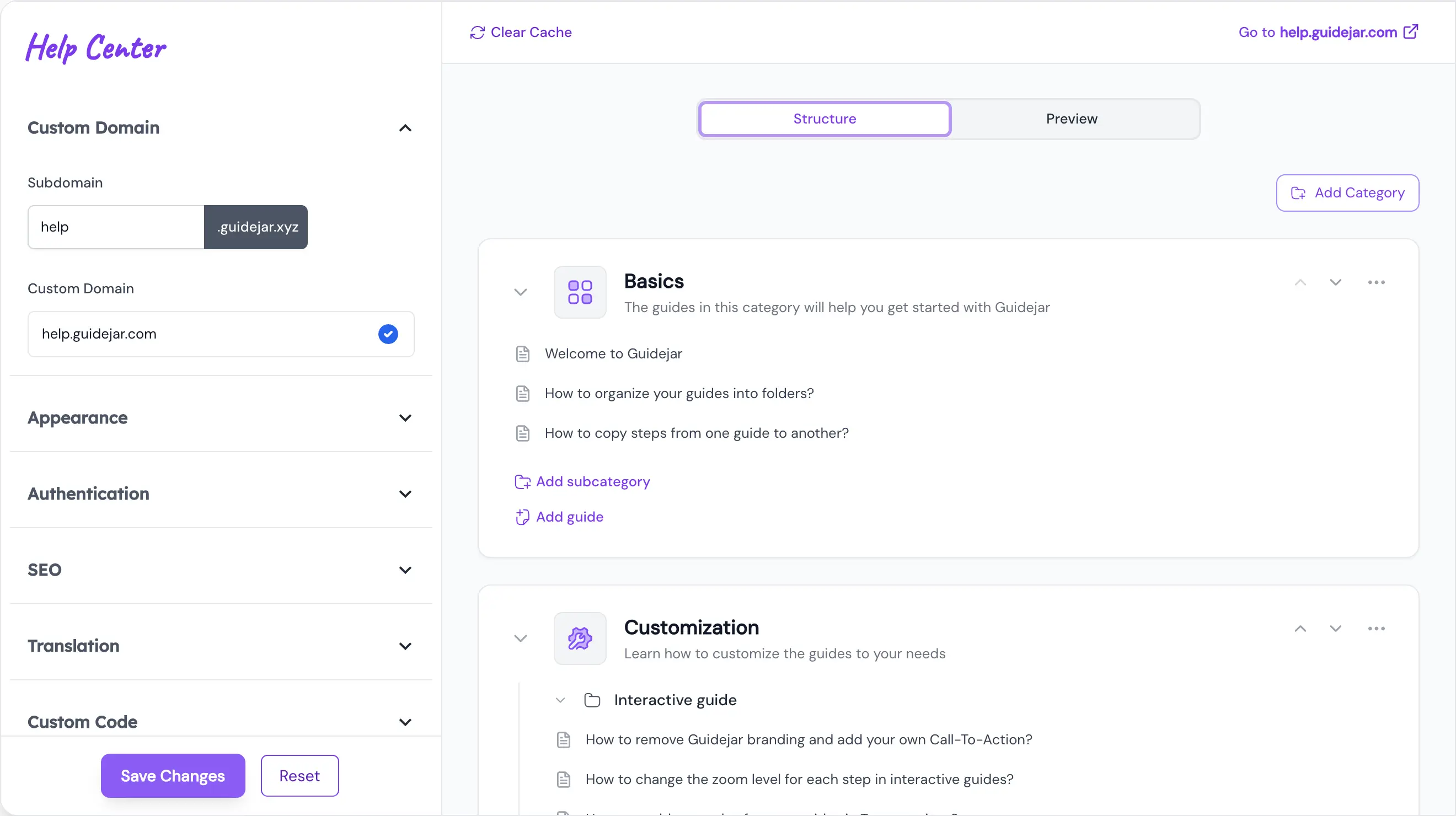
Build your help center with a simple drag-and-drop editor. Create and organize categories, move guides around, and preview changes instantly as you work.

Branding
Fully branded experience
Customize your help center with your logo, colors, and visual identity. Your help center should feel like a part of your product, not a third-party tool.
Custom Domain
Hosted on your domain
Publish your help center on your own domain with a simple setup and full control. Build trust and keep users inside your product ecosystem.

Authentication
Private when needed
Protect your help center with optional authentication and access controls. Safely share internal or sensitive documentation with the right audience.
Testimonials
Trusted by the best
The best companies, agencies and freelancers are educating their employees and customers with Guidejar
Guidejar turns the processes your team explains over and over into guides that answer for you. Record a task once and share it as a step-by-step guide, an interactive walkthrough or a video, in a help center your team and customers can search. Teams use it for SOPs, product documentation, onboarding and support. See how teams use Guidejar.
Press record in the Guidejar browser extension or the desktop app and do the task as you normally would. When you stop, the guide is ready to share, with a screenshot and instruction for every step that you can edit, blur or annotate.
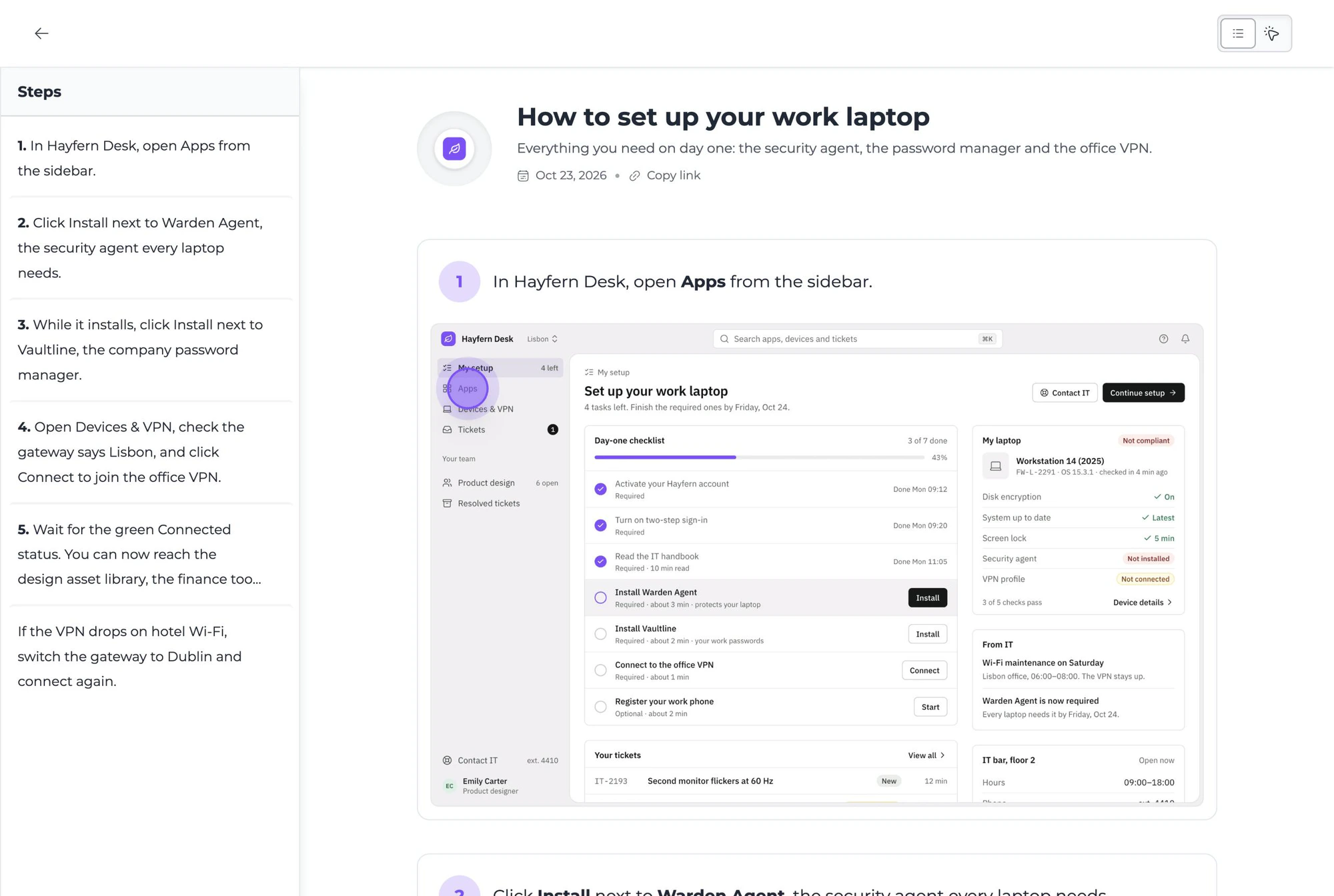
The step-by-step page lists every step with its screenshot, for skimming and coming back later. The walkthrough shows one step at a time with a hotspot on the exact spot to click.
Yes. Record each process once and it becomes a visual SOP in a searchable library. When a screen changes, edit that one step instead of re-recording, and every link, embed and help center shows the new version. See Guidejar can be used as an internal wiki.
Yes. Publish your guides and articles to a help center on your own domain, with search, categories and an Ask AI assistant that answers from your content and links to the guide it used. Use the customer-facing layout or the documentation layout for an internal wiki, behind a password or SSO if it is for employees only.
Yes, wherever people already look for help. Every guide has a share link and a QR code, embeds in any website or help docs, and pastes with its images into Notion, Confluence and Google Docs. You can also export it as a PDF, an offline HTML file, Markdown or an MP4 video, depending on your plan.
Yes. Guidejar AI turns the steps you recorded into clear instructions, adds a natural-sounding voiceover, and translates a guide into 30+ languages on the same link, so each reader gets it in the language their browser uses.
Only the people who work in your Guidejar workspace need a seat. Readers never do: anyone with a share link, an embed or your help center can read a guide without signing up, and views are unlimited on every paid plan.
Plans start at $19 per seat a month, with discounts for yearly billing, and every paid plan has a 7-day free trial. There is also a free plan to try it out. The pricing page lists what each plan includes.
Stop repeating yourself,
Try Guidejar today.
The next time someone asks "how do I do this?", send them a guide instead of a meeting invite.