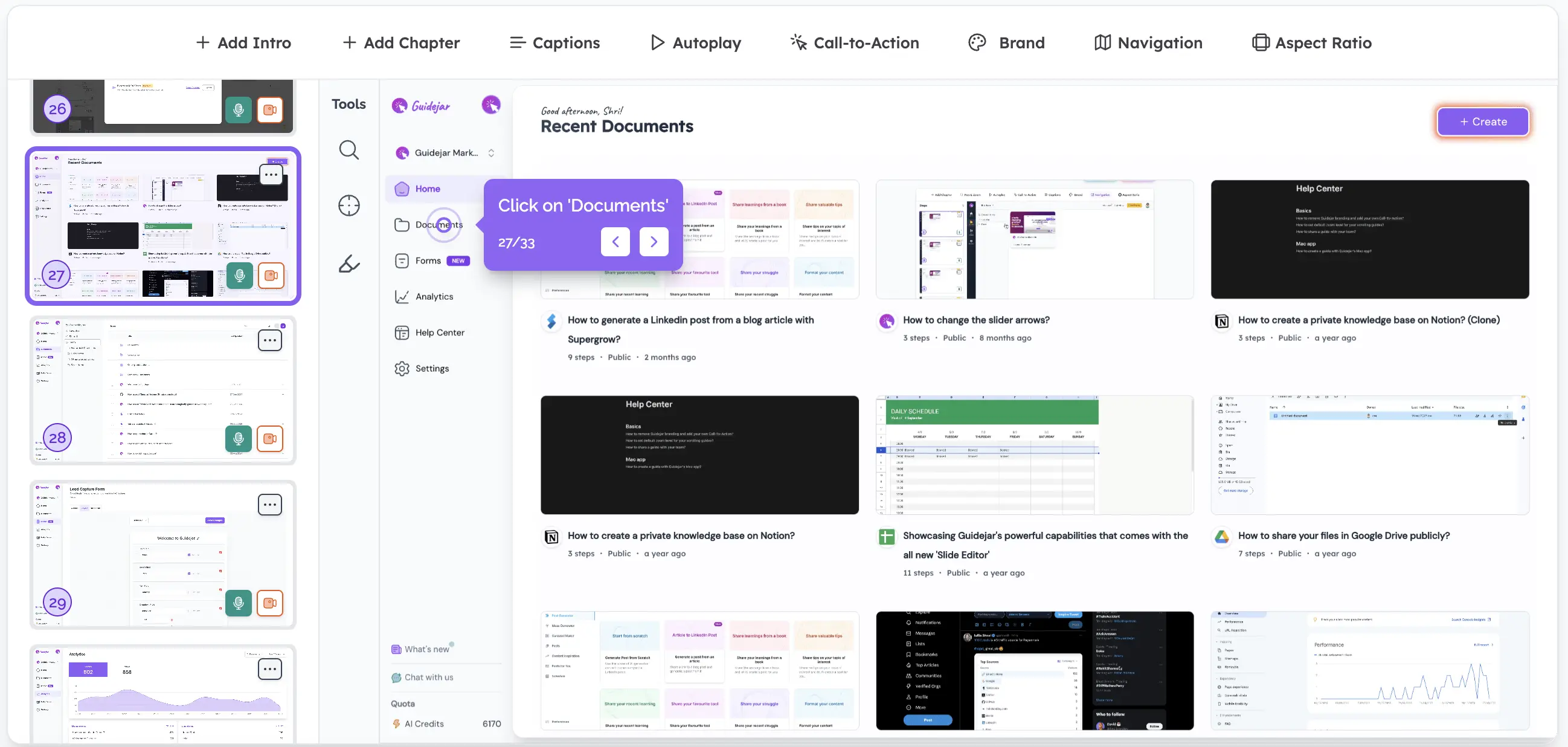
Guide Formats
Record once. Publish it two ways.
Every capture becomes a scrollable step-by-step guide and a clickable walkthrough. Pick one, or keep both live and let readers switch.
- 1 recording
- No re-recording between formats
- 2 formats
- Scroll View · Walkthrough View
- Reader’s choice
- Show one, or let them switch
Learn how to add teammates from Settings and send them an invite in under a minute.
Open Settings from the left sidebar
Switch to the Members tab
Start a new invitation
Enter their email and send
Two formats
The same guide, laid out for how people read
Documentation or product demo. You don’t choose when you record, you choose when you publish.
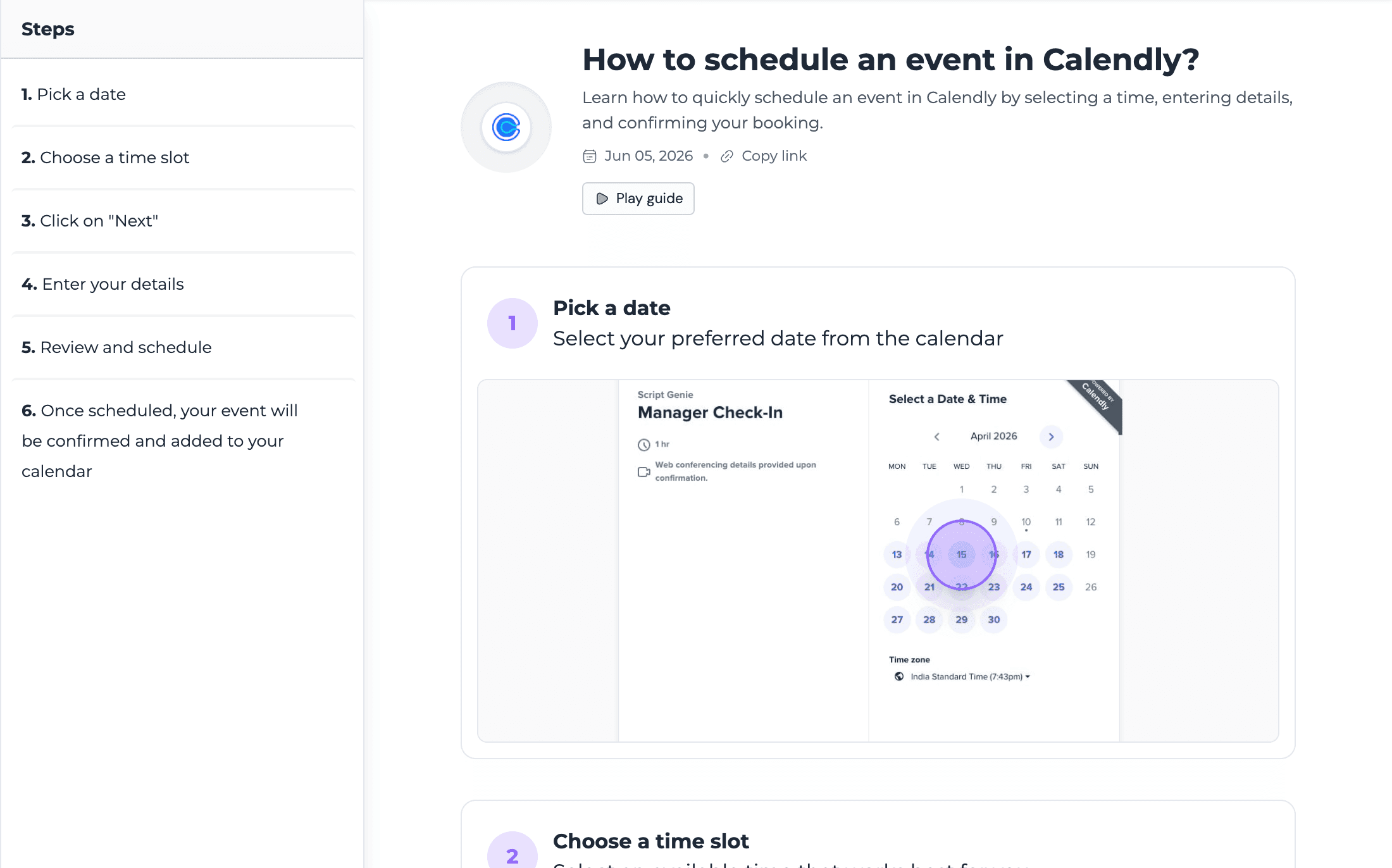
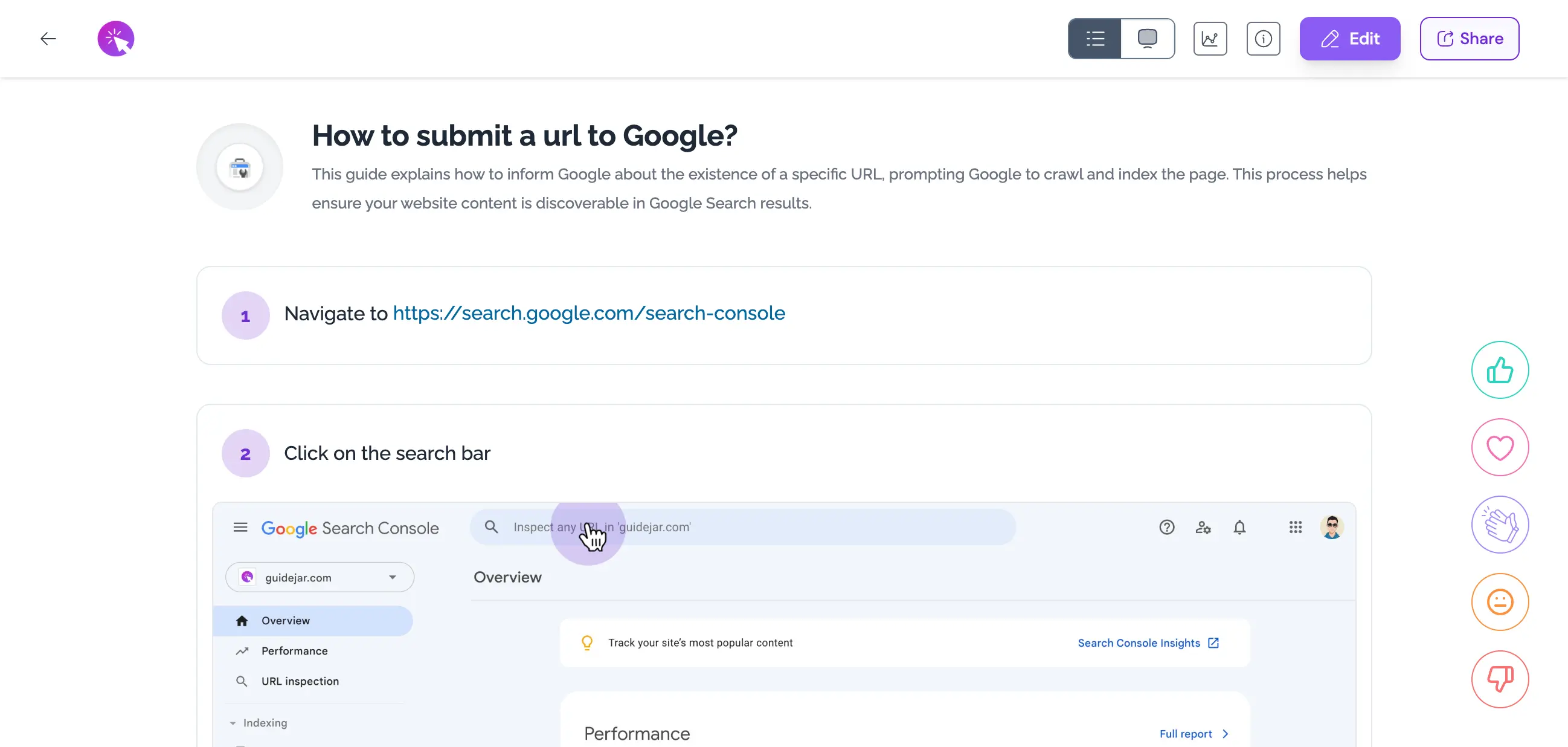
Scroll View
Skimmable, searchable, printable. The format for SOPs, how-tos and step-by-step guides.
- A side nav jumps to any step
- Exports to PDF, Markdown and HTML
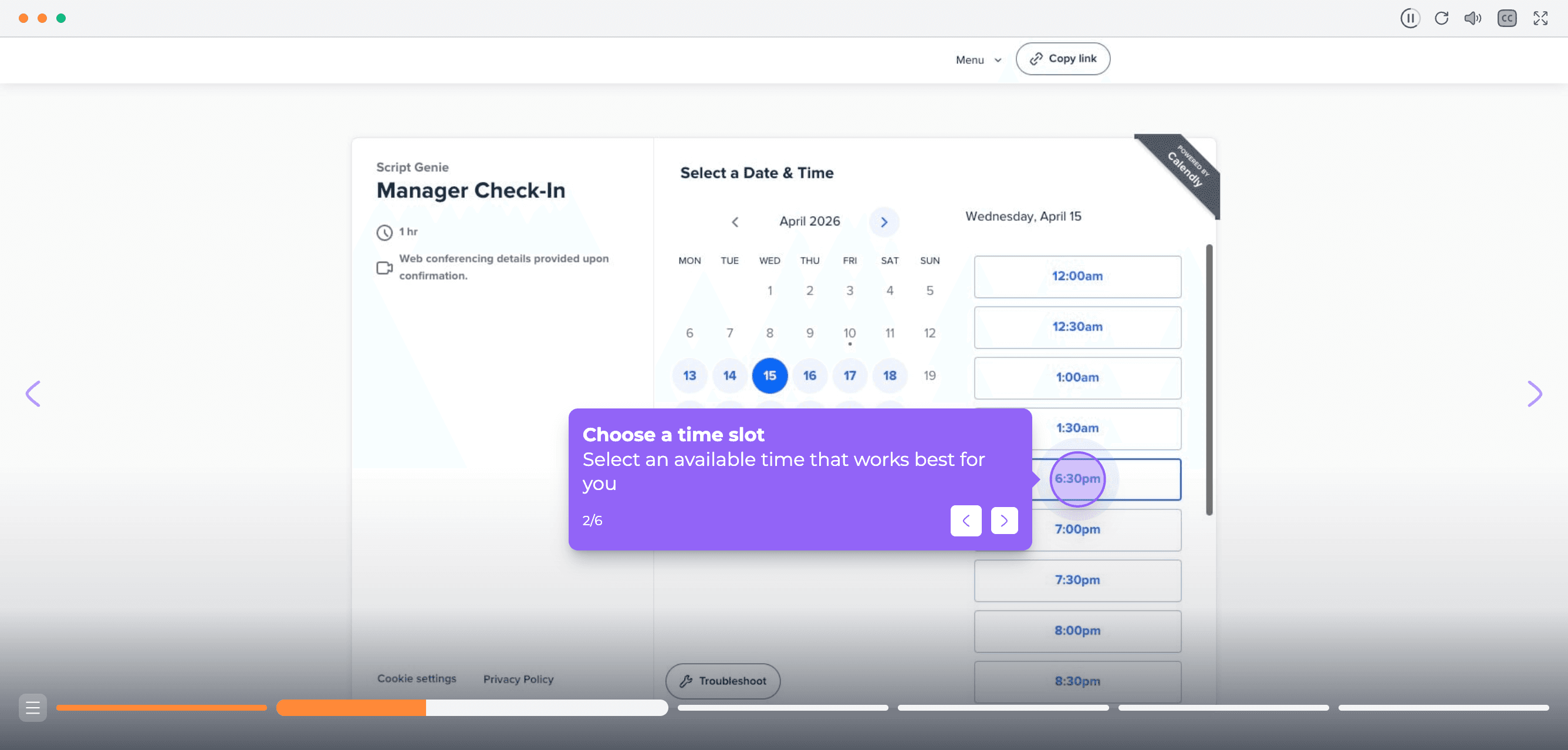
Walkthrough View
Click through the product as if it were live. The format for onboarding and sales demos.
- Hotspots, branching and chapters
- Autoplay it, or export it as video
How it works
Choose at publish time, not record time
Capture the flow once
Use the extension or desktop app. Every step is stored once, with its screenshot and text.
Pick what readers land on
Open in Scroll or Walkthrough with the other a click away, or lock the guide to a single view.
Place it anywhere
Embed the guide in either format on any page. It resizes to fit where it lives.
Built in
Small things that come with every format
Learn how to invite your team members to your workspace.
Readers can switch
A toggle in the header flips between Scroll and Walkthrough view.
Autoplay
Turn a step-by-step guide or a walkthrough into a hands-free experience.
Export as video
The walkthrough renders to MP4 for YouTube, email or a slide deck.
Why it matters
Docs and demos from the same source
No second recording
The team that writes the SOP and the team that runs the demo work from the same capture.
Nothing drifts apart
Fix a step once and the SOP, the walkthrough and every embed update together.
Meet readers where they are
Some people skim, some people click. One guide serves both, and they can switch mid-way.
Record once, publish as you like
Both formats are included on every plan. Autoplay starts on Pro.
Explore more
Other powerful features
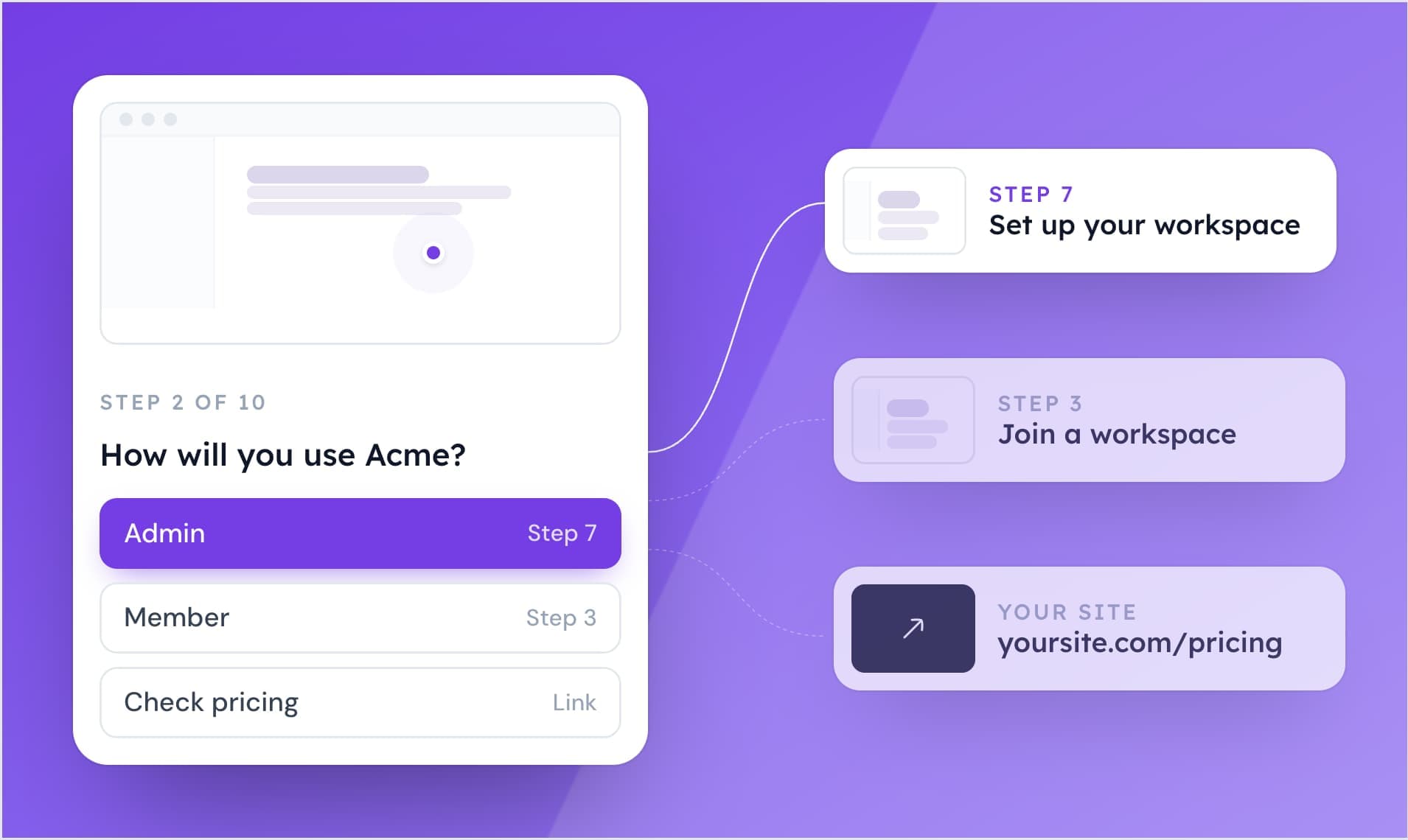
Conditional Branching
Build interactive guides with multiple paths for personalized exploration.
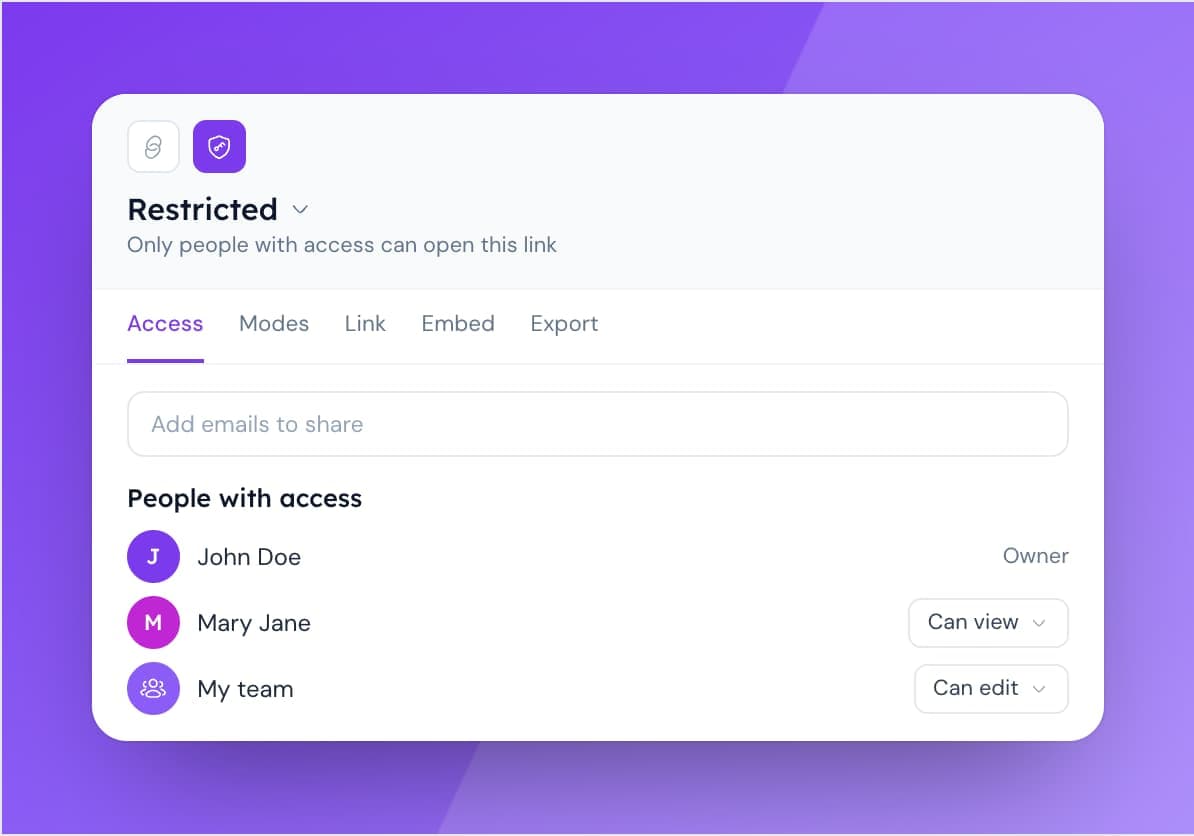
Access Control
Manage content access with flexible role-based permissions.
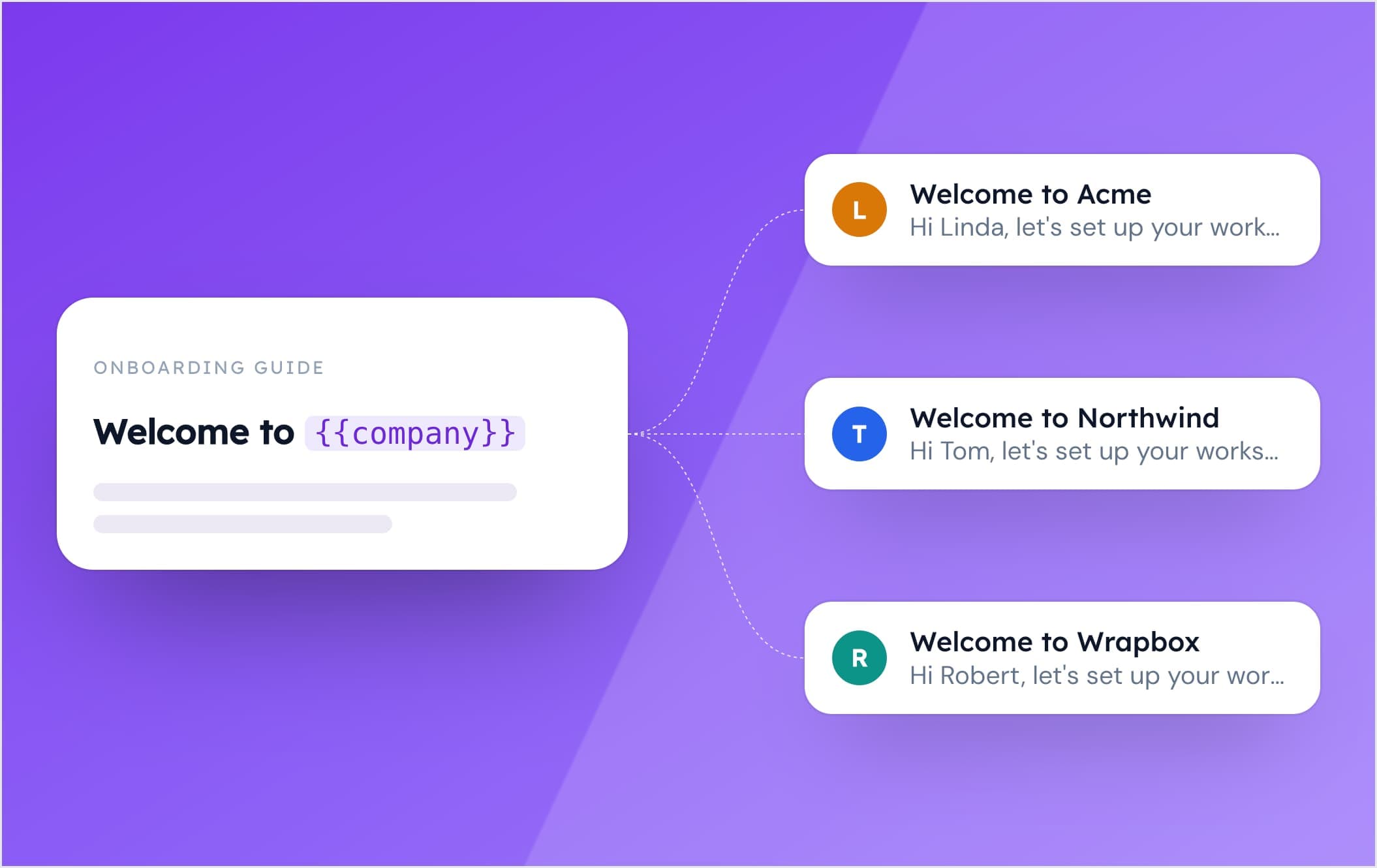
Dynamic Variables
Personalize your guides with dynamic variables. Tailor content to individual users effortlessly, creating more engaging and relevant experiences.