Admin-Only: Manage users
Jan 09, 2025●
This functionnality is only available to admins and superusers!
1
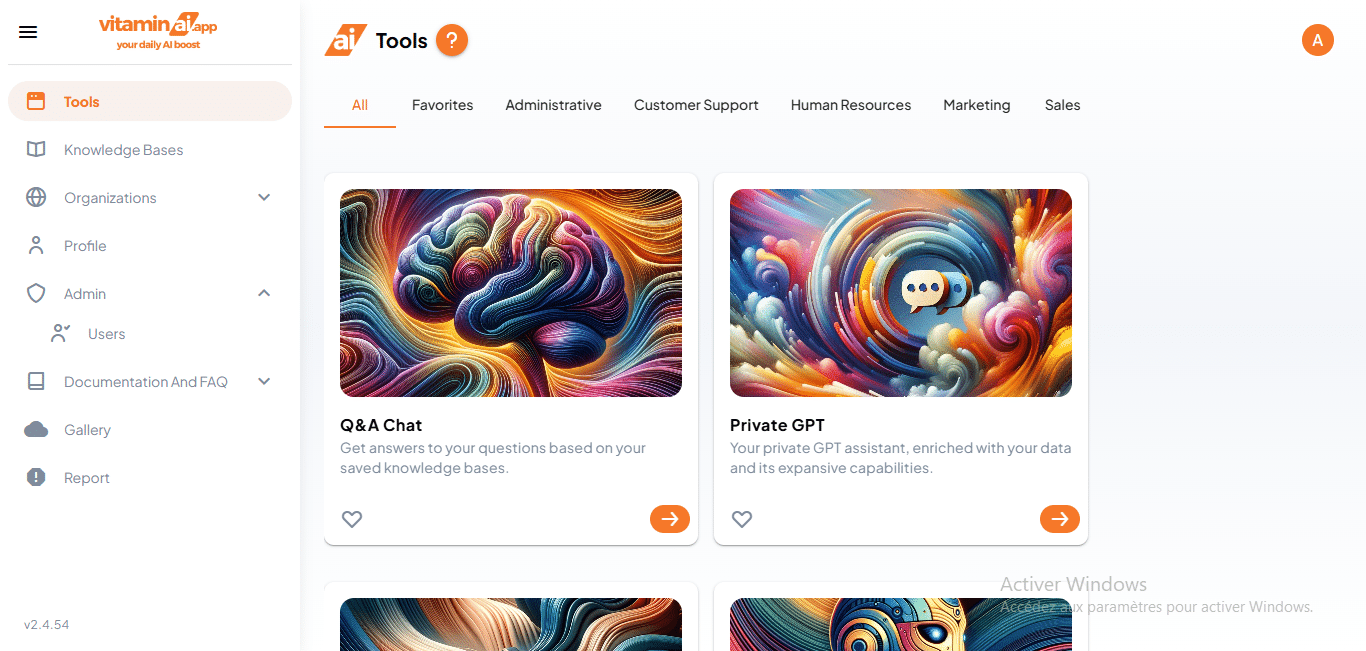
Click on "Users"
2
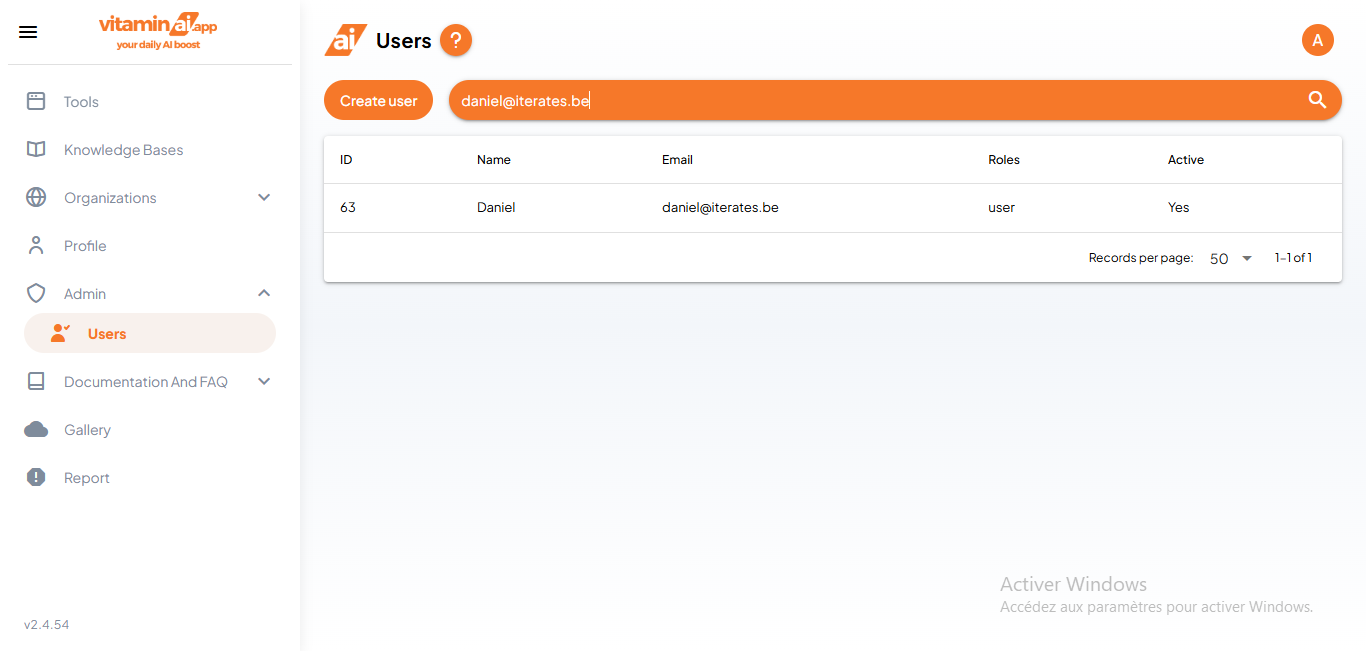
You can search for a specific user in the search field
3
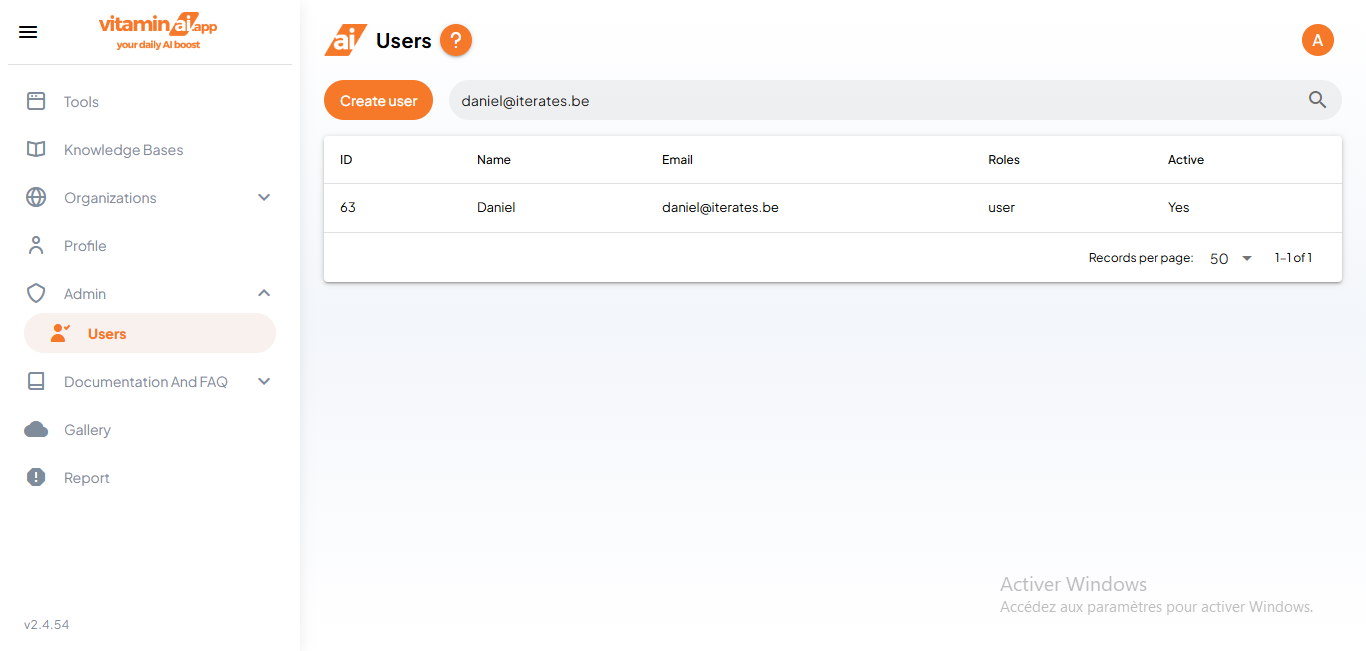
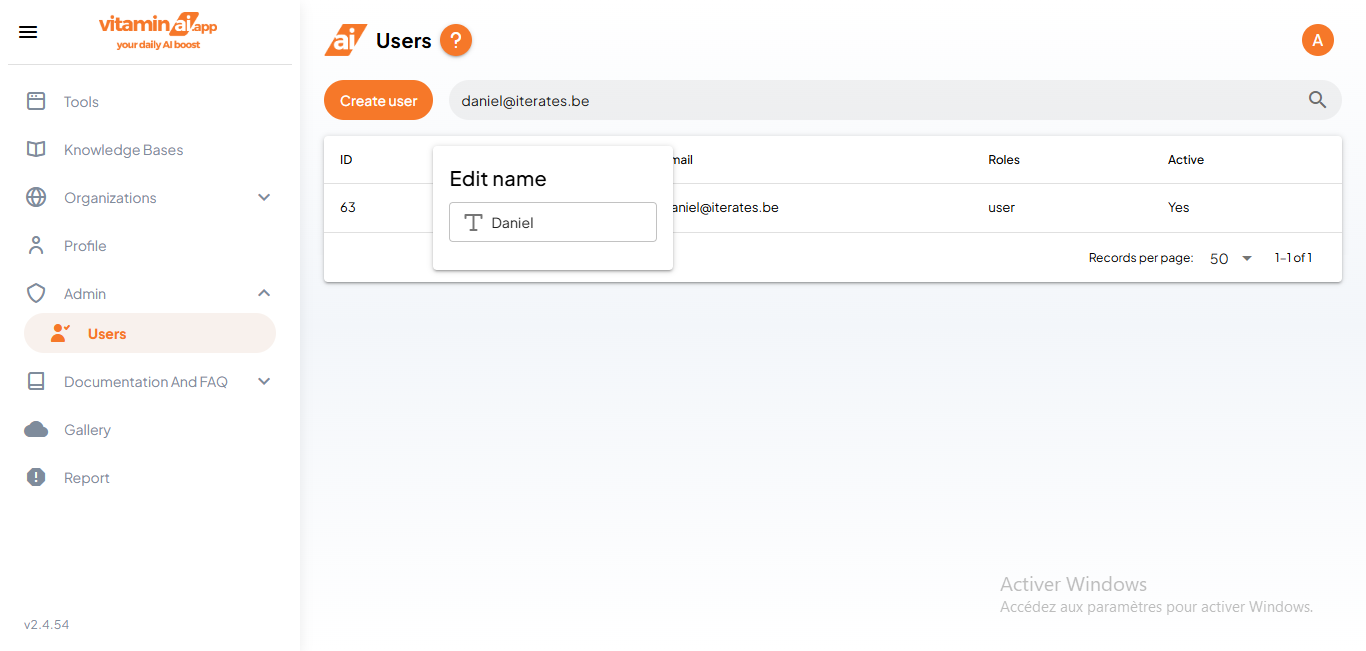
To edit a user's name, simply click on it to open the edit modal
4
And rename the user. When you exit the modal, the changes will be saved automatically.
5
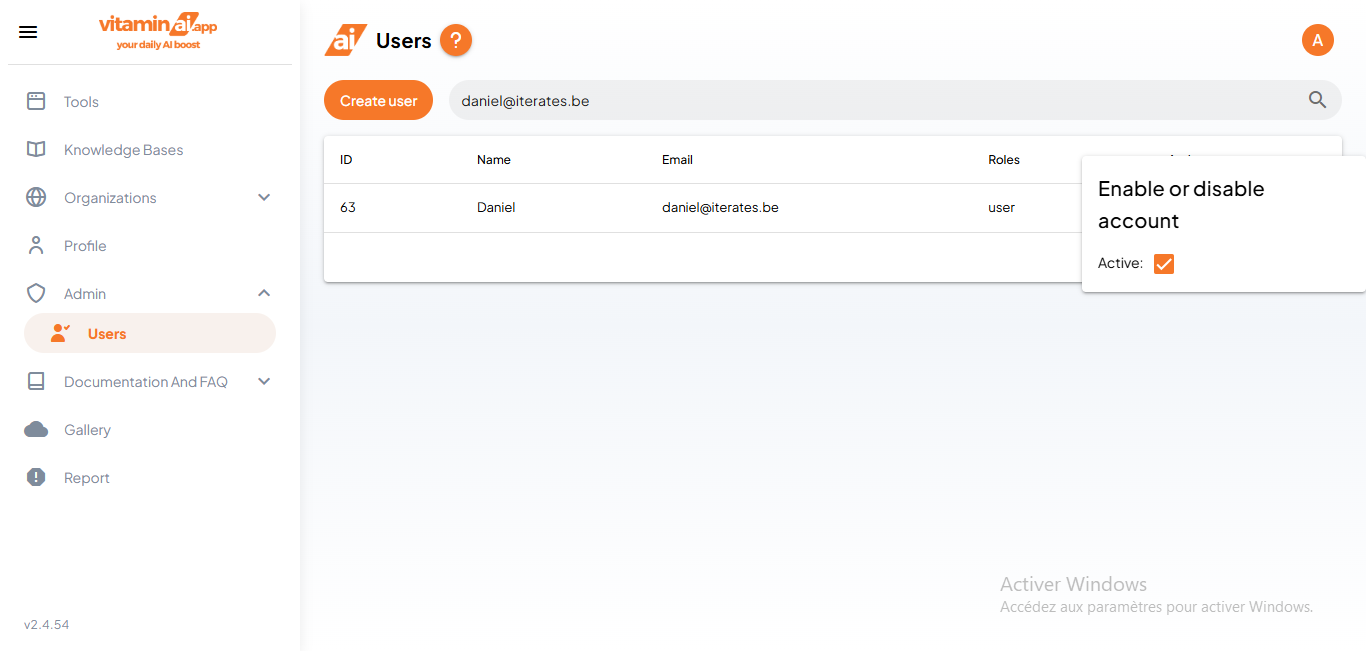
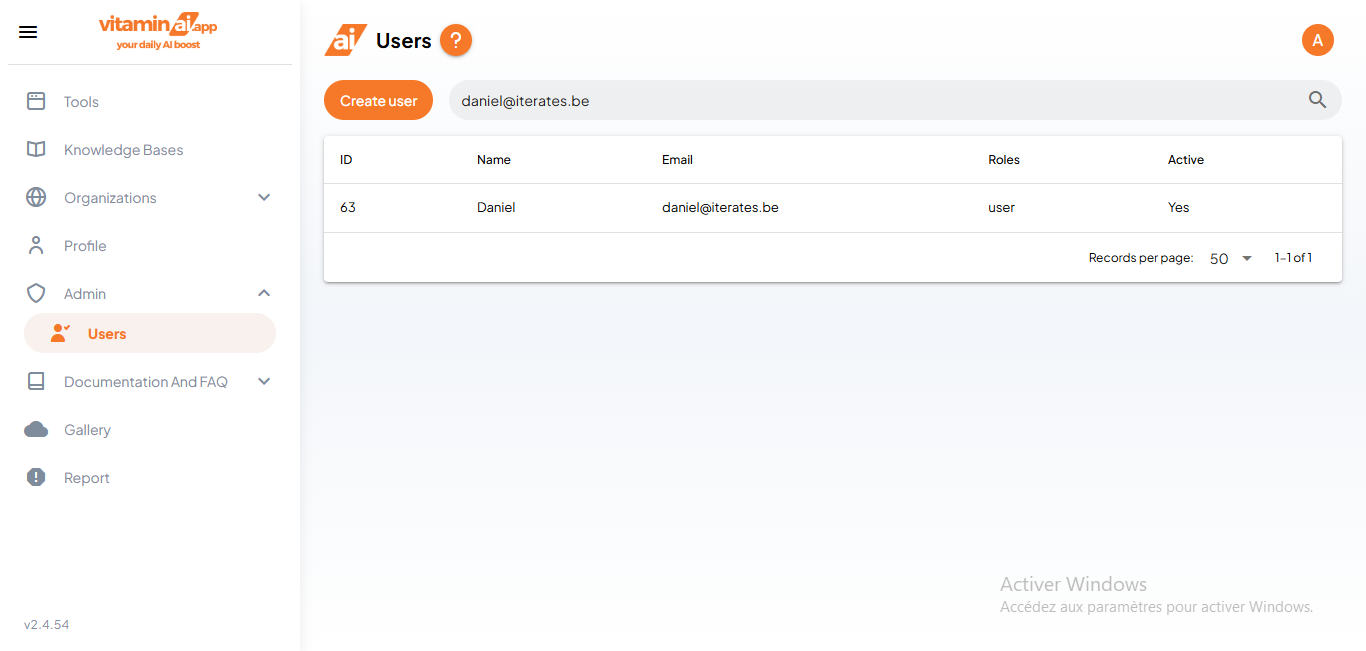
To change the user's active status, simply click on the current one and a modal will appear
6
Select the user's active status and when you're done, simply exit the modal and your changes will be saved