BSM Course Merchant
Learn how to buy a course, create an account, view your history, access your course.
Mar 31, 2026●
1
Navigate to https://courses.mtsa.edu/
2
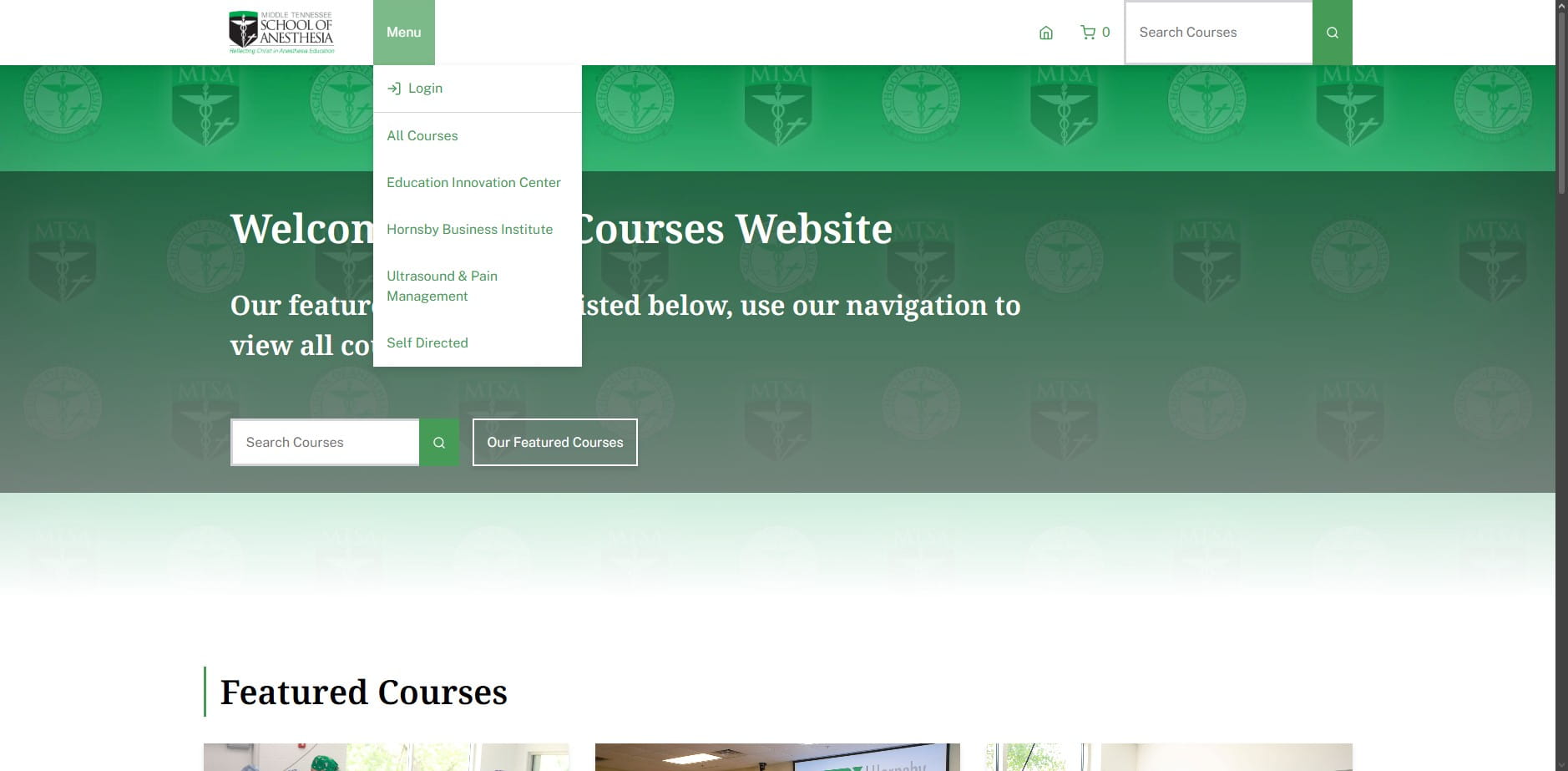
Click on "Menu"
3
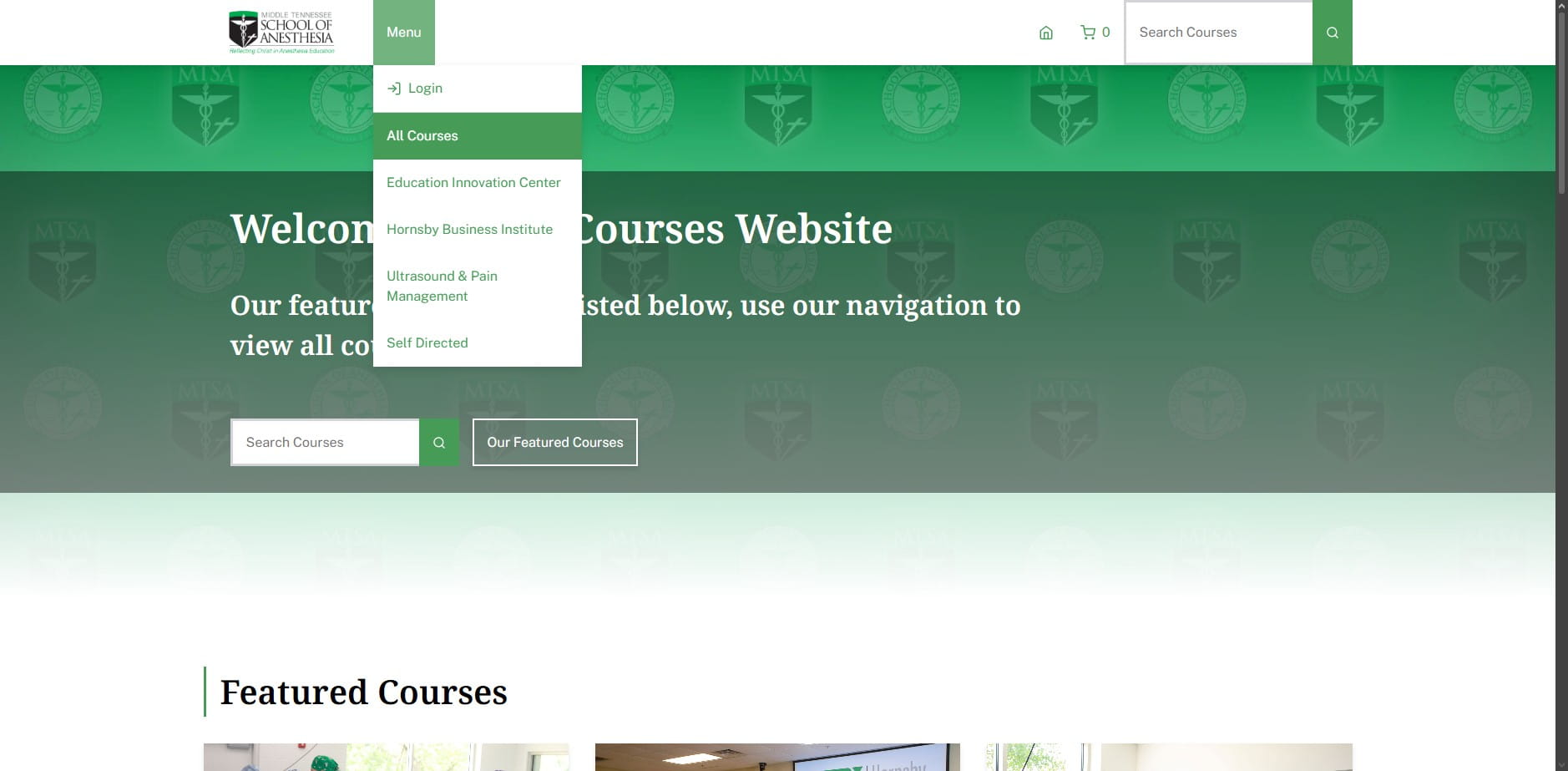
Click on "All Courses"
4
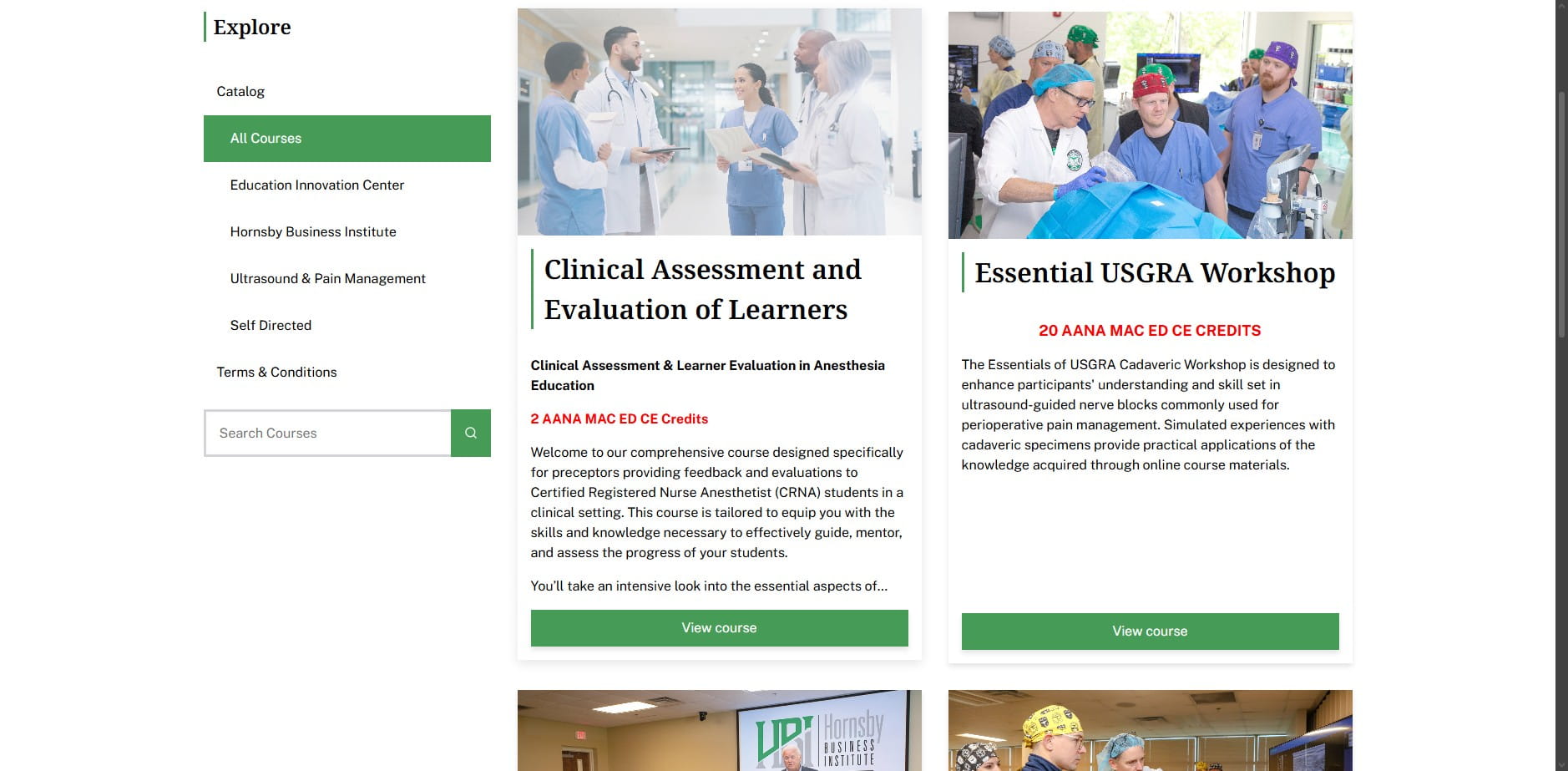
Click on "Clinical Assessment and Evaluation of Learners"
5
Click here
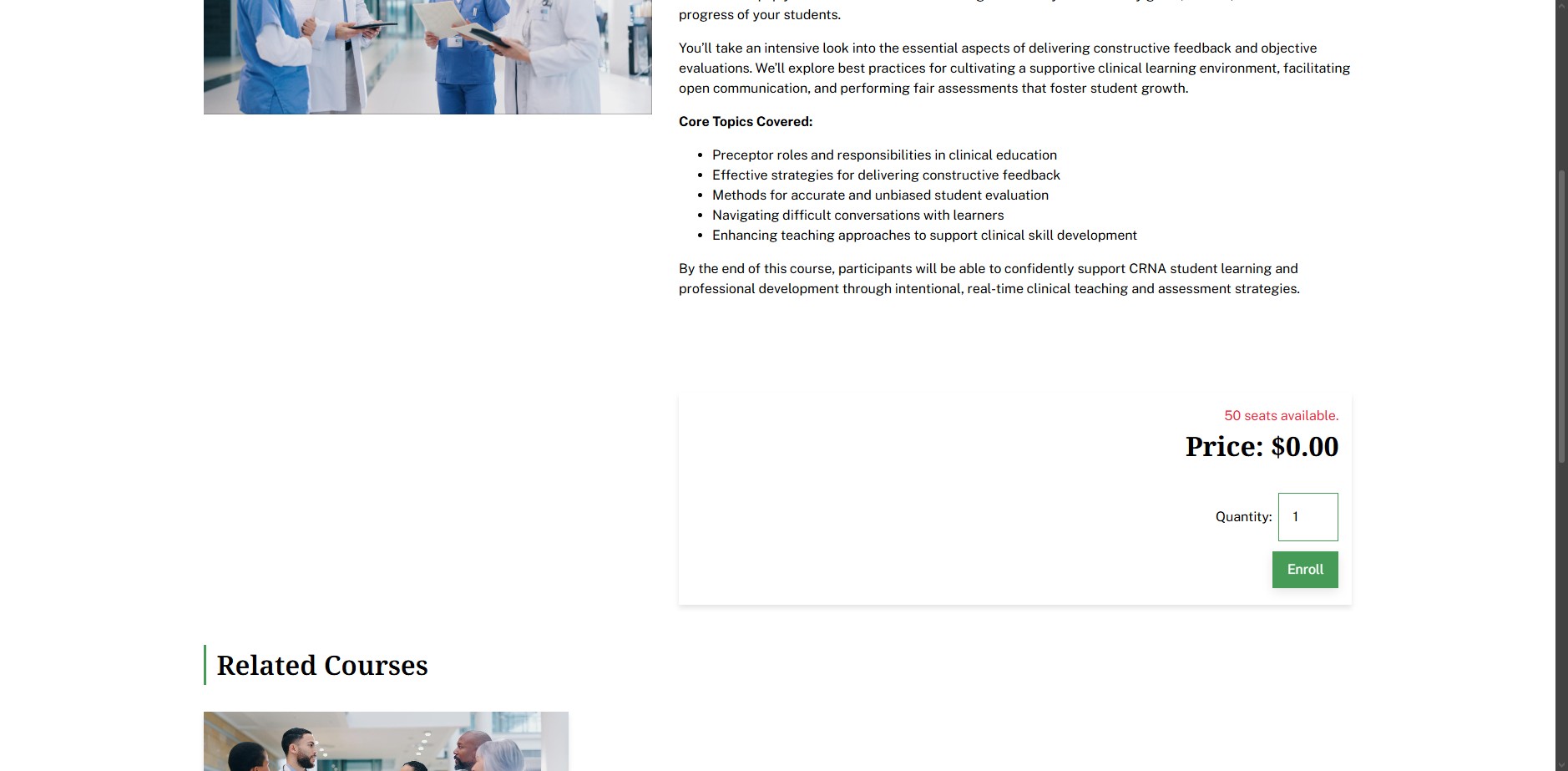
6
Click here
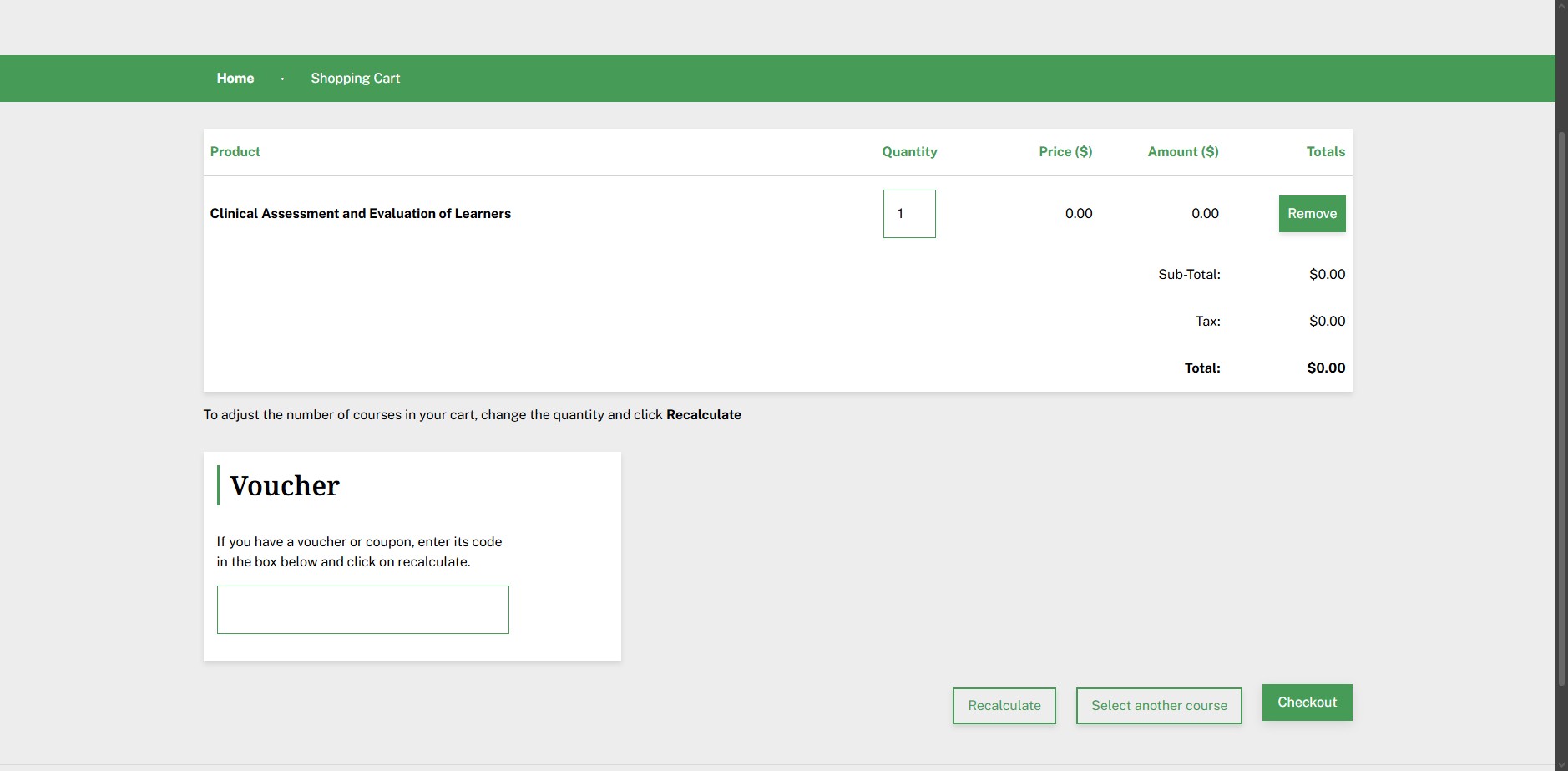
7
Click on "Create Account"
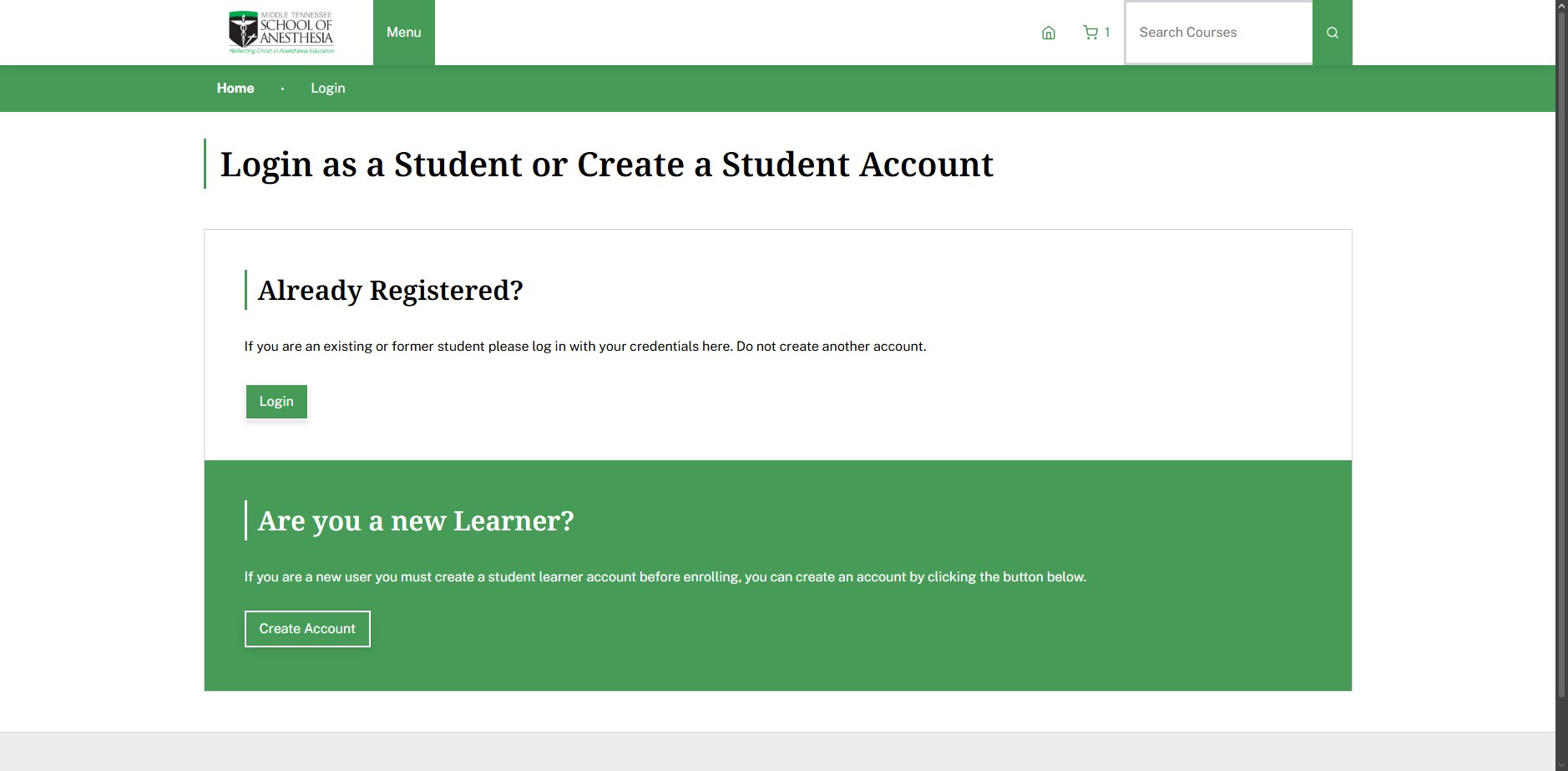
8
Click on "Please check this box if you would like to sign up"
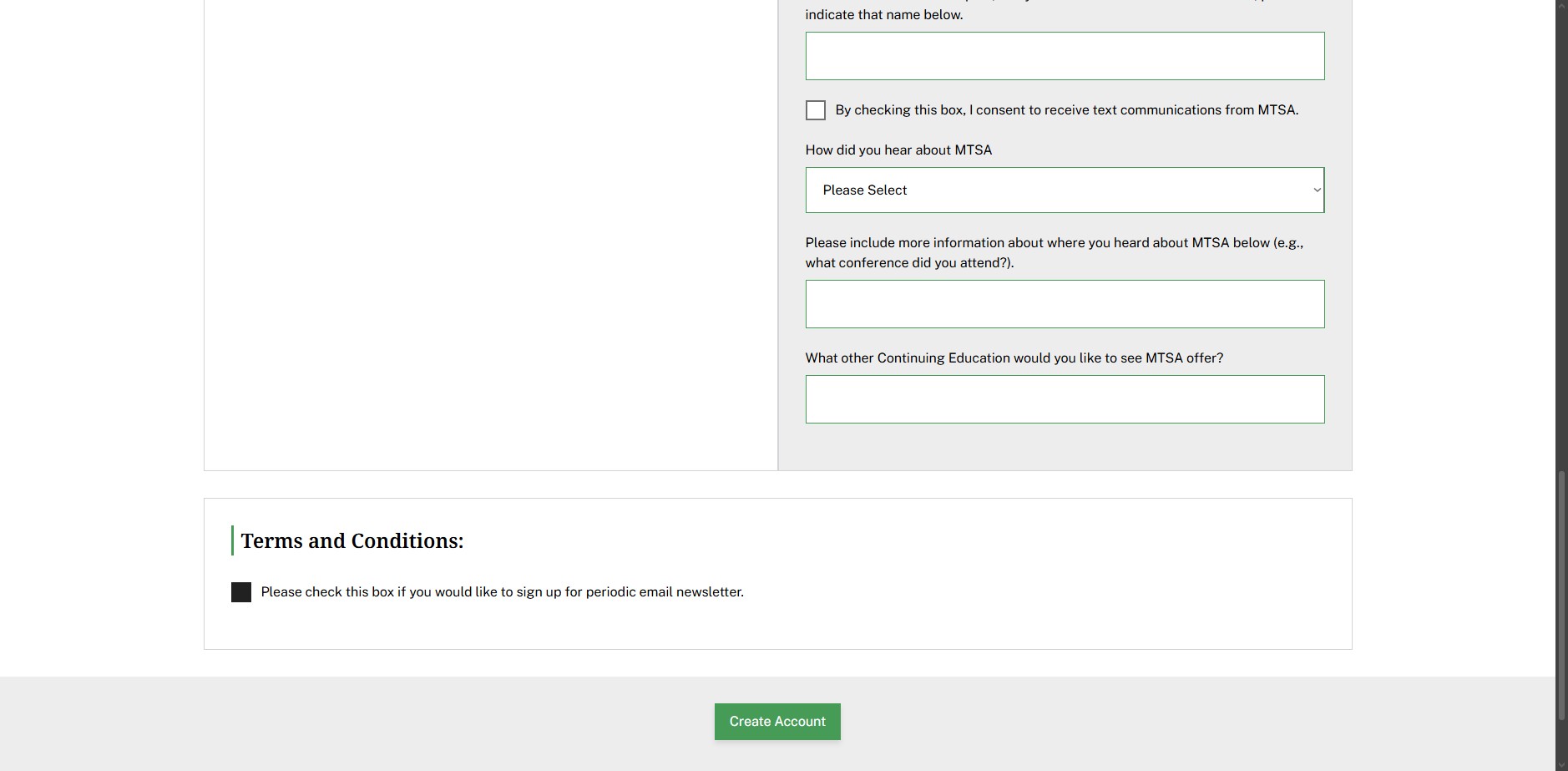
9
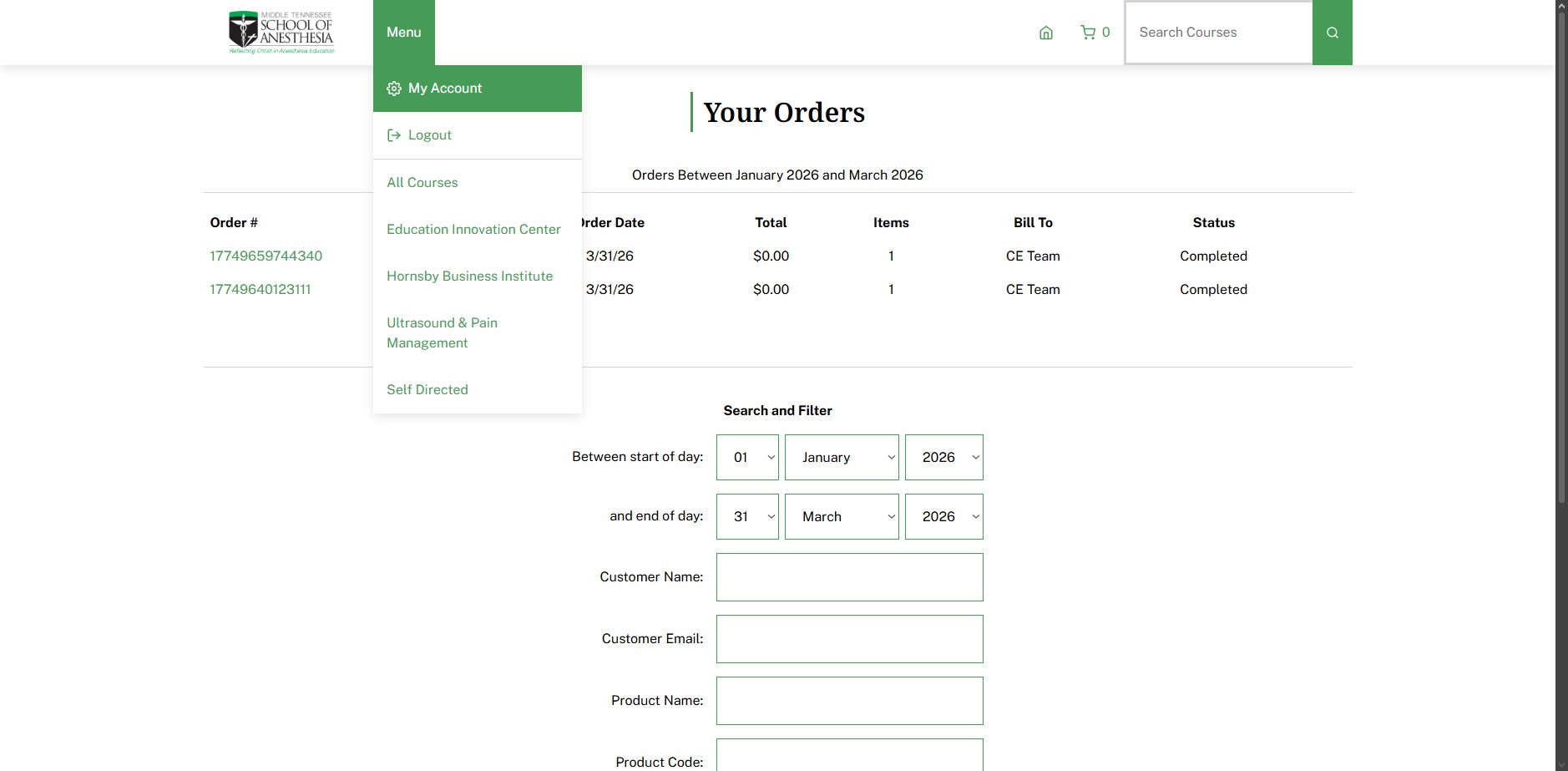
Click on "My Account"
10
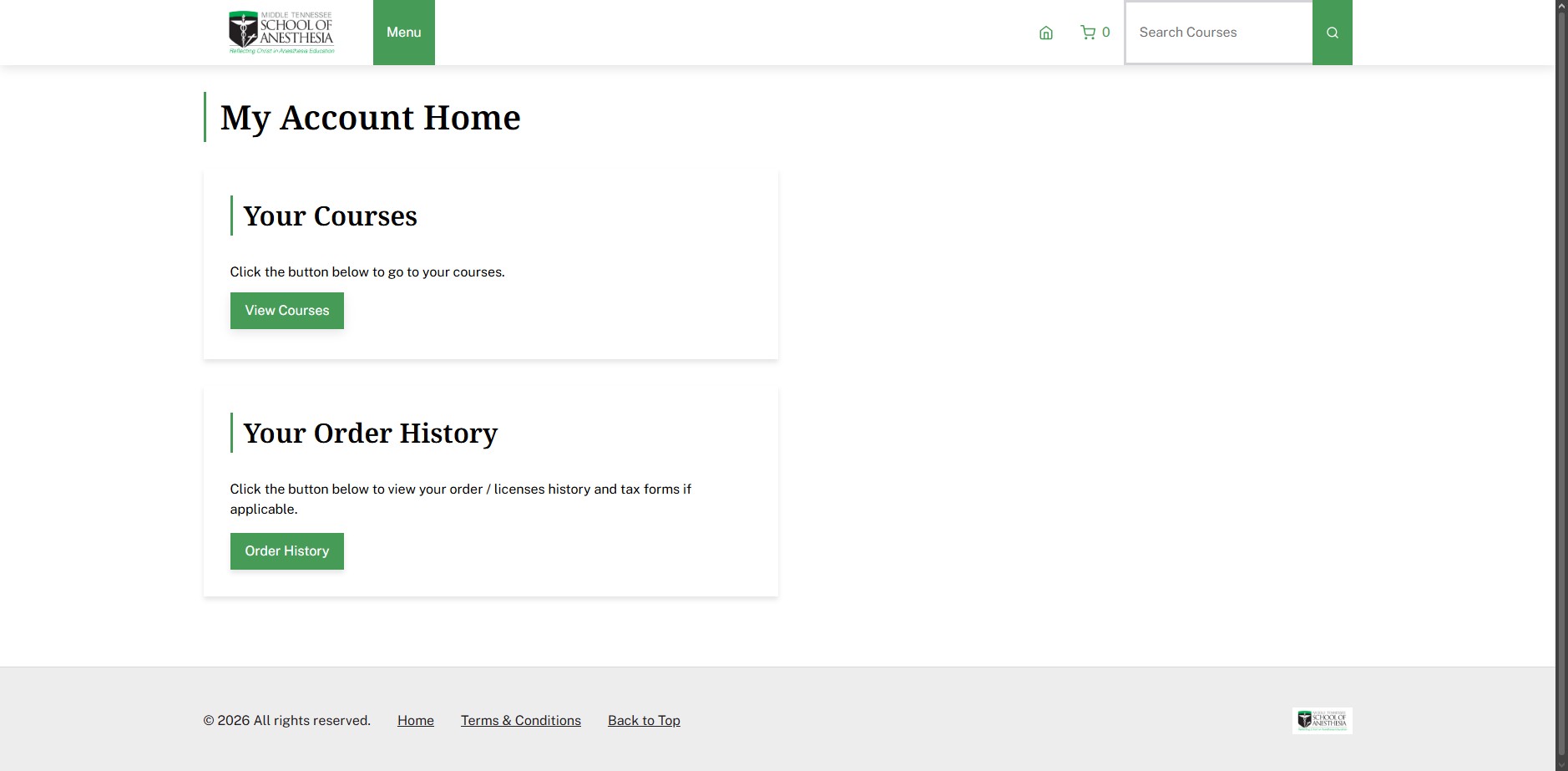
Click on "View Courses"
11
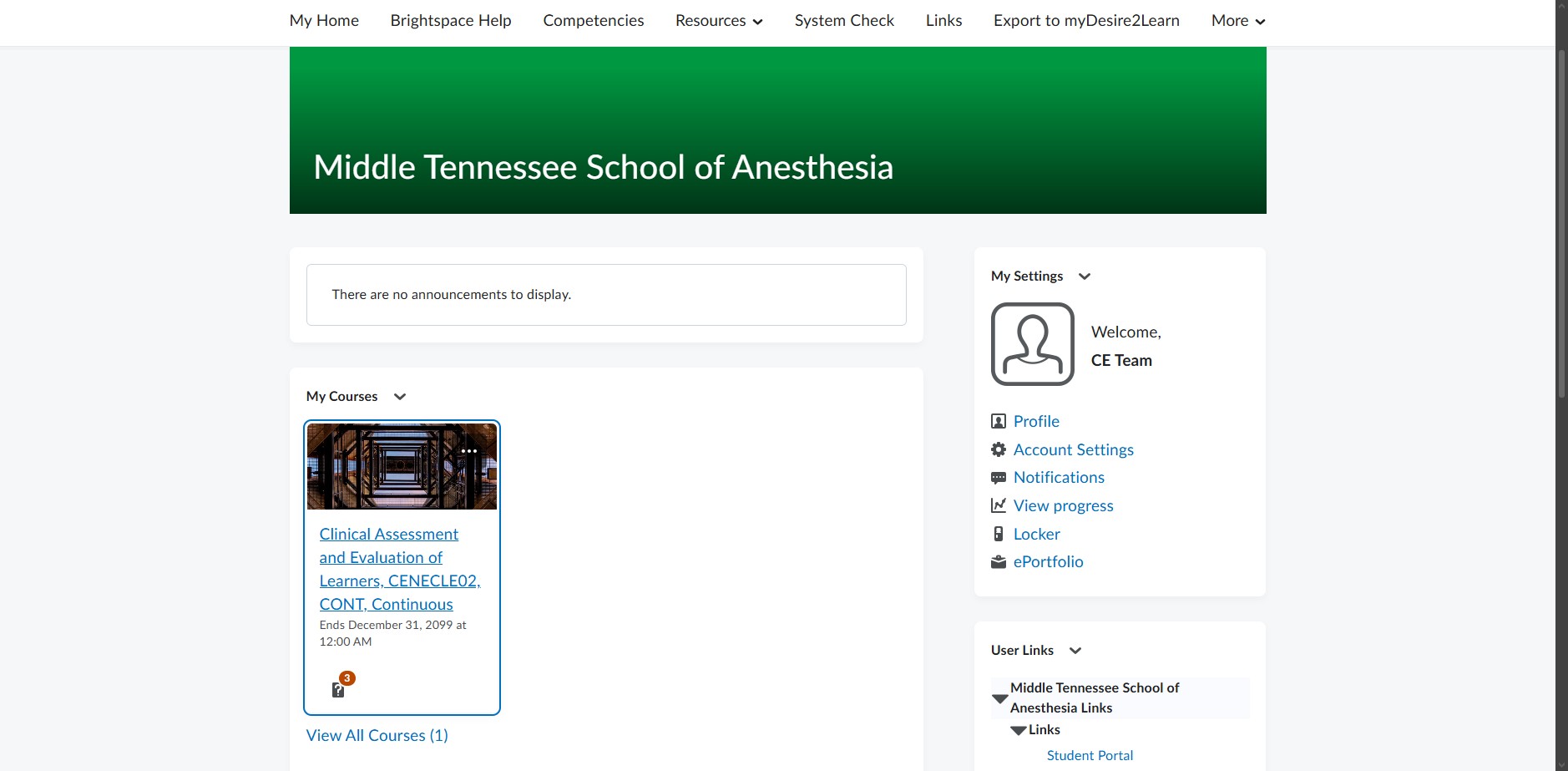
Click here
12
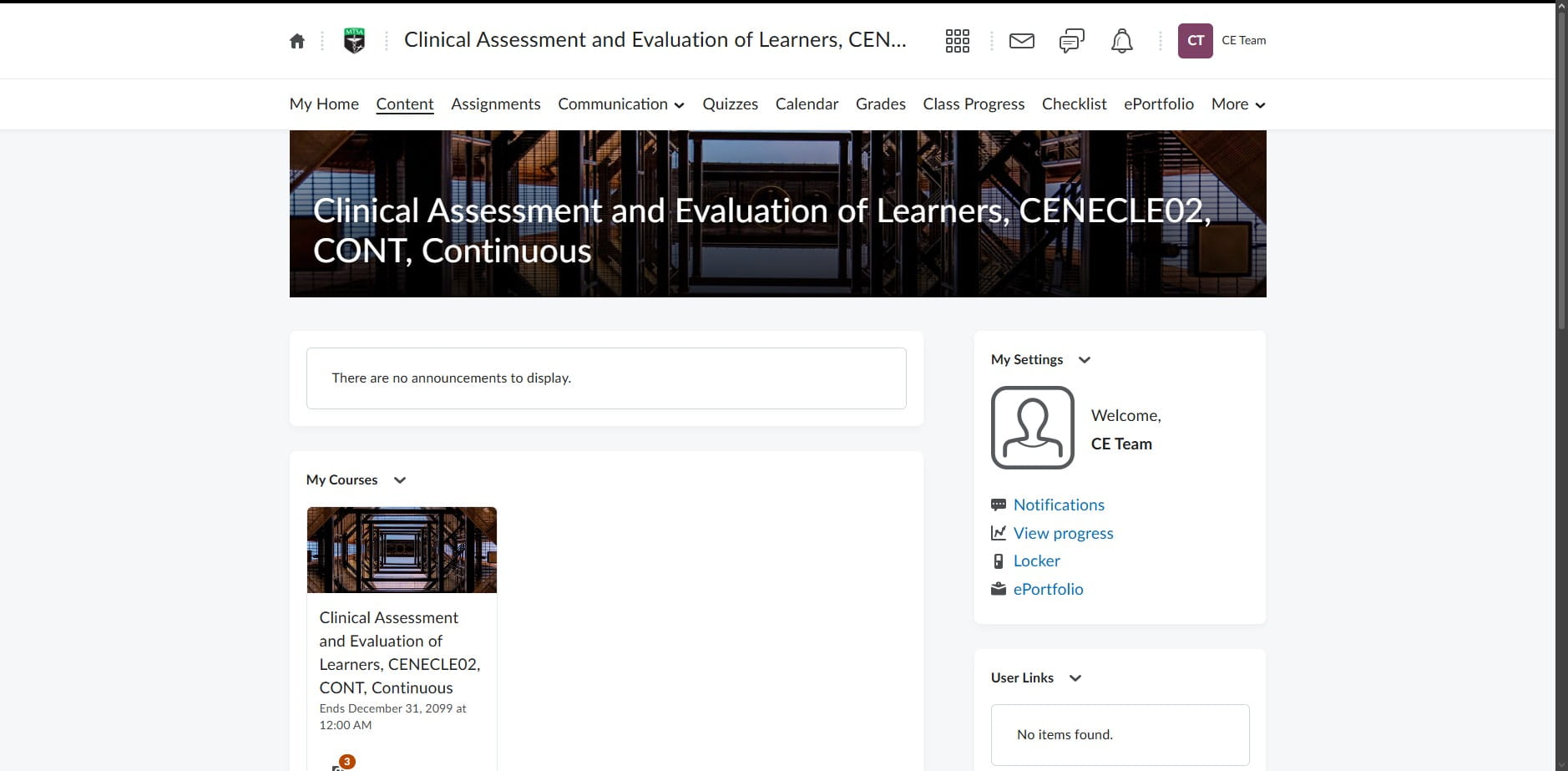
Click on "Content"
13
Click here
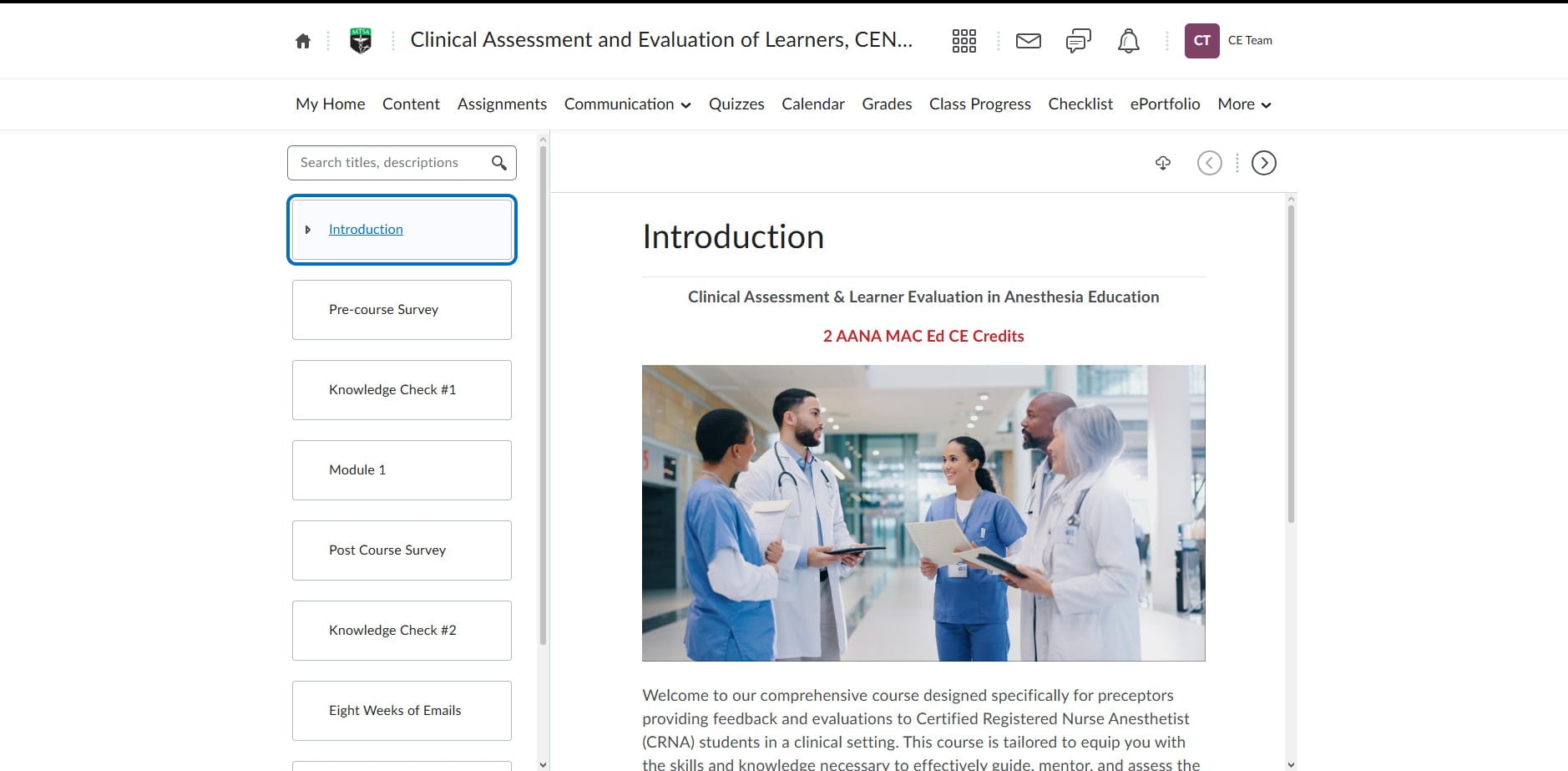
14
Click here
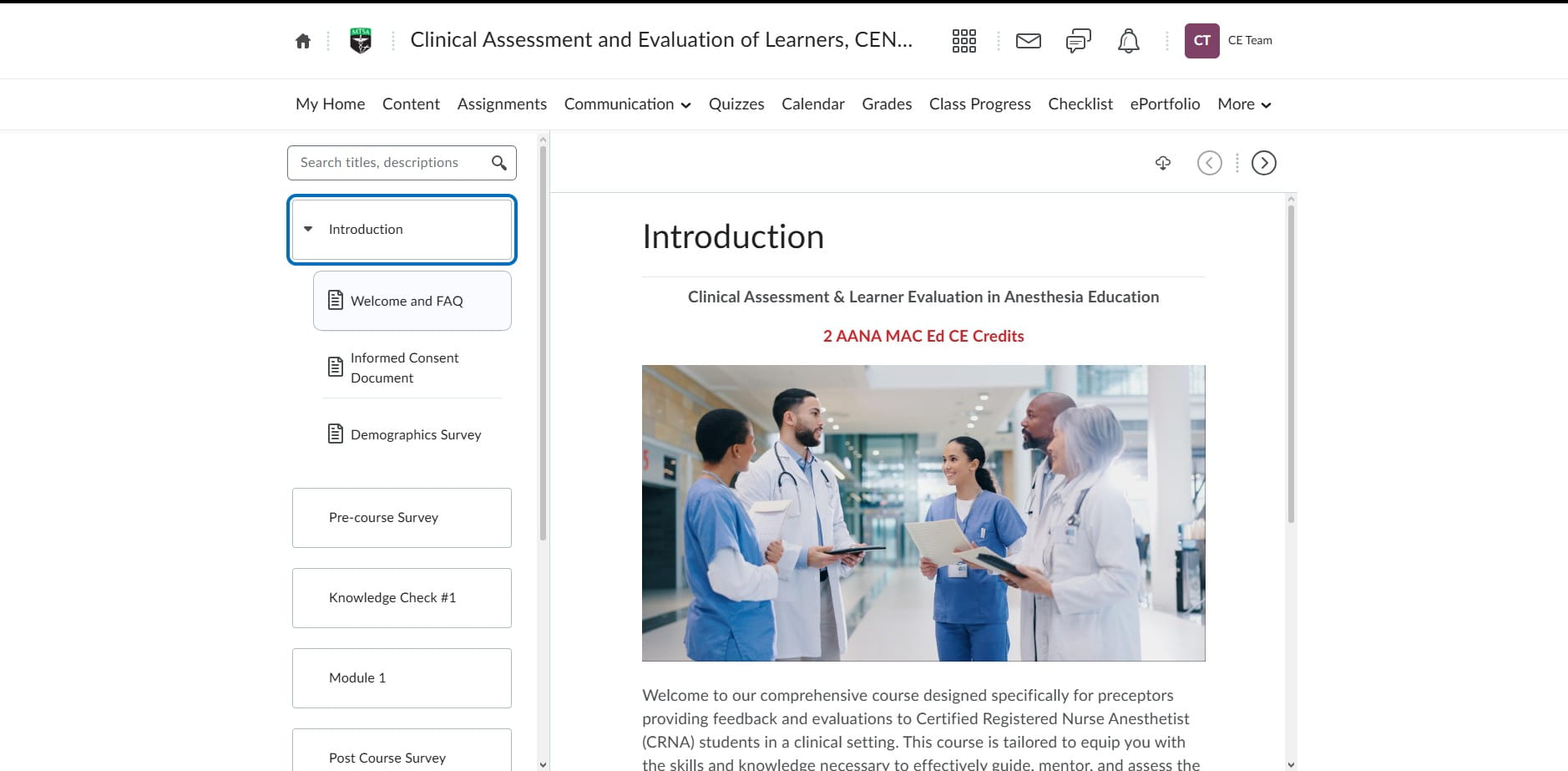
15
Click on "Informed Consent Document"
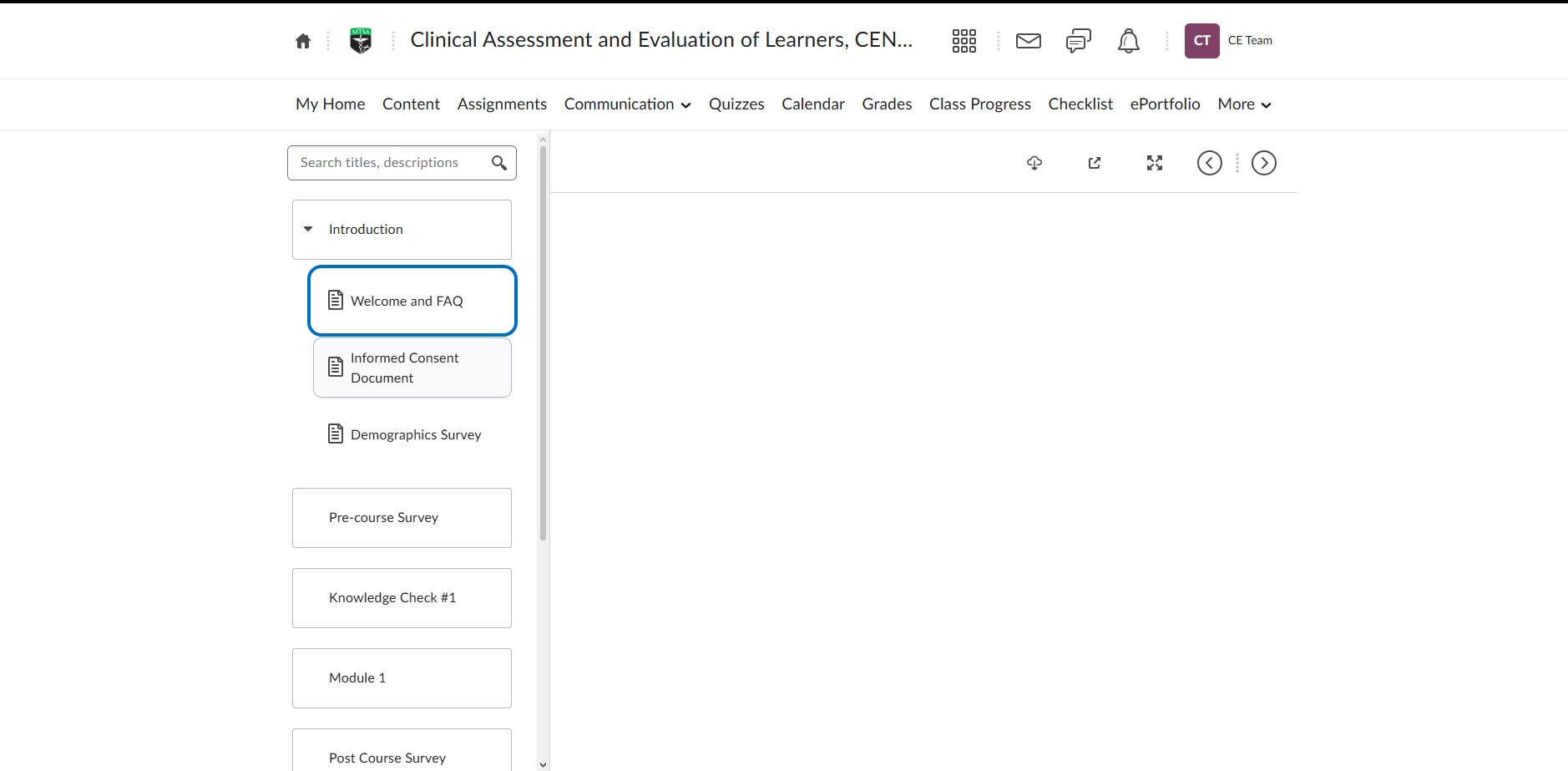
16
Click here
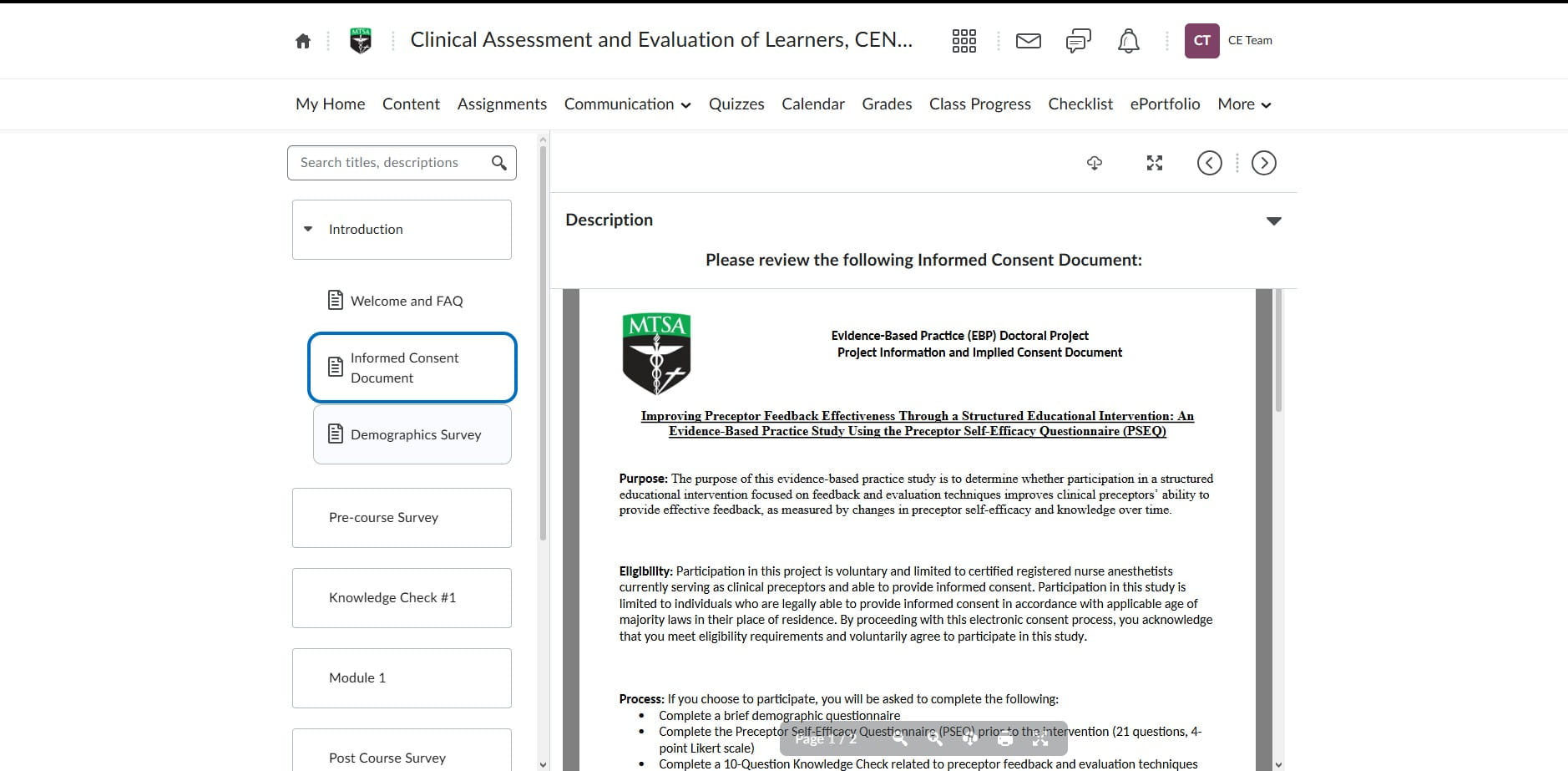
17
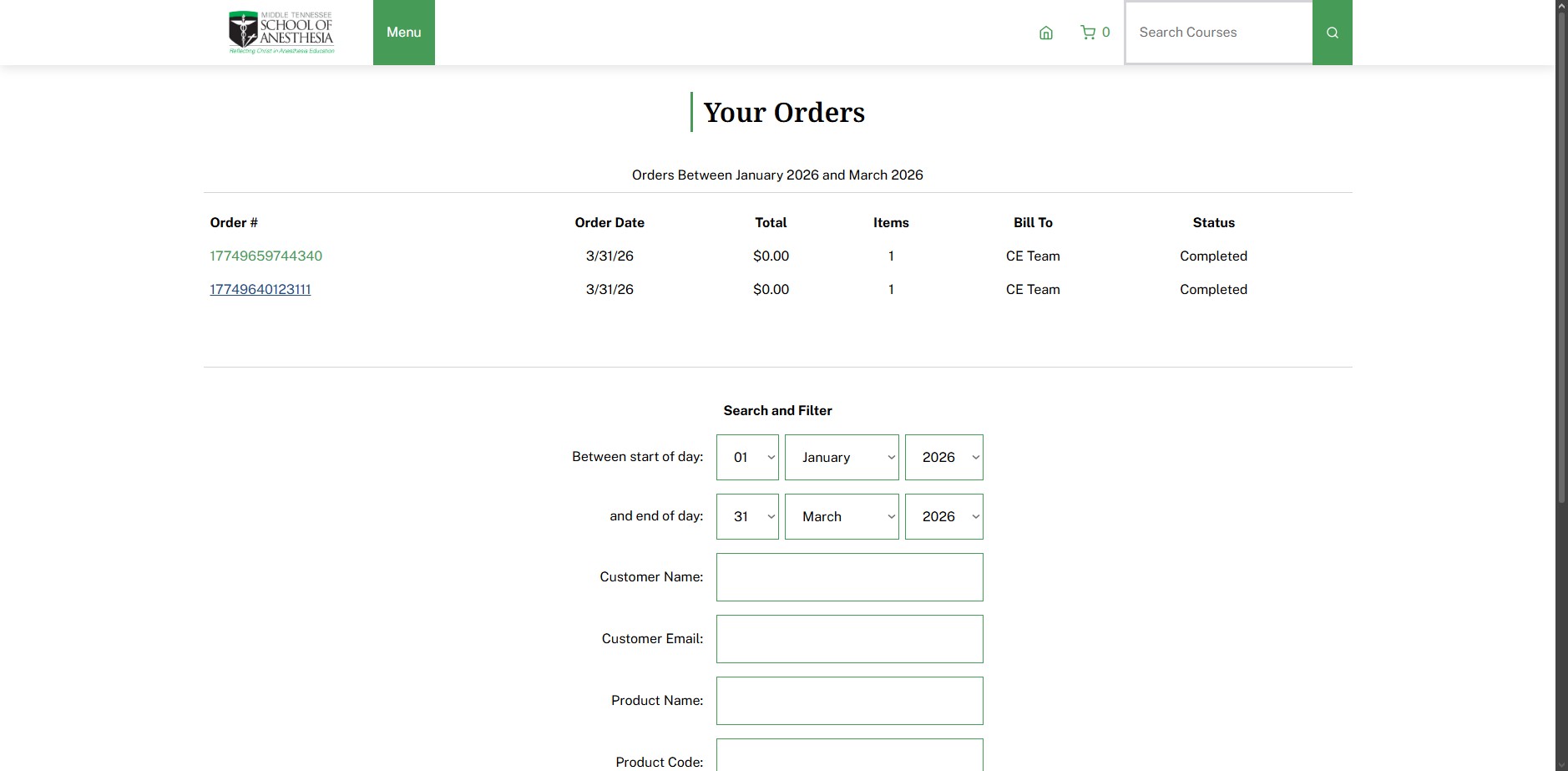
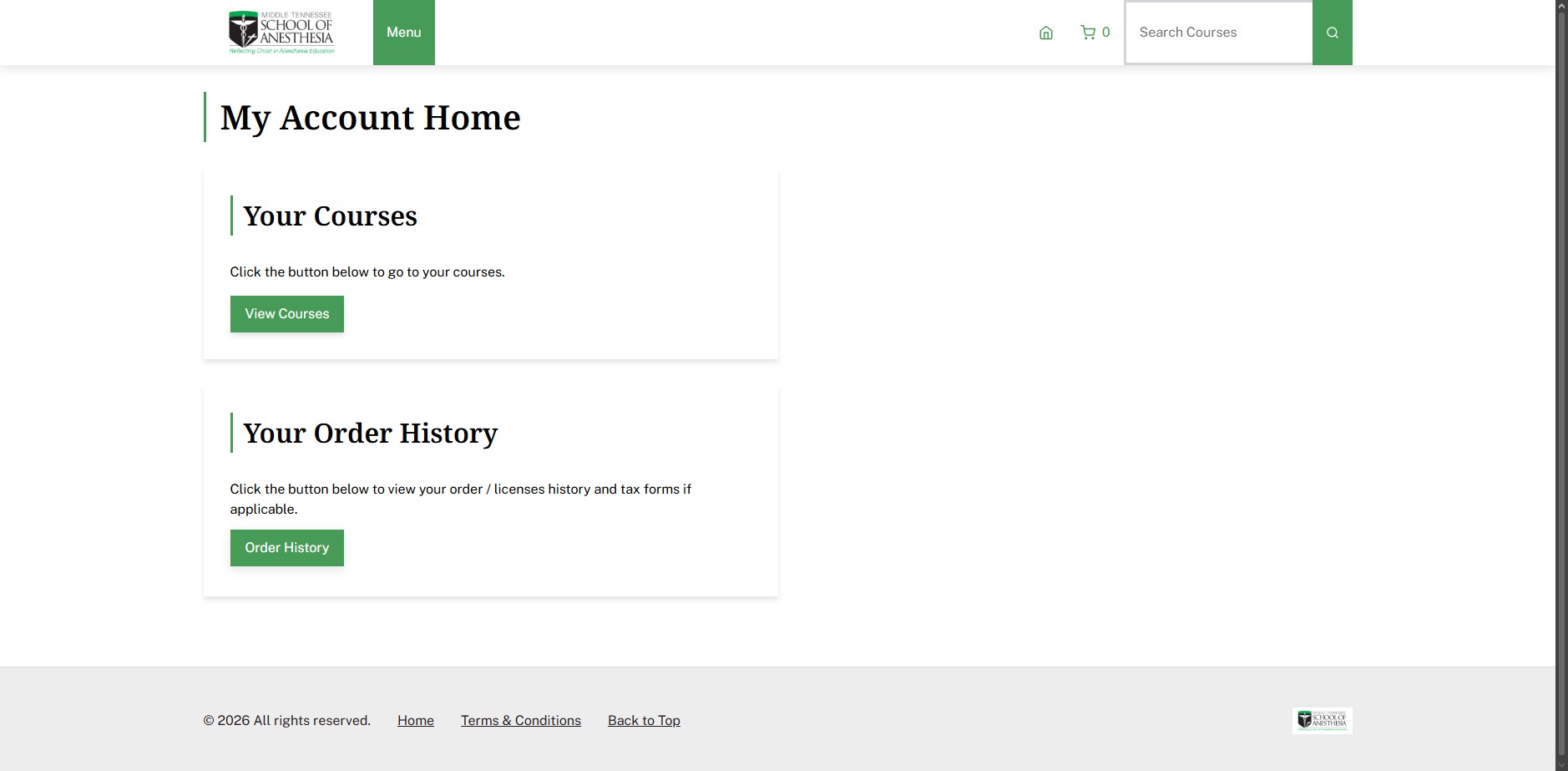
Click on "Order History"
18
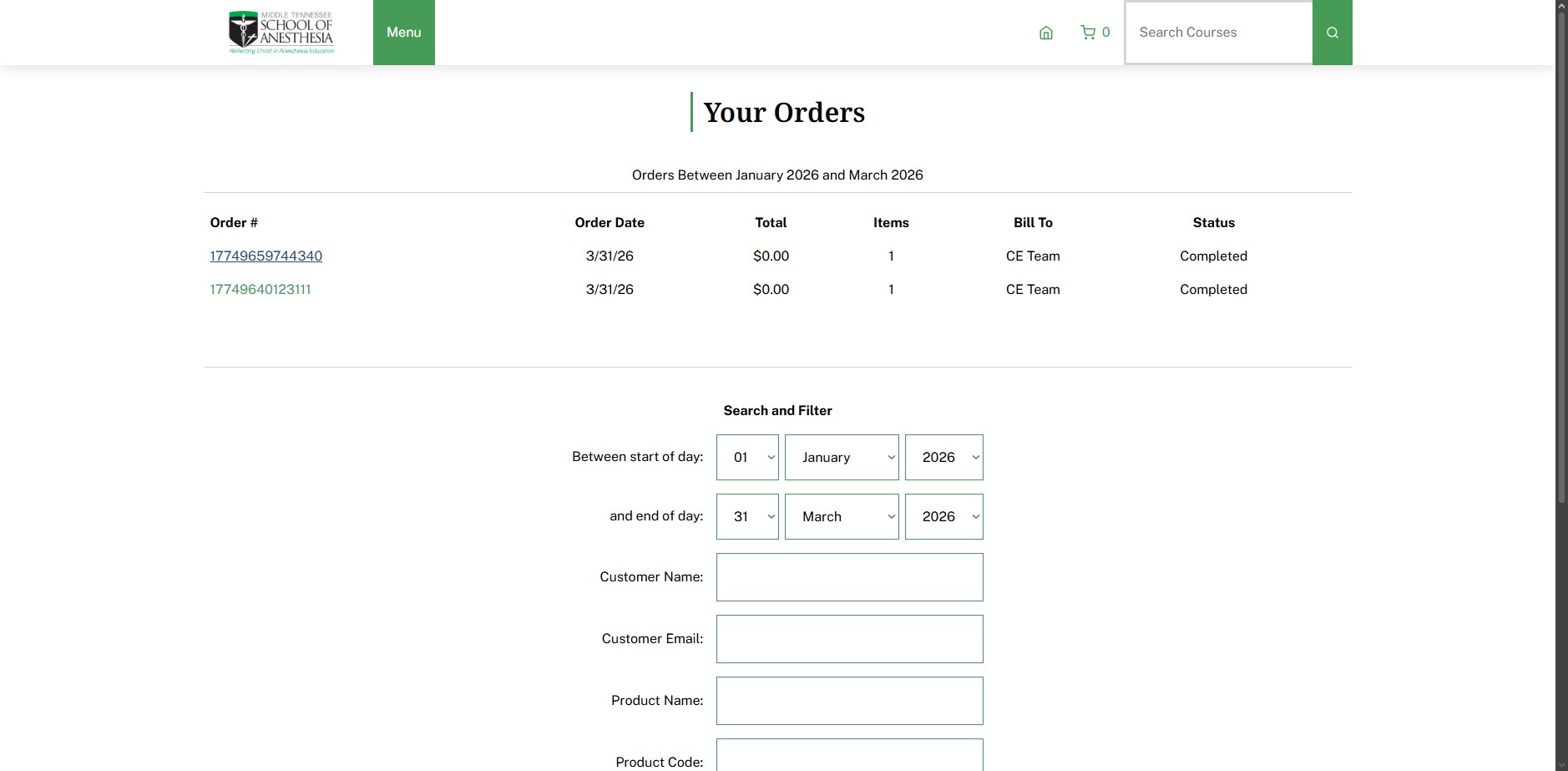
Click on "17749659744340"
19
Click on "17749640123111"