Create and Edit a Knowledge Base
Jan 07, 2025●
1
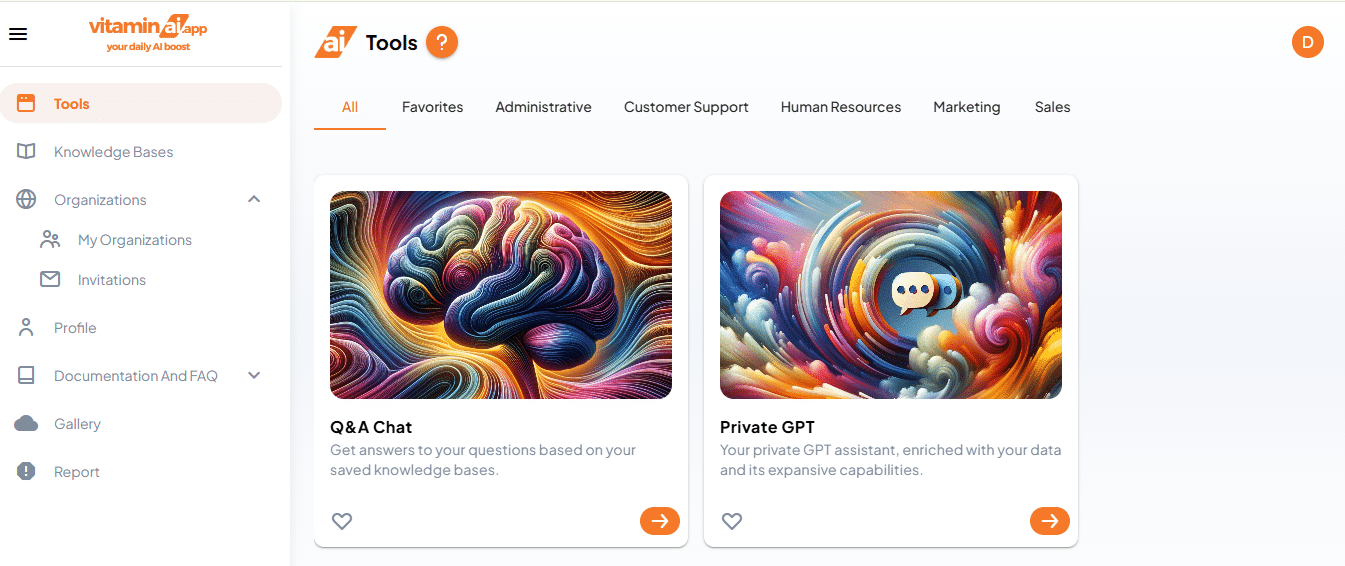
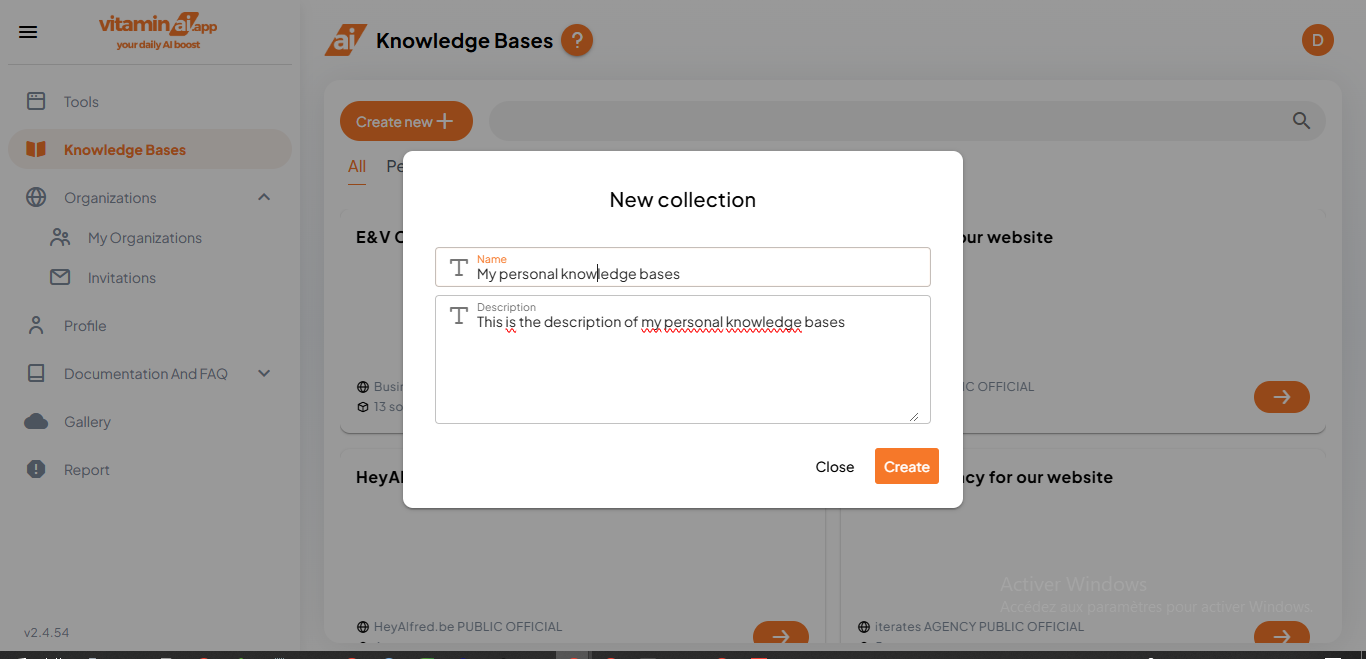
To create a personal knowledge base, Click on "Knowledge Base"
2
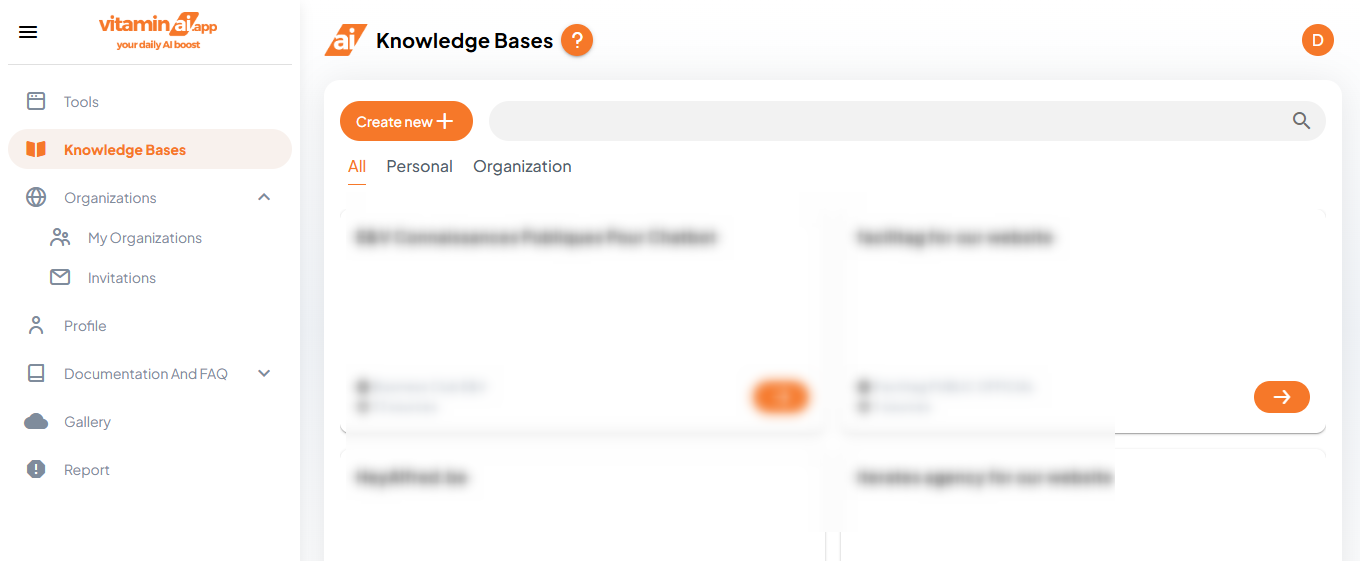
Click on "Create new"
3
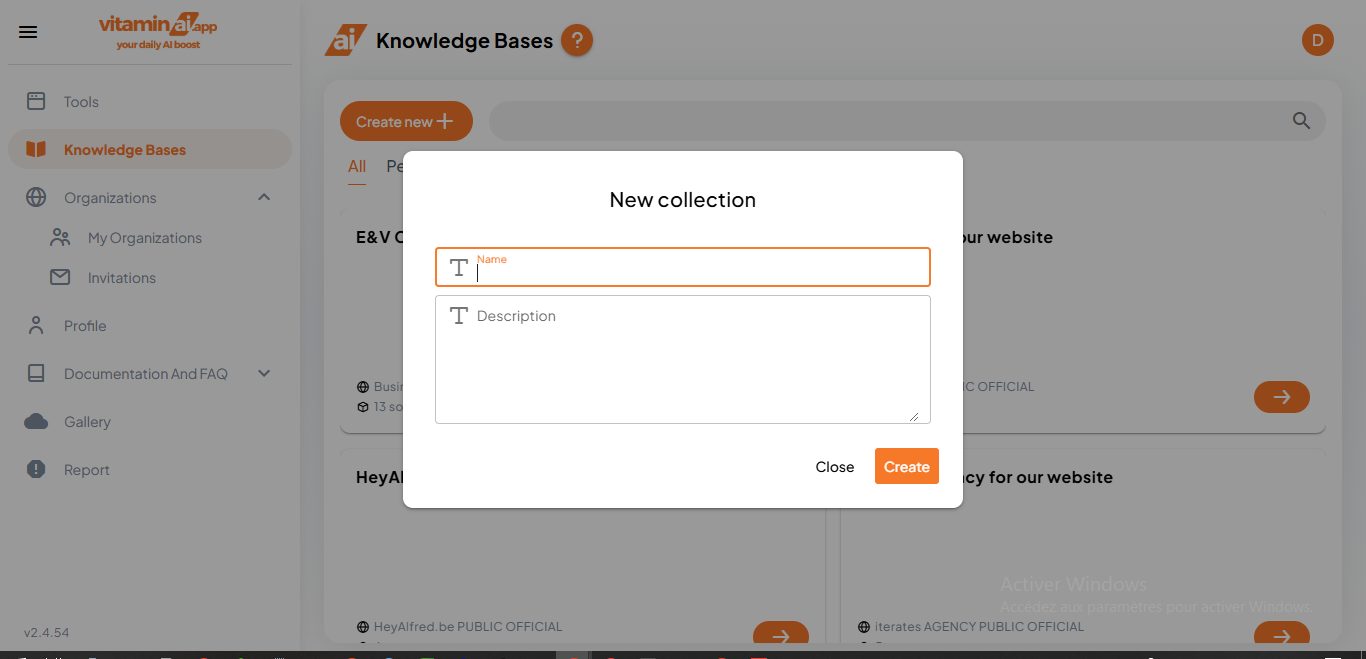
Give it a name
4
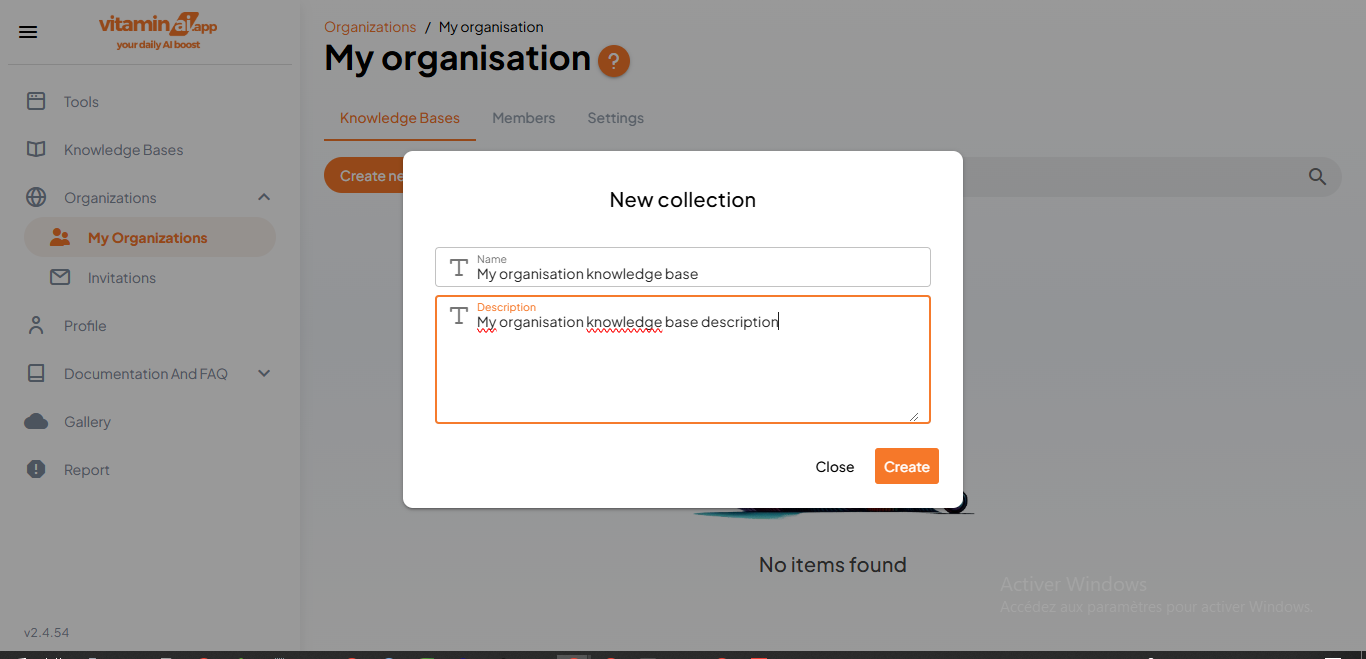
Give it a description and click on "Create"
5
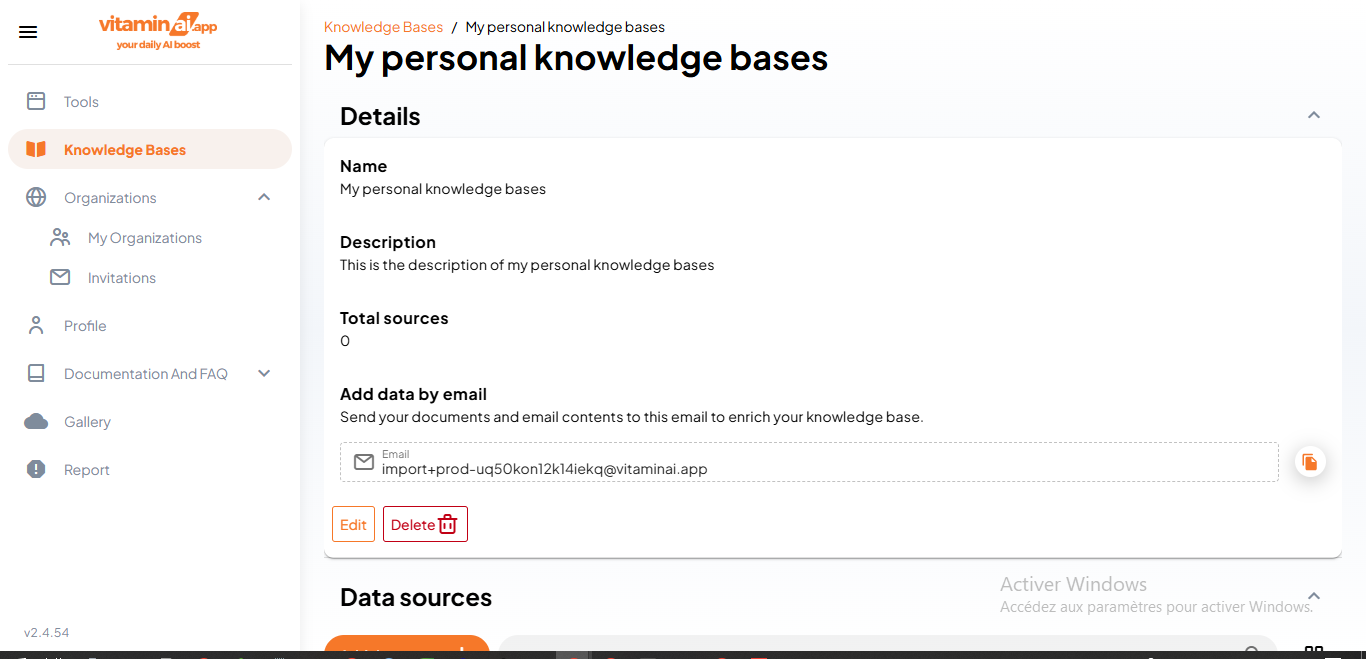
To edit the knowledge base, click on "Edit"
6
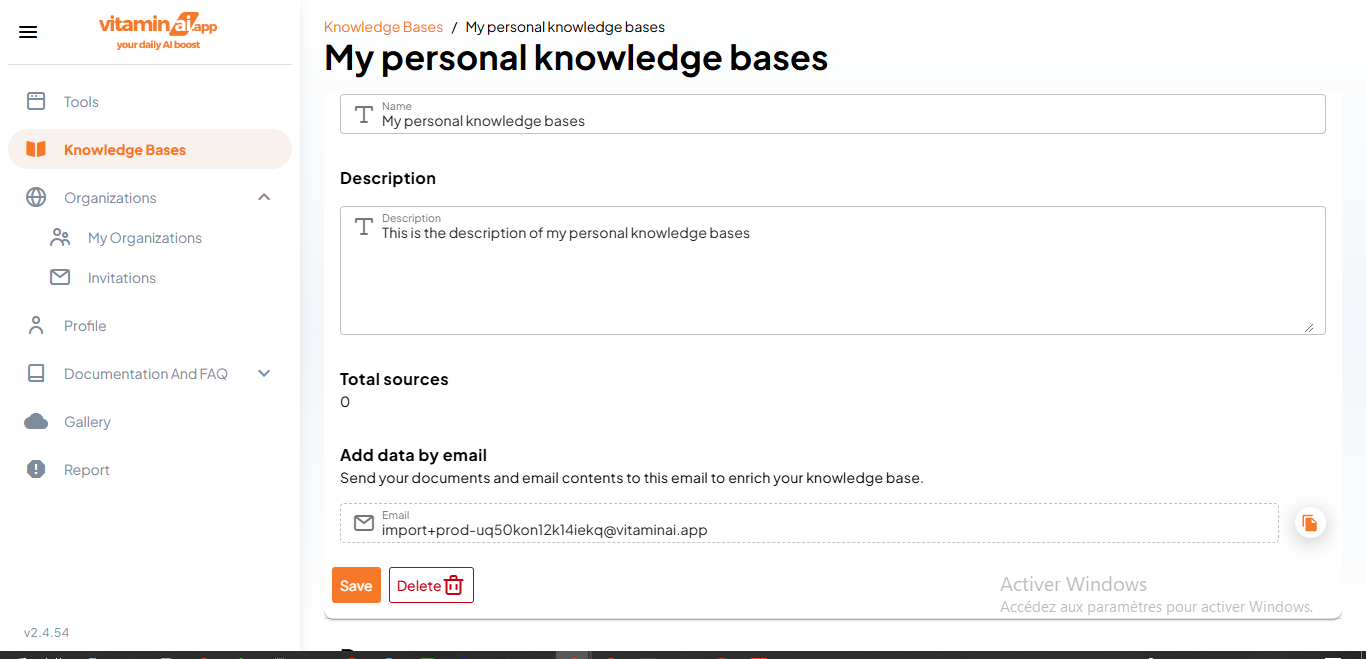
After editing, click on "Save" to validate your changes
7
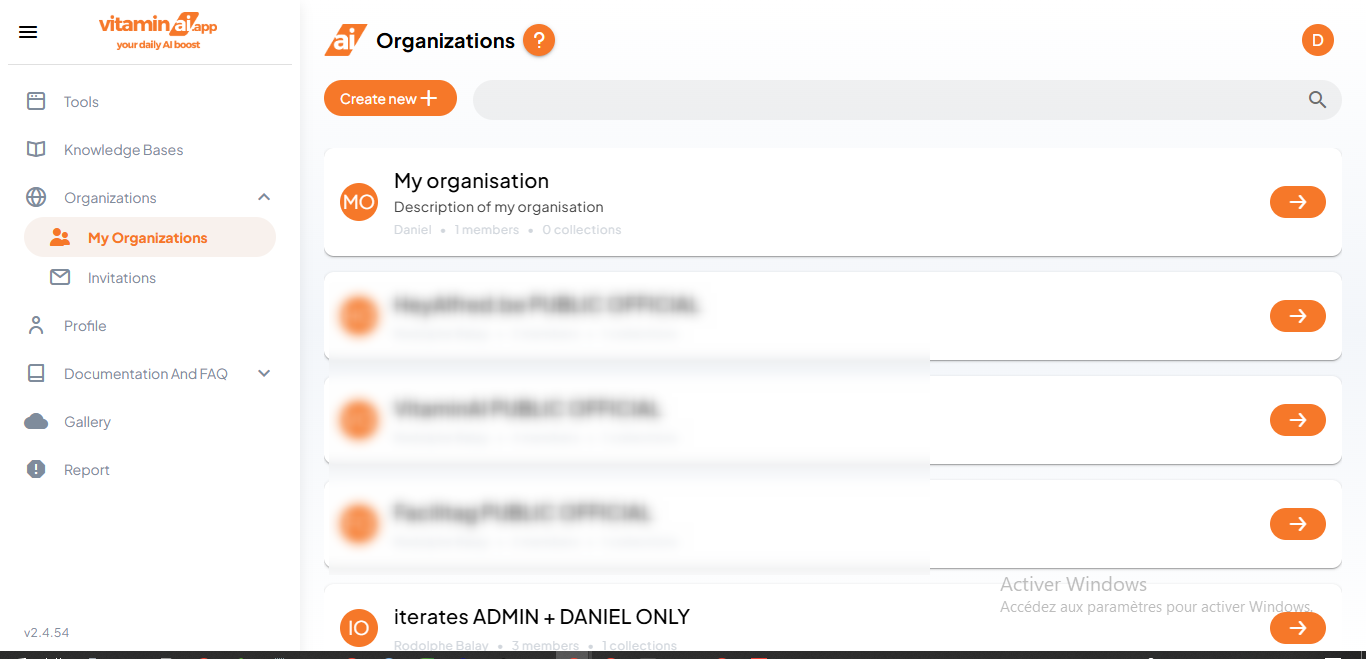
To create an organisation Knowledge Base, click on "My Organizations"
8
Click here to access the organisation's page
9
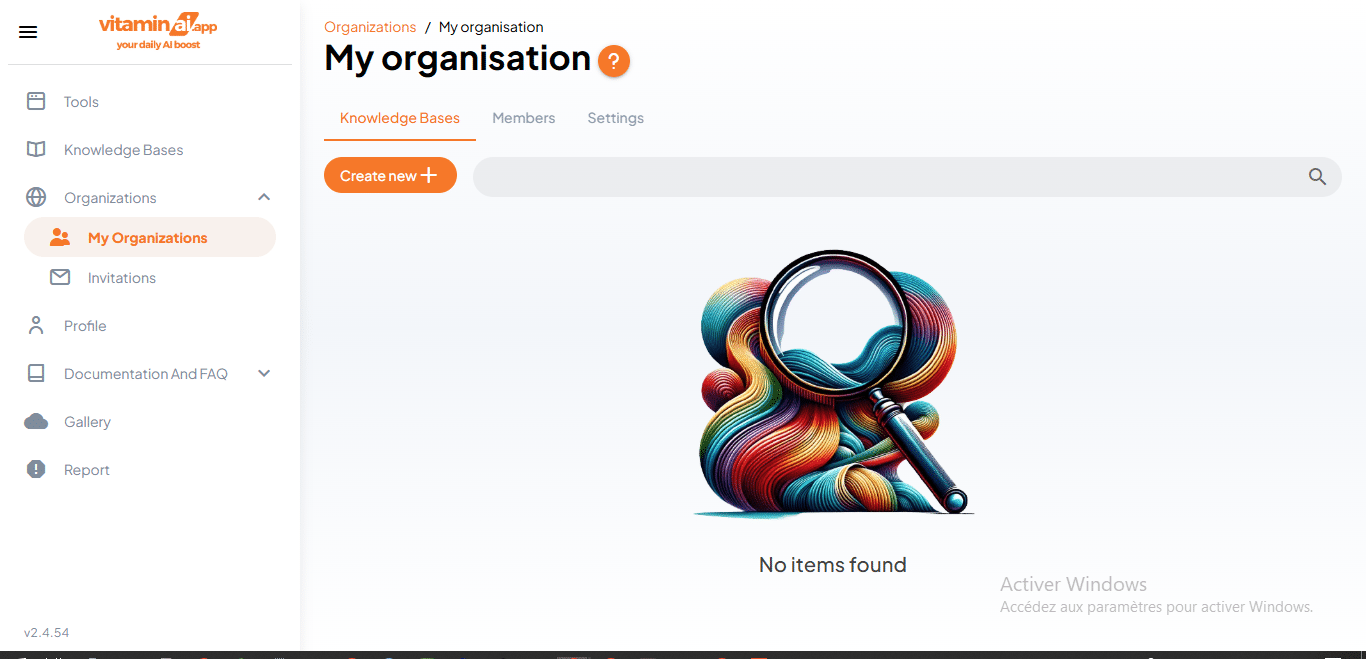
Click on "Create new" to create a new knowledge base
10
Fill in the fields and click on "Create"