

How to Register OpenAI
Learn how to signup and register your own OpenAI account easily
Jan 06, 2025●
1
Navigate to https://platform.openai.com/signup
2
You can create your account using email
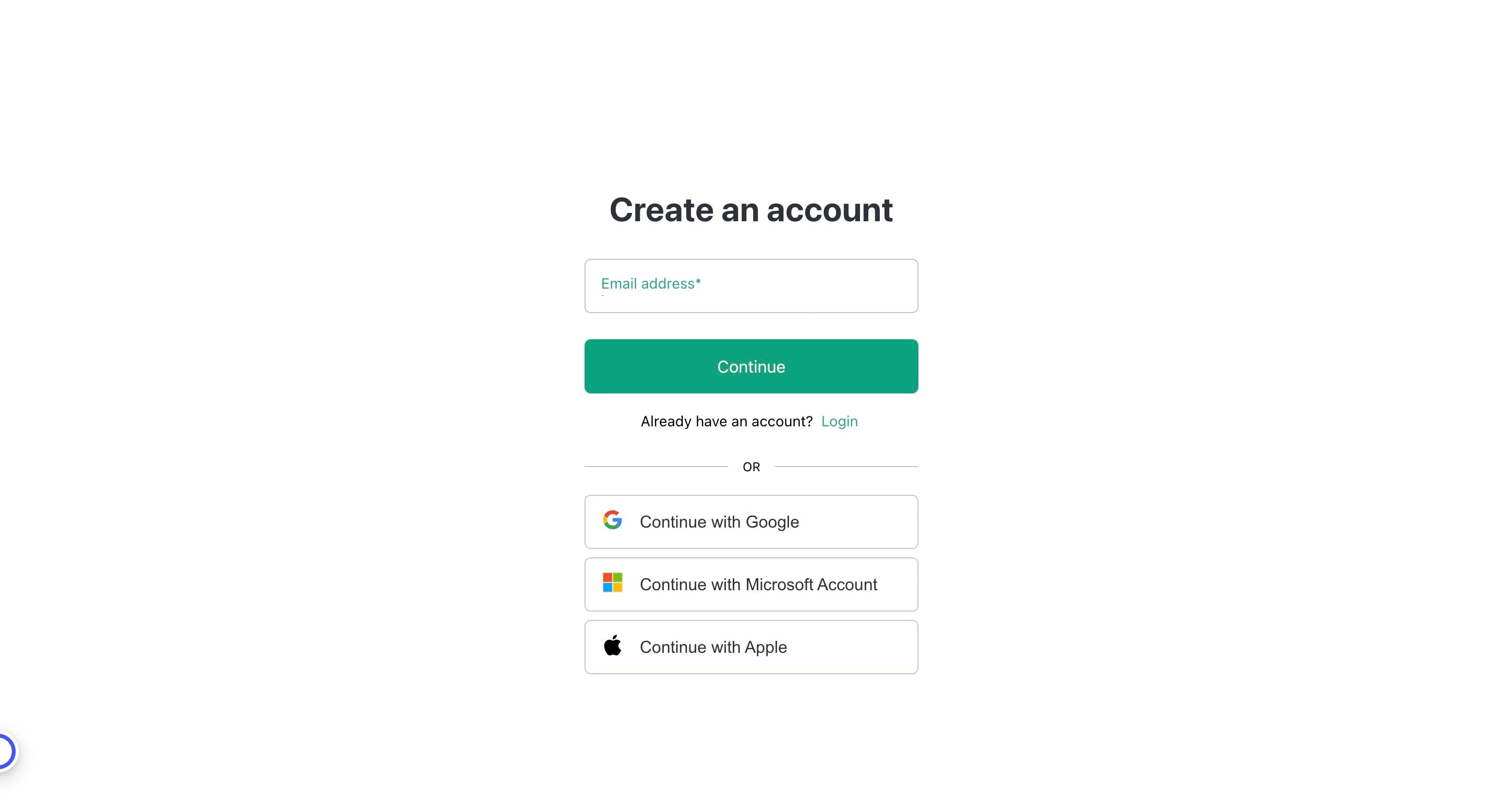

3
Or just click on "Continue with Google" to continue using your Google account
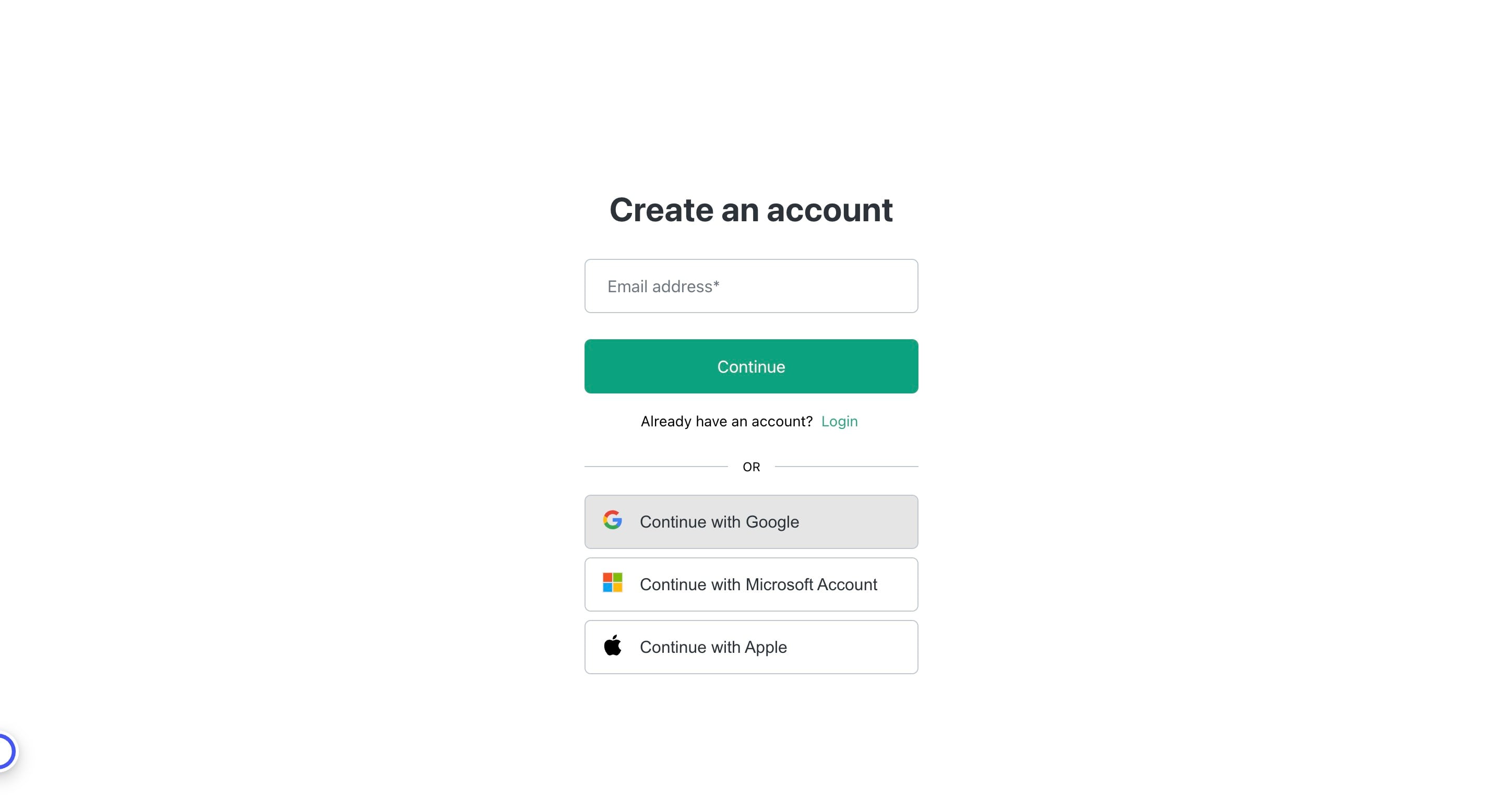
4
Choose the preferred profile
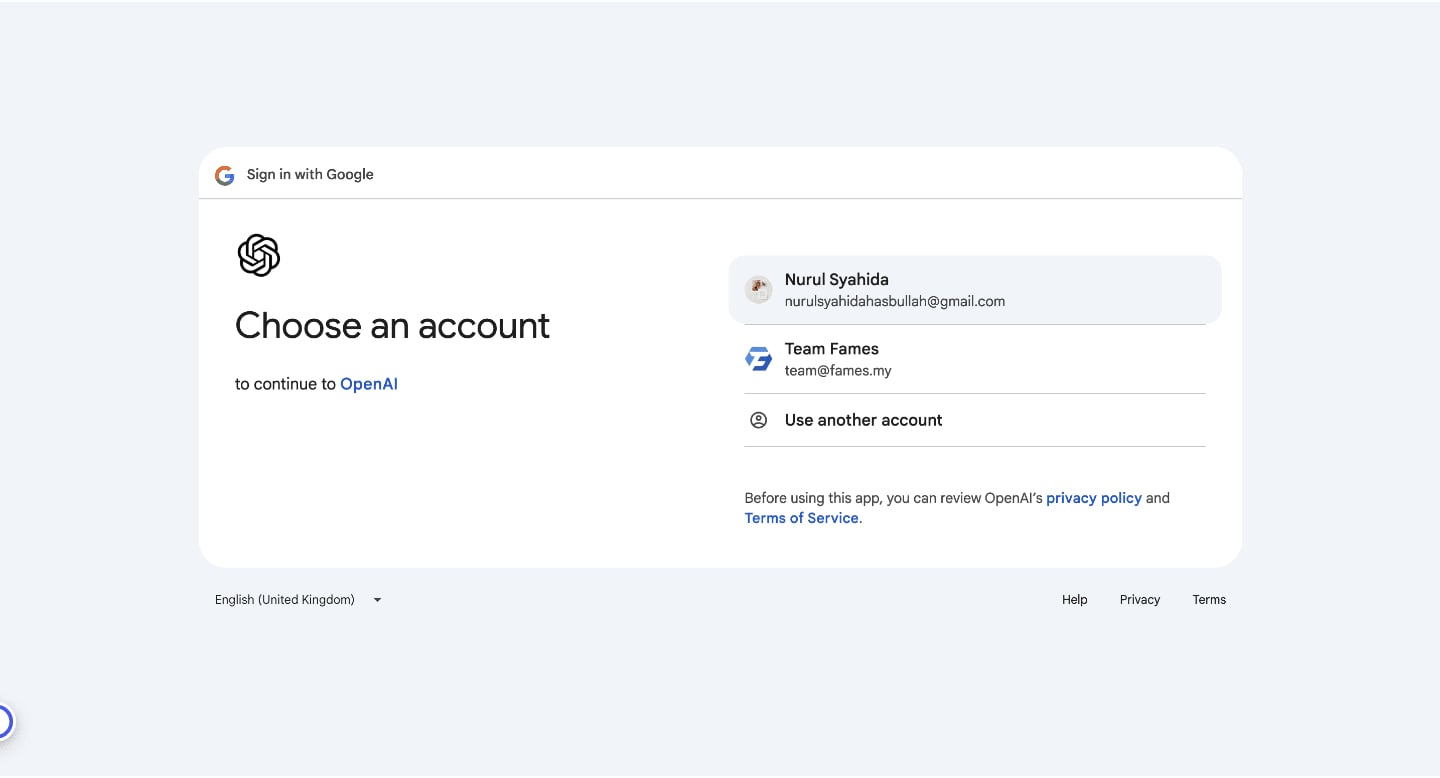
5
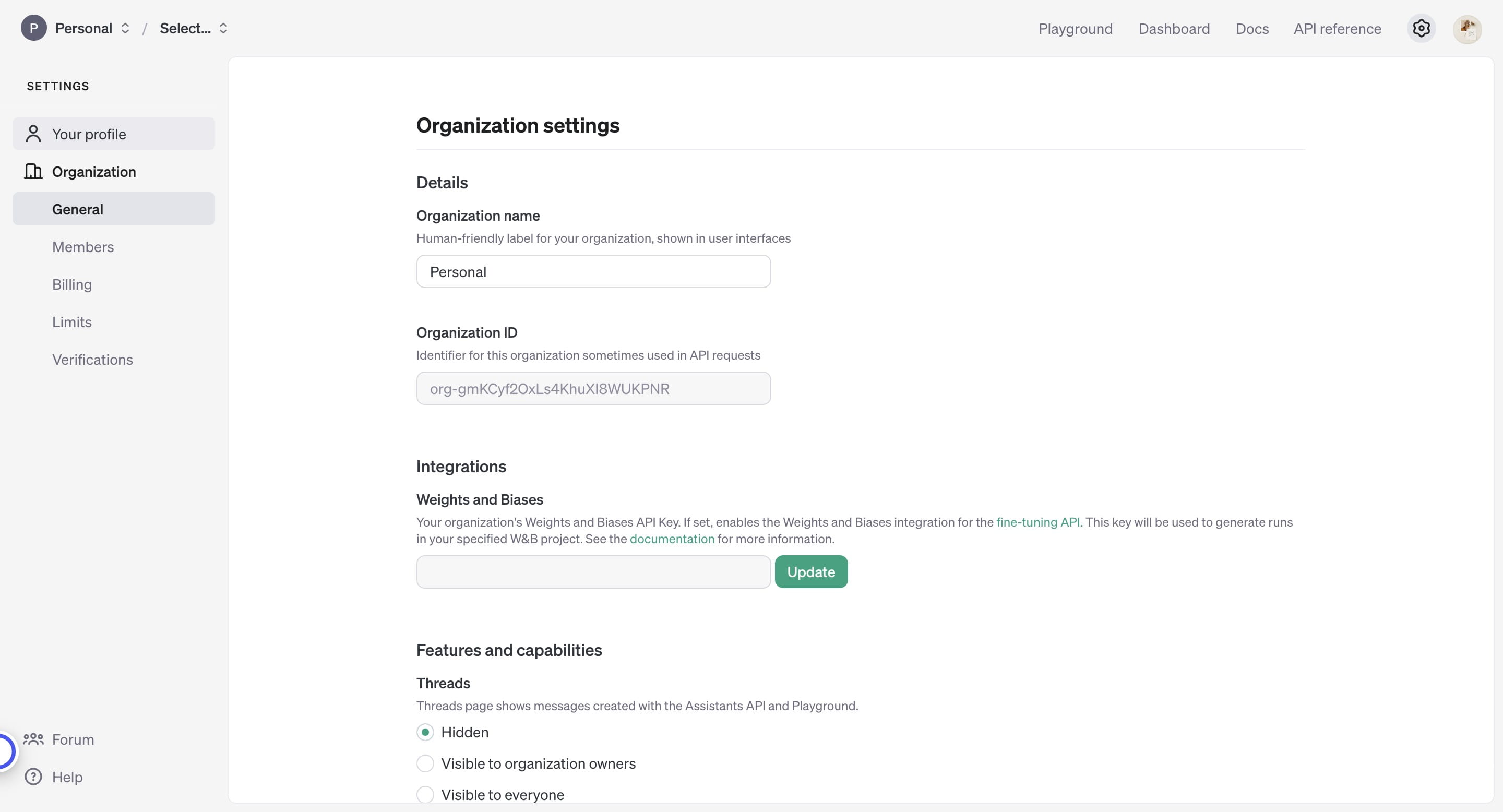
Click this icon
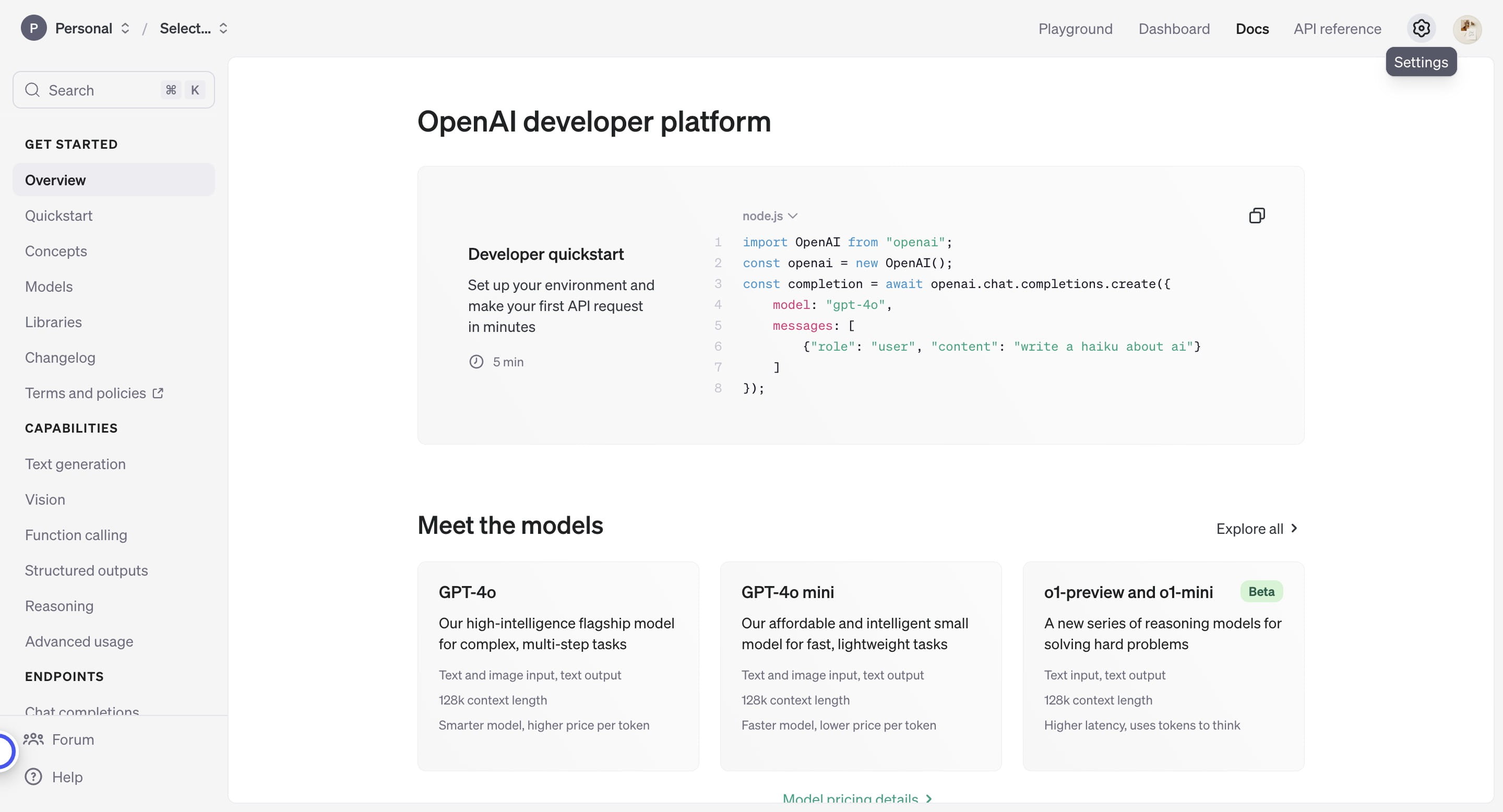
6
Click on "Your profile"
7
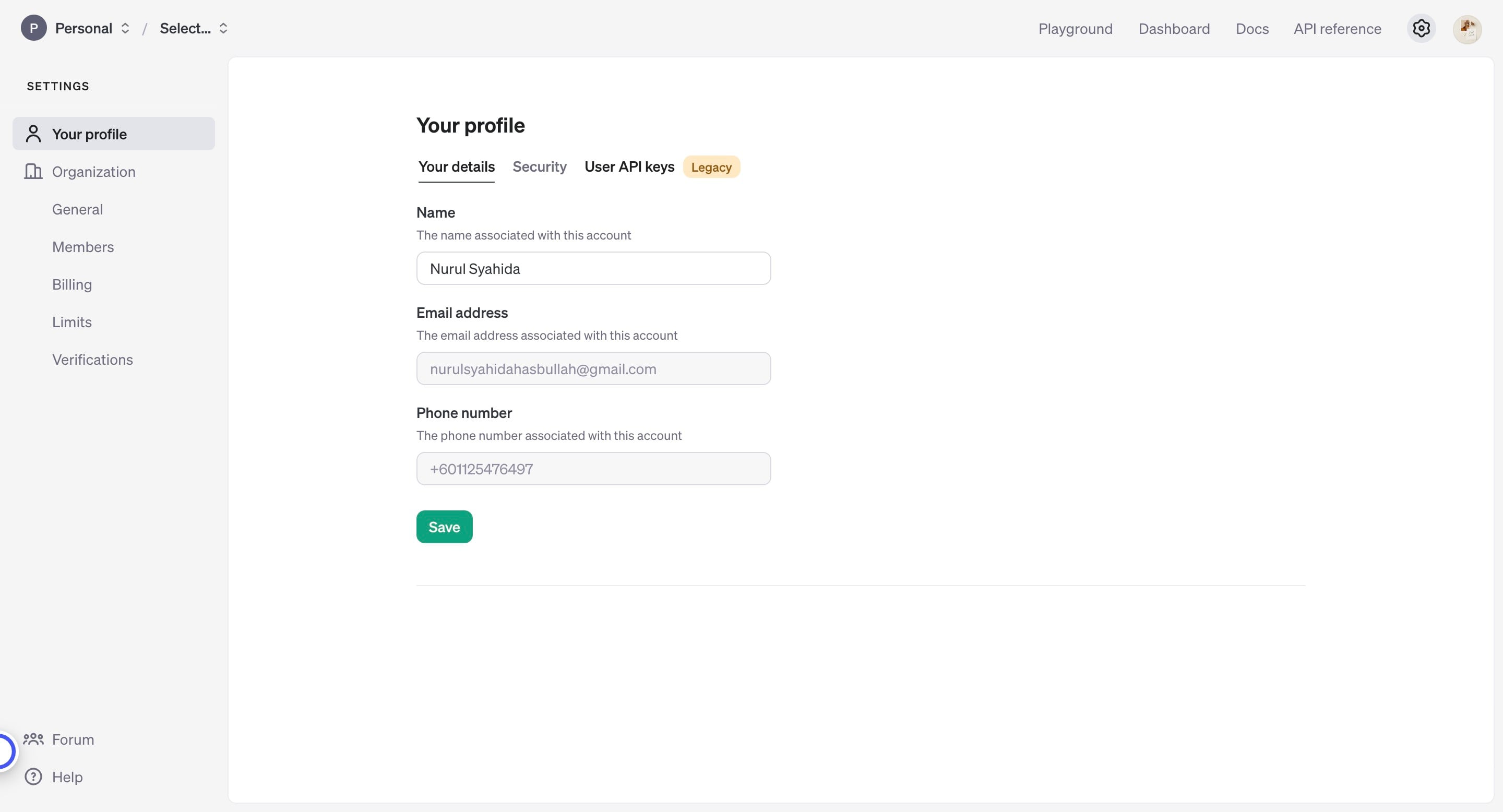
Click on "User API keys"
8
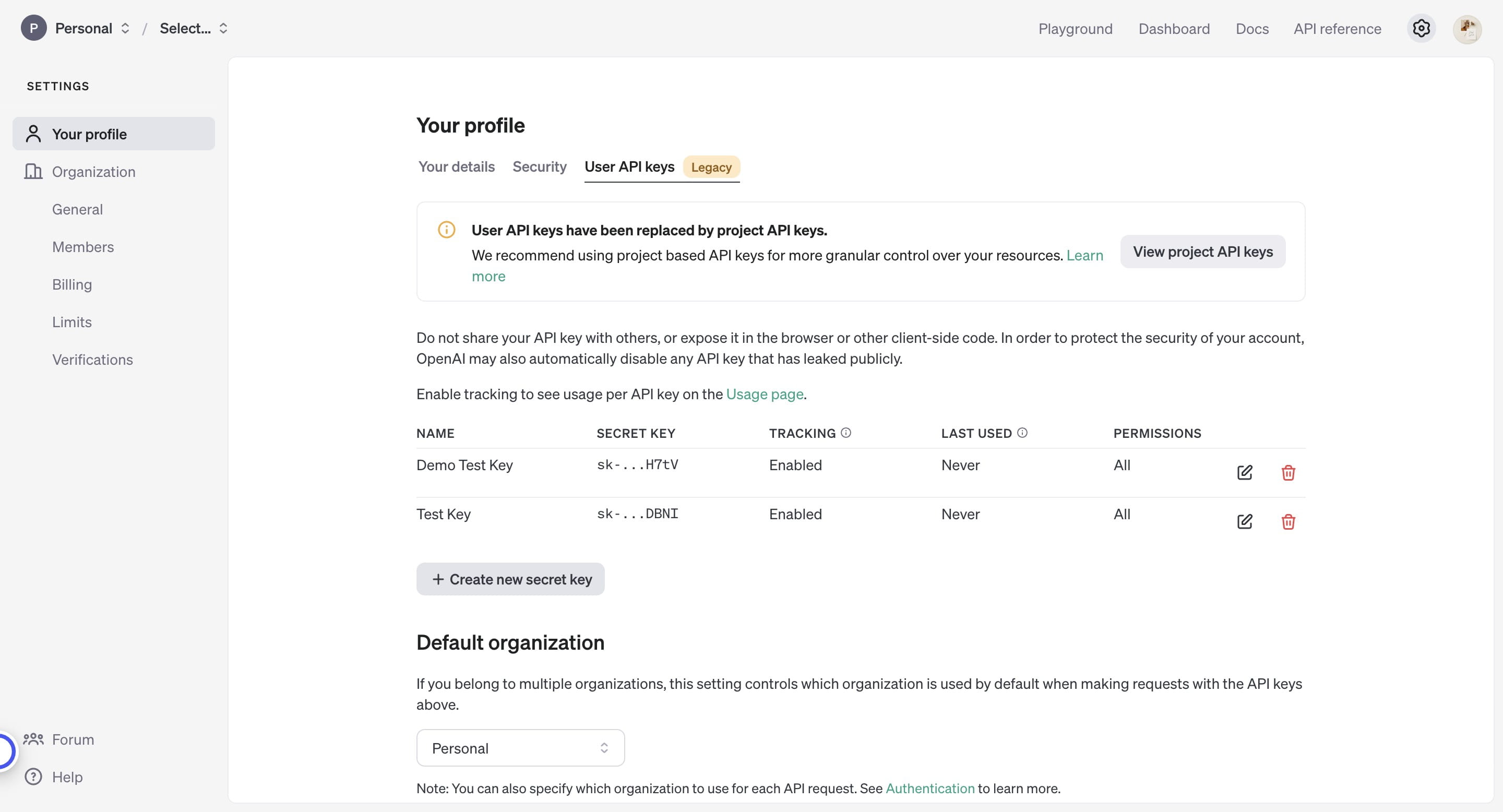
Click on "Create new secret key" to create API key
9
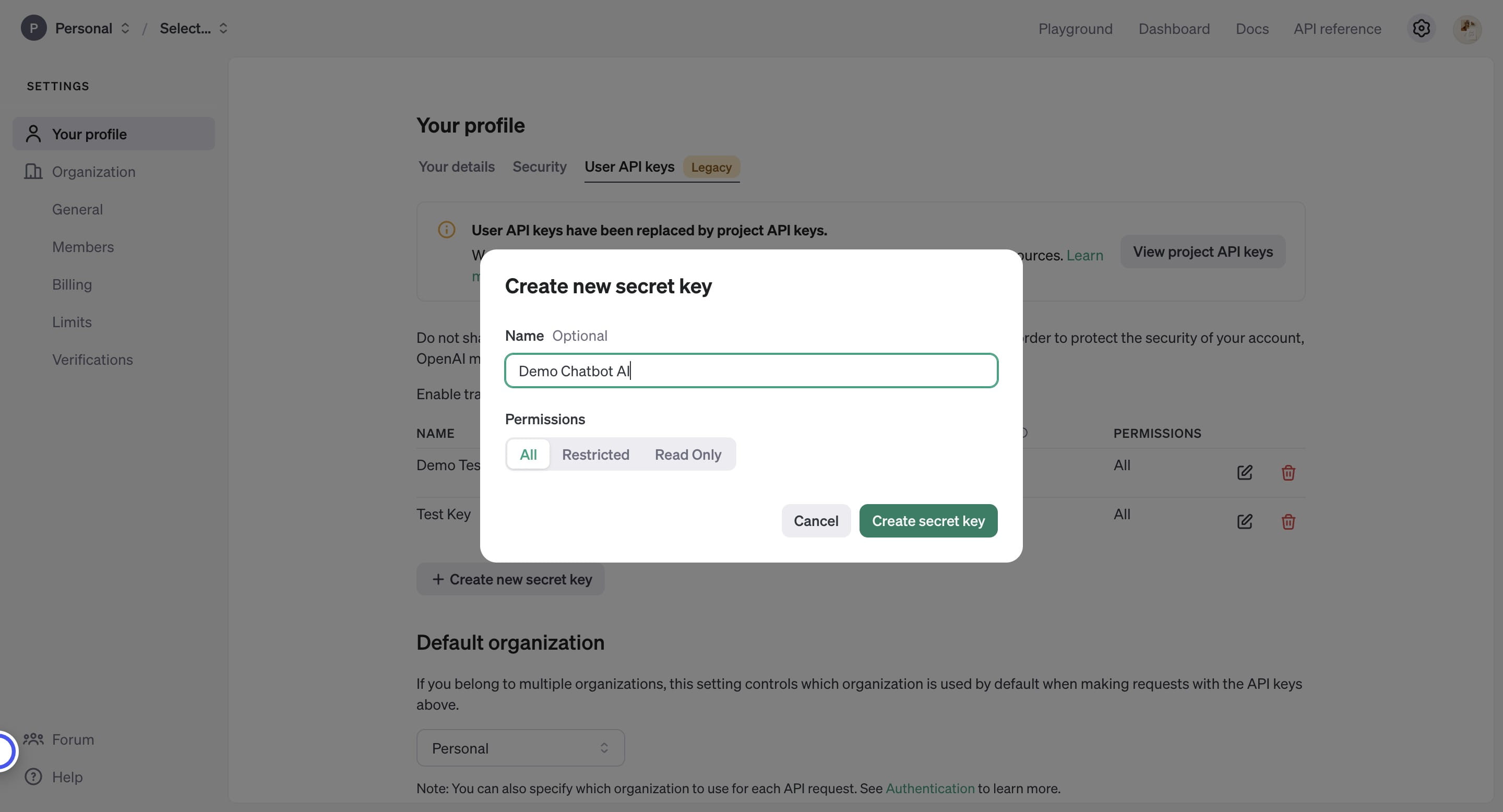
Name the key
10
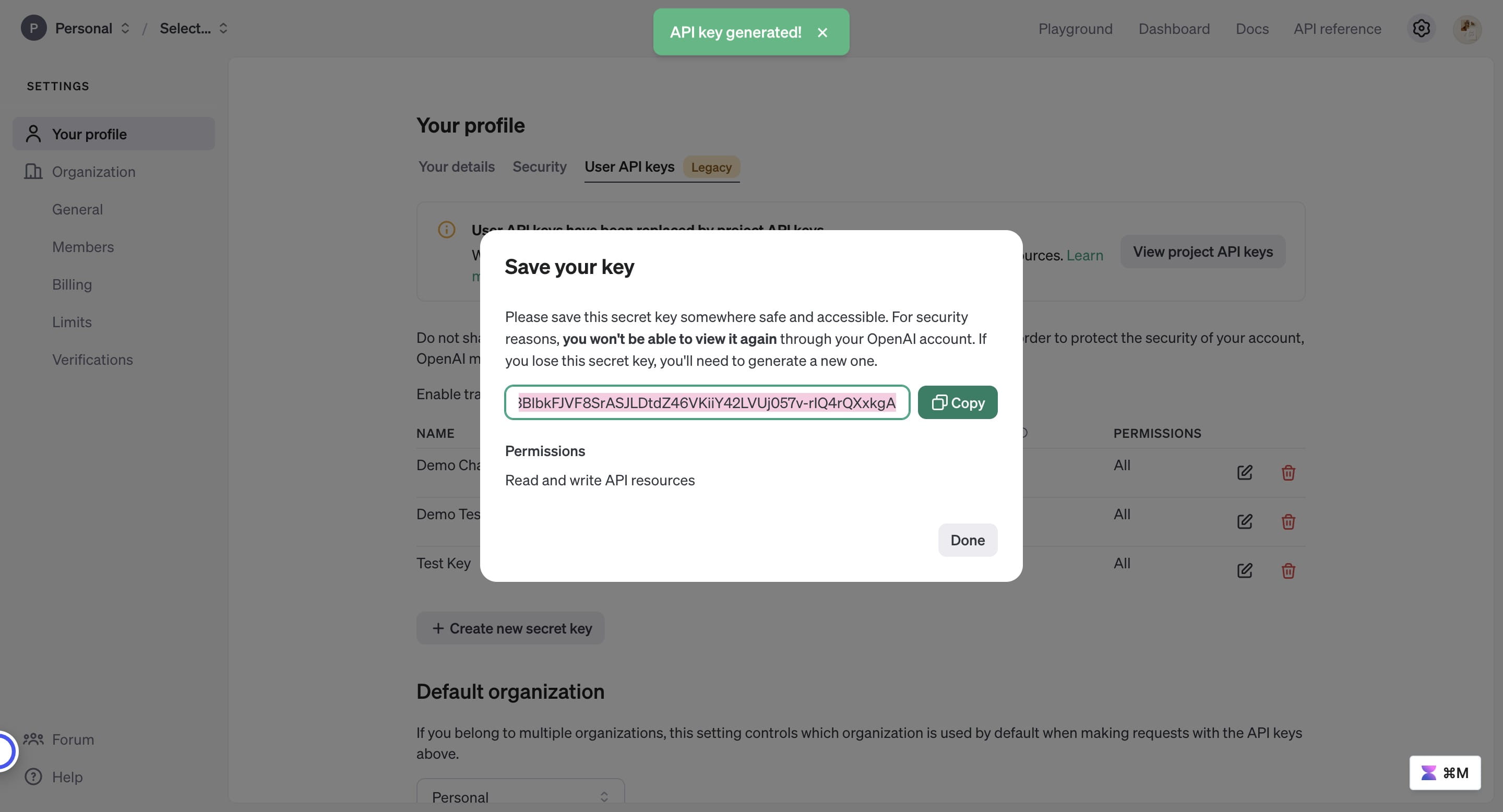
Copy this key and save it somewhere accessible to retrieve it later
11
Click "Done" and your API key is ready to be inserted in Wabot 🚀
12
You can simply continue the steps by inserting the API Key in Wabot. Kindly follow the tutorial here