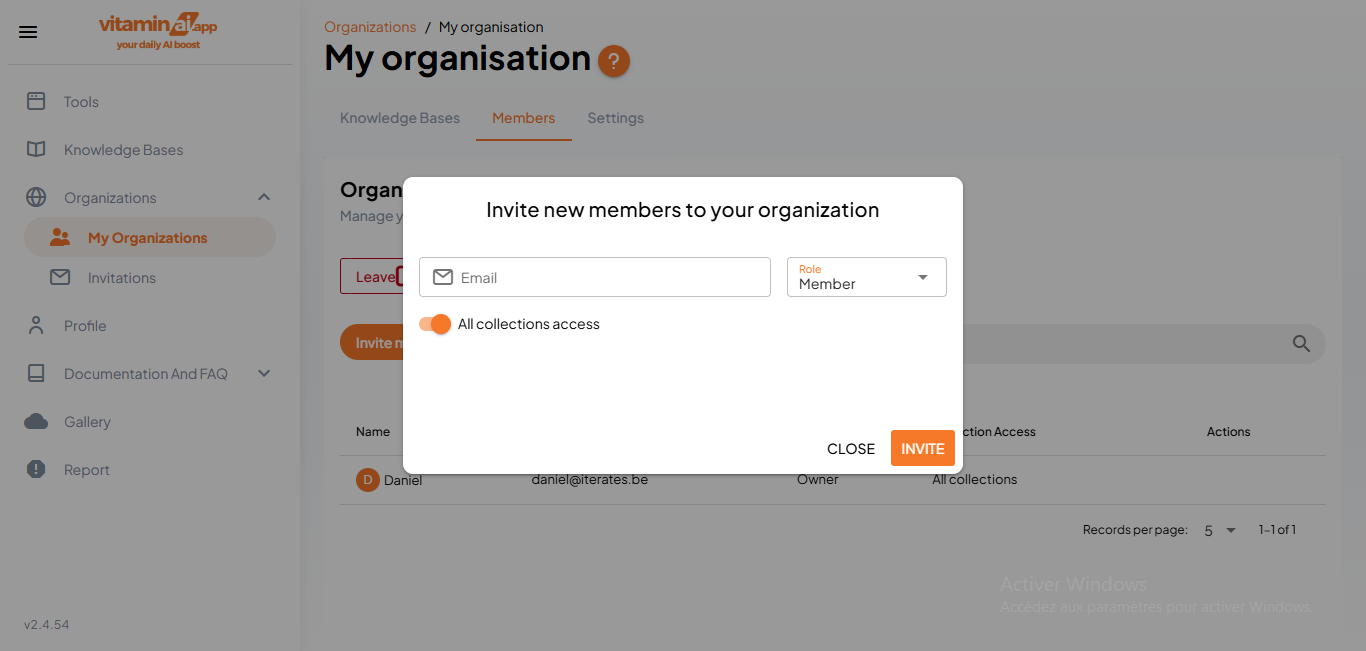
Inviting users to an organisation
Jan 09, 2025●
1
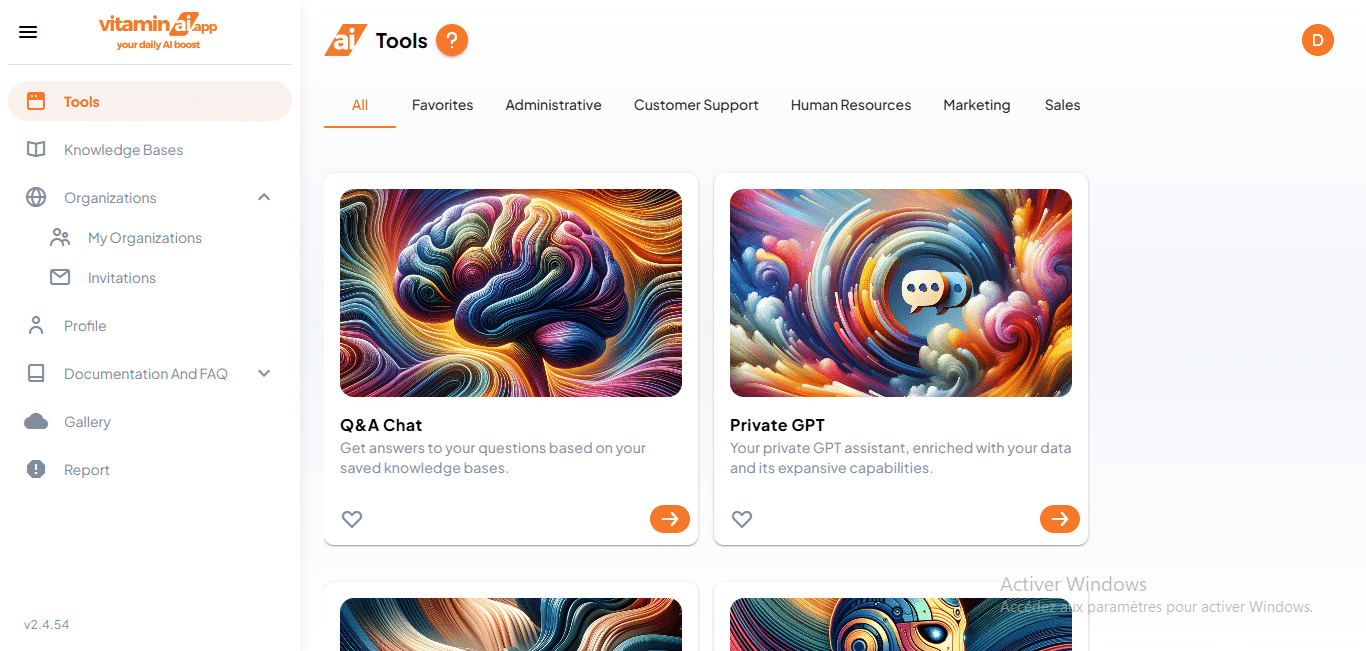
Click on "My Organizations"
2
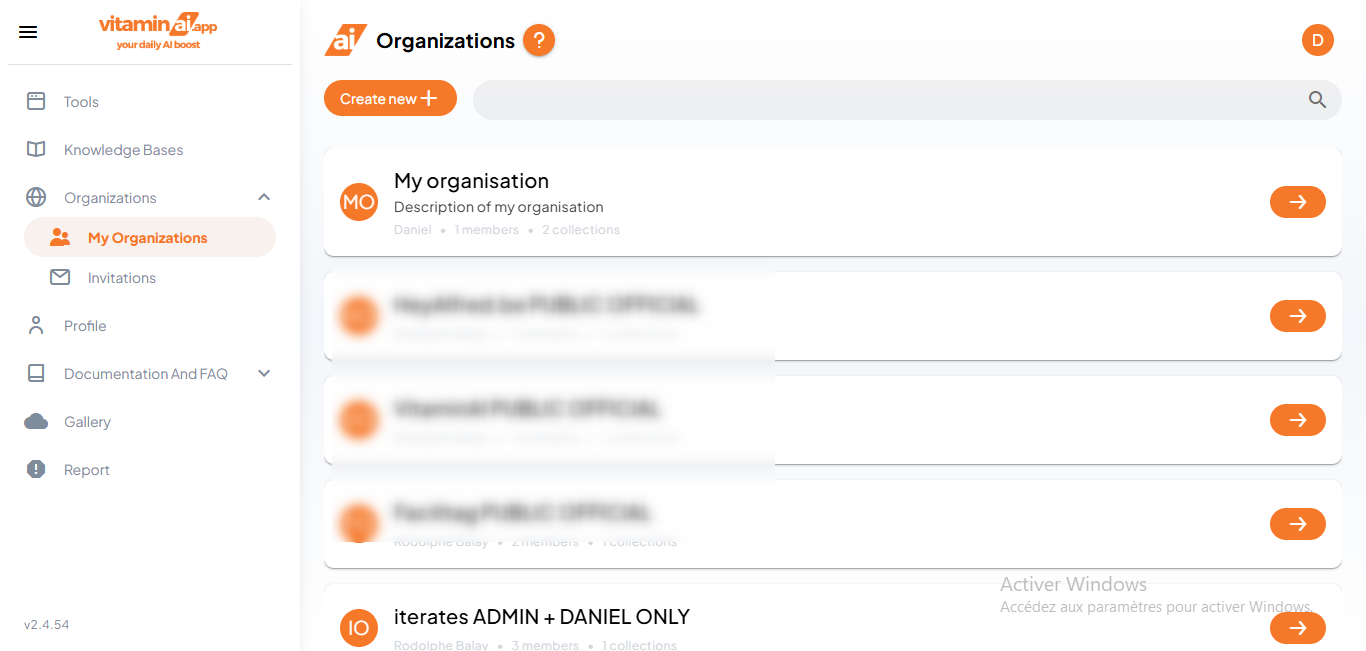
Click here to access the organisation's page
3
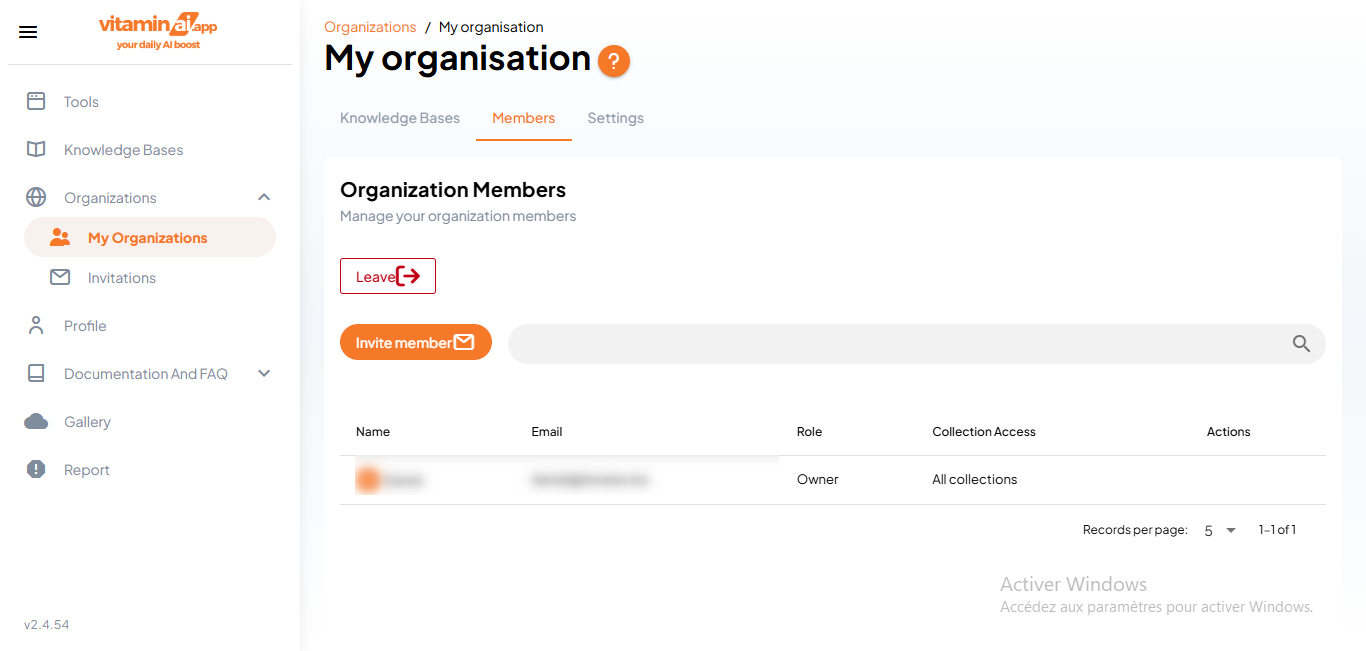
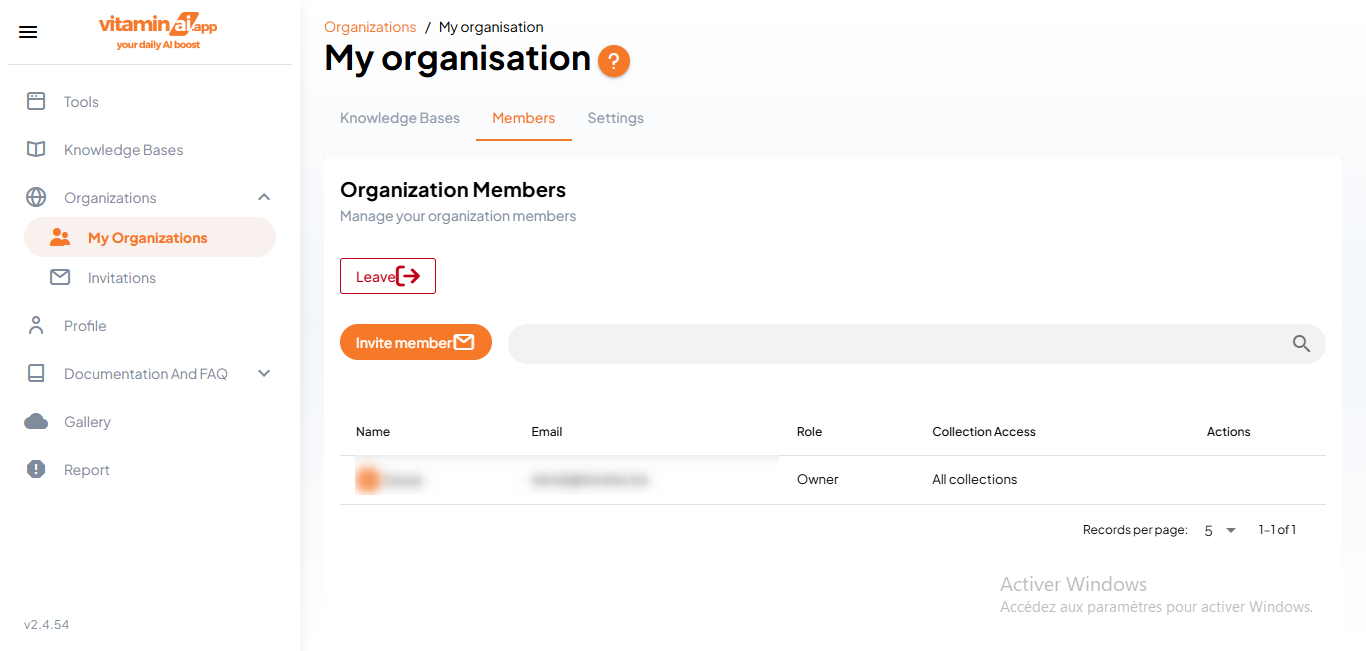
Click on "Members" to access the organisation's members page
4
Click on "Invite member"
5
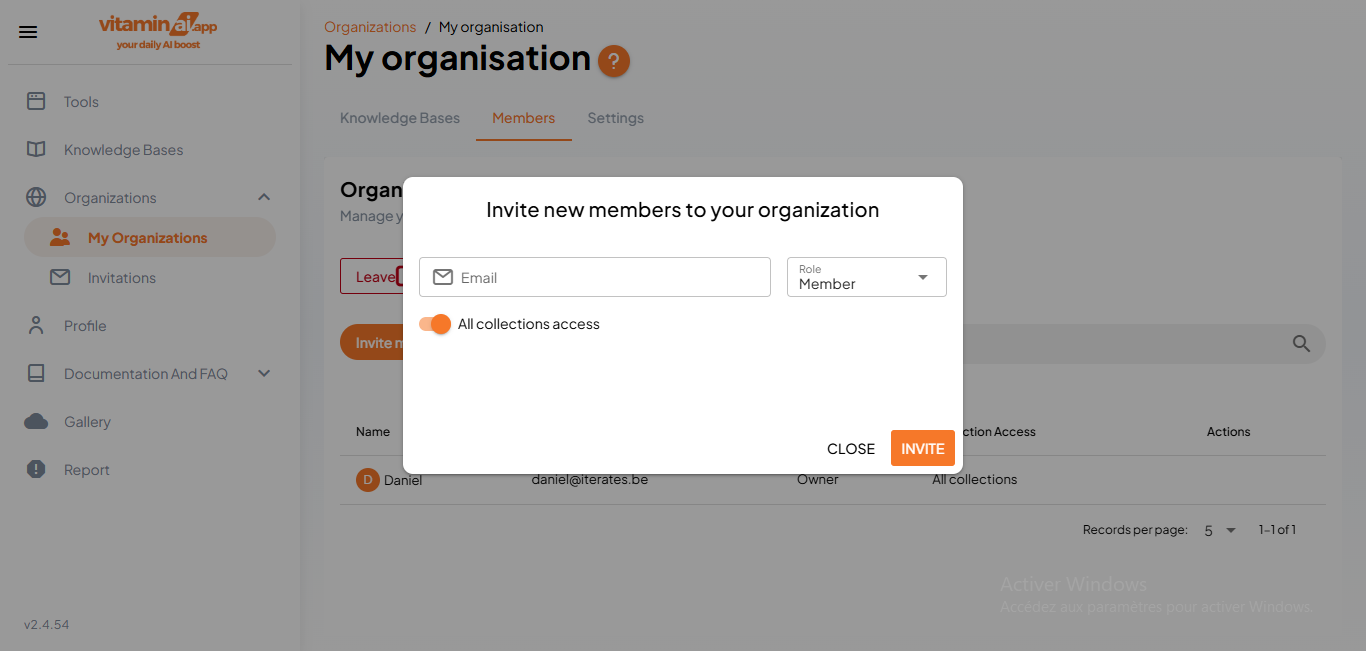
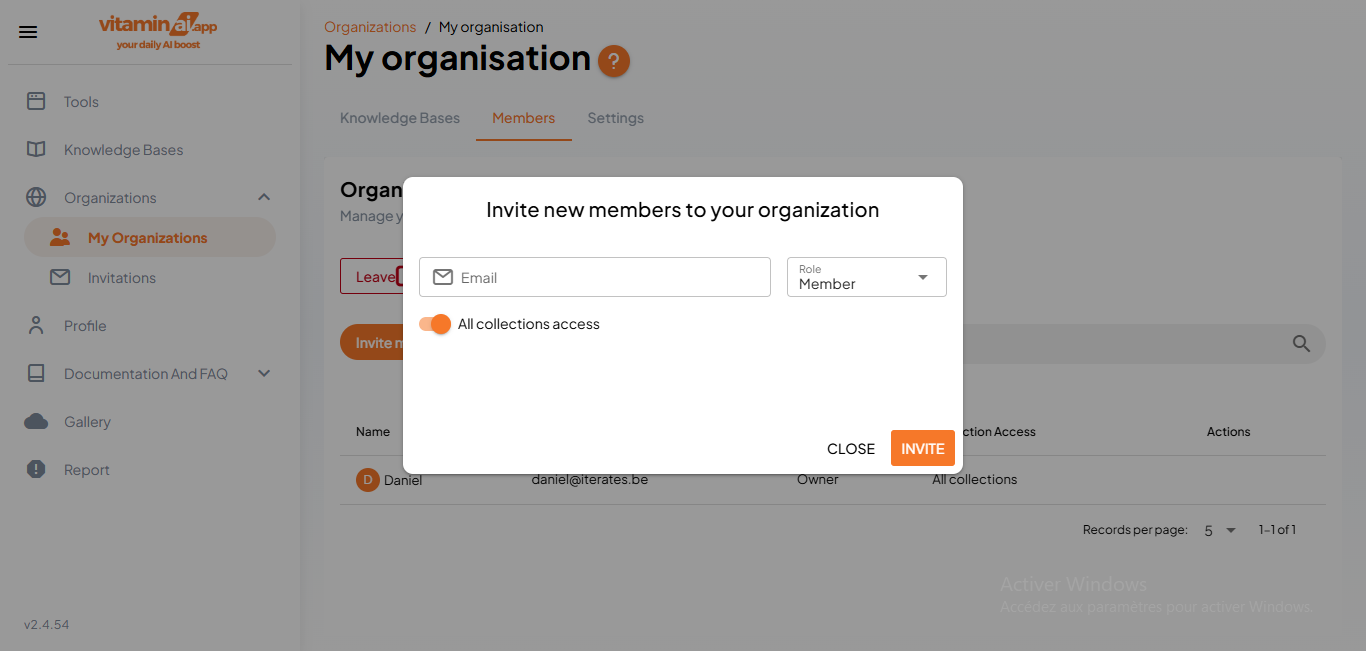
Enter the invited user's email
6
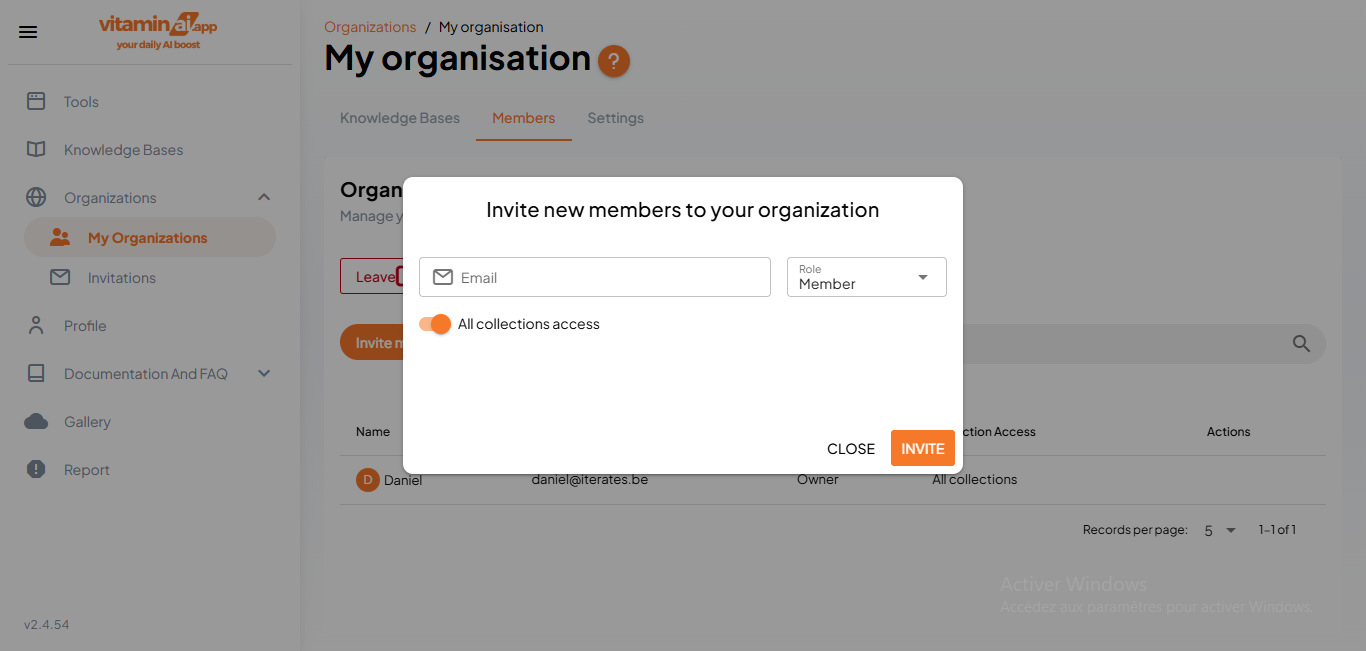
Click on "Member"
7
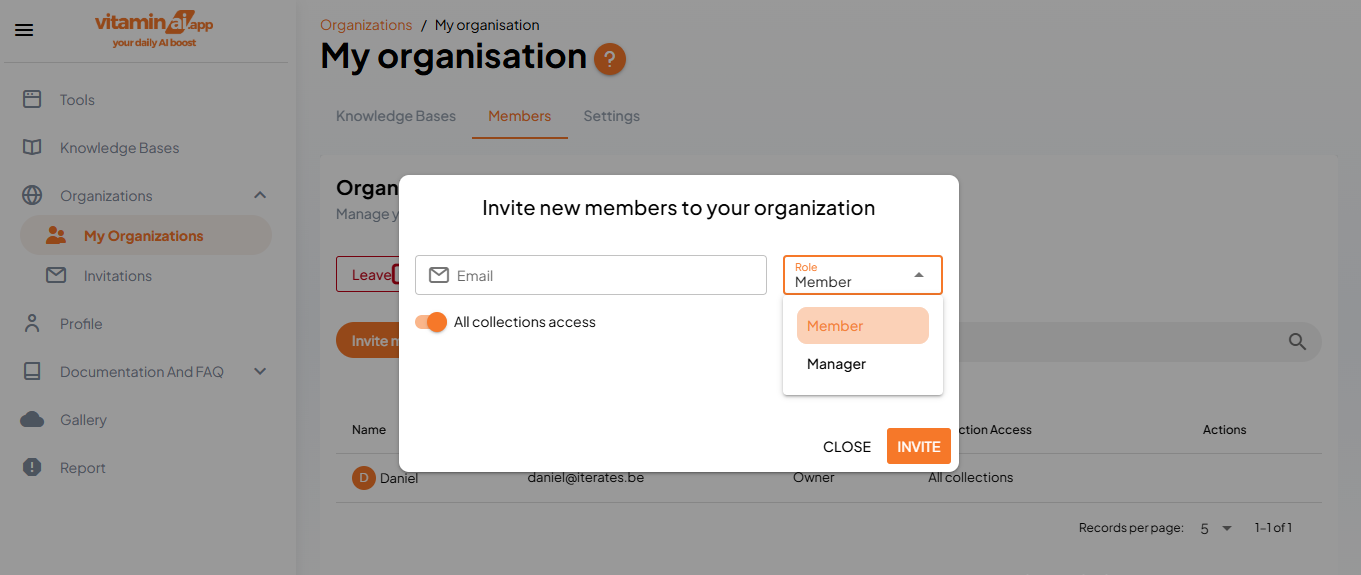
Choose the user's role and authority in the organisation
8
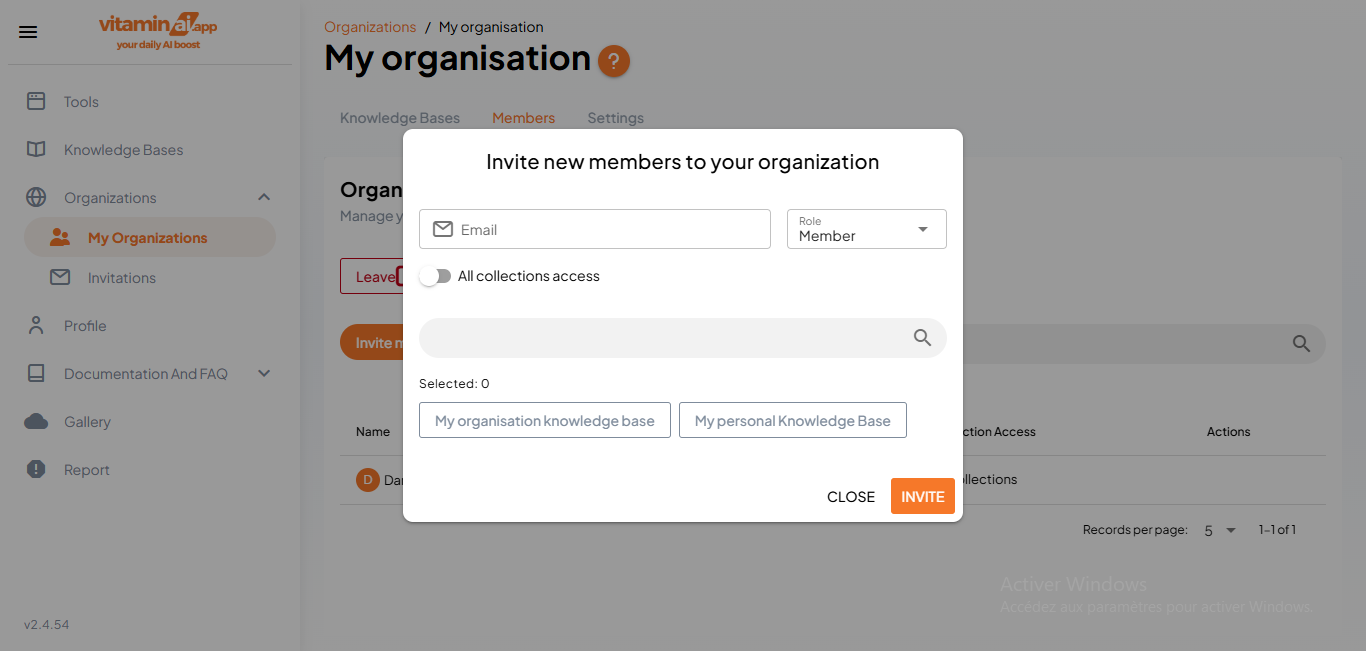
Choose if you want the user to access all collections (Knowledge Bases) or specific ones
9
In case of specific collections access, choose the collection the user will have access to
10
Click on "Invite" to send the invitation