
Sign Up - Guidejar
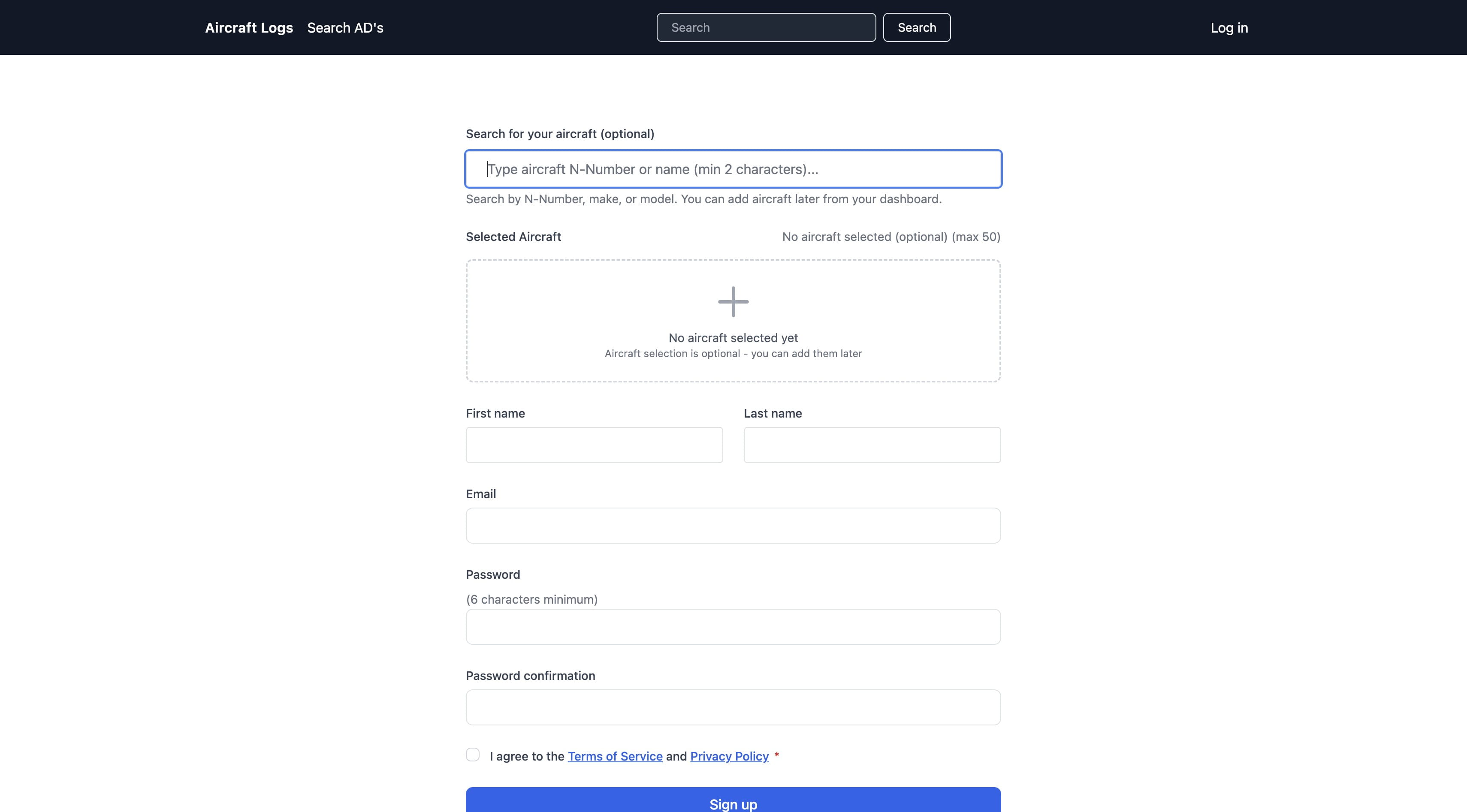
Signing up creates an account. If you select one or more aircraft from the FAA database aircraft-logs will create the aircraft, search for and ad airworthiness directives and create the appropriate logbooks.
Click here Start typing the aircrafts registration number without the N
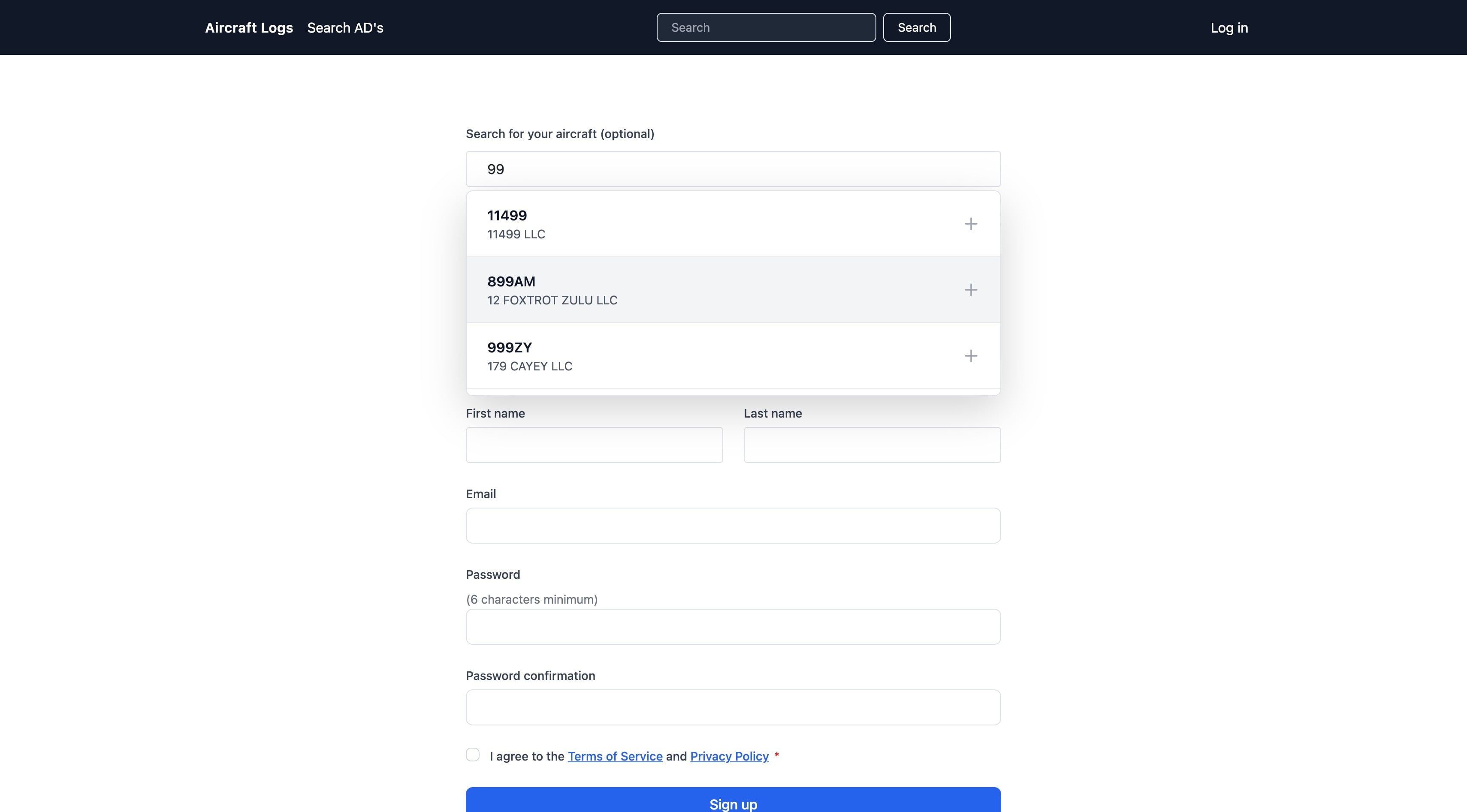
Select your aircraft
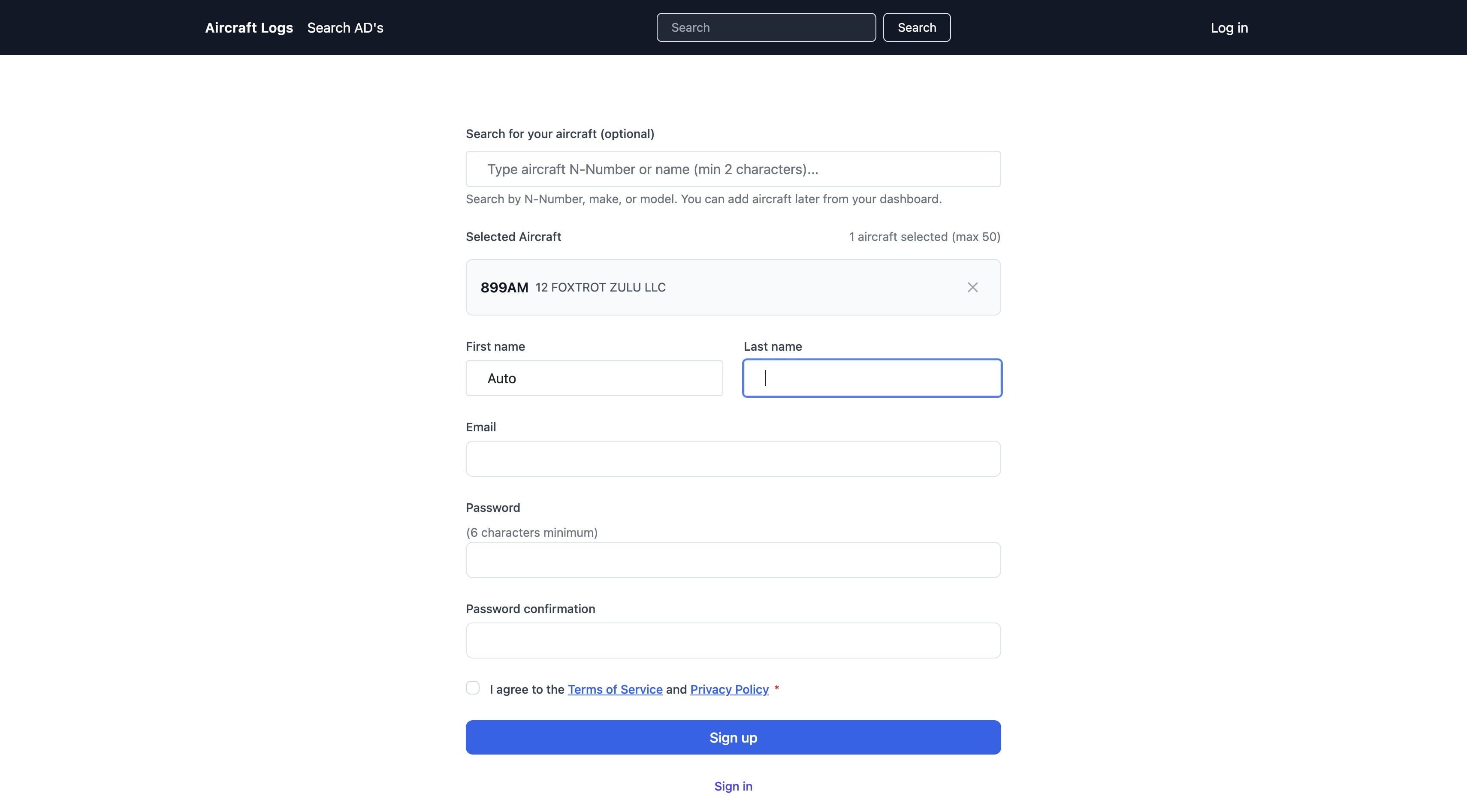
Click here Enter your first name
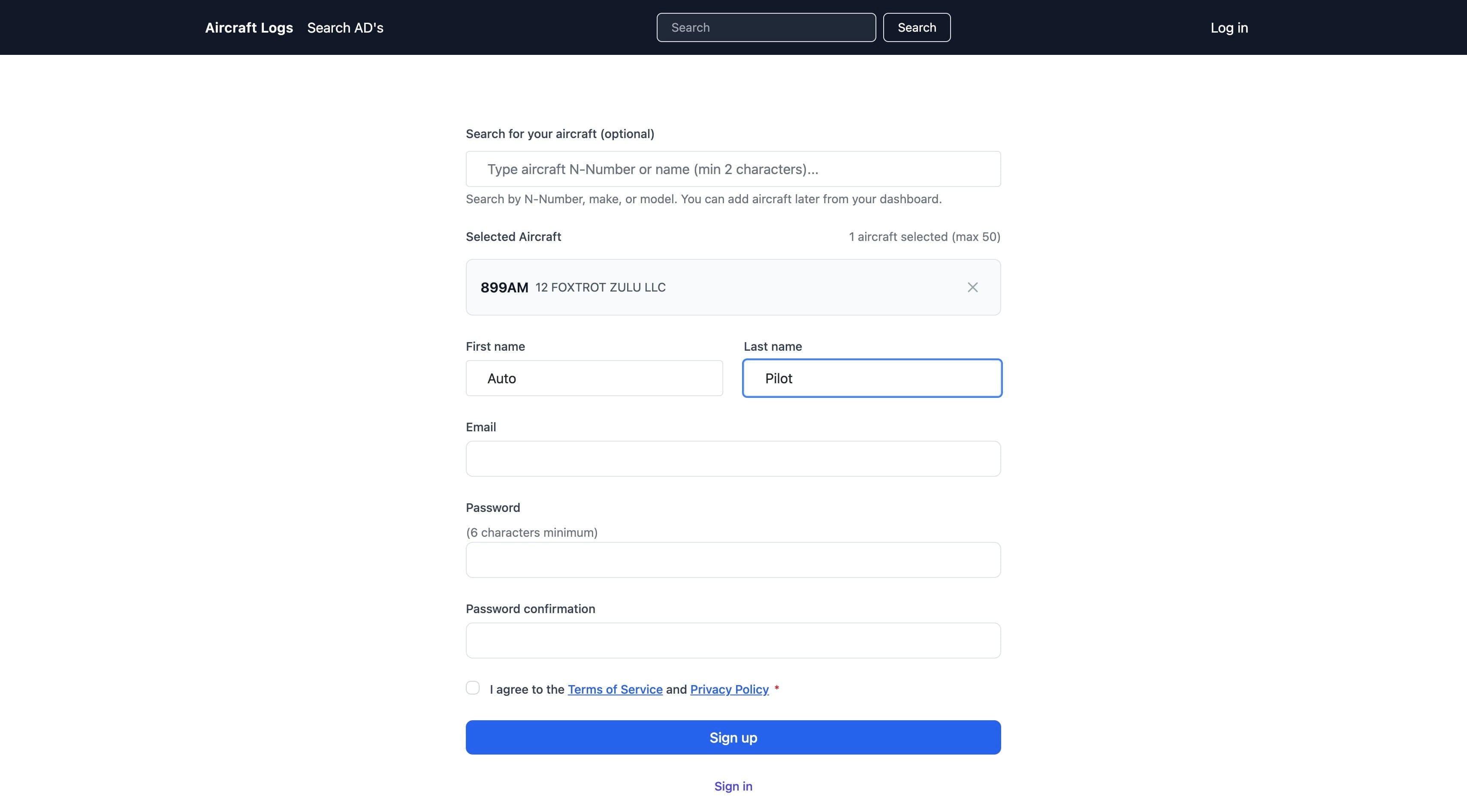
Click here Enter your last name
Click here Enter your email This will be your username
Click here Enter a password
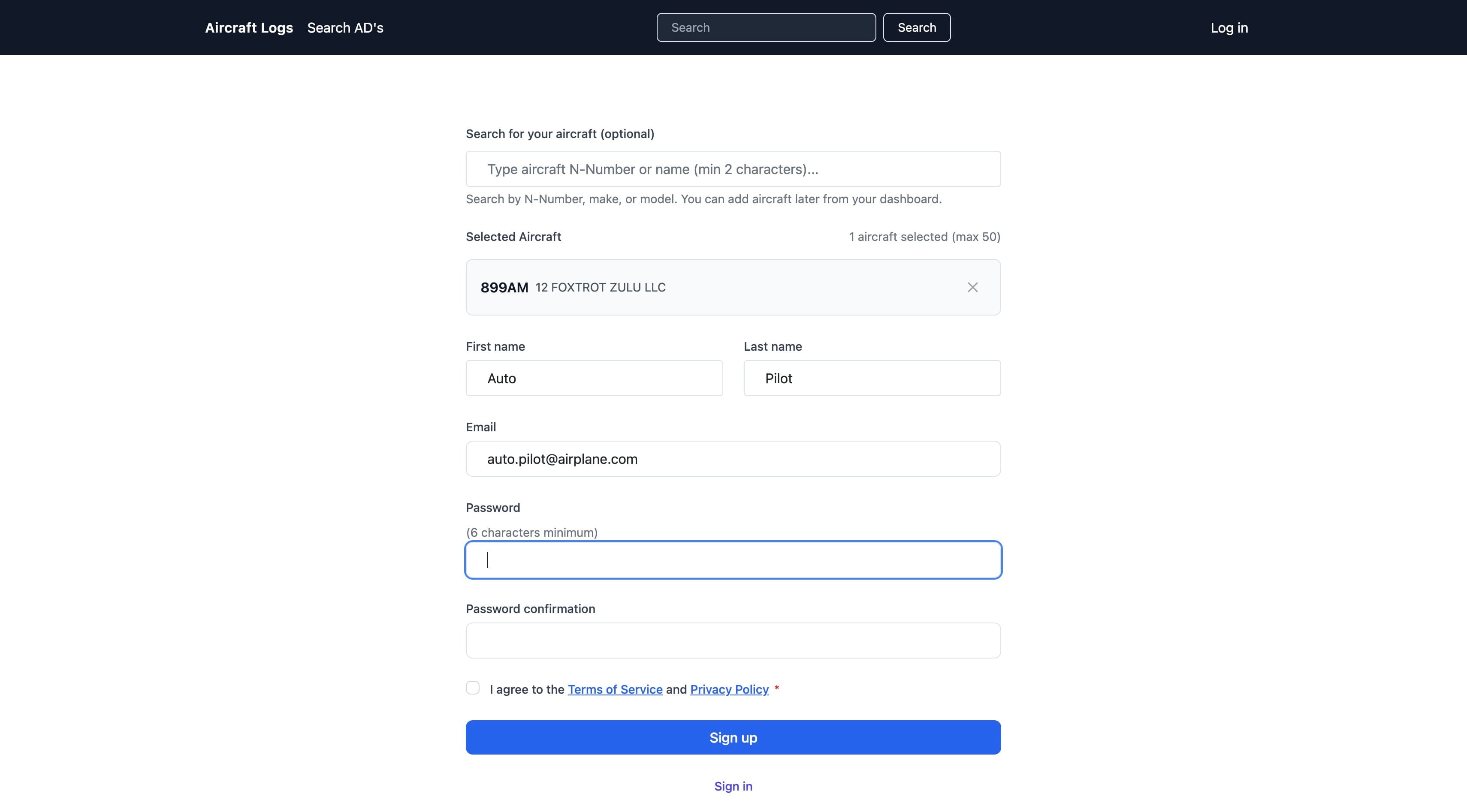
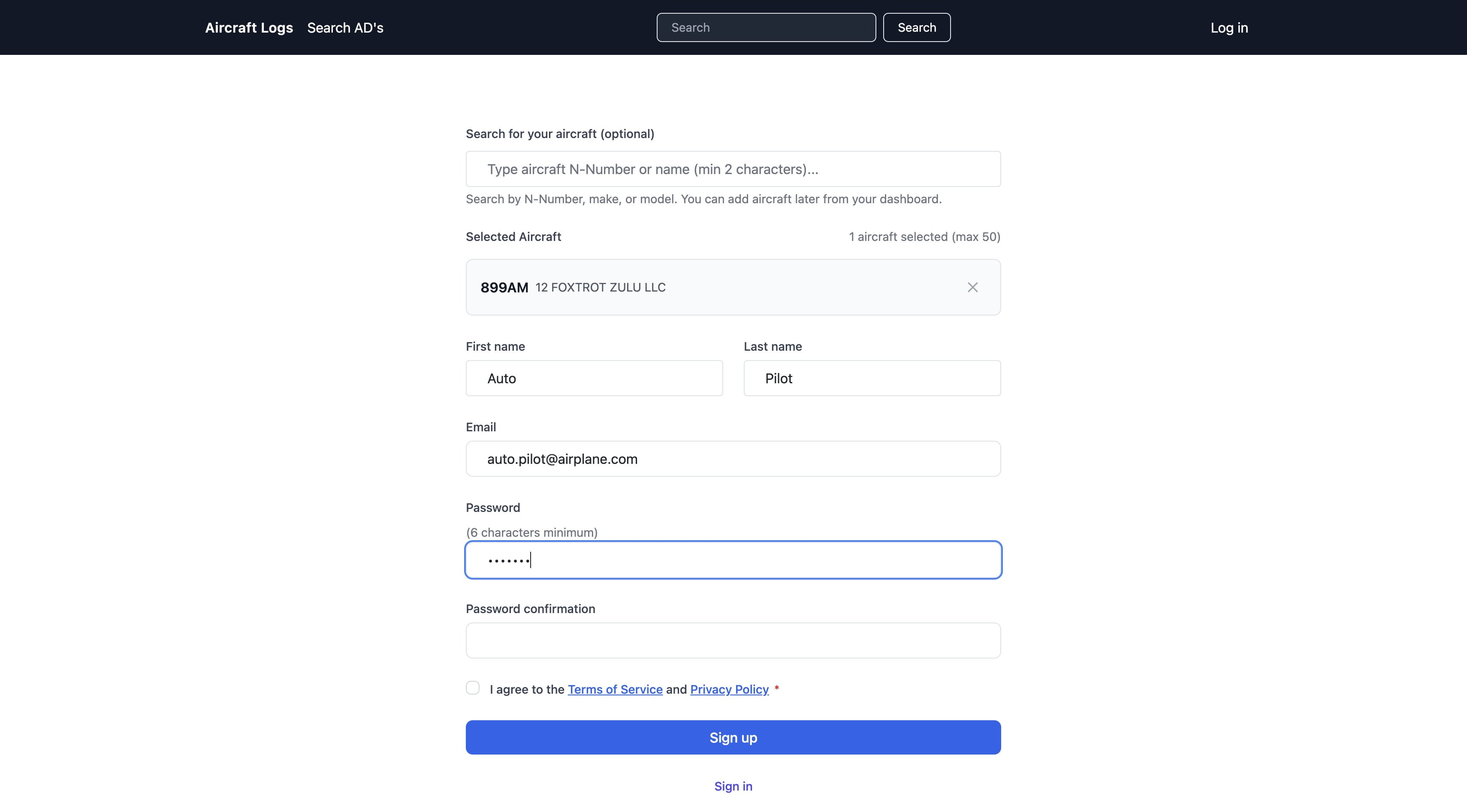
Click here Confirm your password
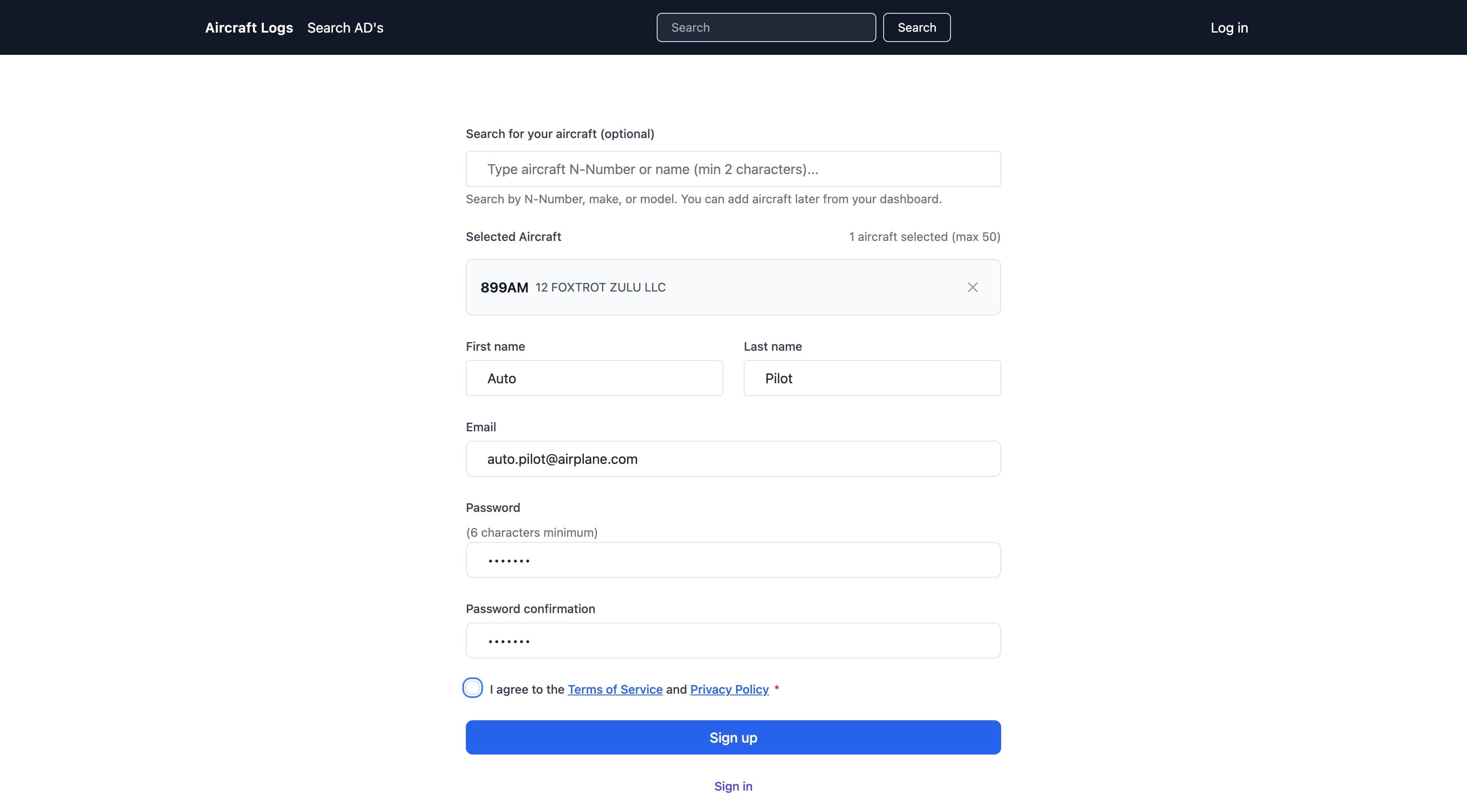
If you agree to terms of service click here
Why no N in the n-number?
- Your question goes here
The application is built around FAA source data. In FAA systems the aircraft registration number is stored without the leading “N”. To ensure exact matching with FAA records, searches and displays in the application use the same format.
- Do I have to lookup my aircraft?
No. You can create an account without adding an aircraft and add one later at any time.
You are also not required to match an FAA registration number. You may enter any registration number and manage any aircraft you choose. This allows the system to be used for projects, restorations, historical aircraft, or non US registered aircraft.
FAA matching is optional and only required when you want to link FAA data such as airworthiness directives or registration details.
- What happens after I click sign up?
After you sign up, we create your account and send a confirmation email to the address you entered.
Click the link in that email to verify your email address and activate your account. Once confirmed, you will be taken to your dashboard where you can explore the app, add an aircraft, or upload documents.
No aircraft is required to get started, and no payment is collected during signup.

Wanna create guides just like this?
Try Guidejar today.
Create informative guides and interactive product walkthroughs effortlessly with Guidejar and let your team always find answers to their questions.