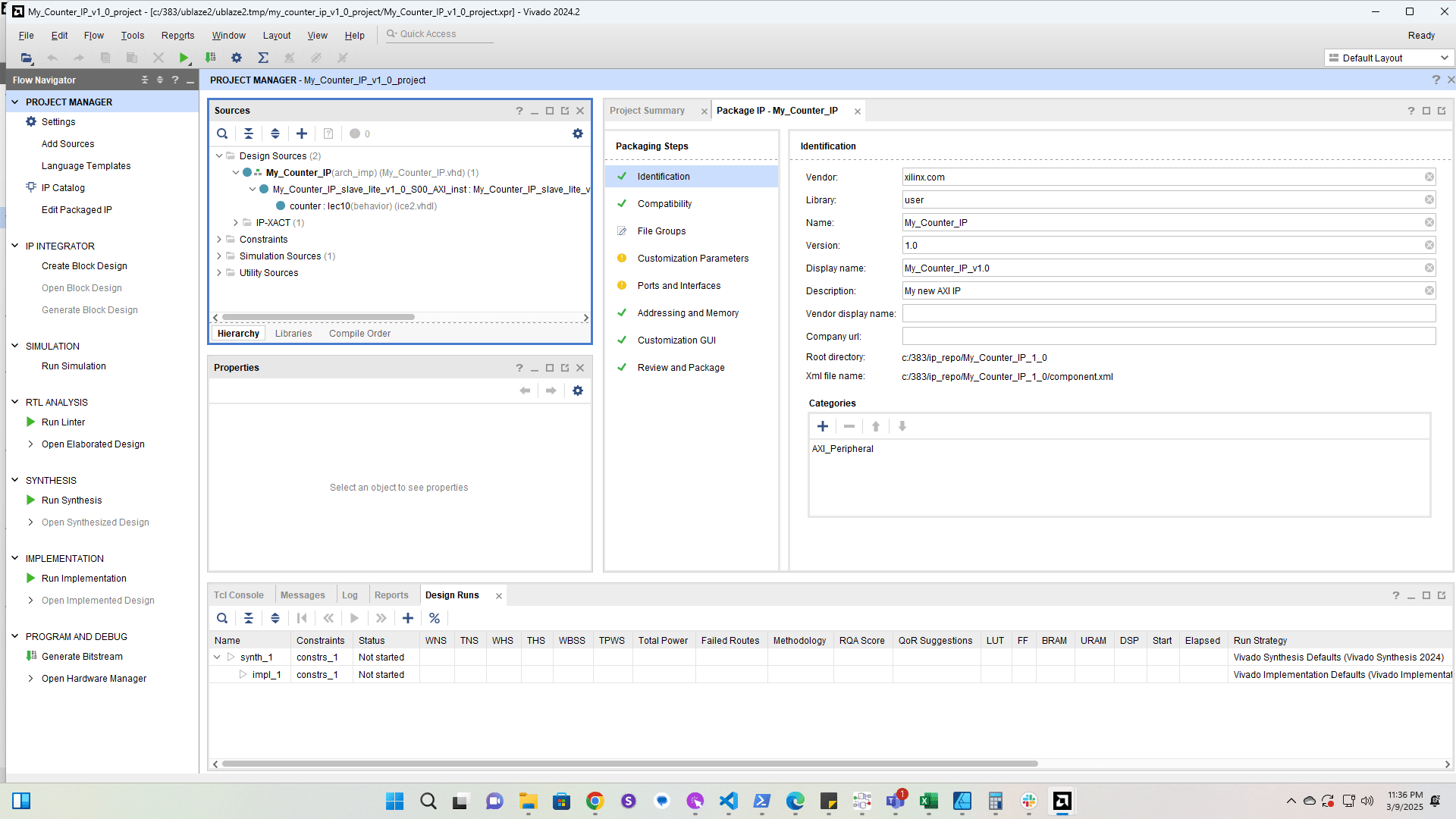
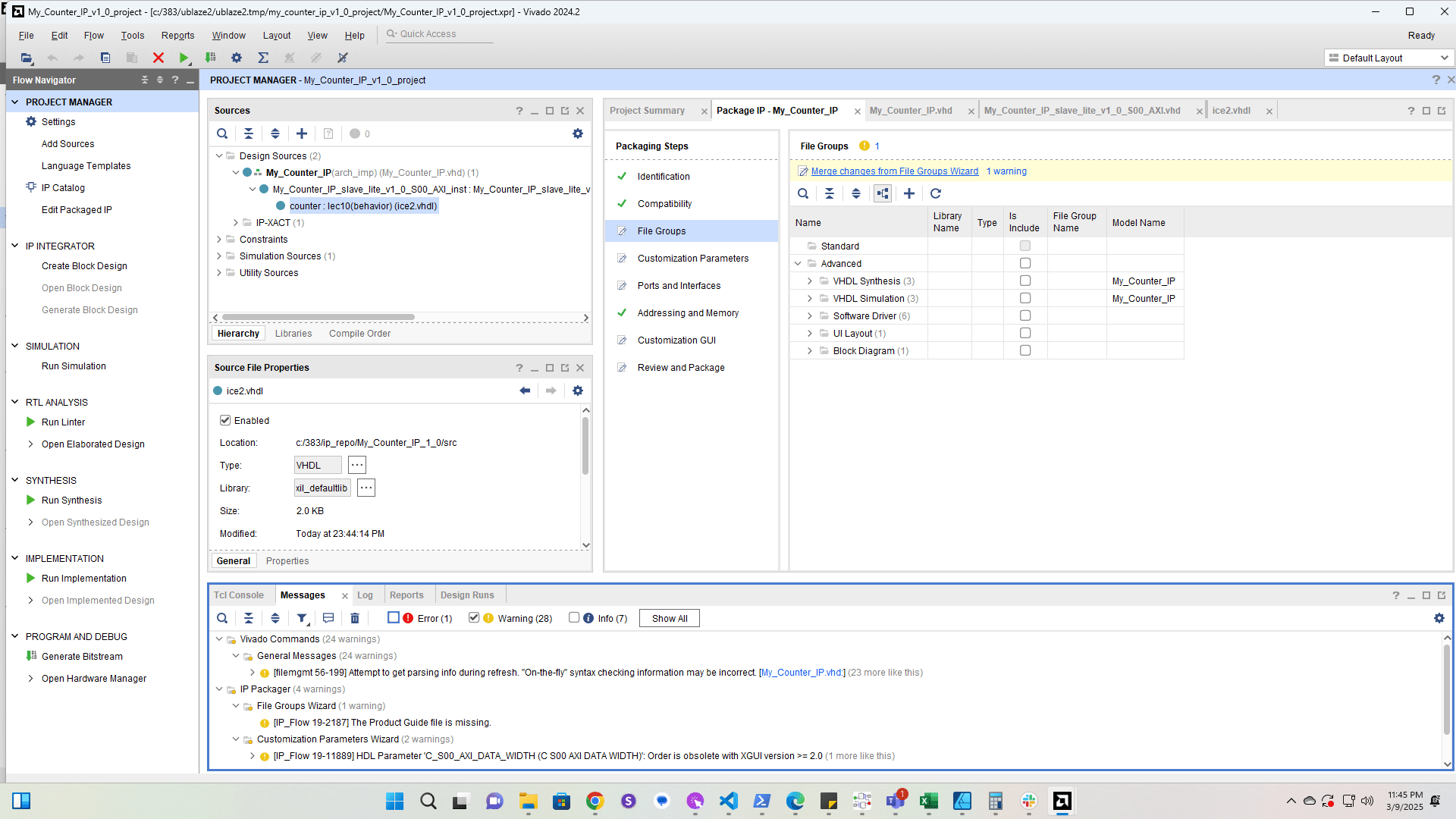
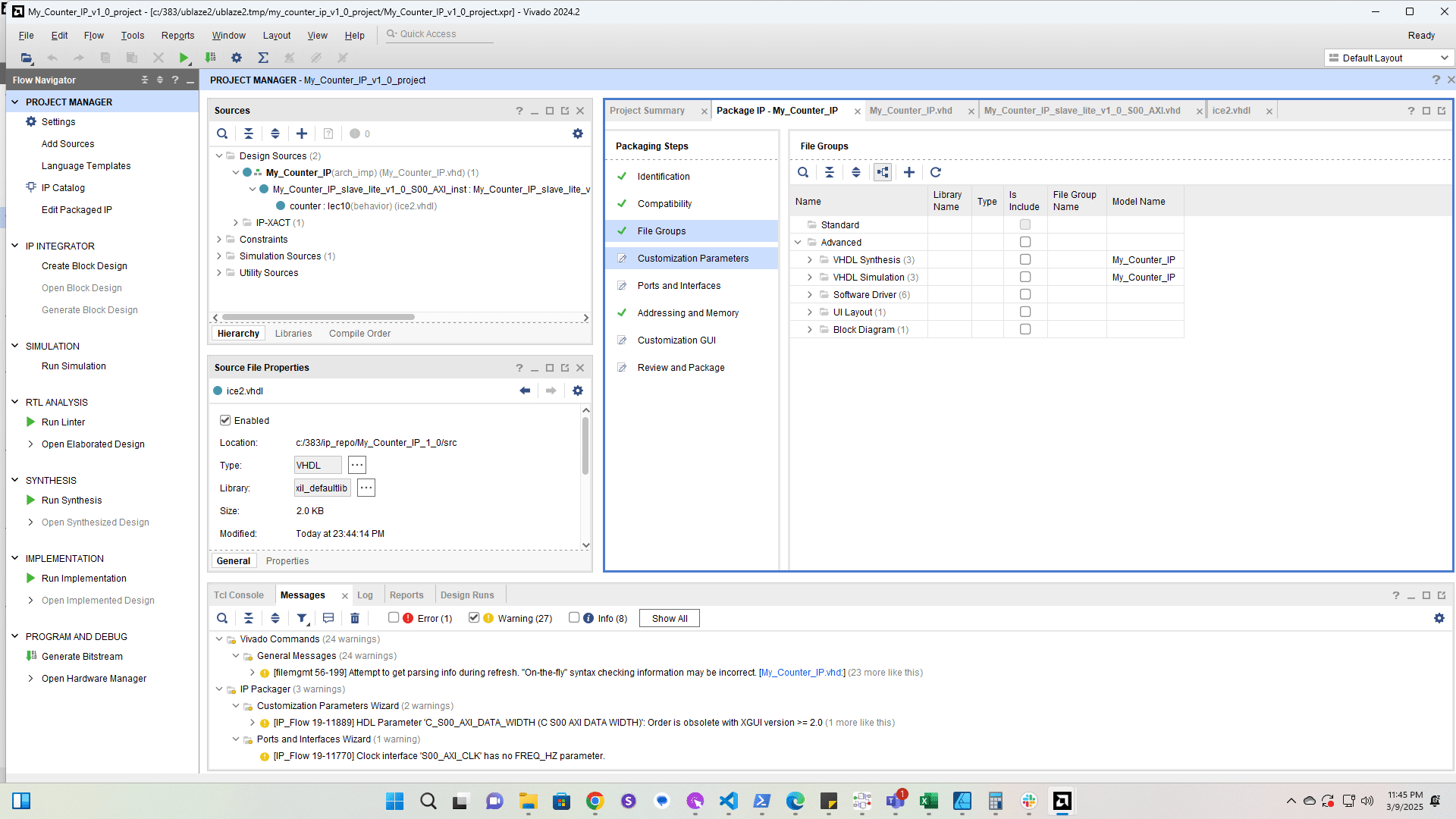
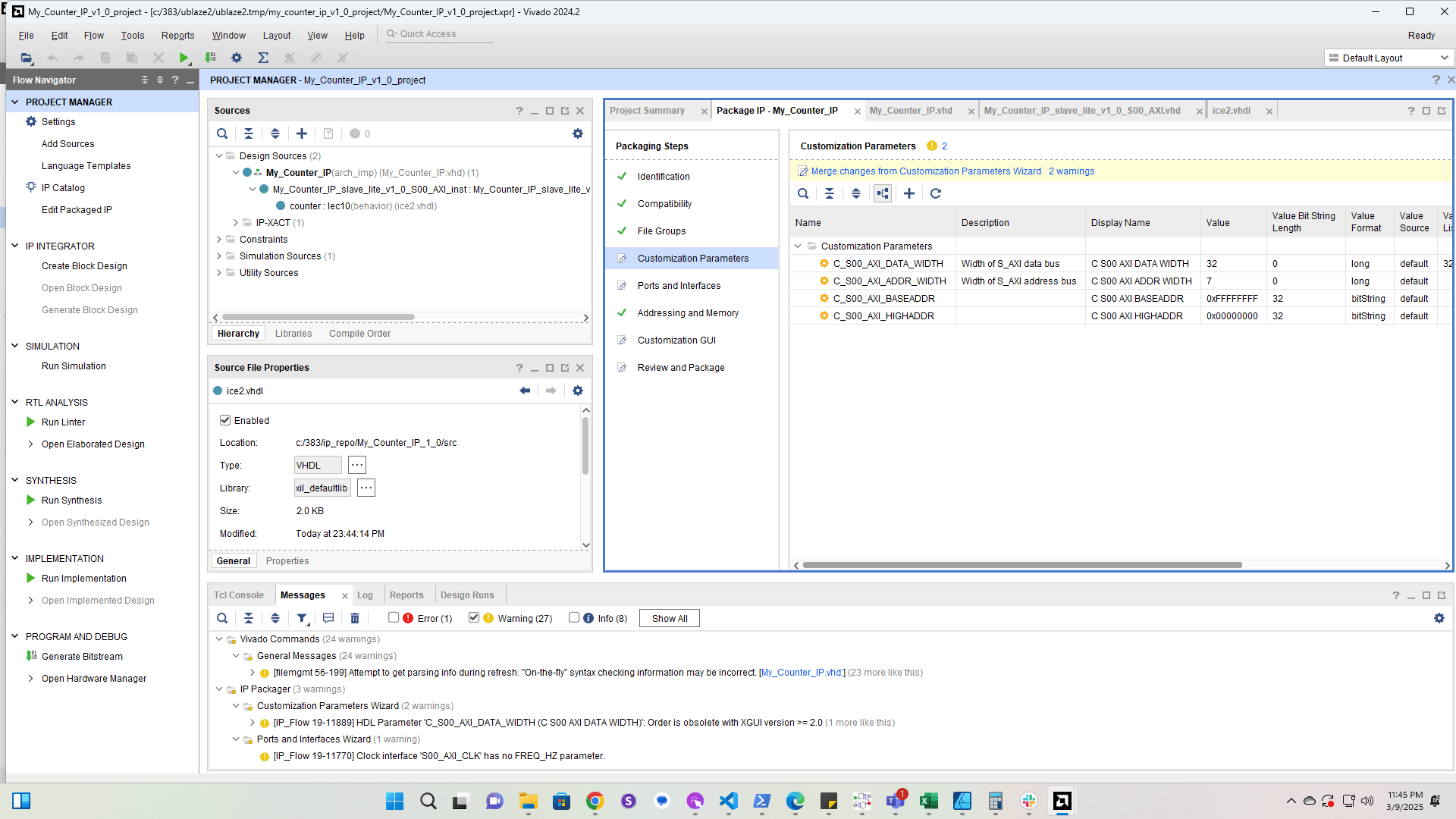
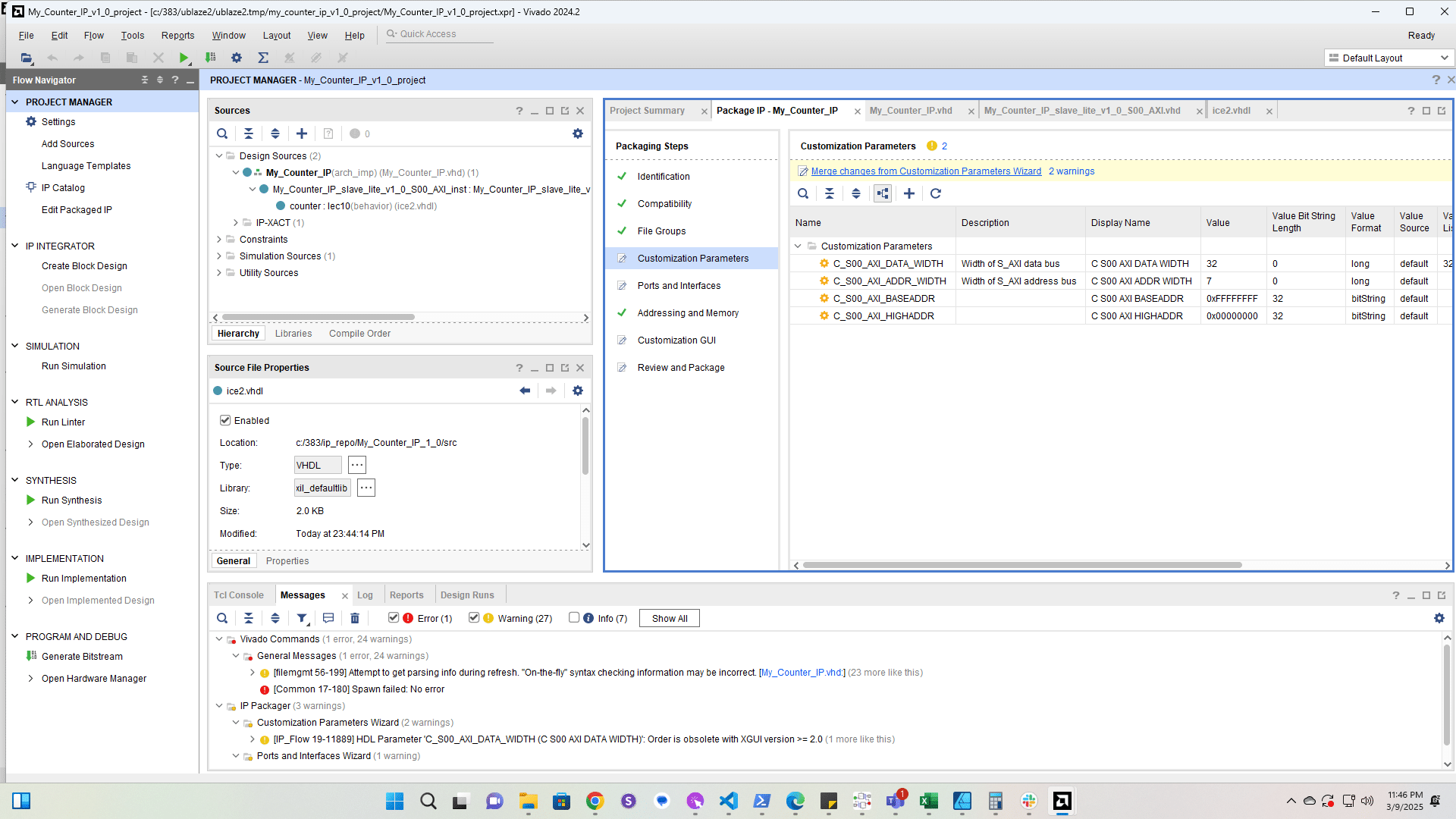
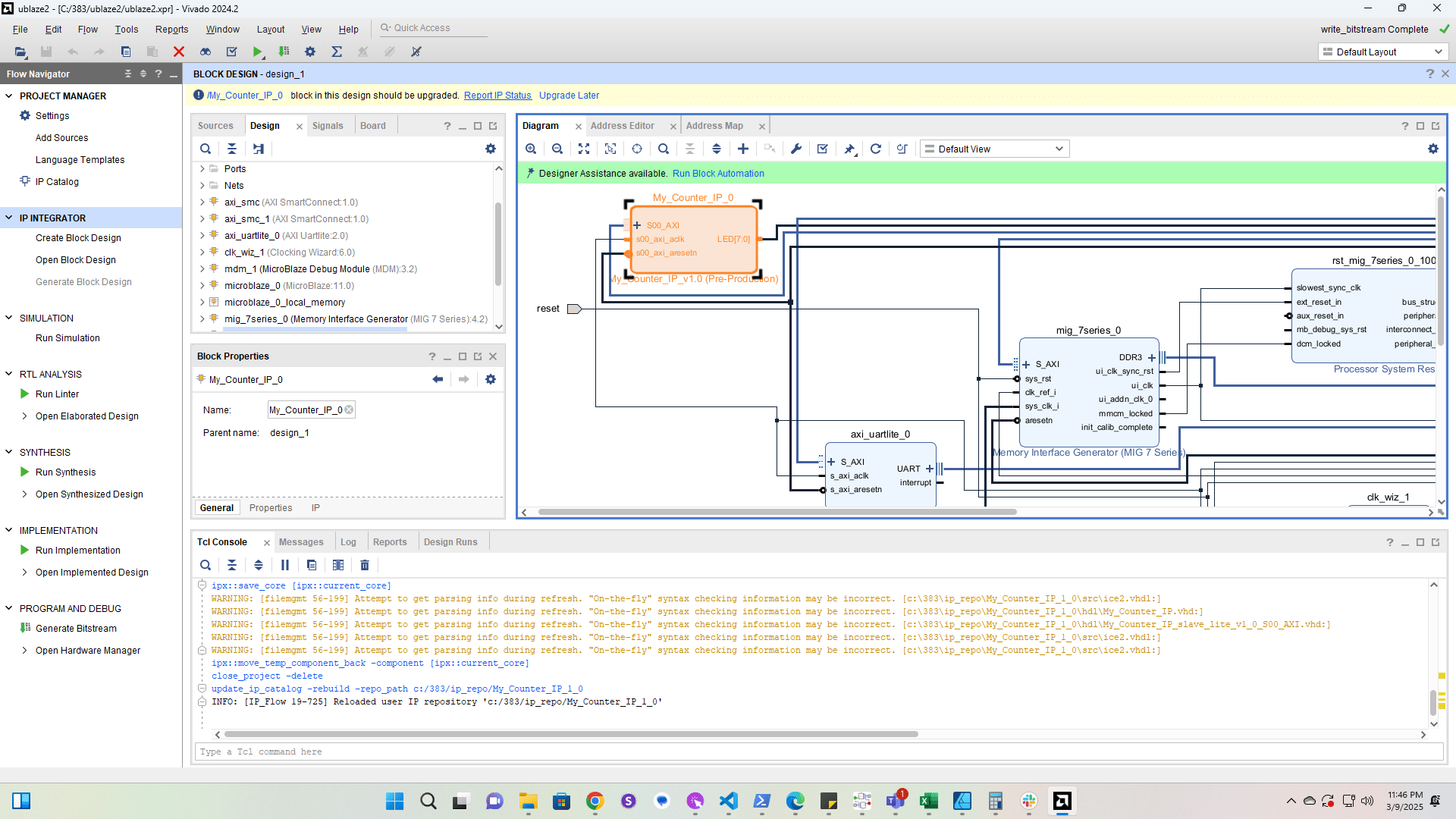
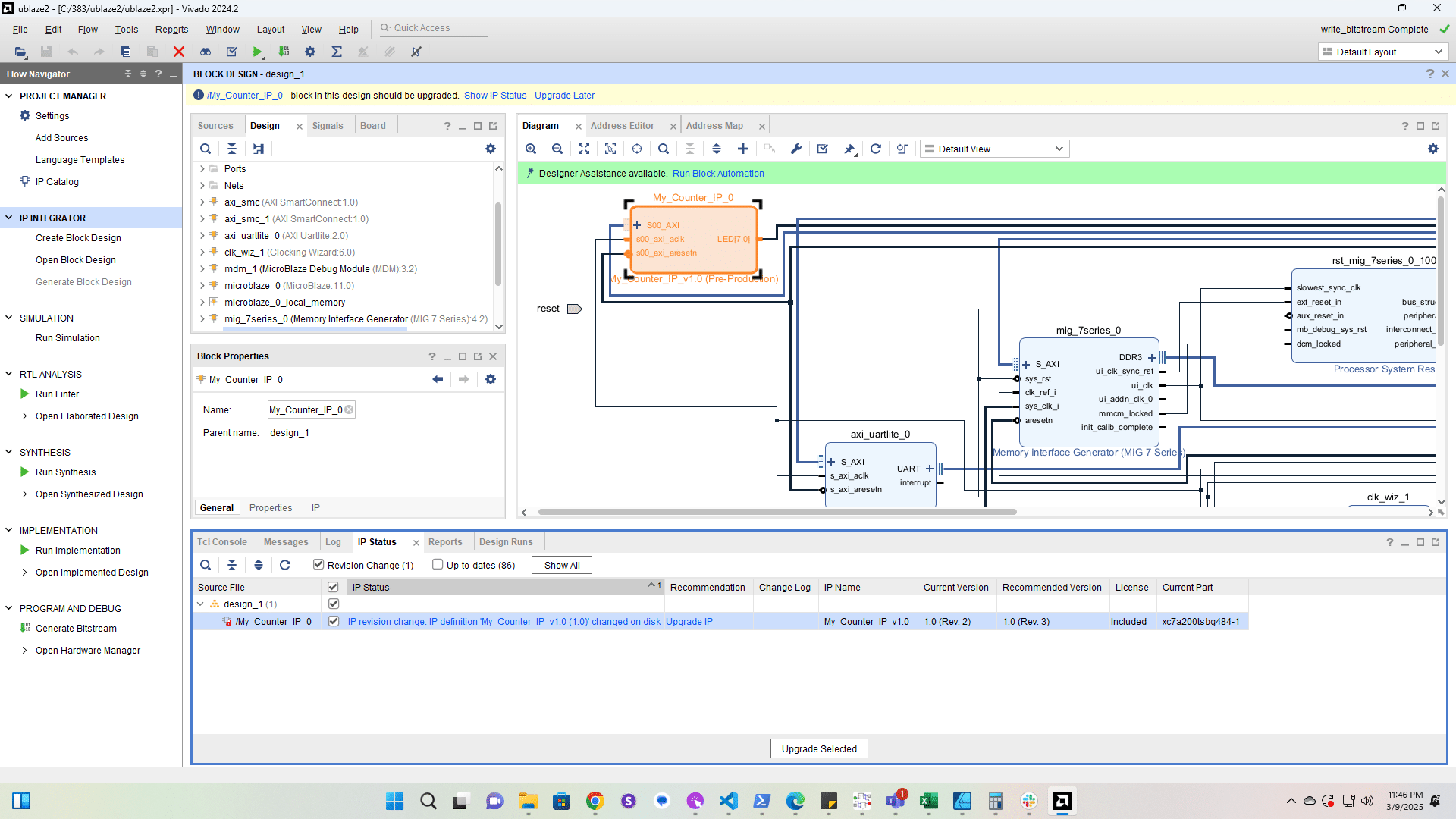
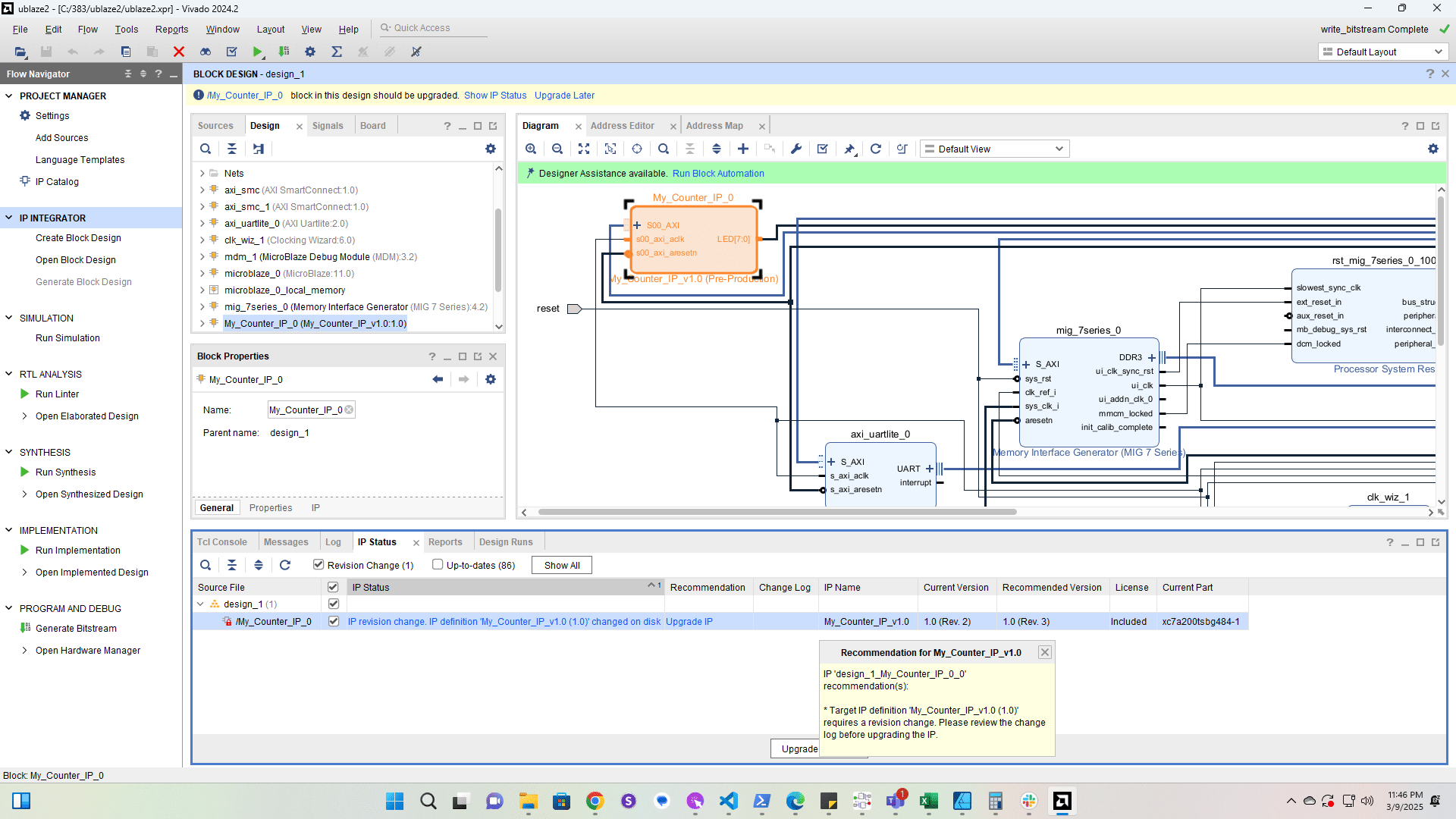
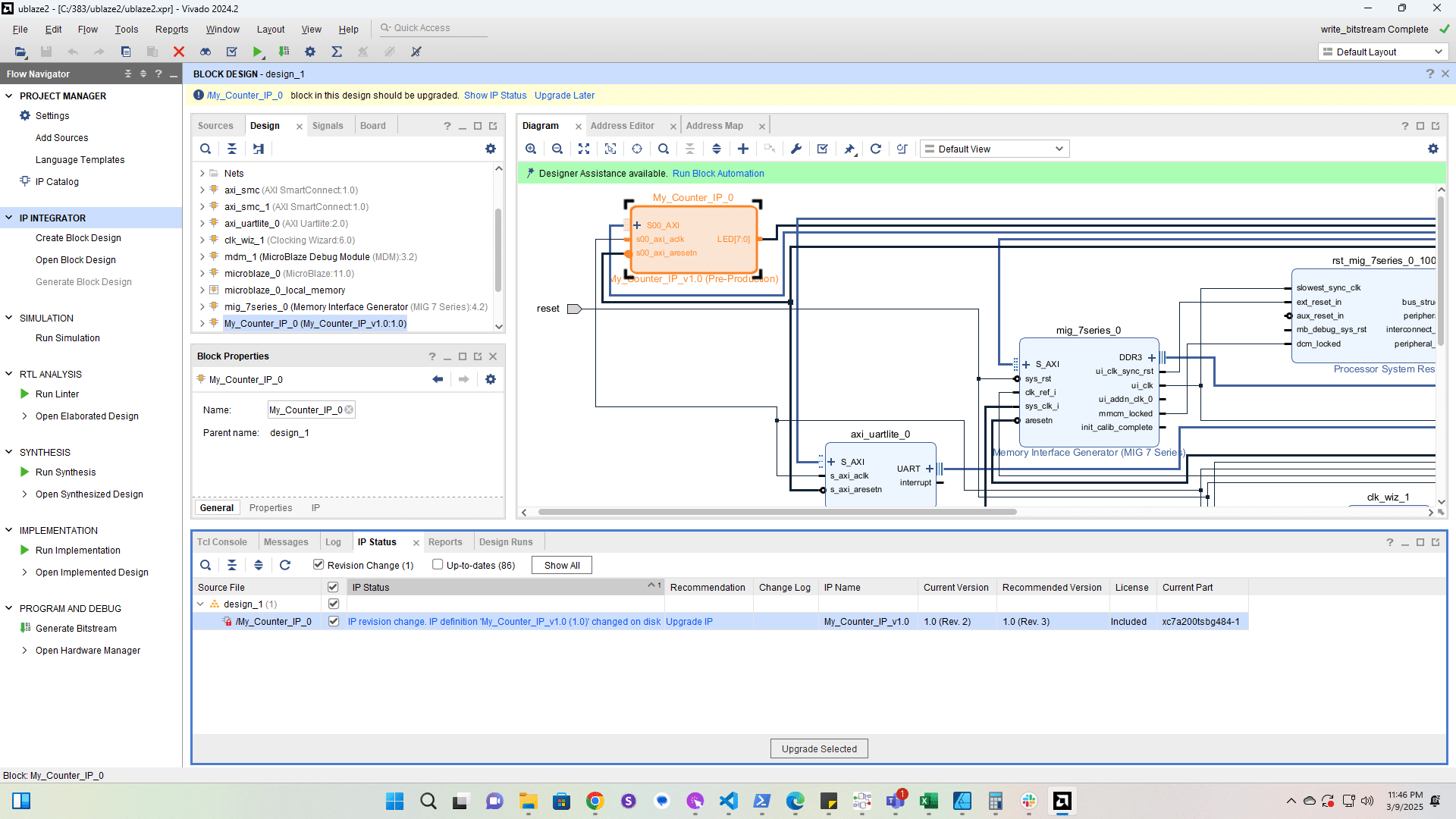
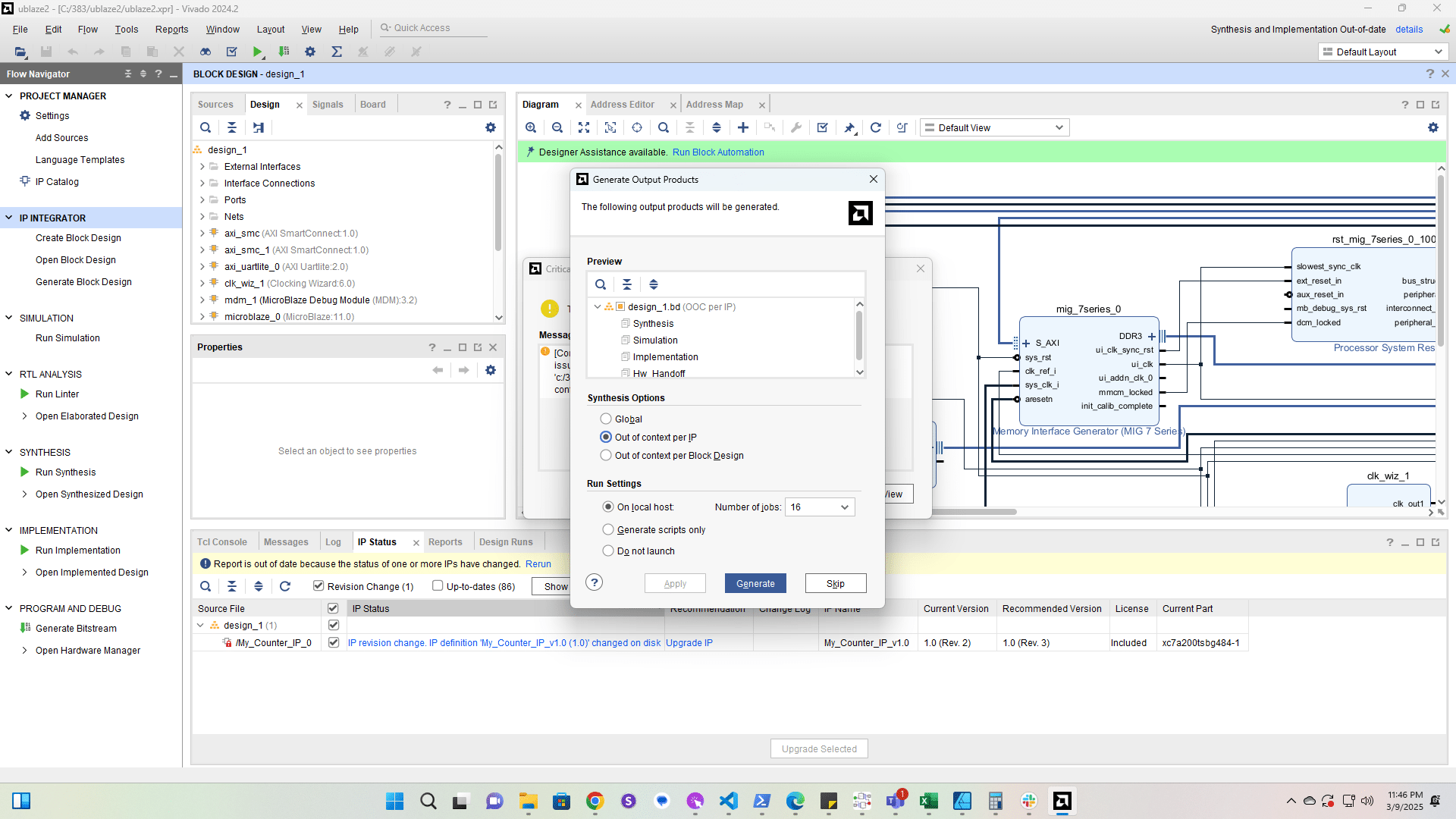
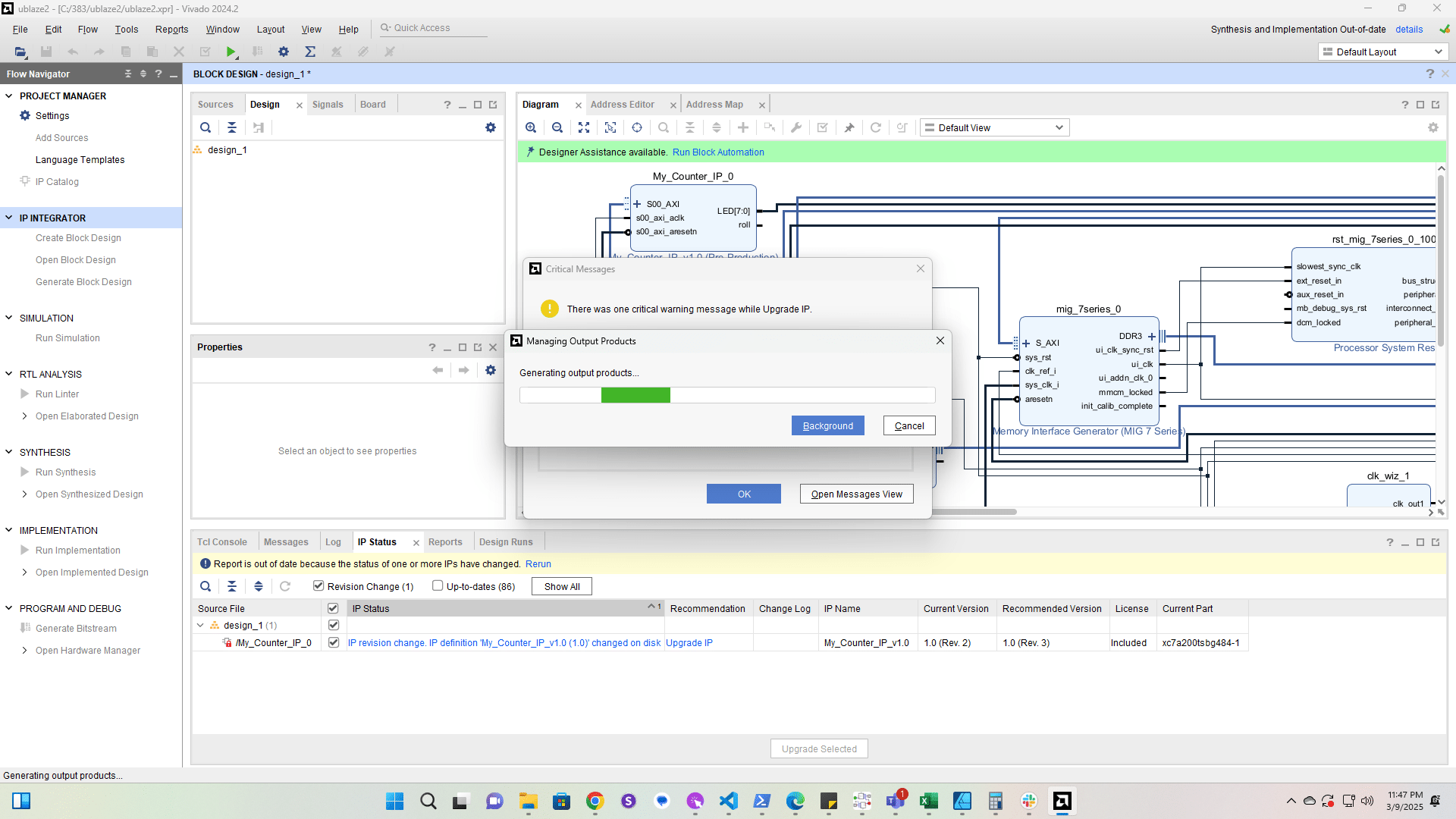
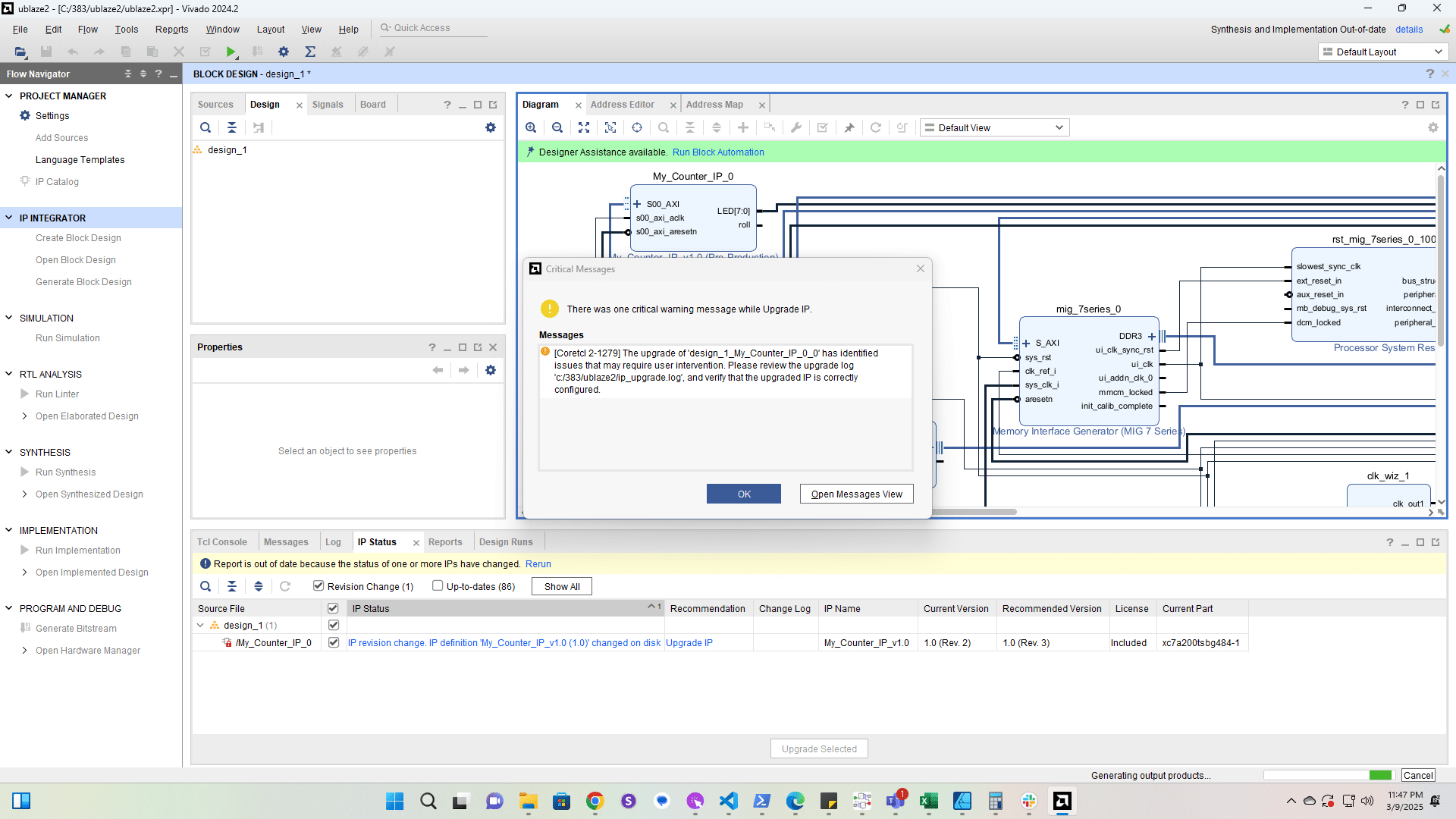
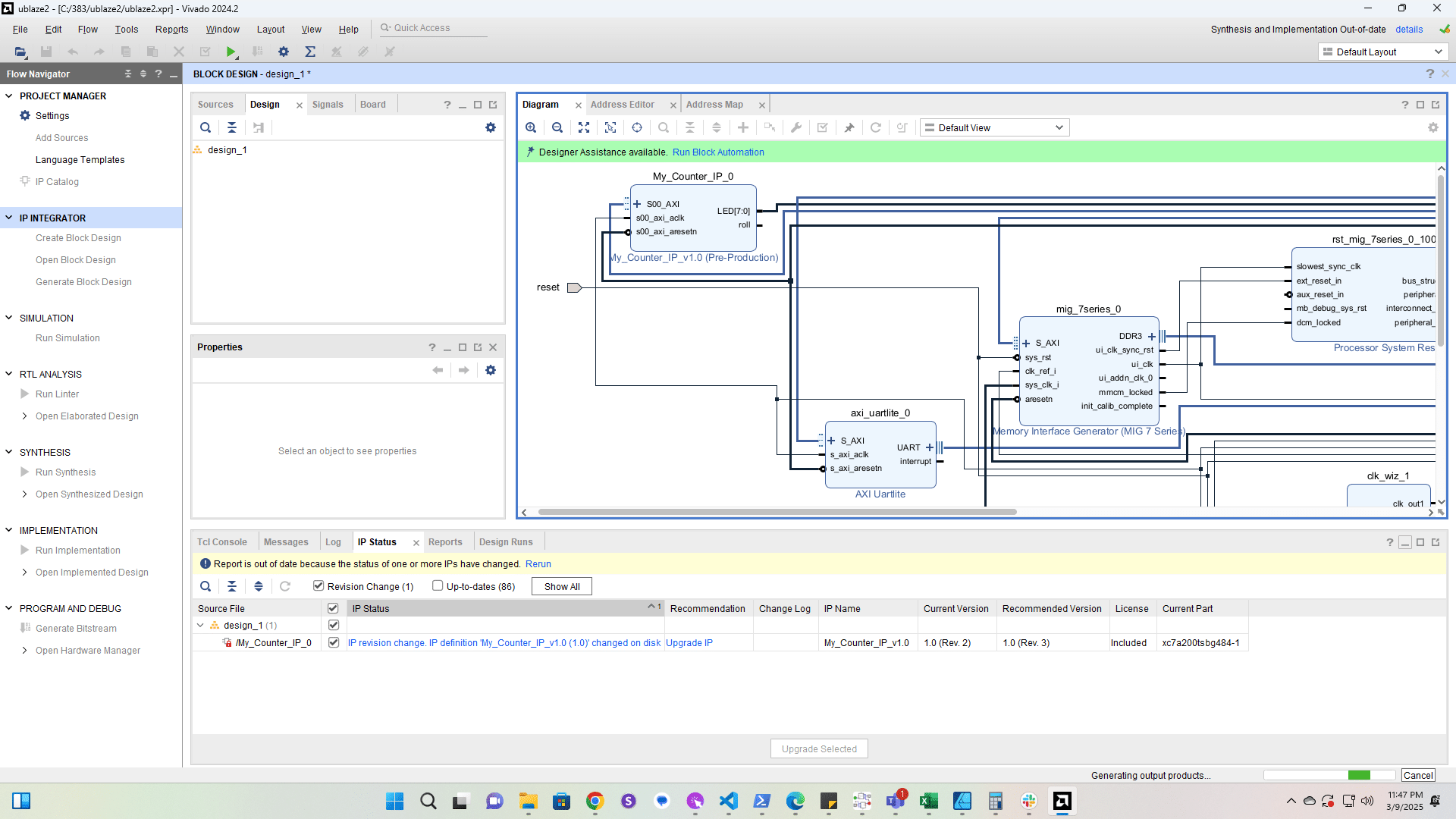
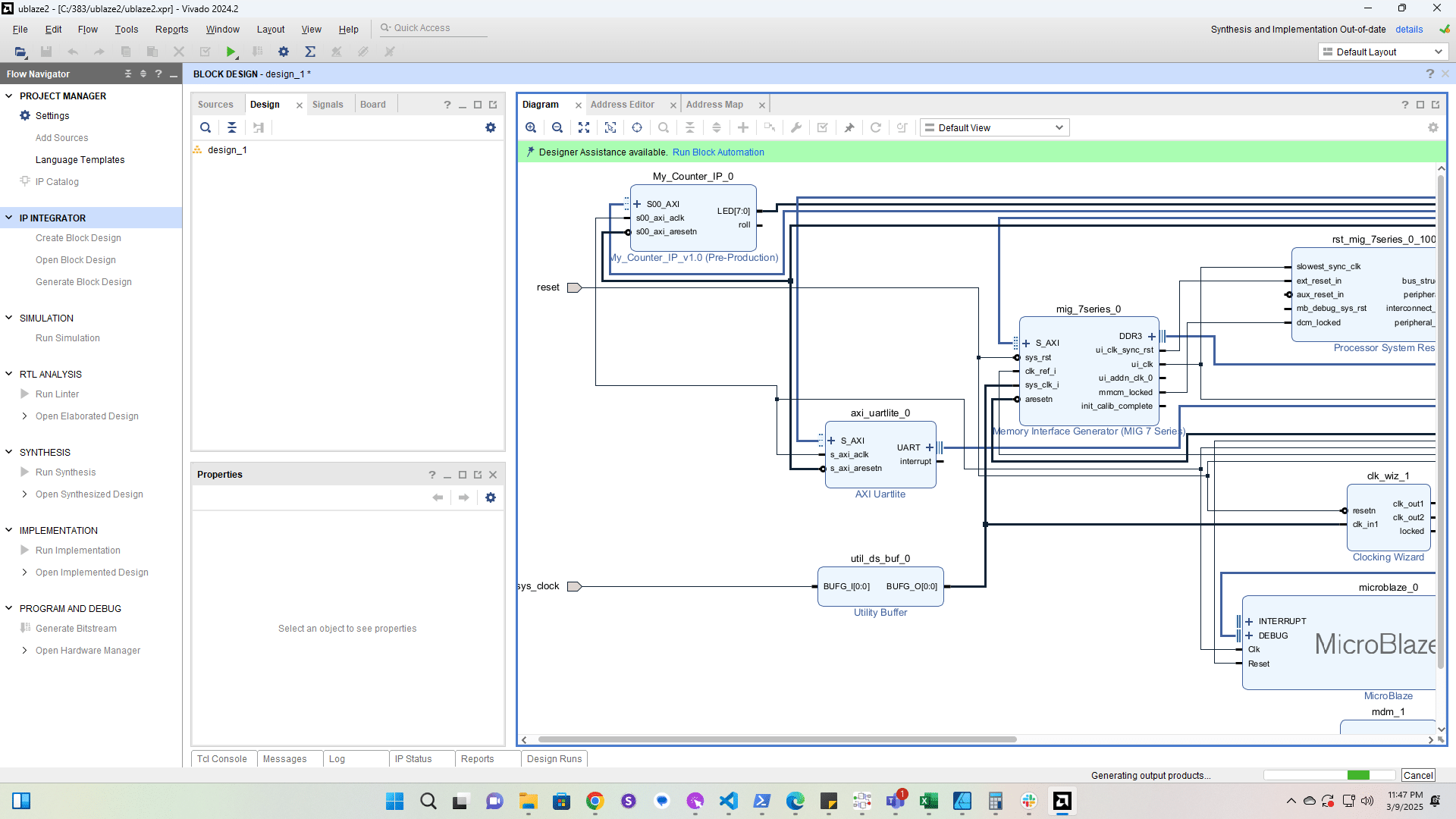
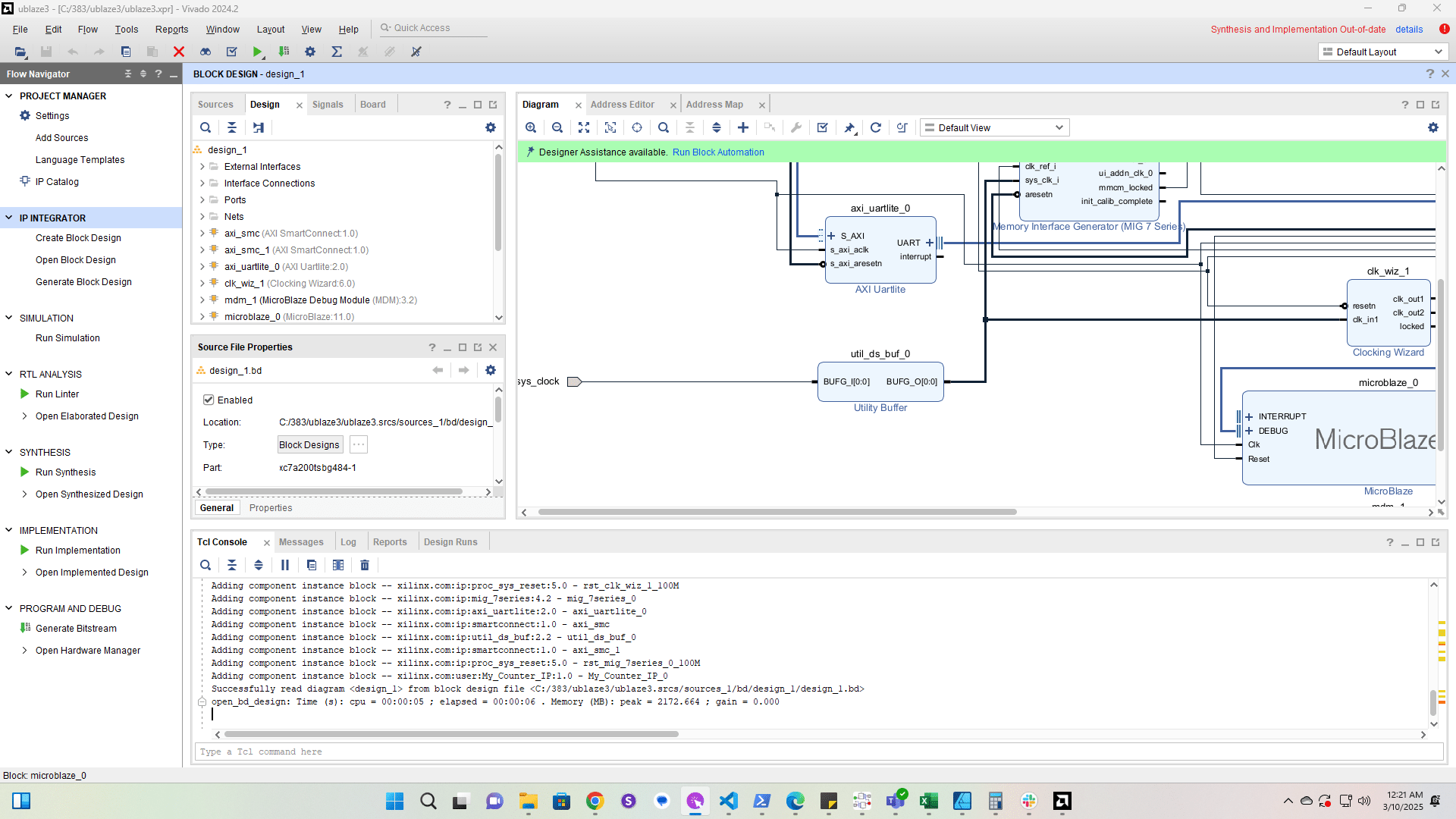
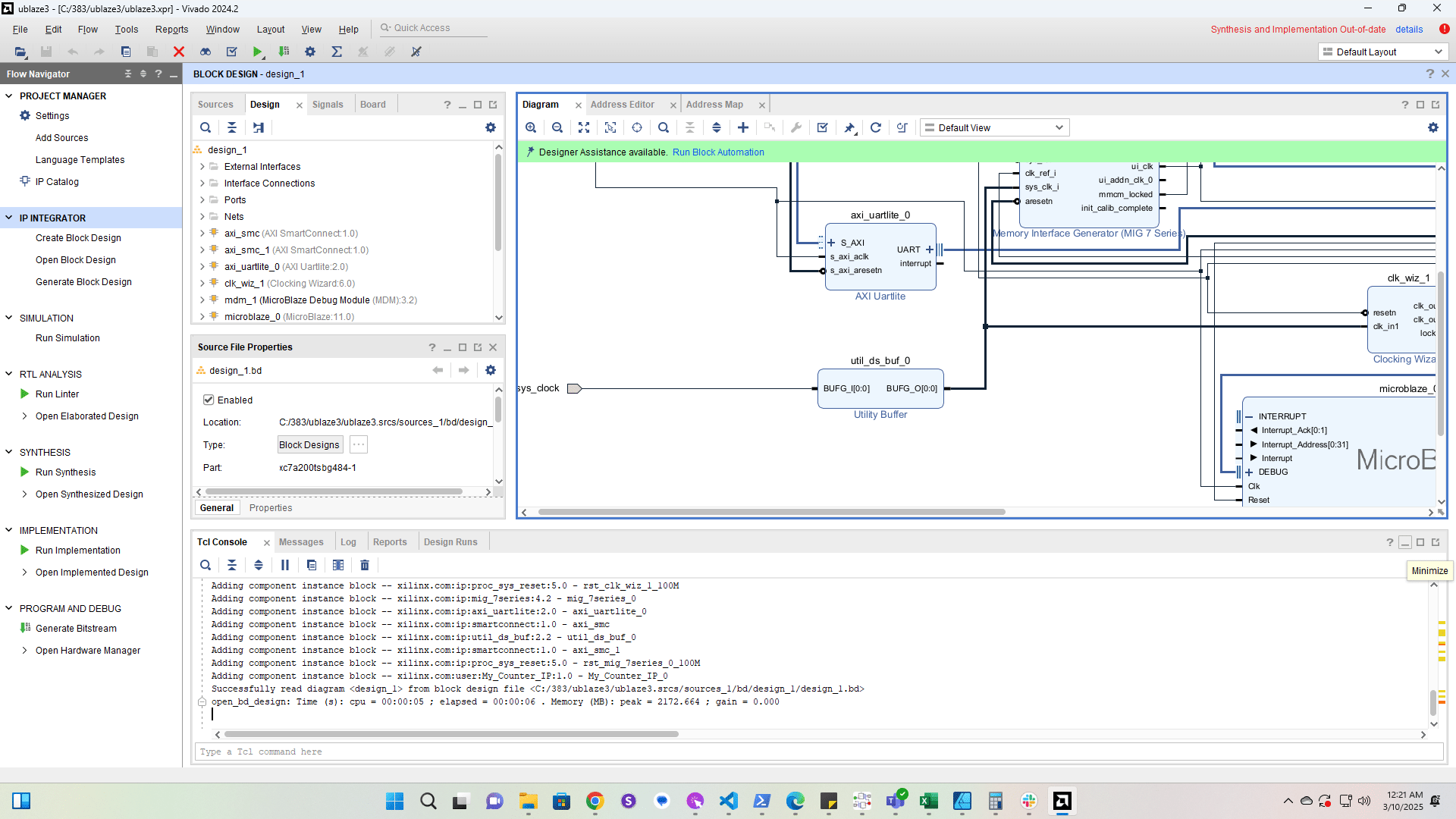
ICE 3 - Microblaze Interrupts - Part 1

1

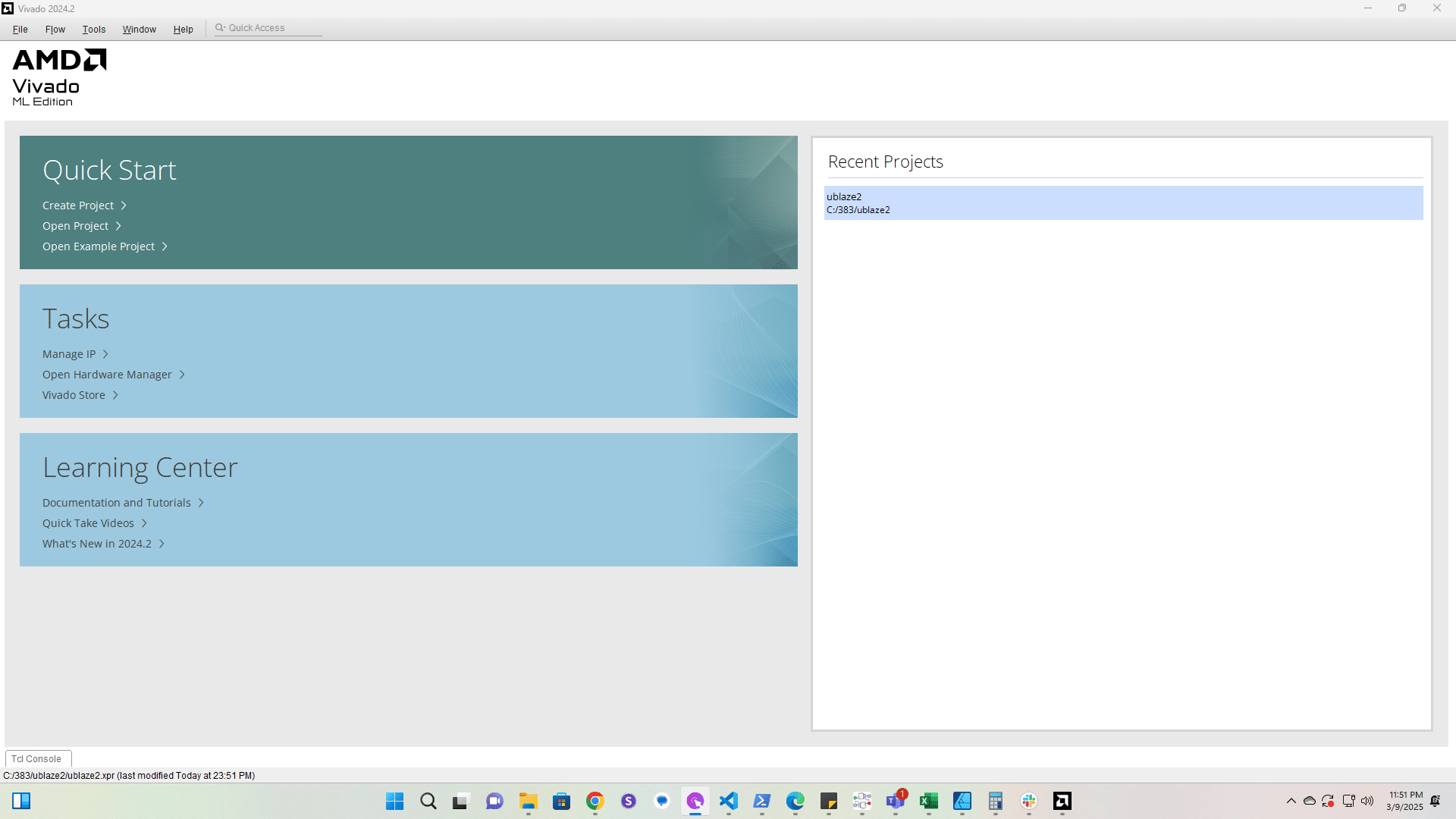
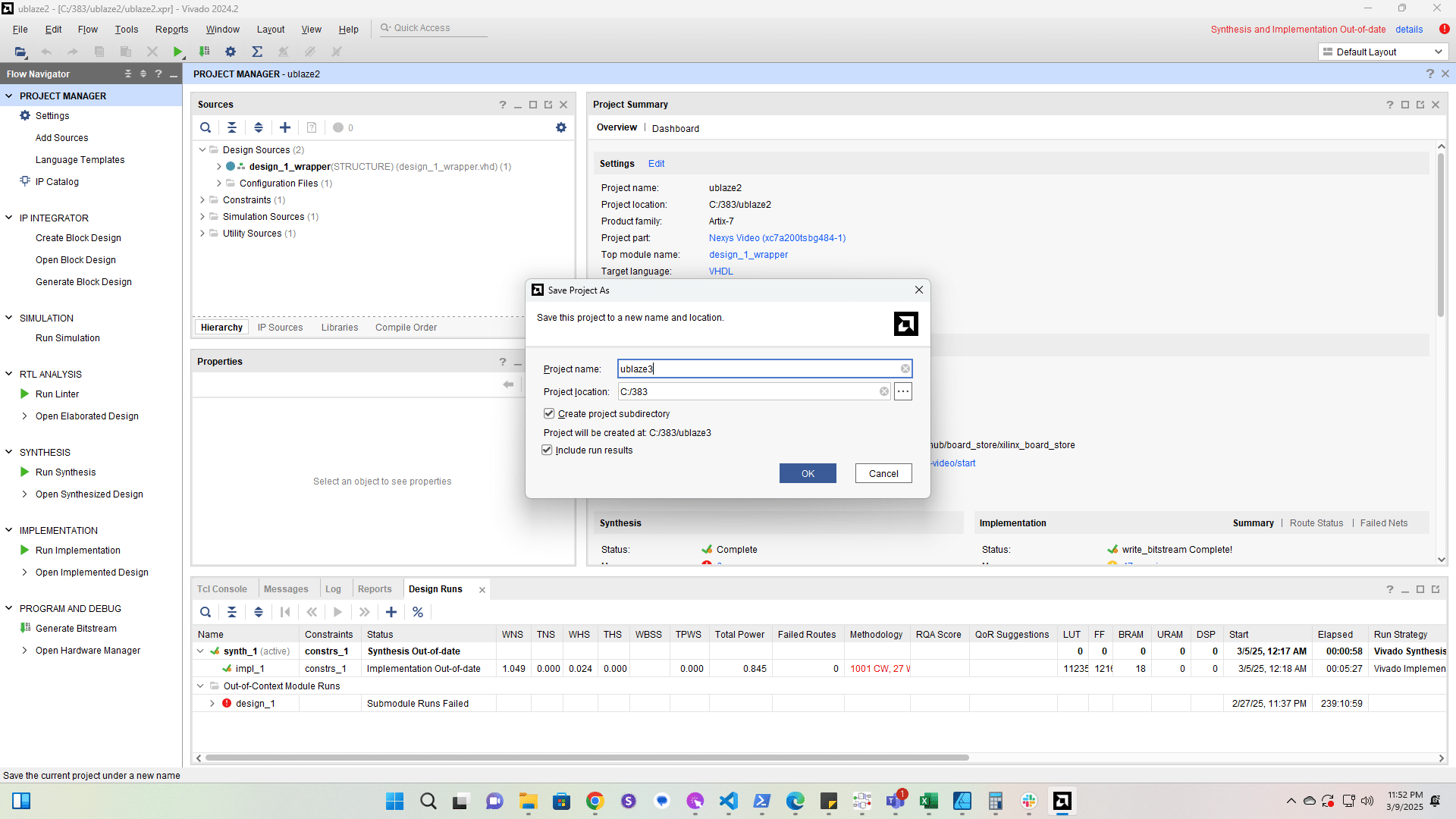
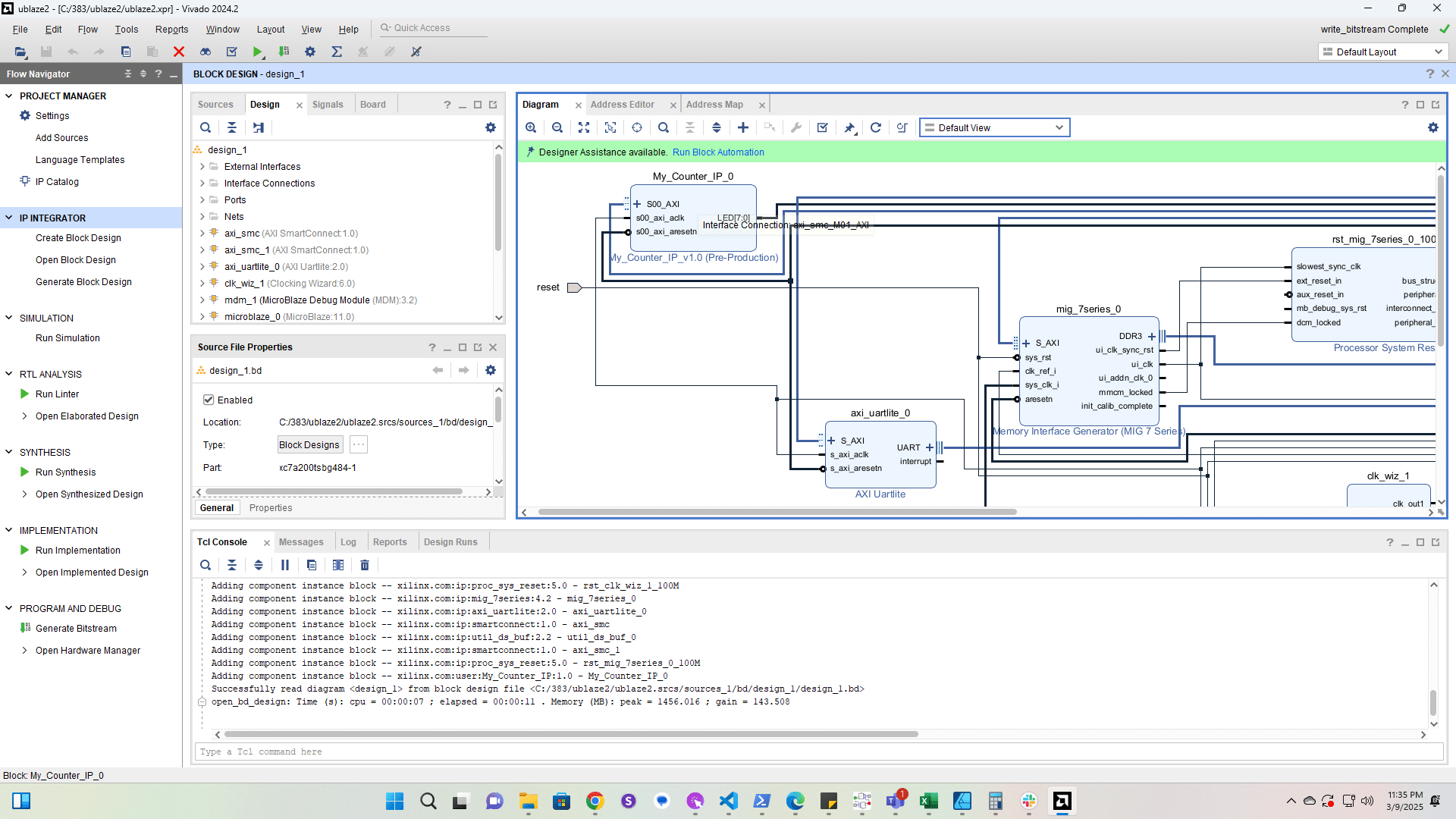
Click here

Click here
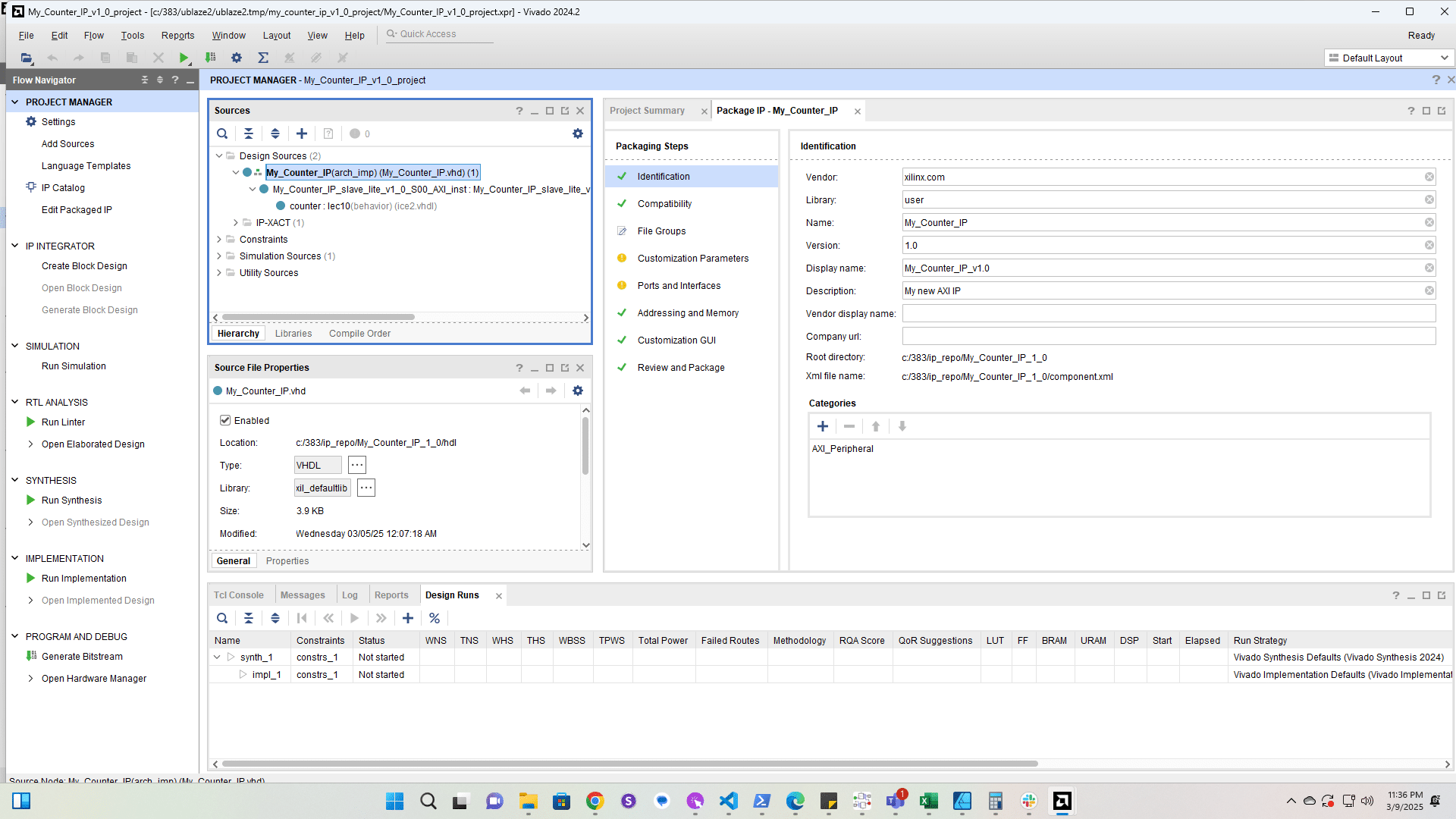
2

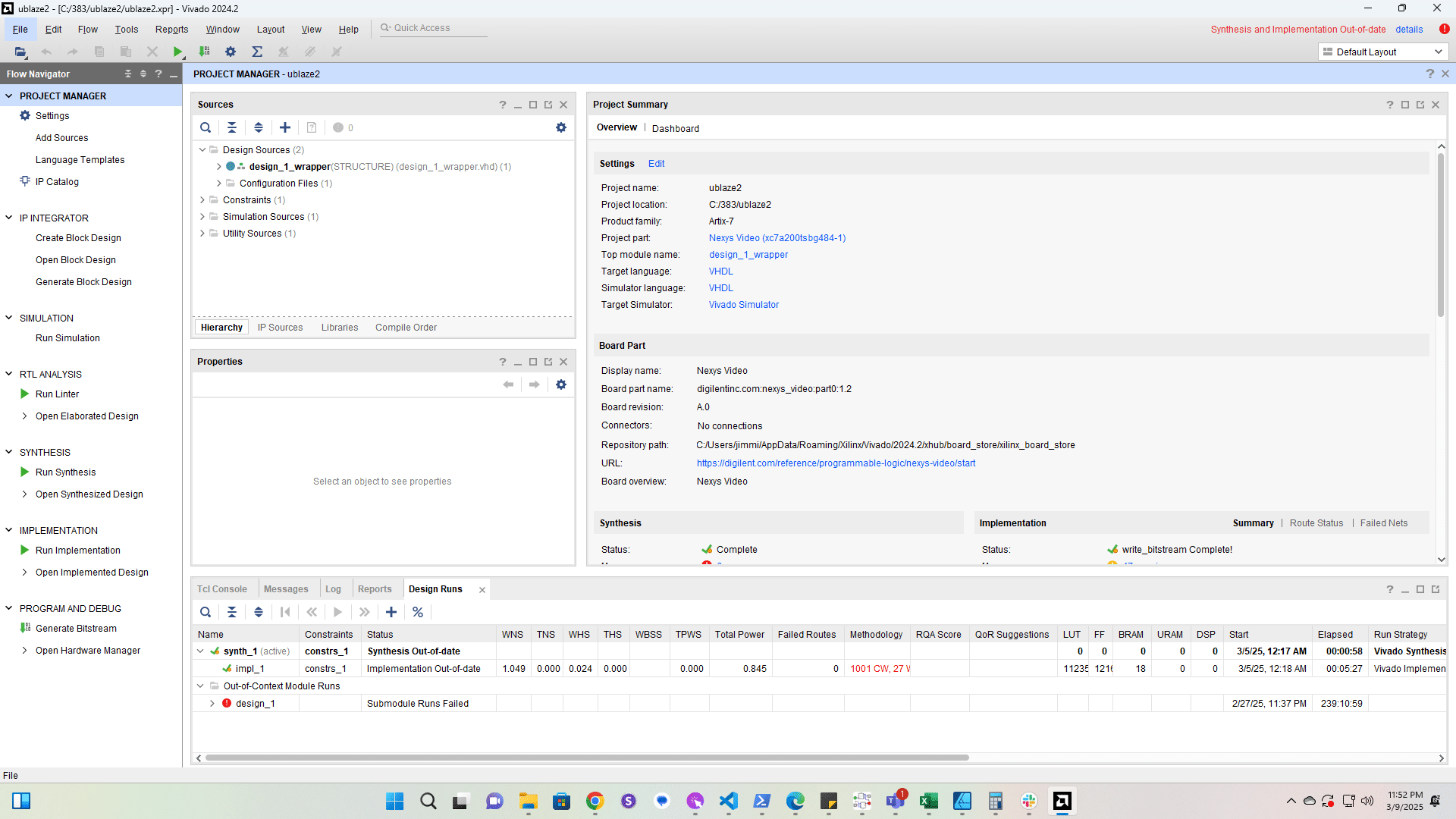
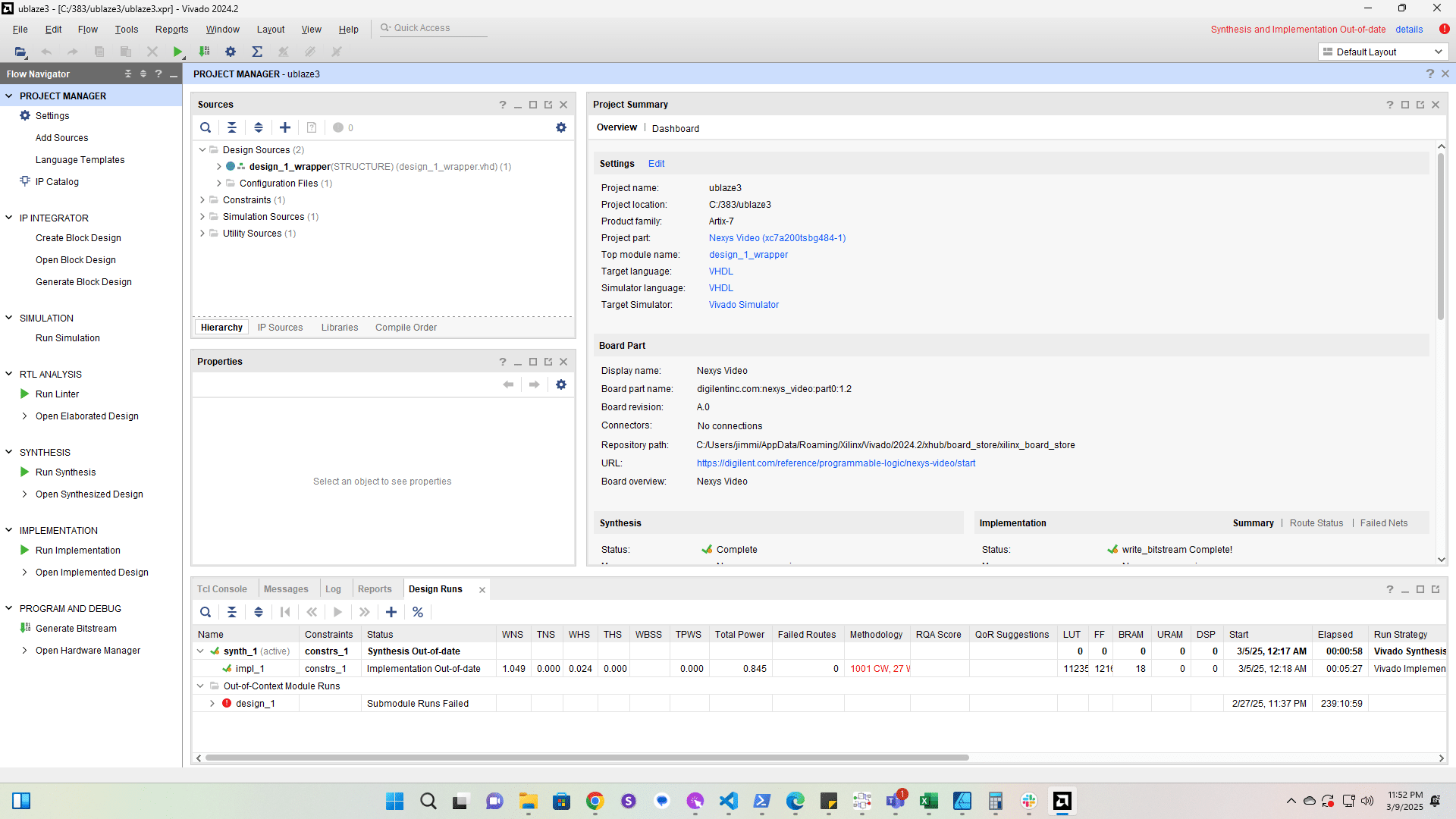
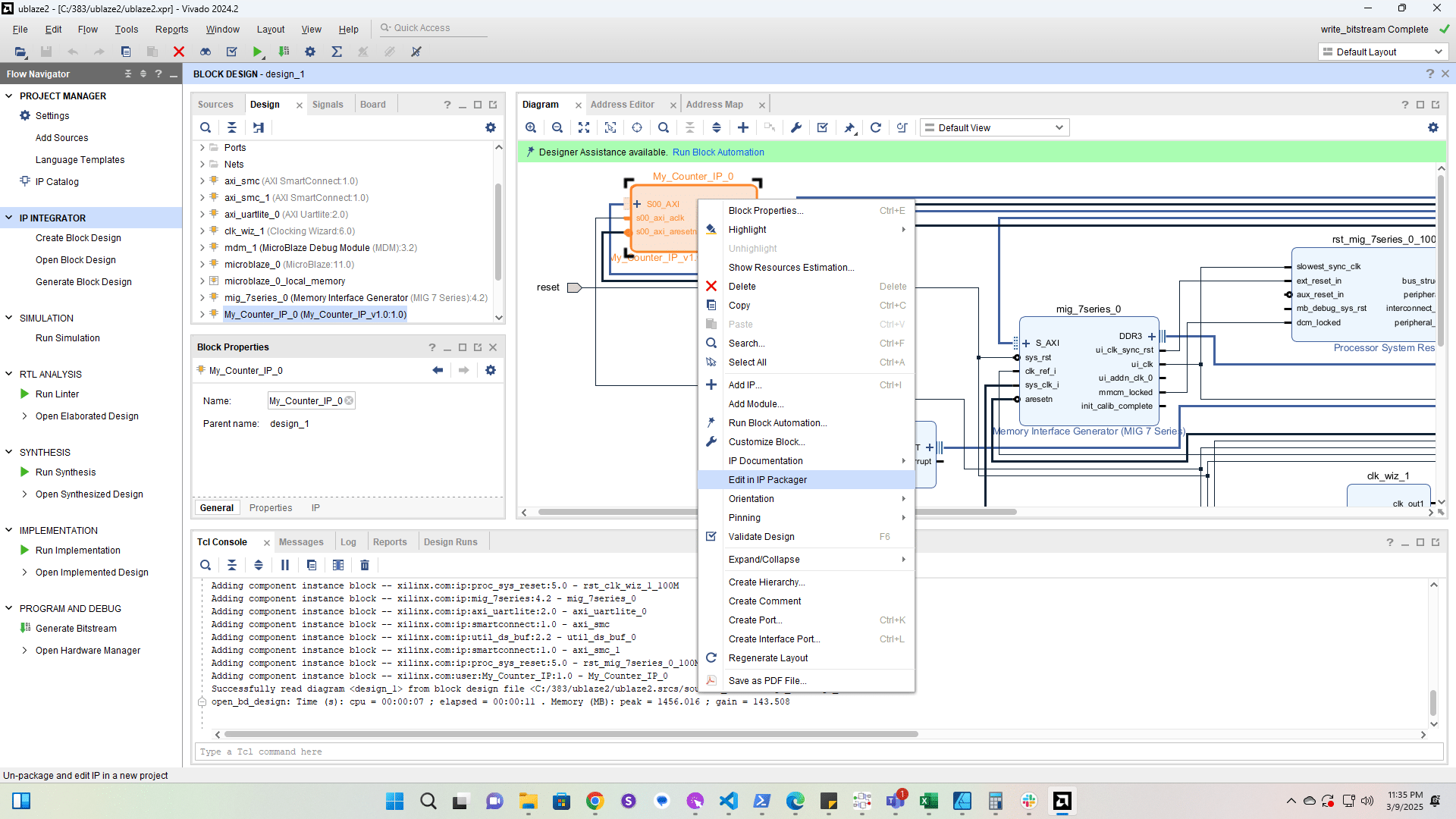
Click here

Click here
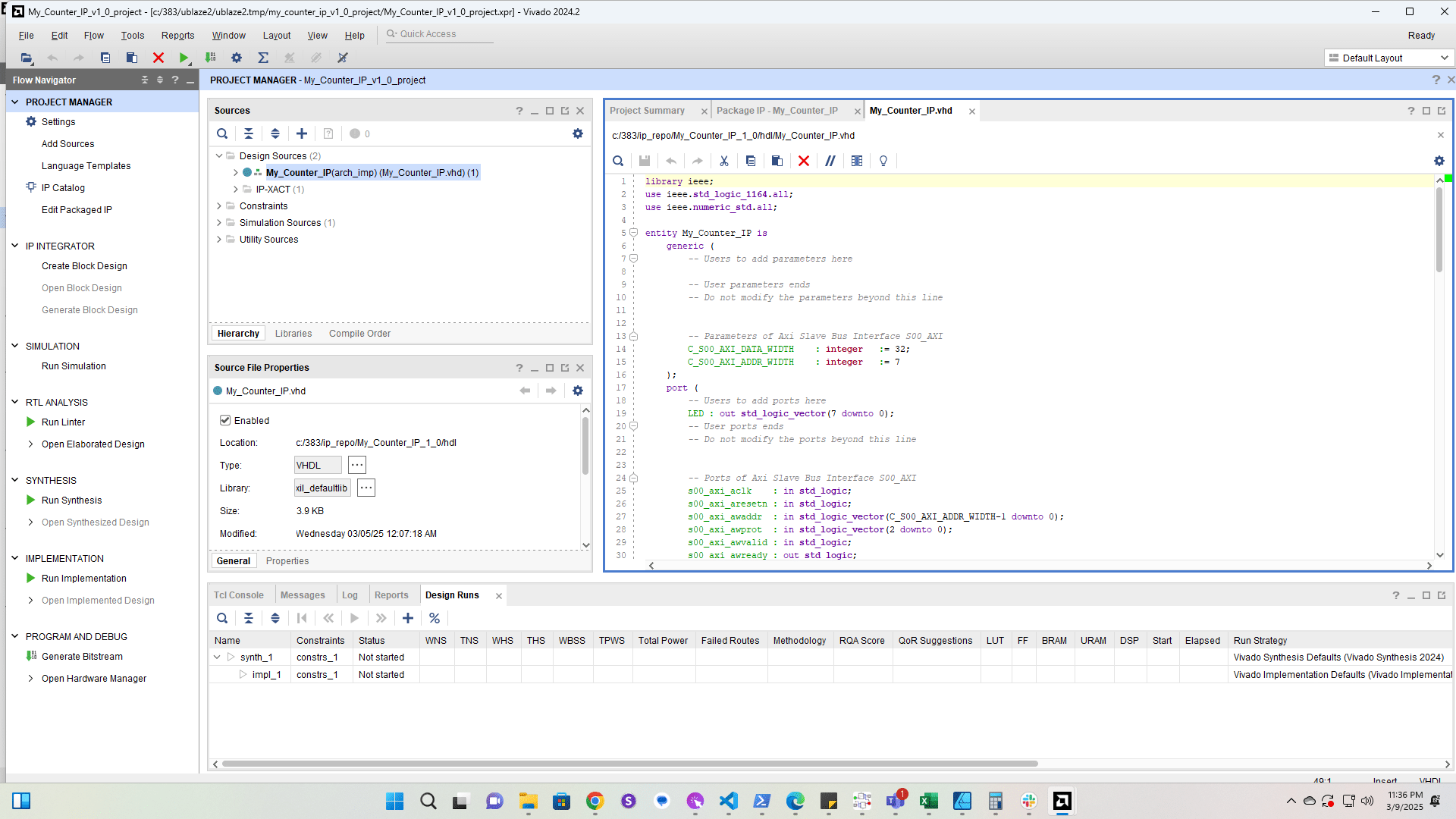
3

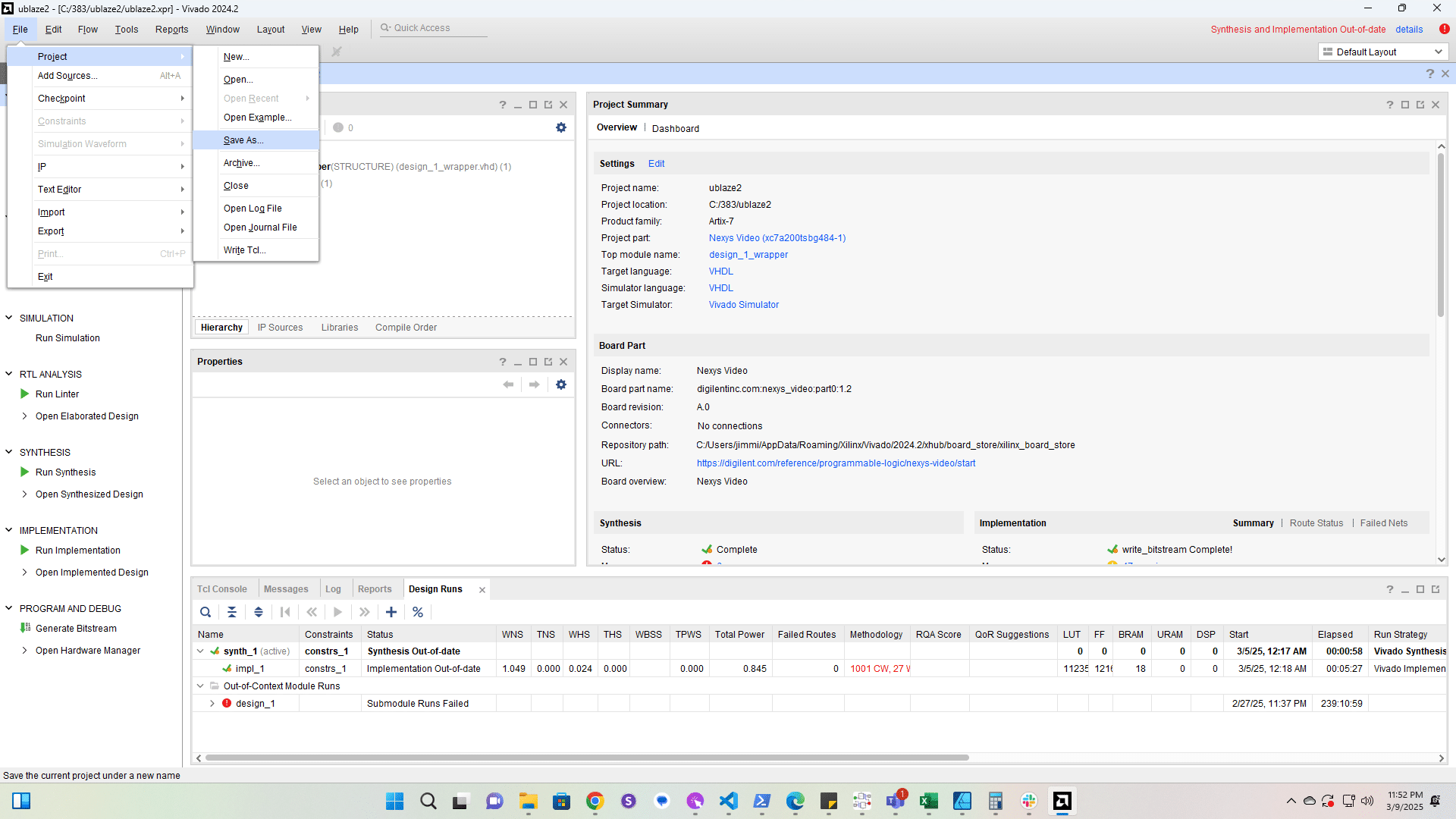
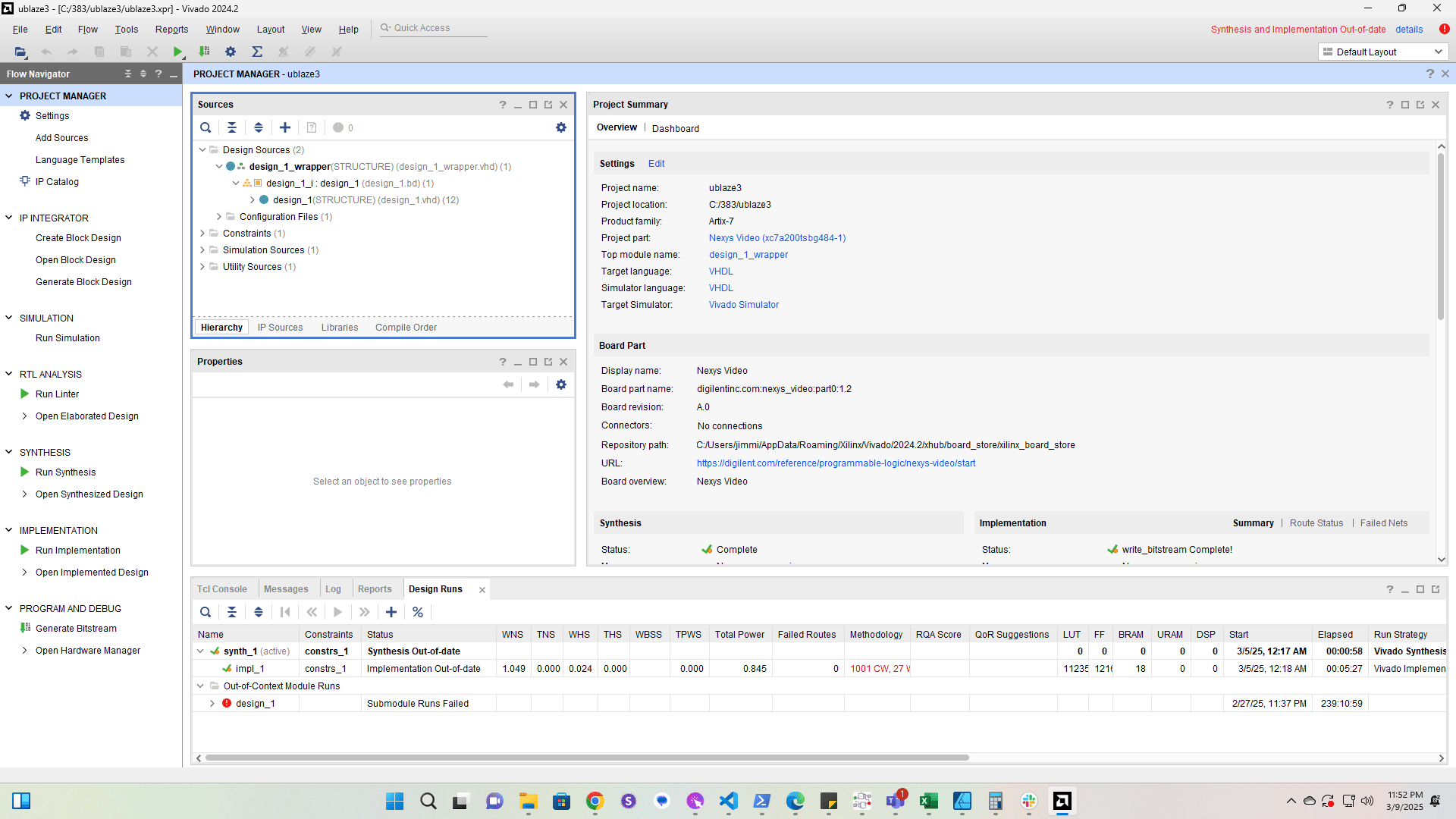
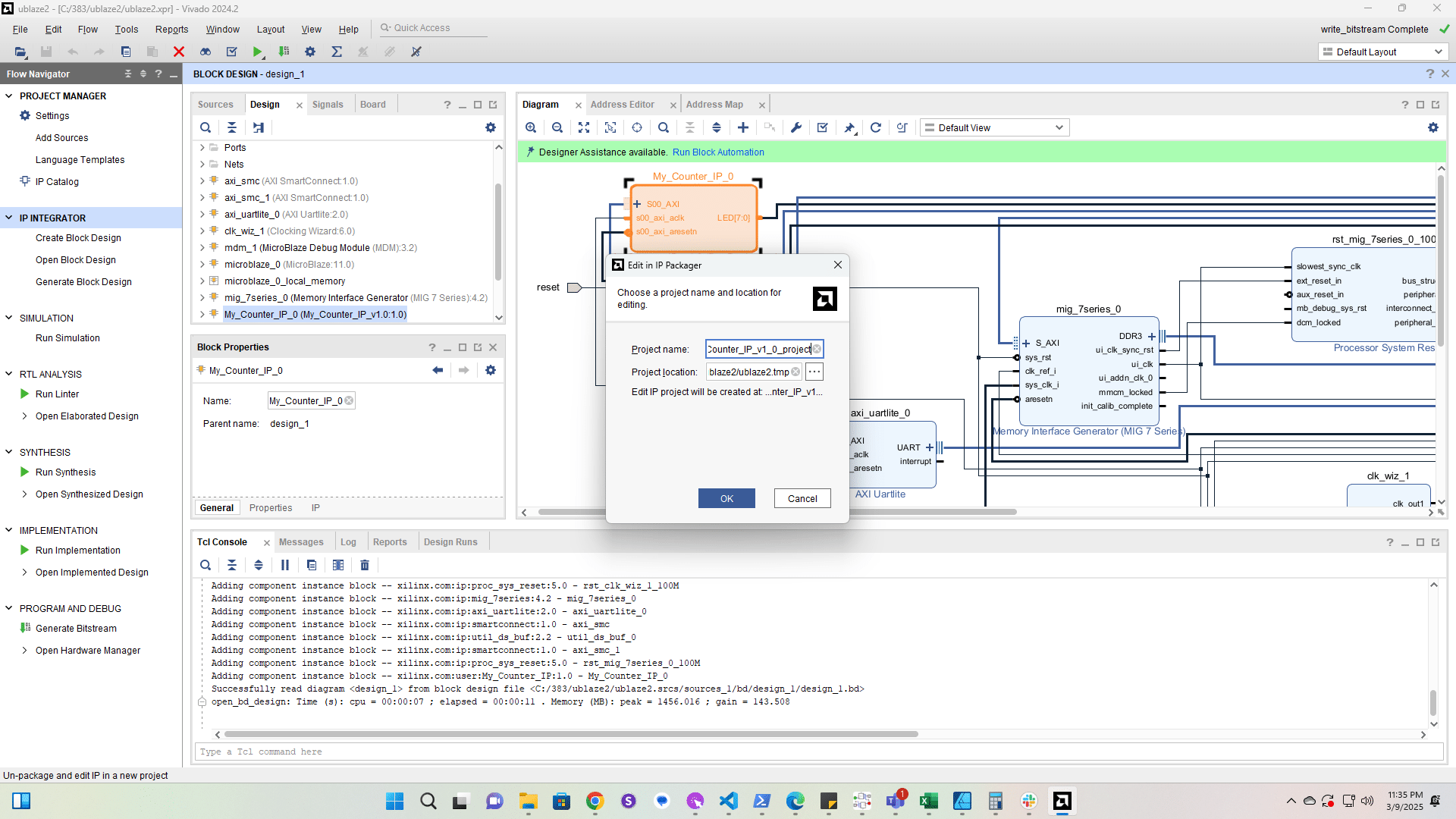
Click here

Click here
4

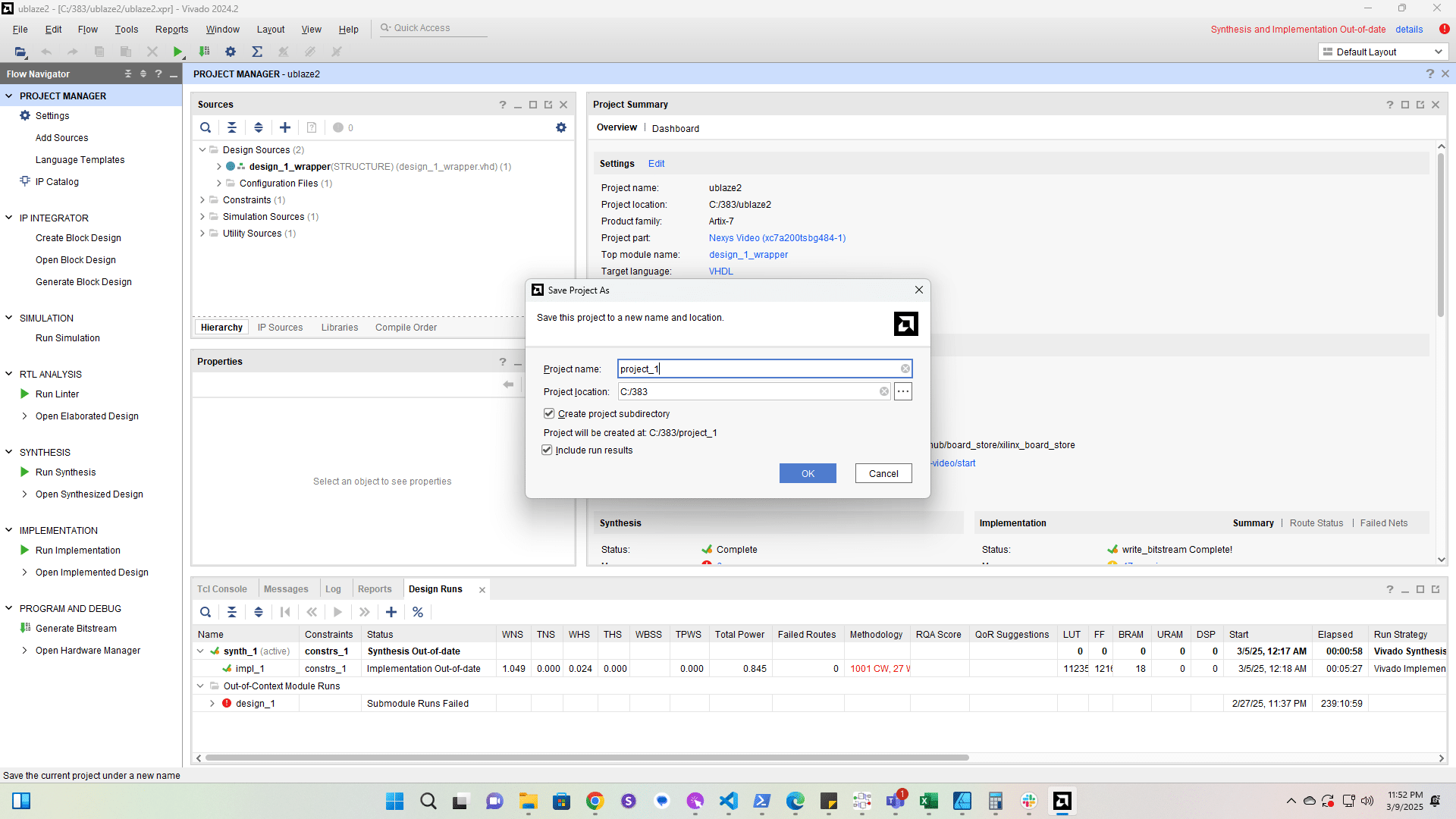
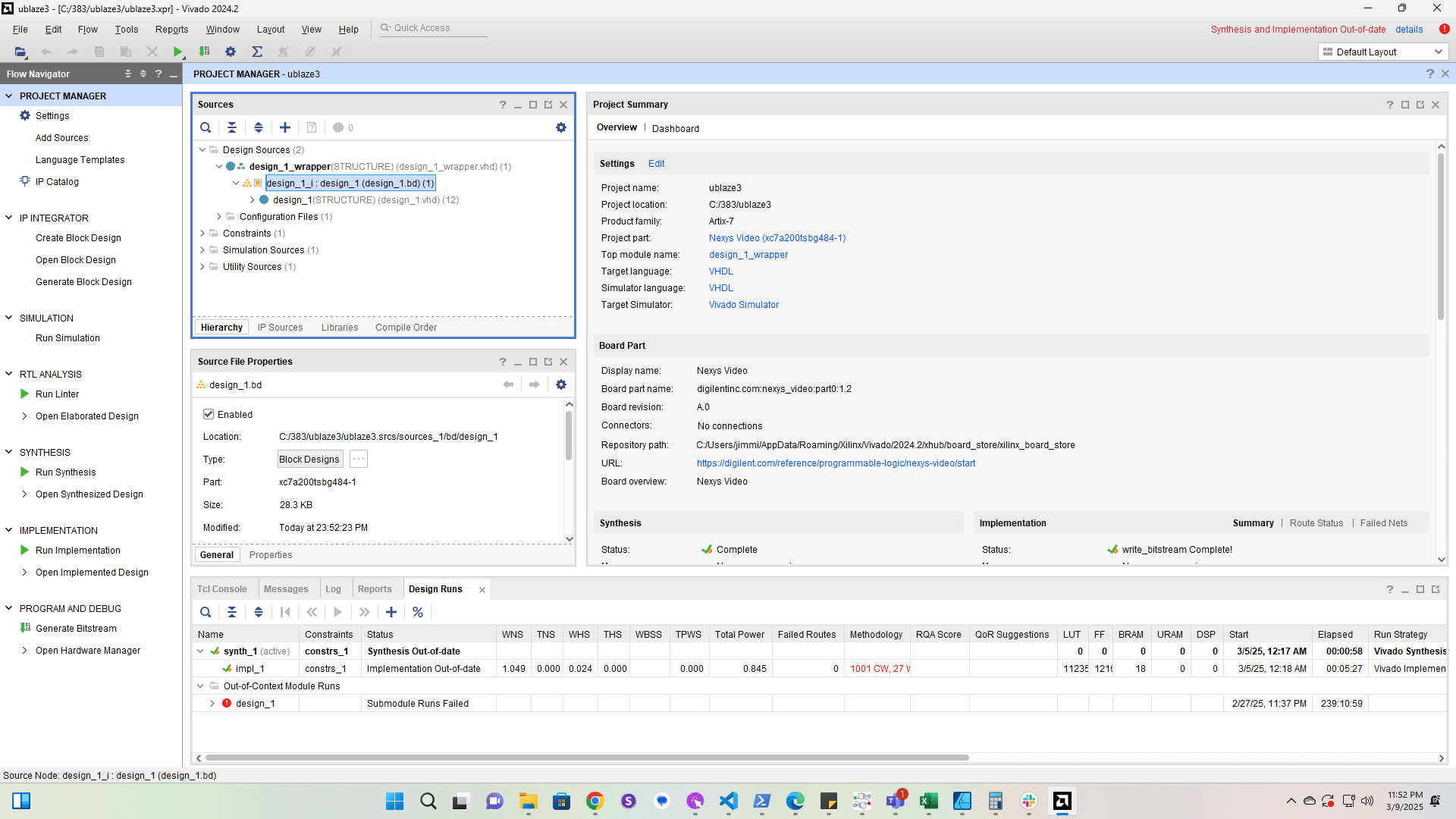
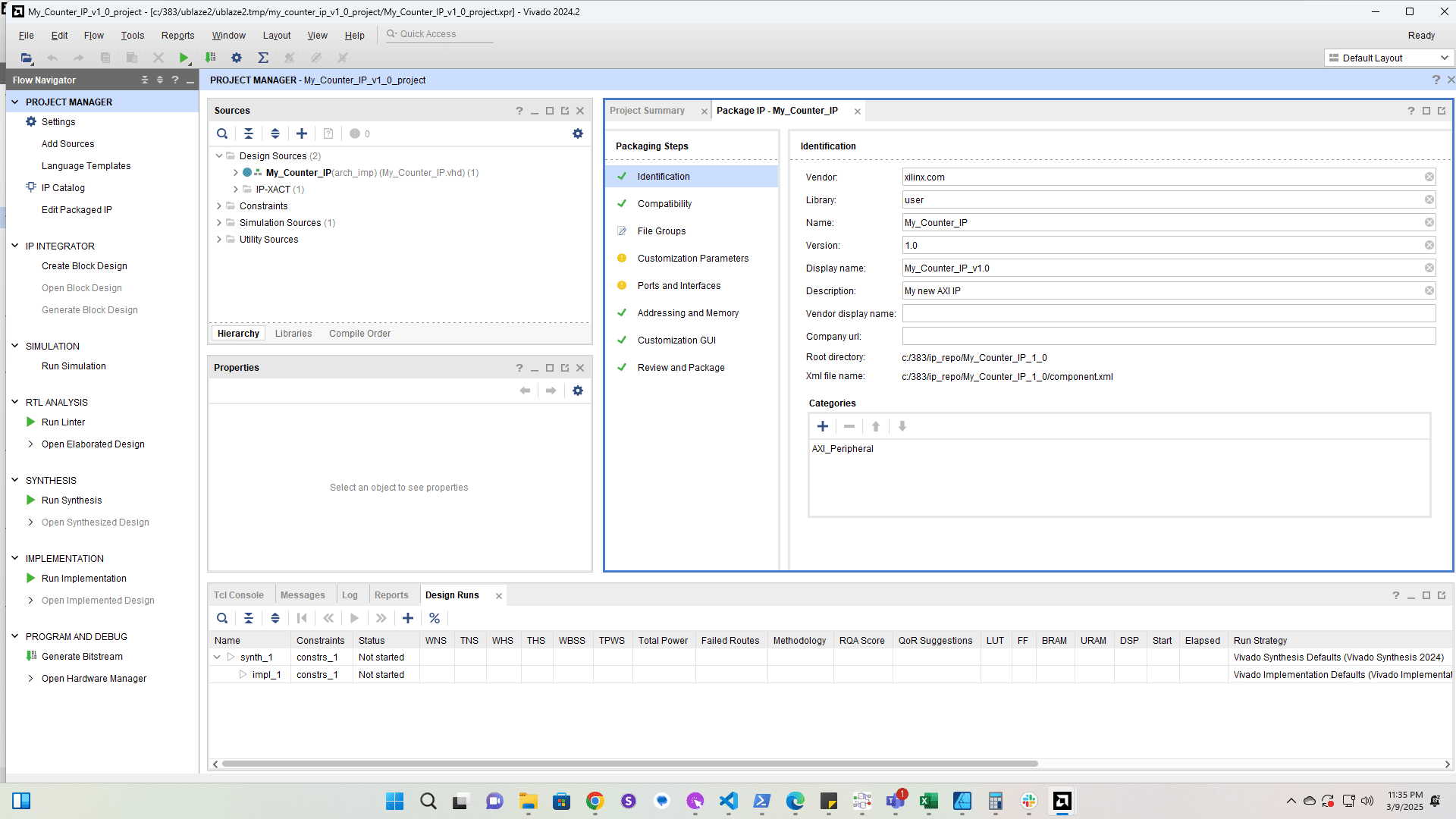
Click here

Click here
5

Click here

Click here
6

Click here

Click here
7

Click here

Click here
8

Double-click here

Double-click here
9

Right-click here

Right-click here
10

Click here

Click here
11

Click here

Click here
12

Click here

Click here
13

Click here

Click here
14

Click here

Click here
15

Click here

Click here
16

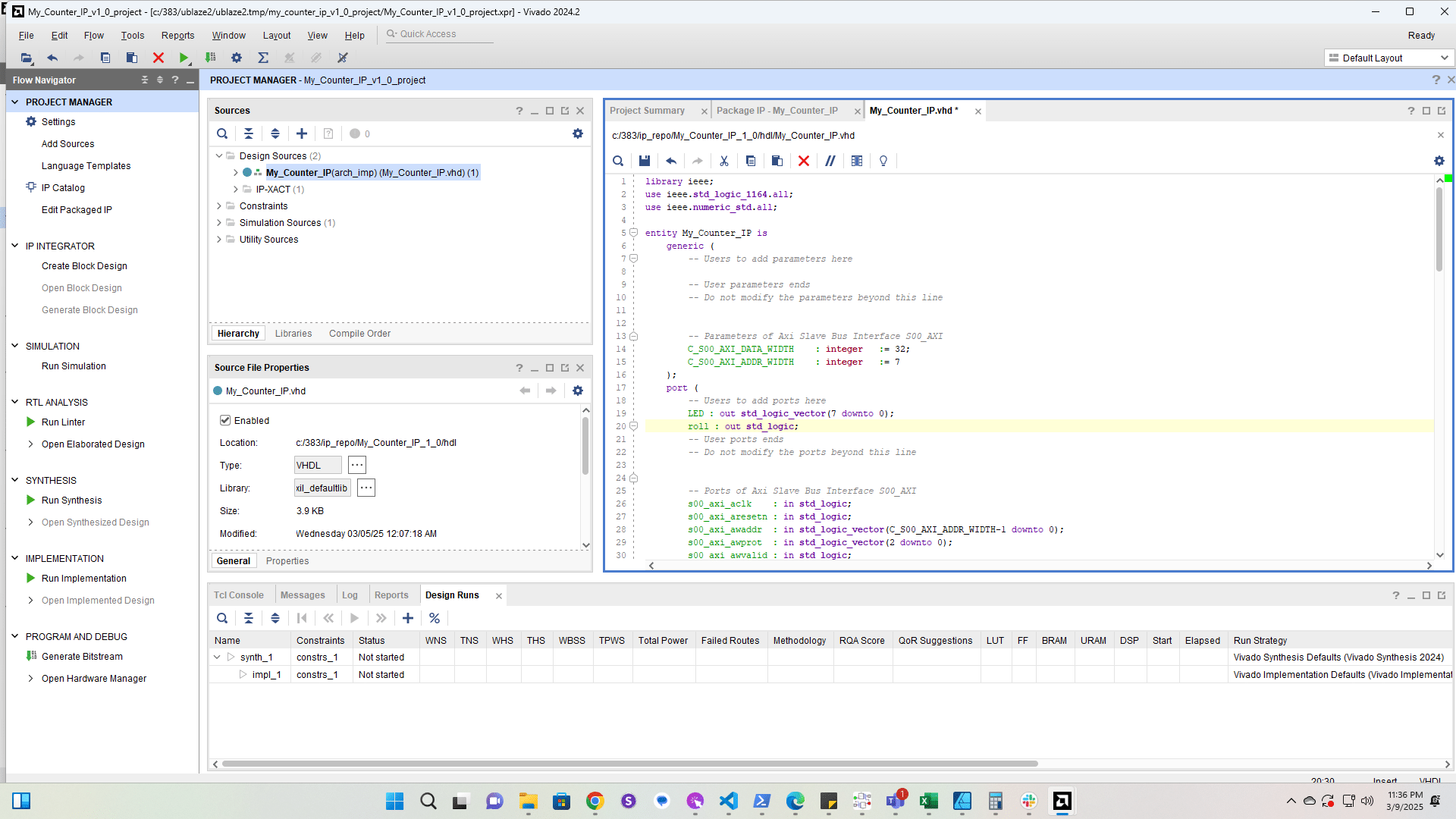
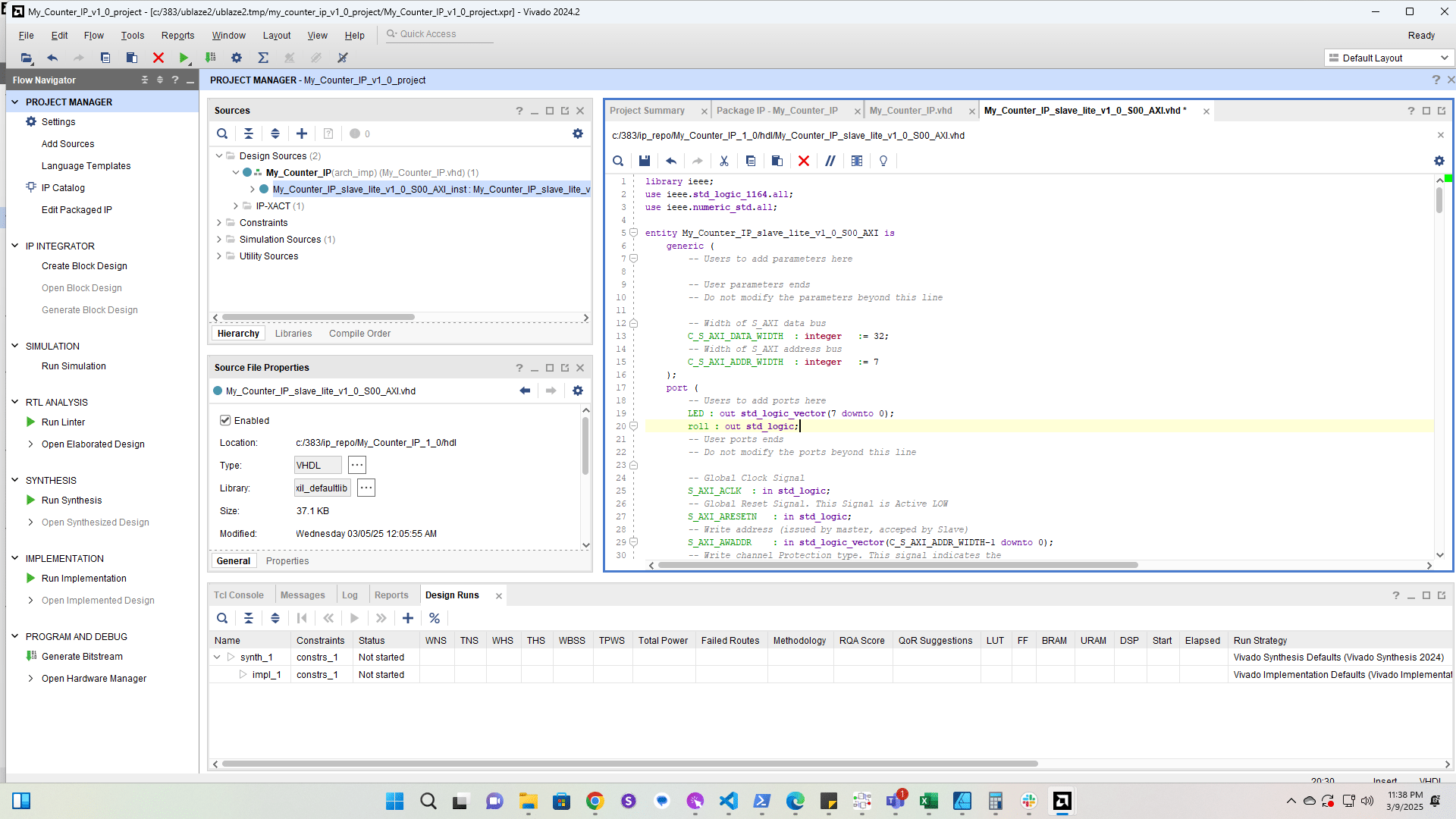
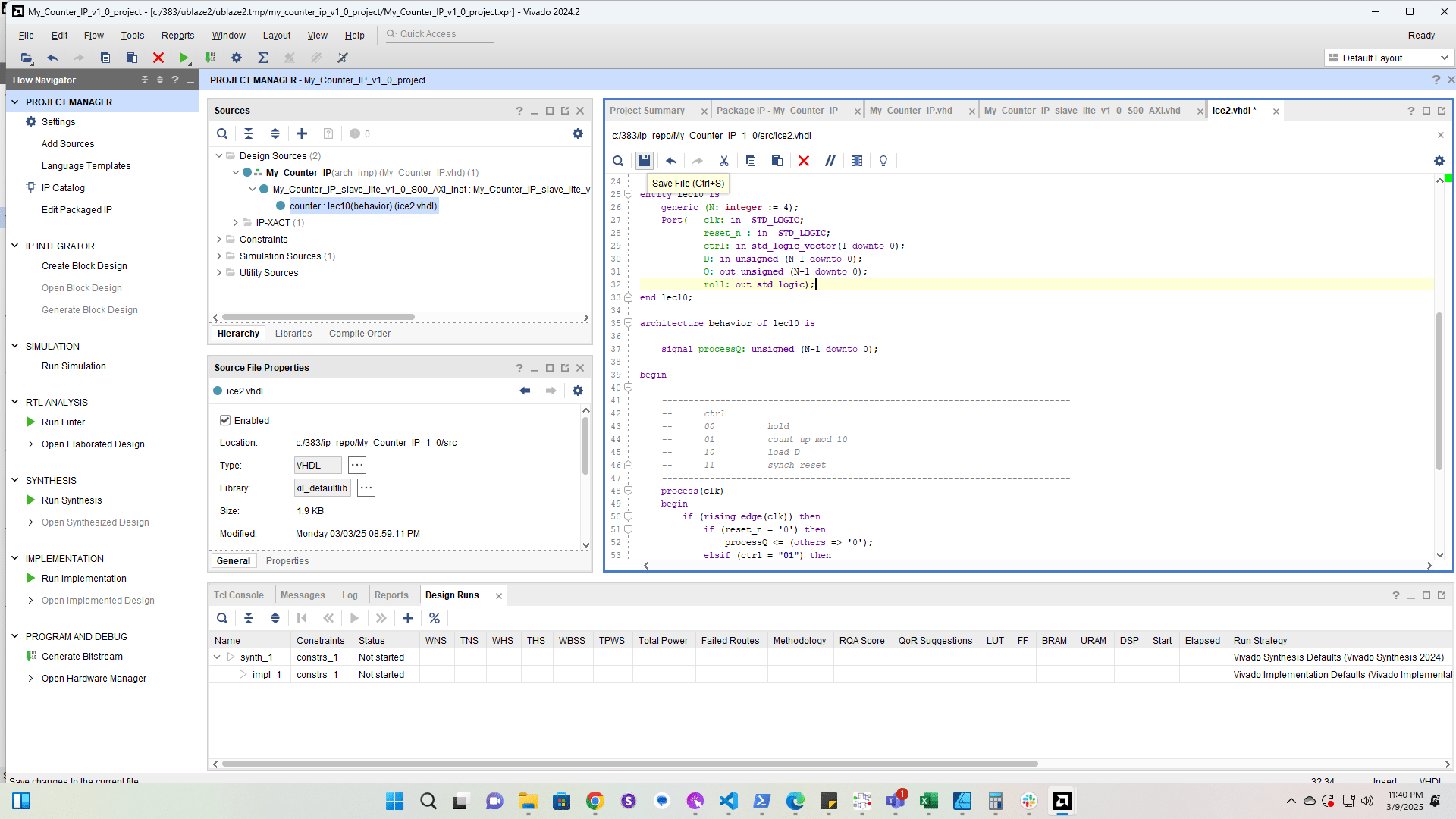
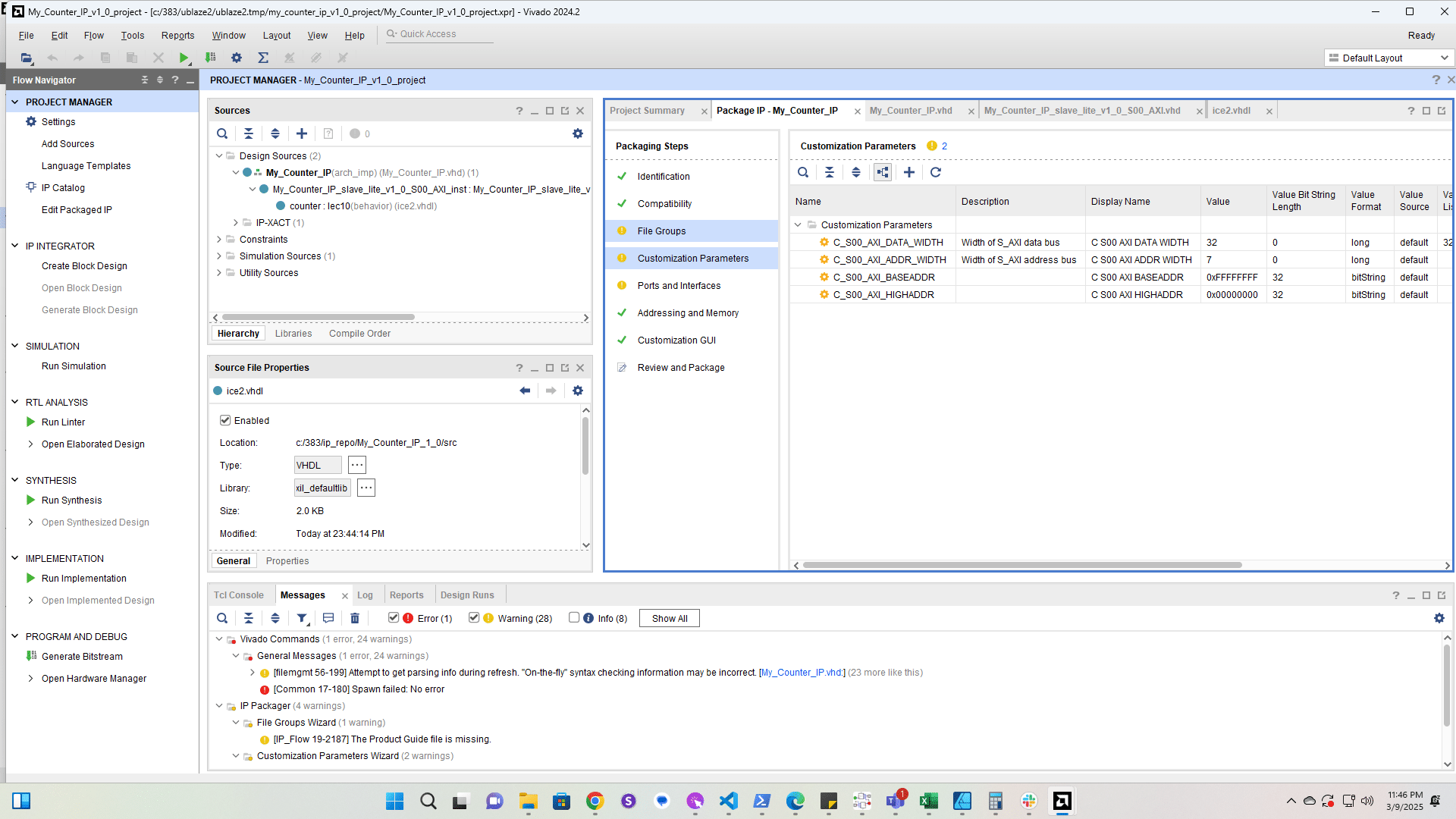
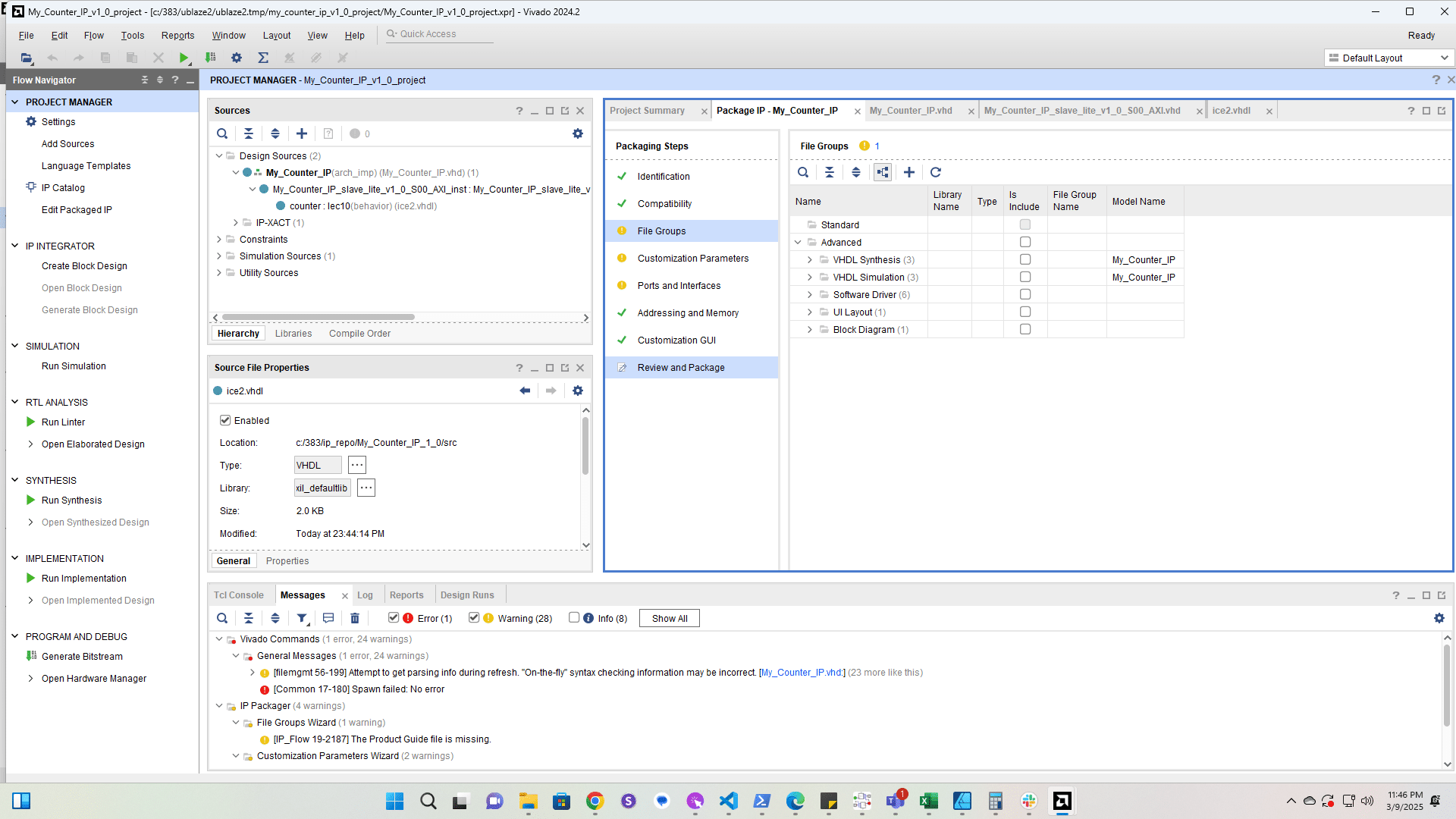
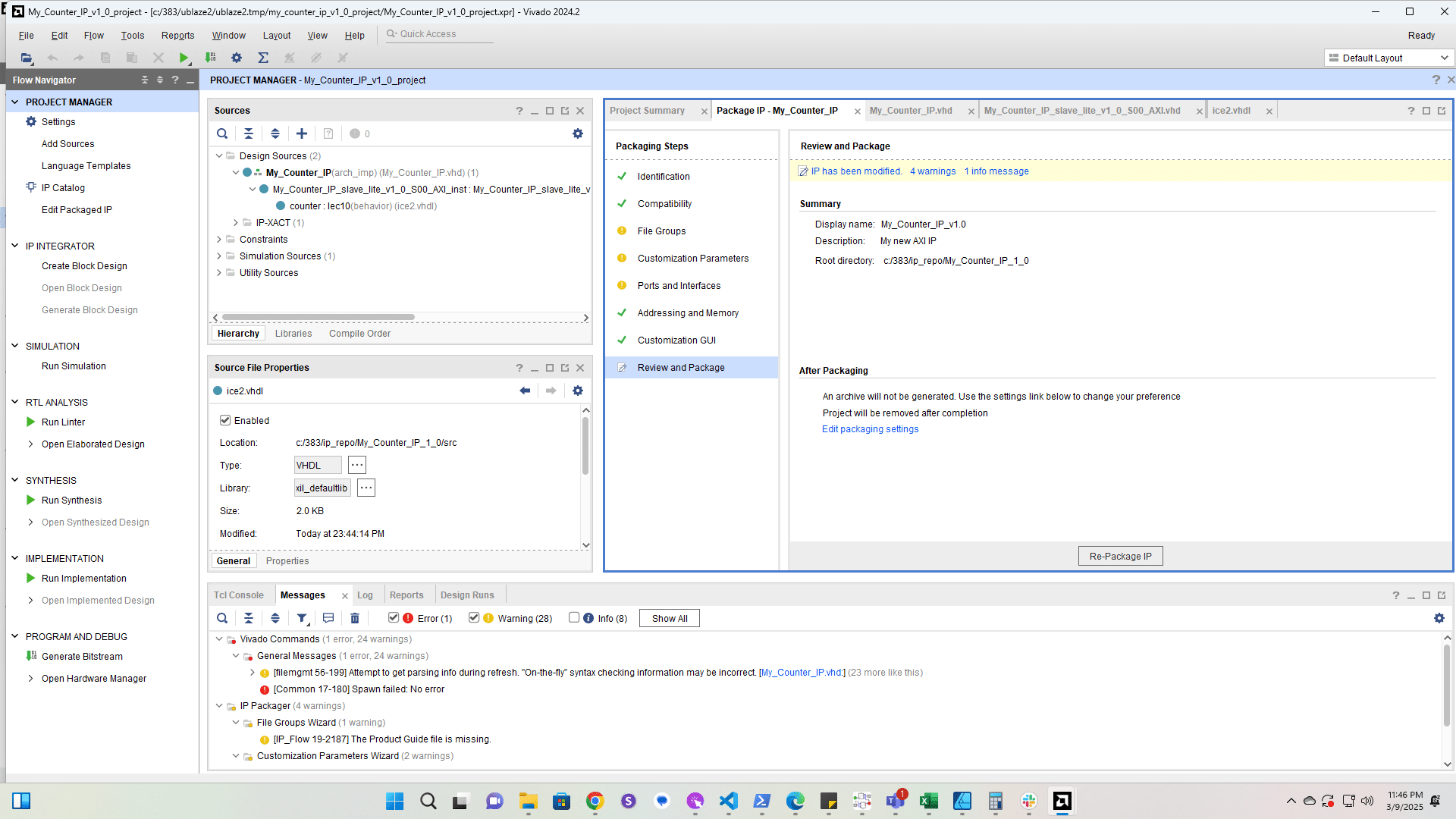
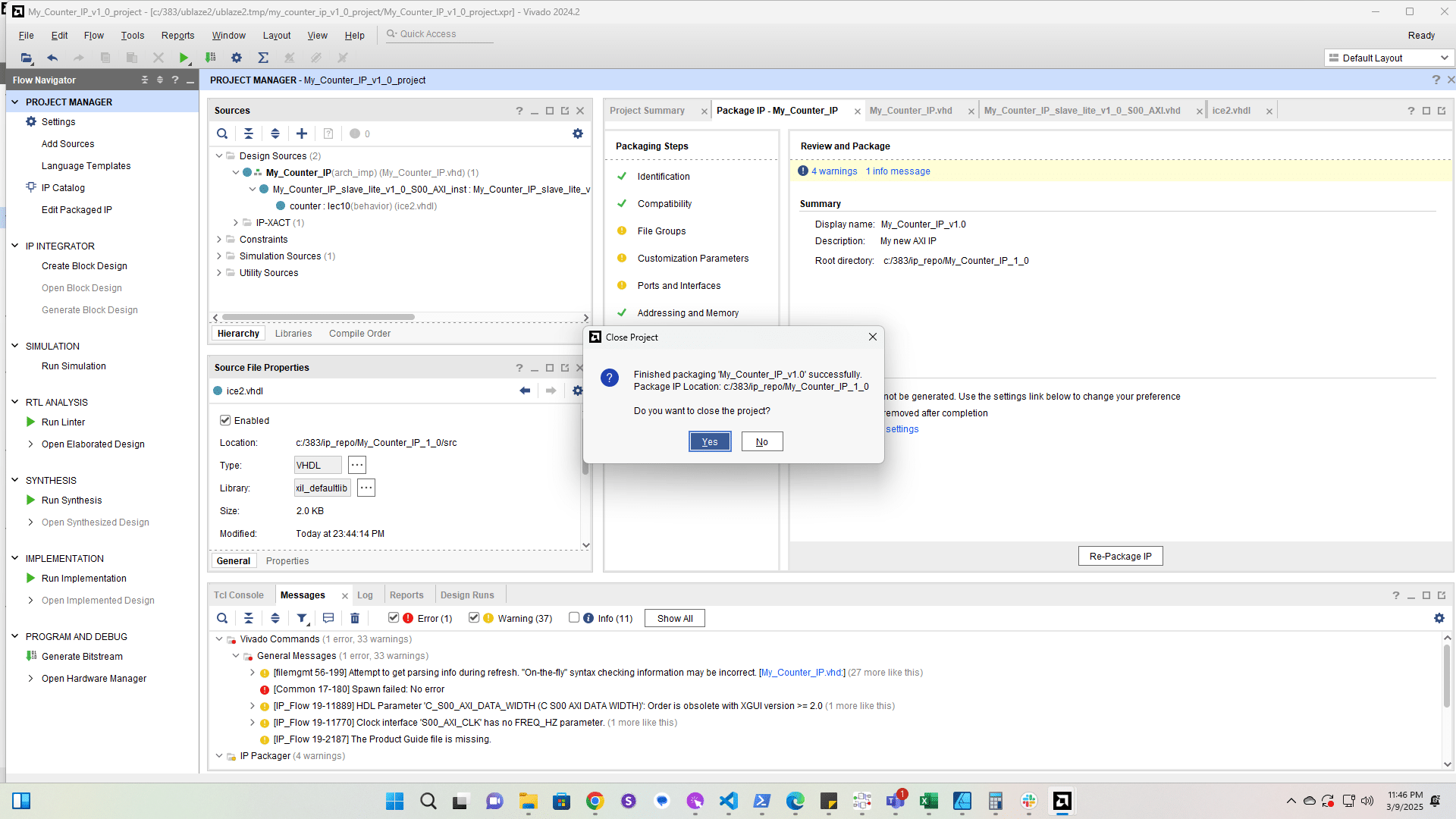
Add the roll port

Add the roll port
17

Add the roll port to the top IP component
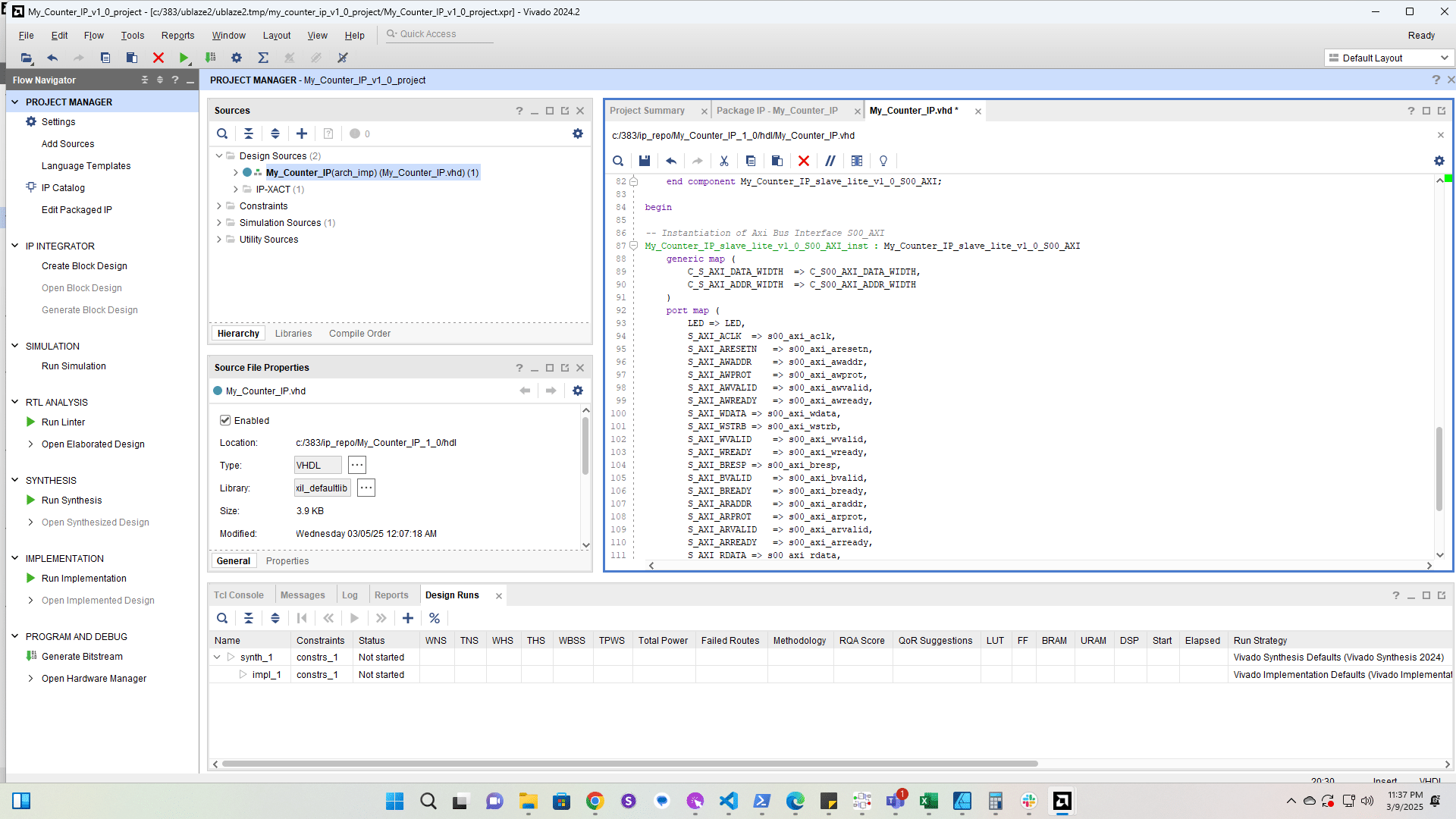
Add the roll port to the top IP component
18

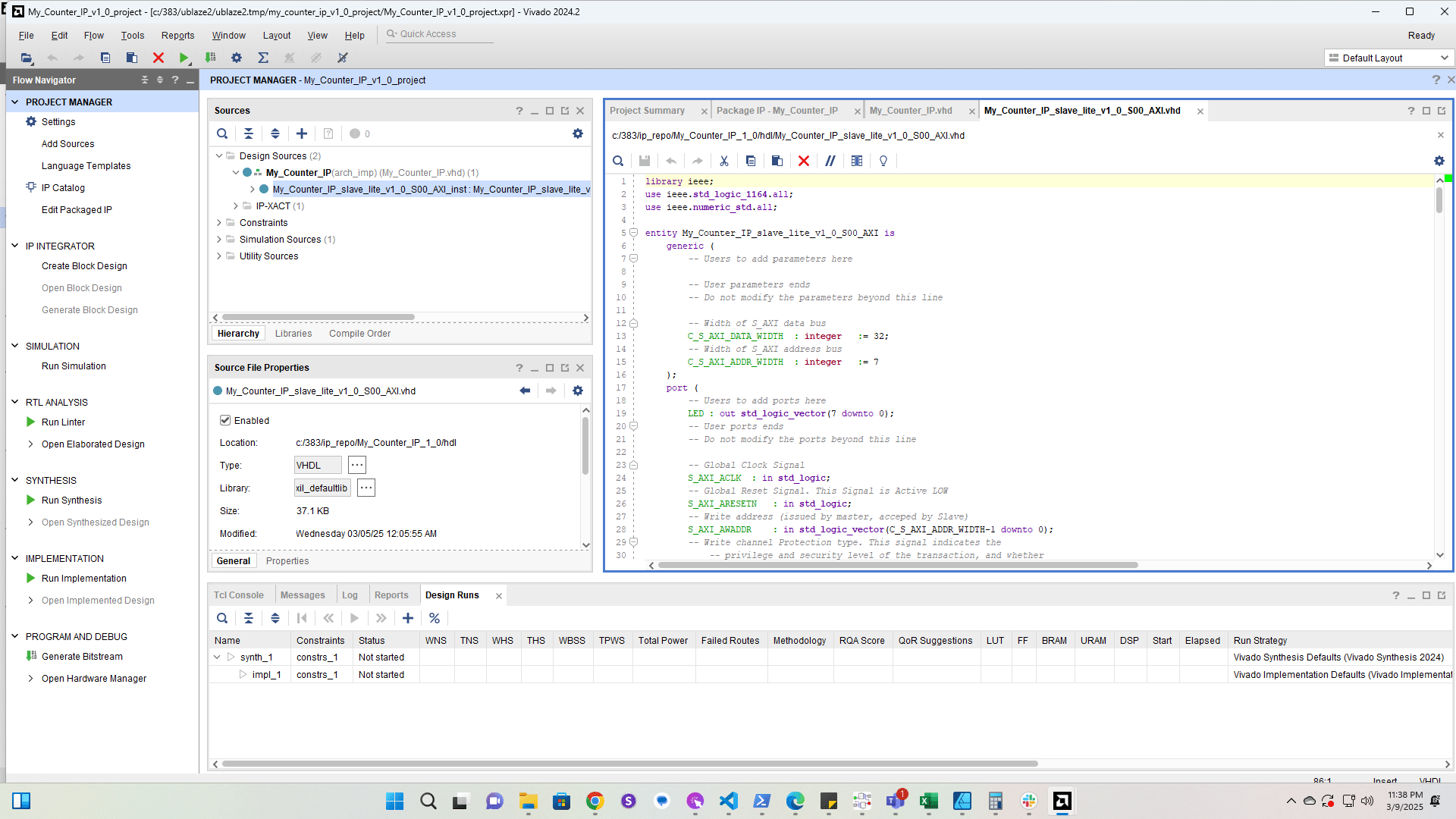
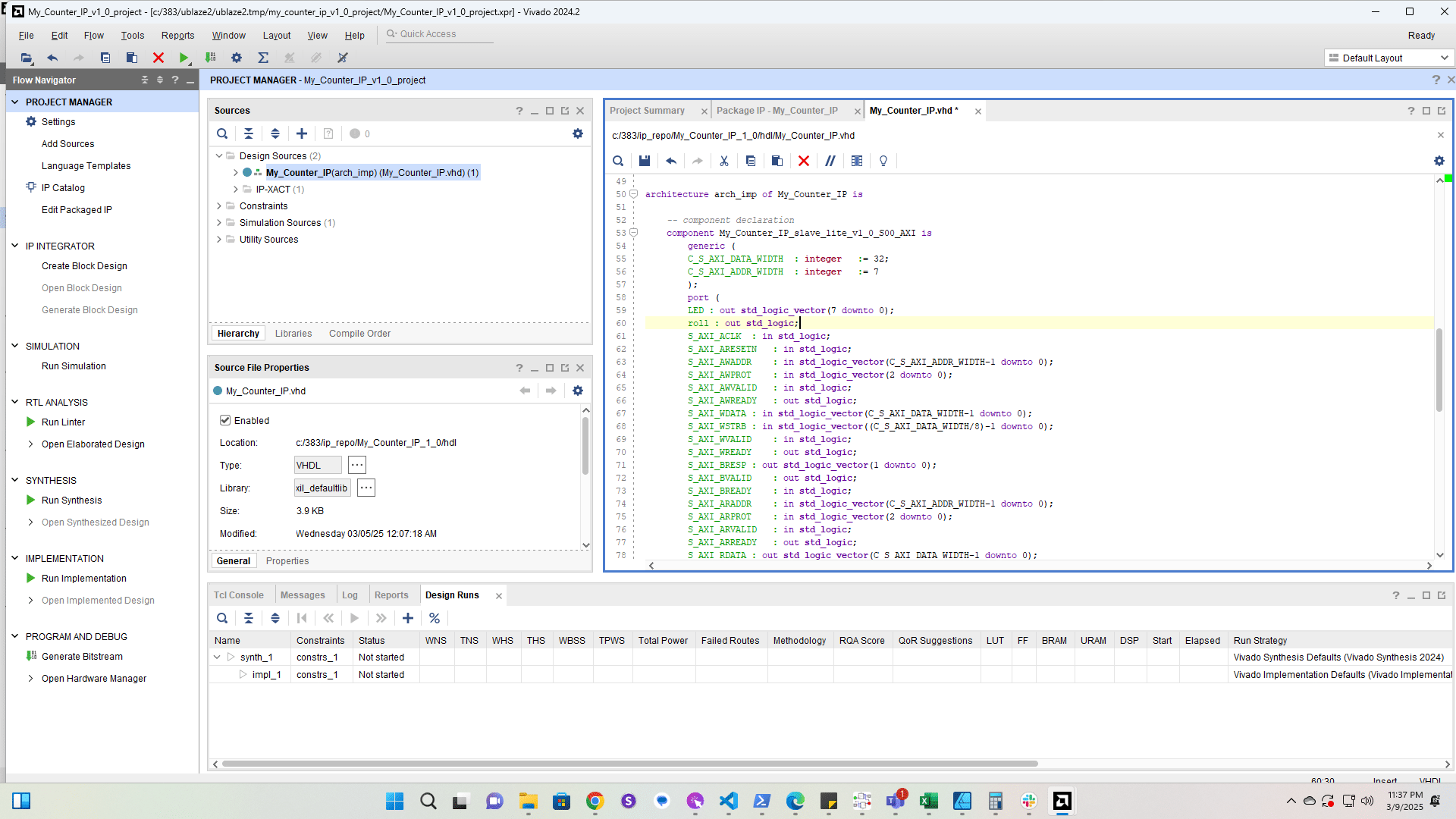
Add the roll port to the subcomponent
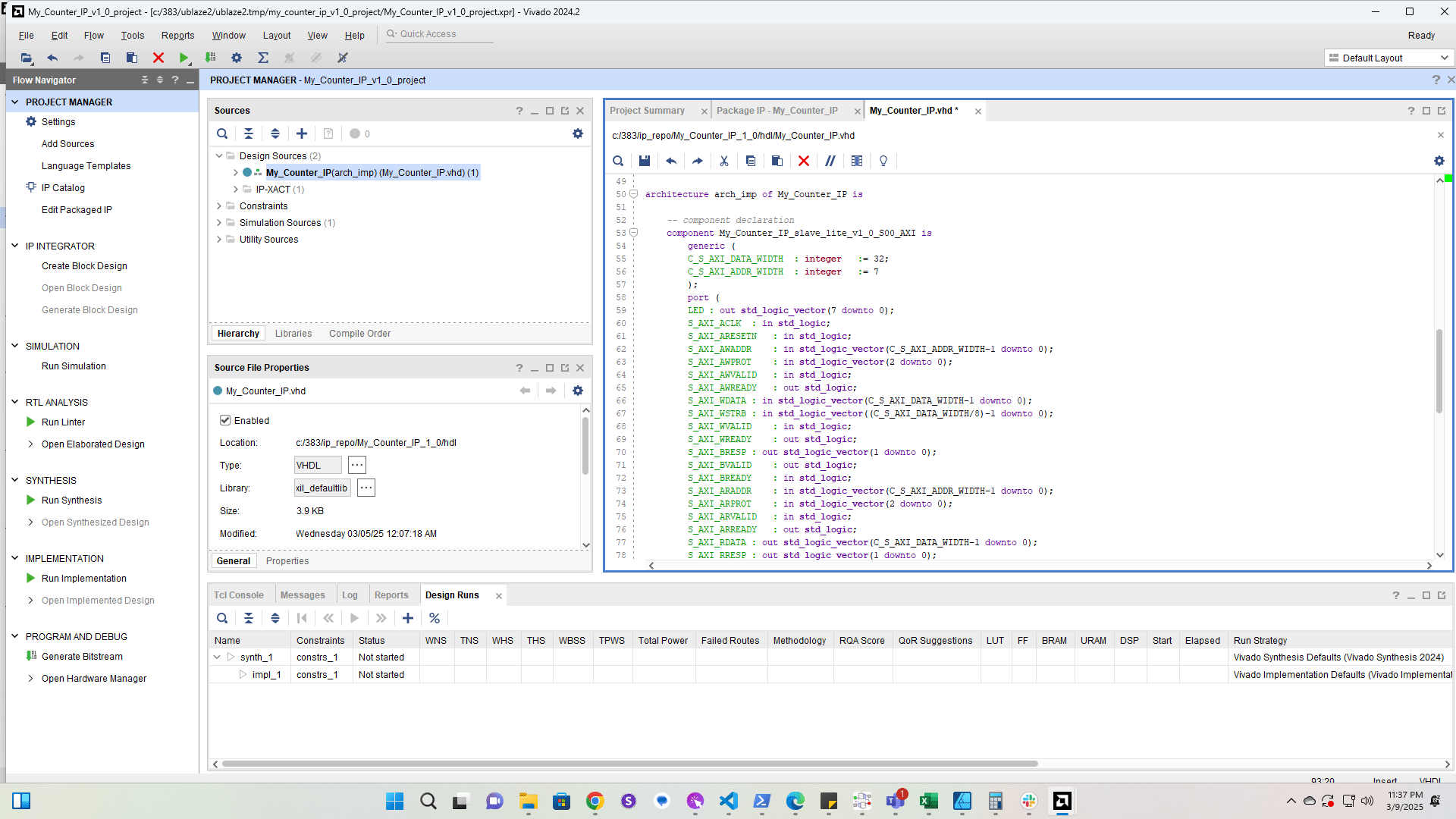
Add the roll port to the subcomponent
20

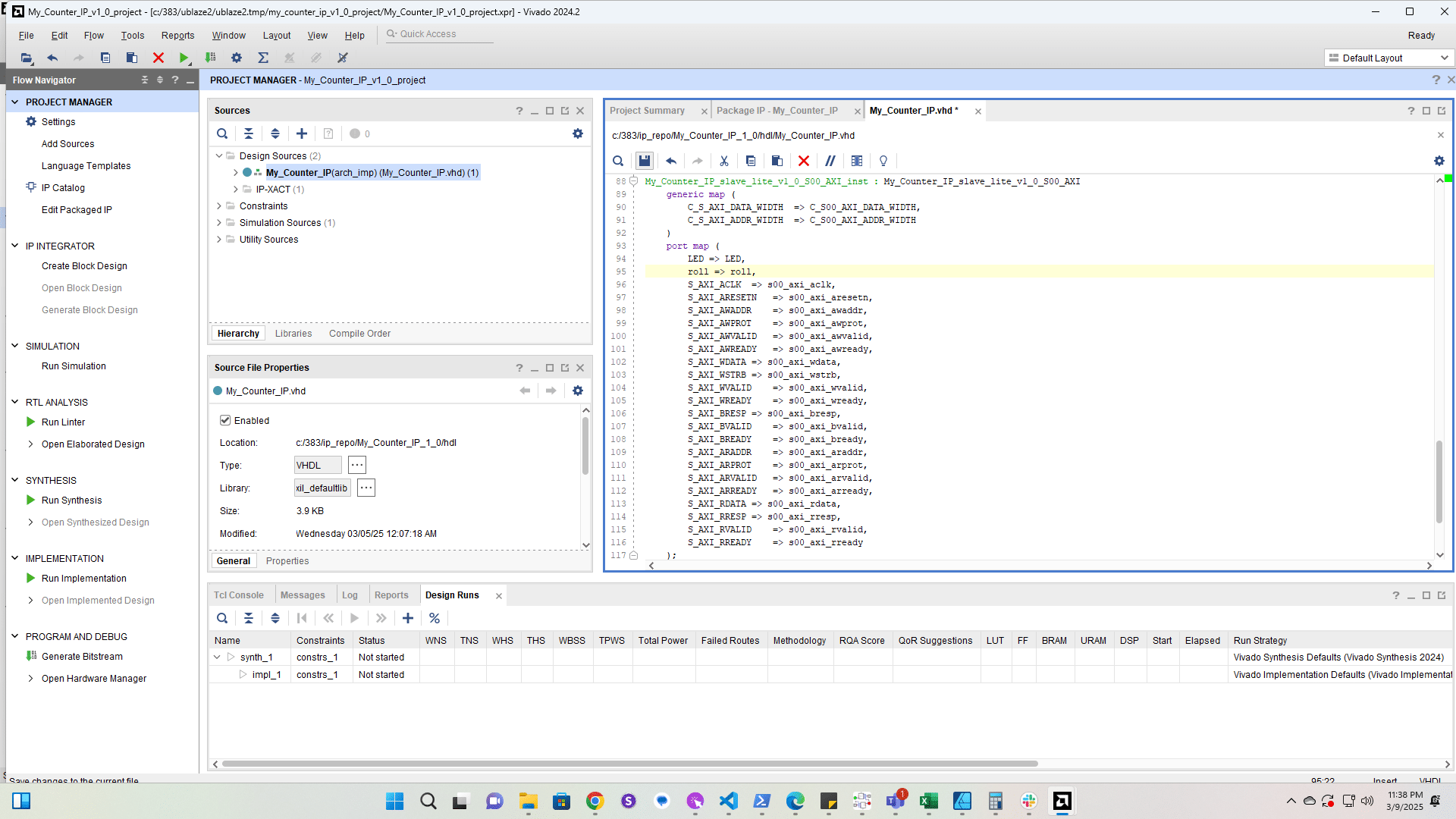
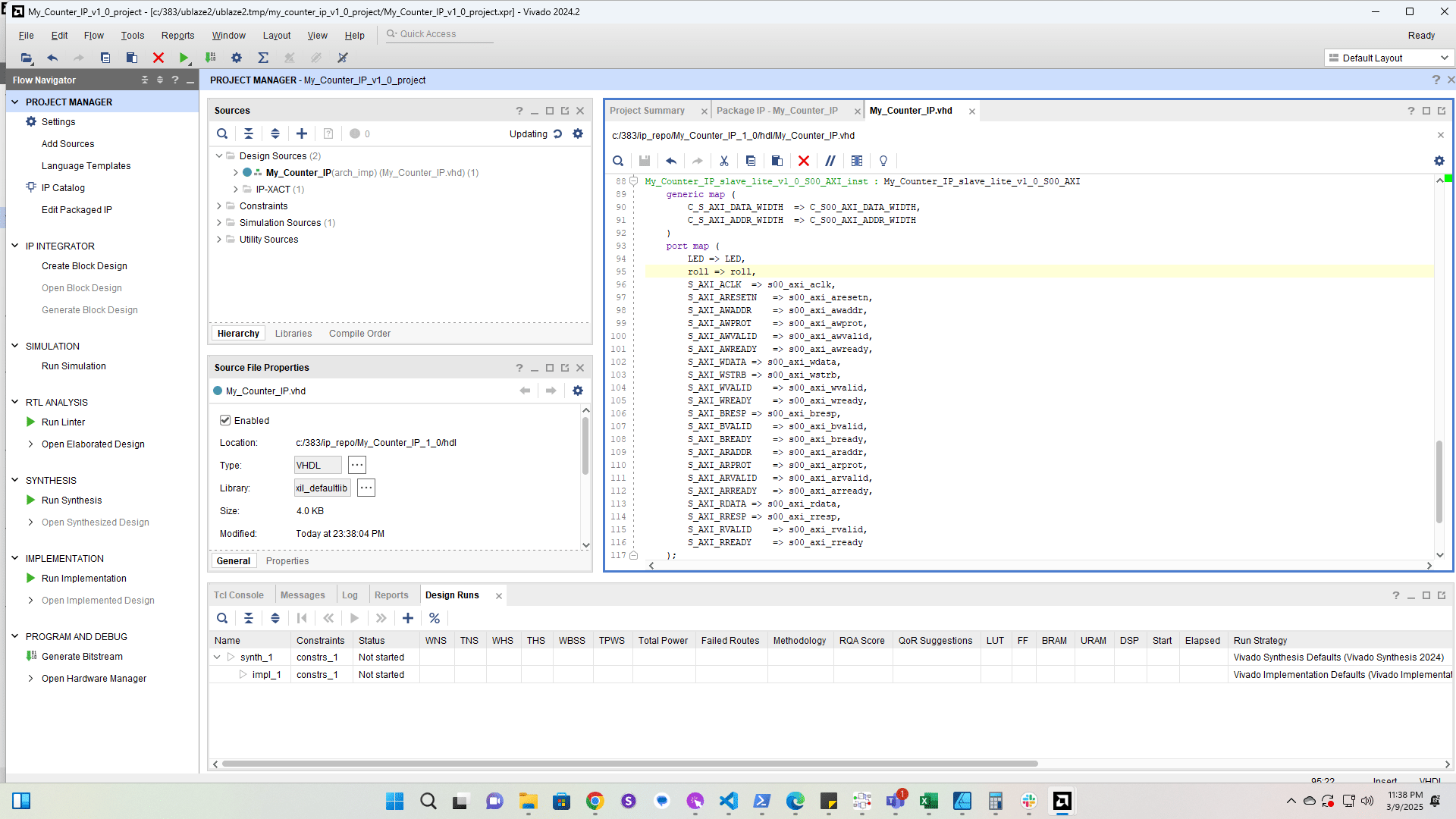
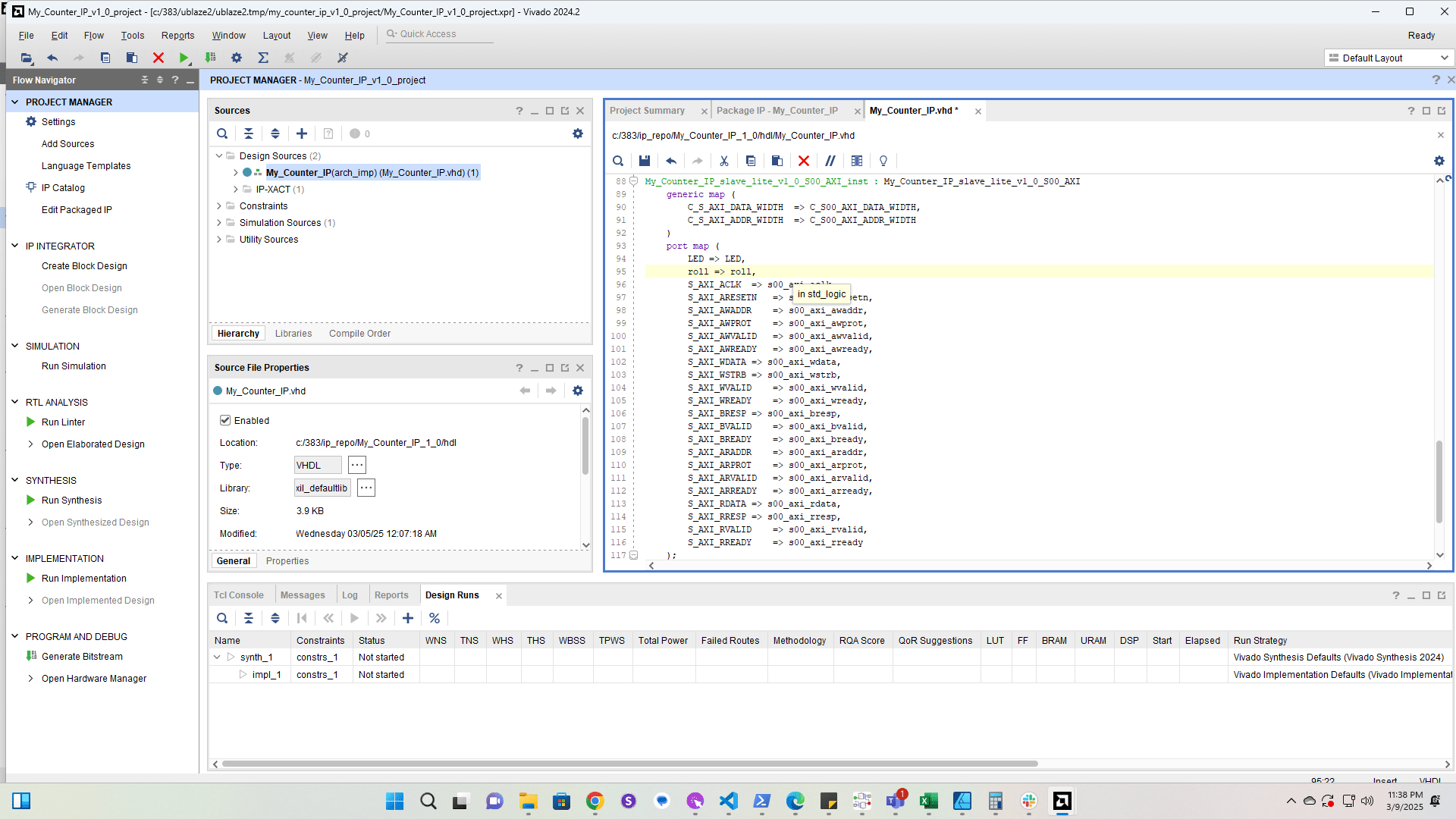
Add the roll port to the subcomponent instantiation
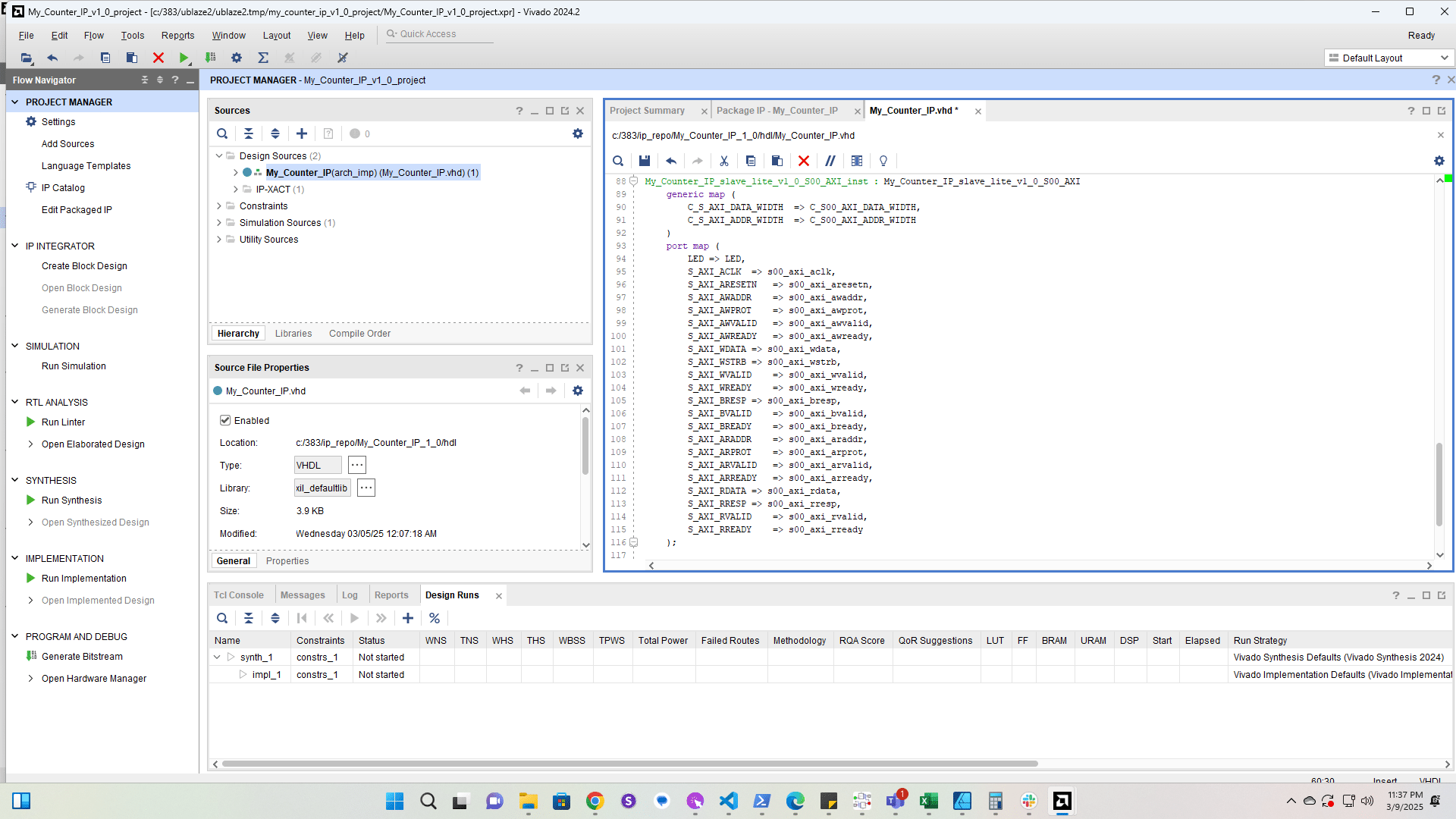
Add the roll port to the subcomponent instantiation
22

Click here

Click here
23

Click here

Click here
24

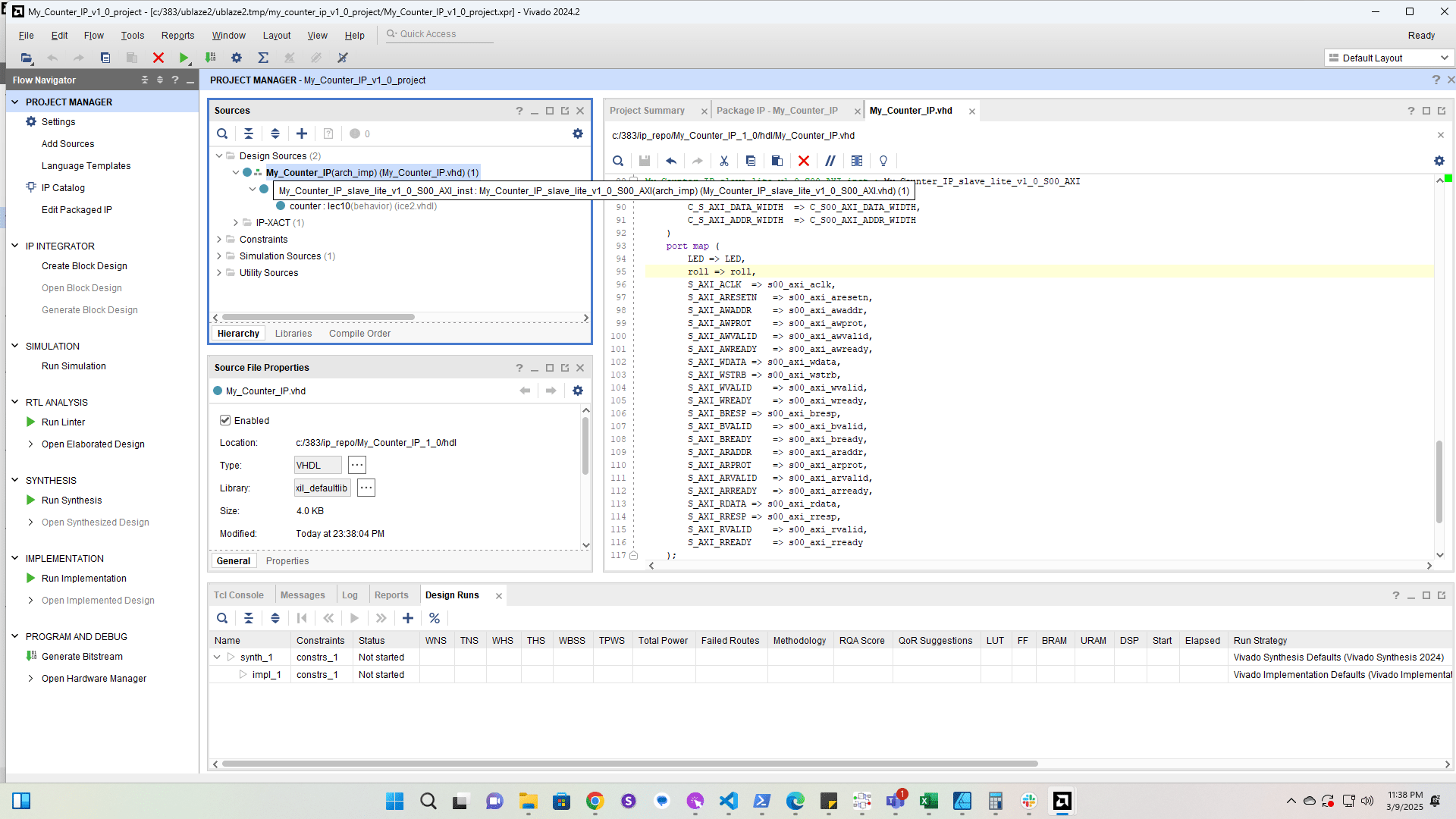
Open the subcomponent file

Open the subcomponent file
25

Add the roll port

Add the roll port
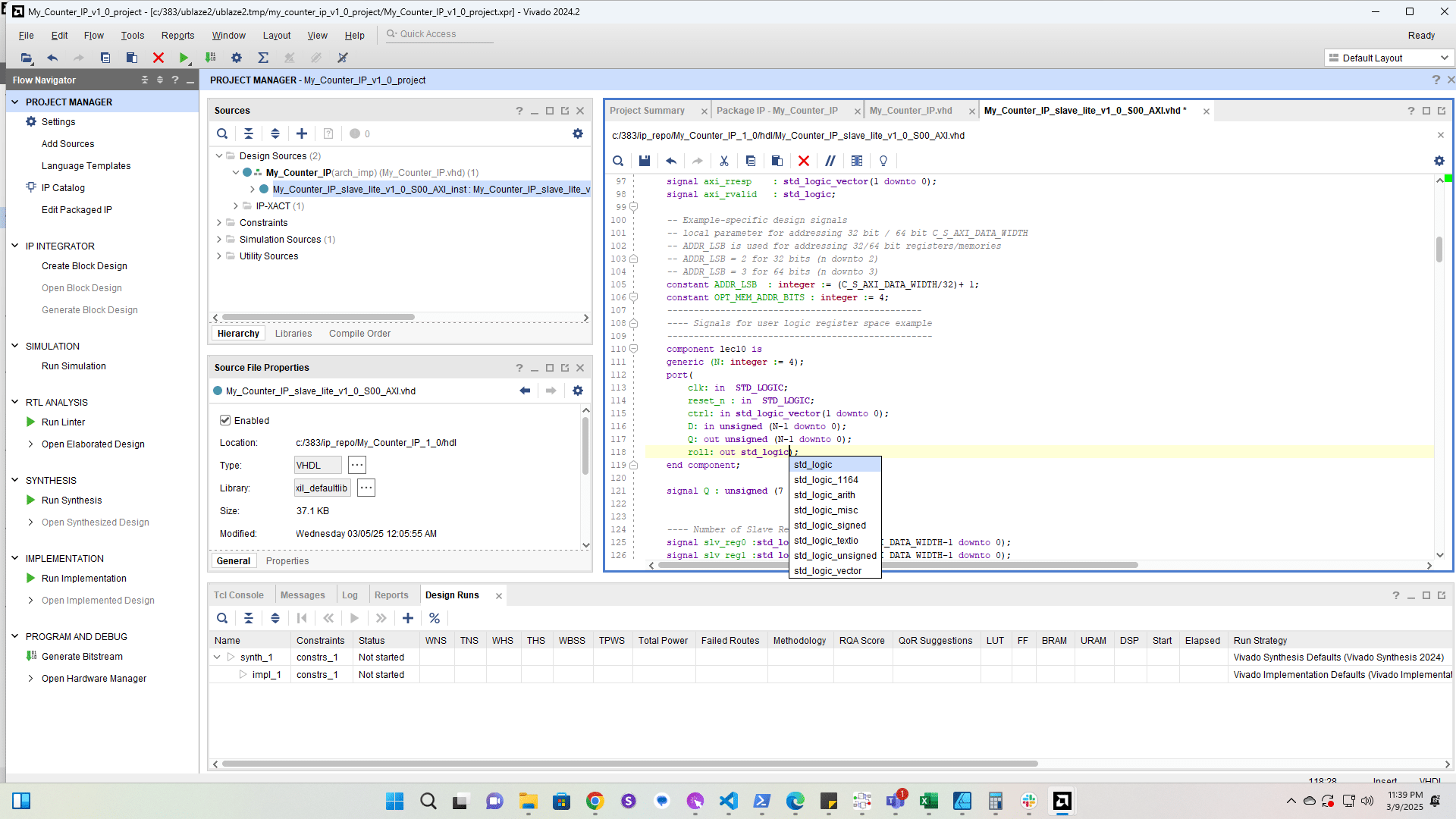
27

Add the roll port to the lec10 counter declaration
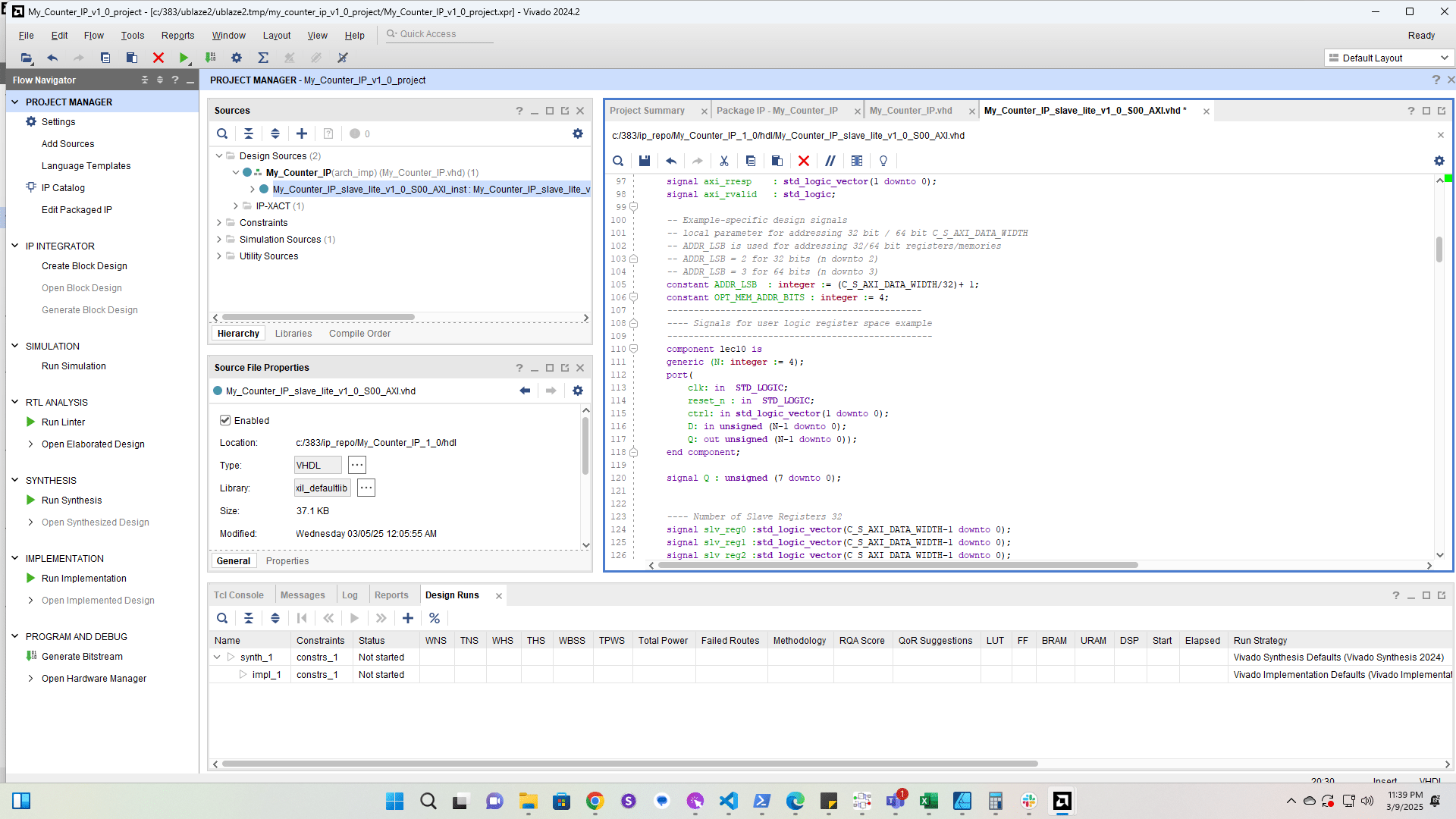
Add the roll port to the lec10 counter declaration
29

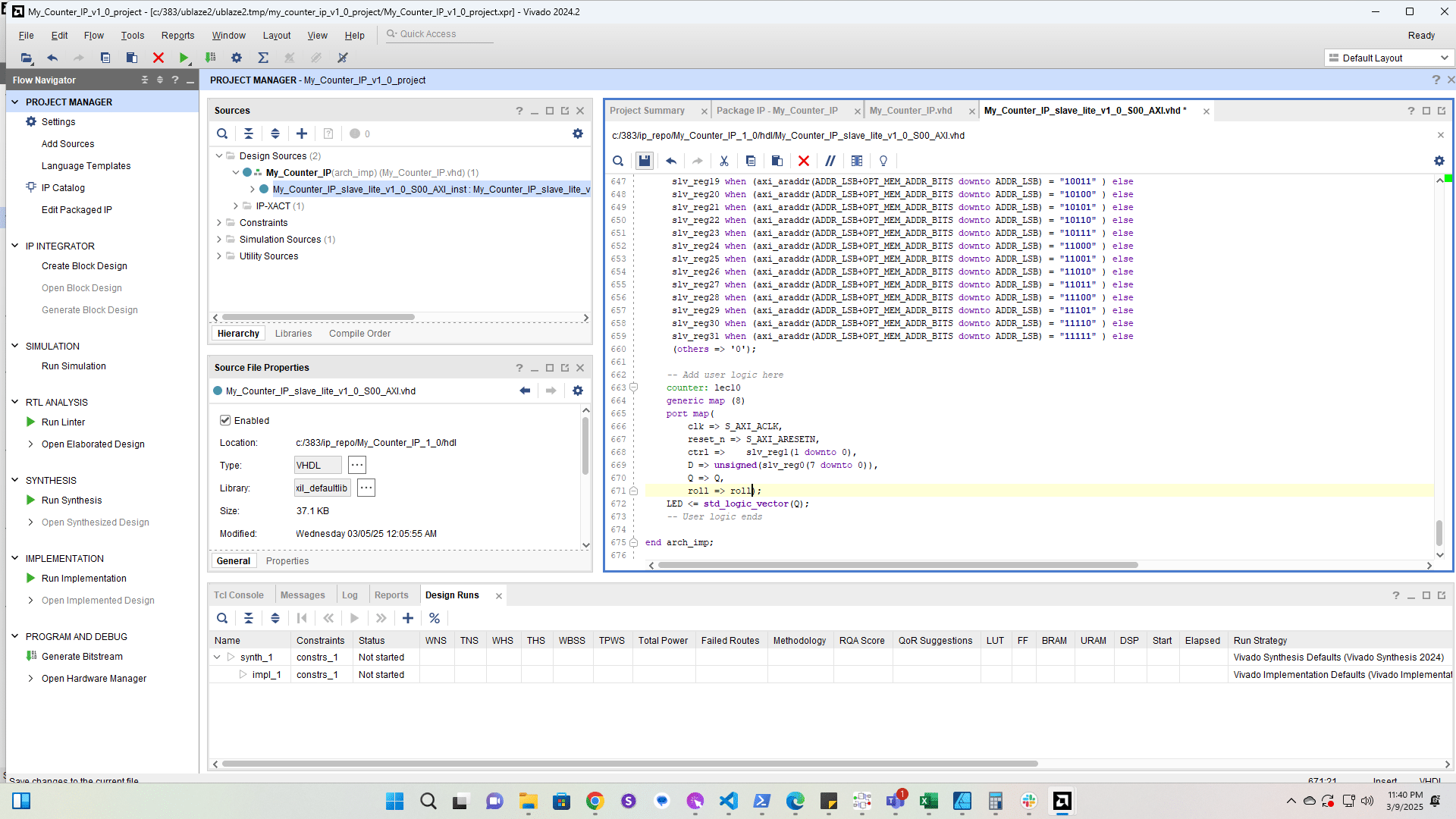
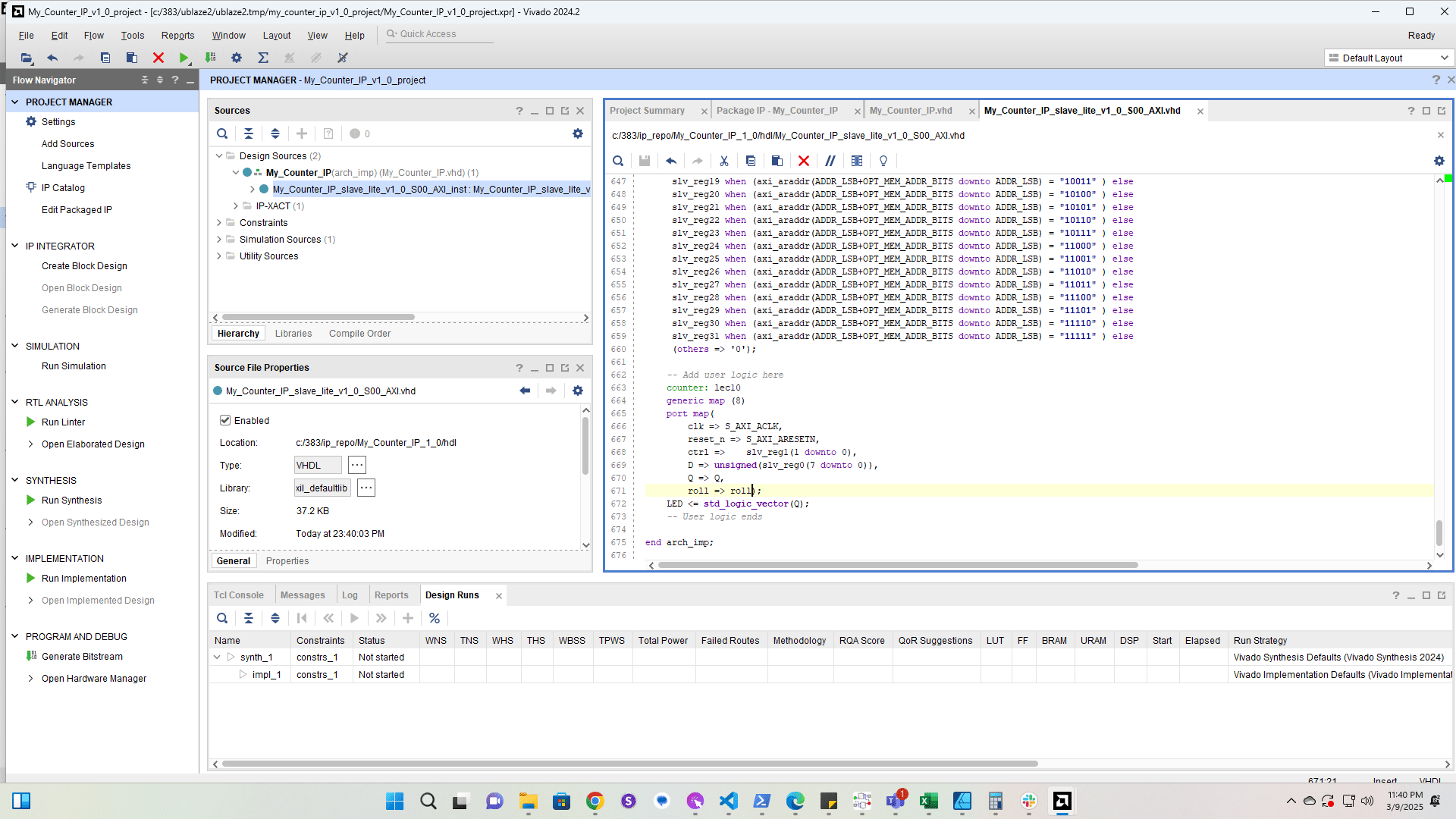
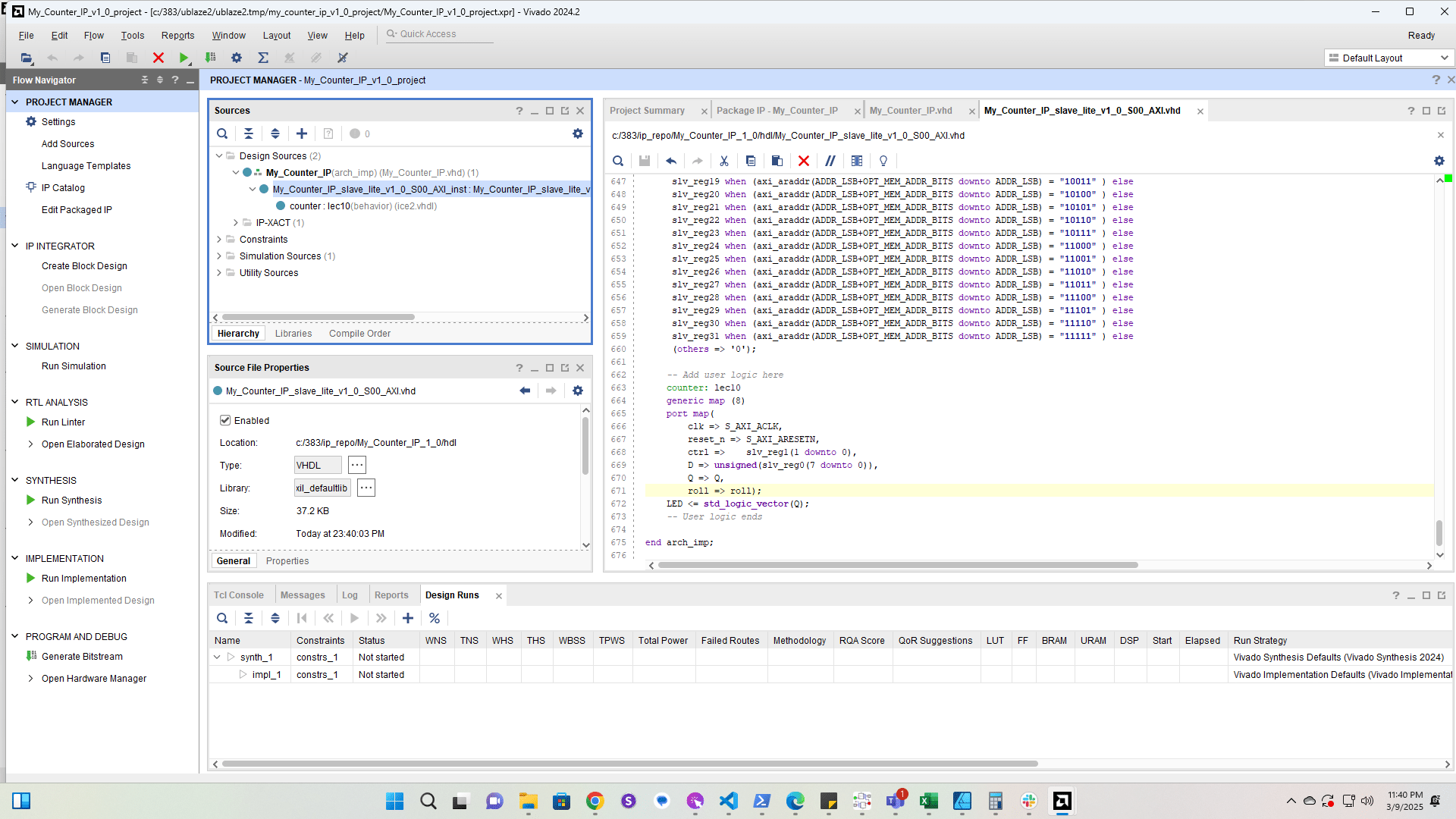
Add the roll port to the lec10 counter instantiation
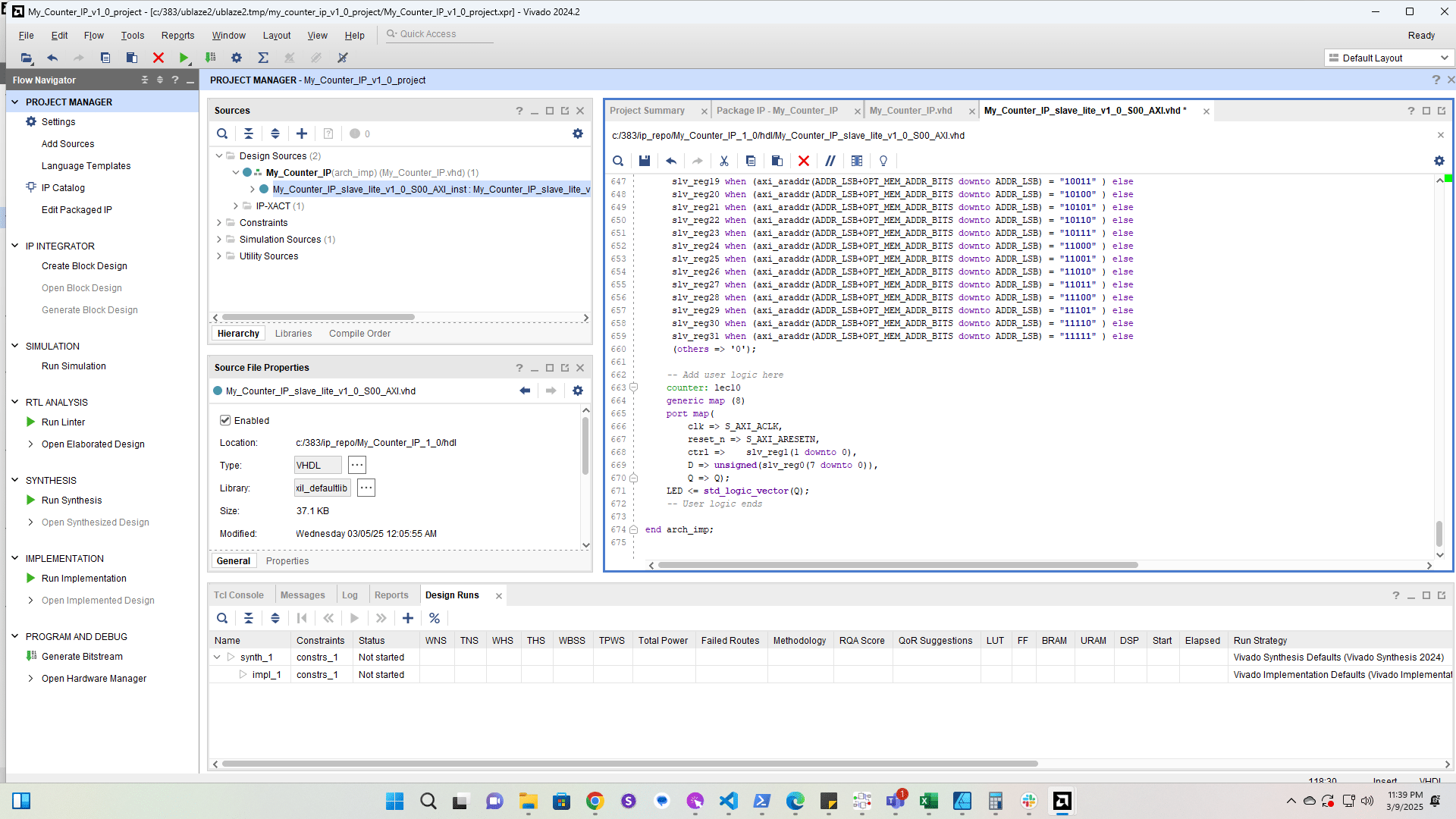
Add the roll port to the lec10 counter instantiation
30

Save

Save
31

Click here

Click here
32

Double-click here

Double-click here
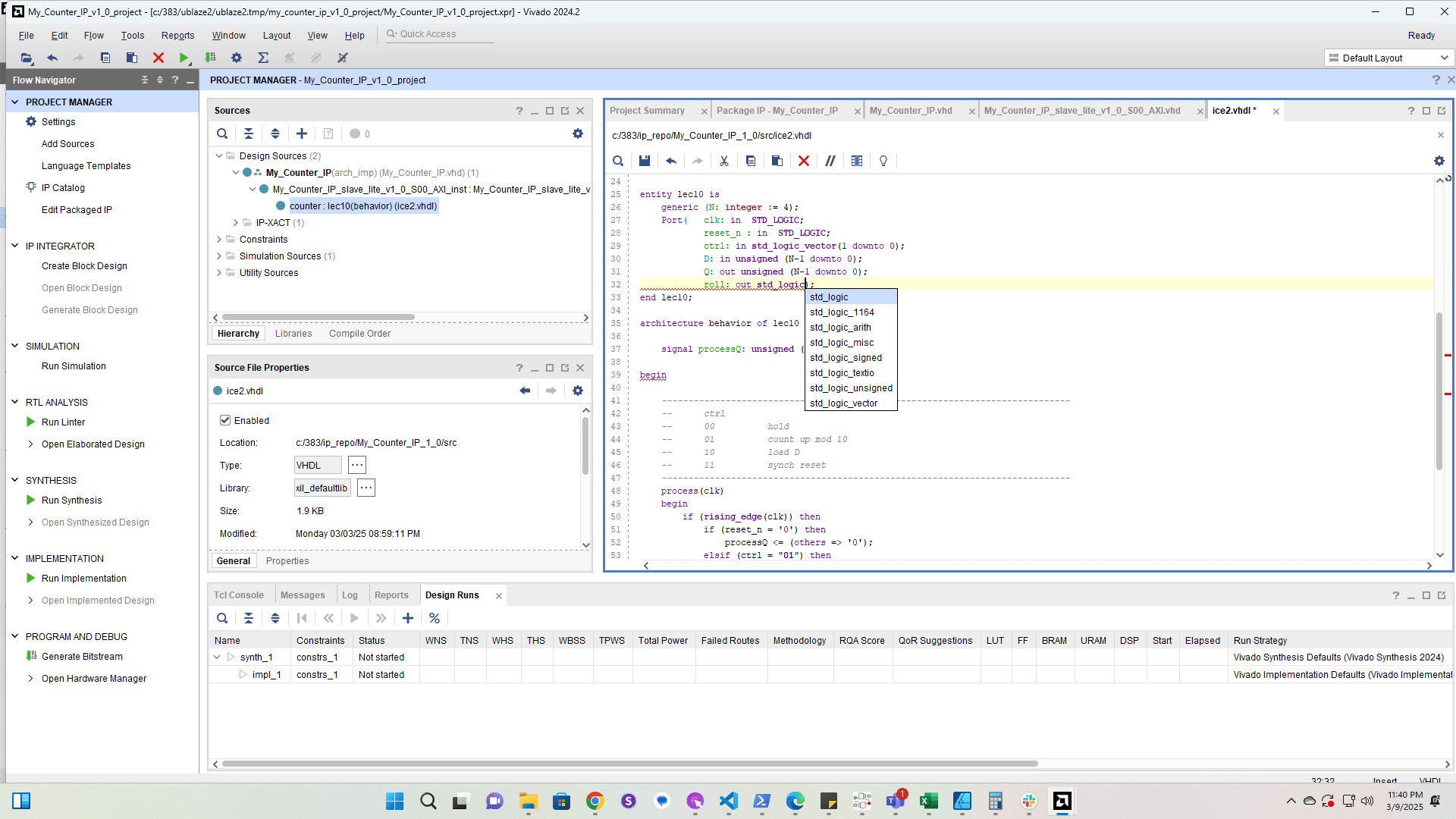
33

Add the roll port to the lec10 counter entity
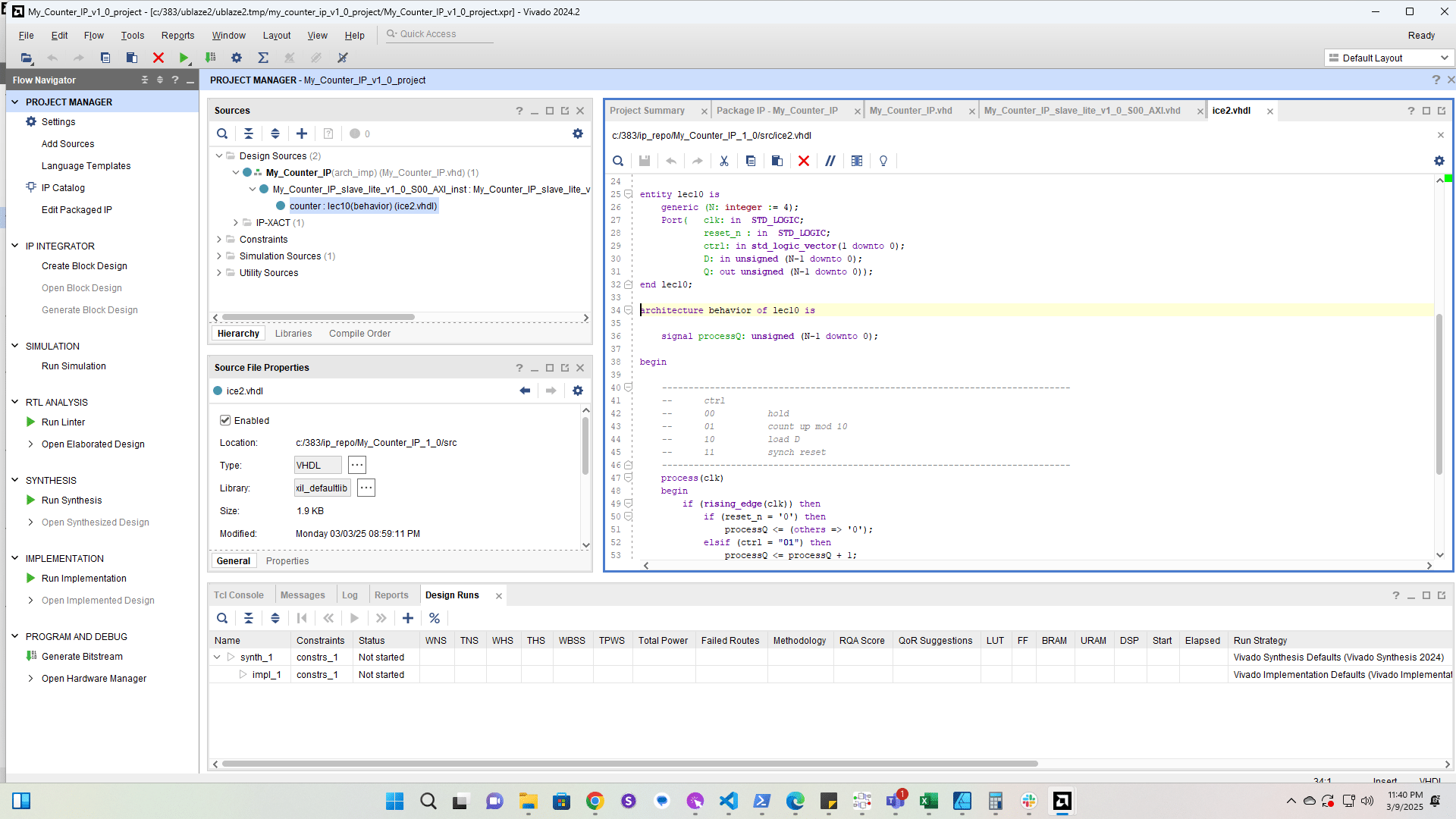
Add the roll port to the lec10 counter entity
35

Click here

Click here
36

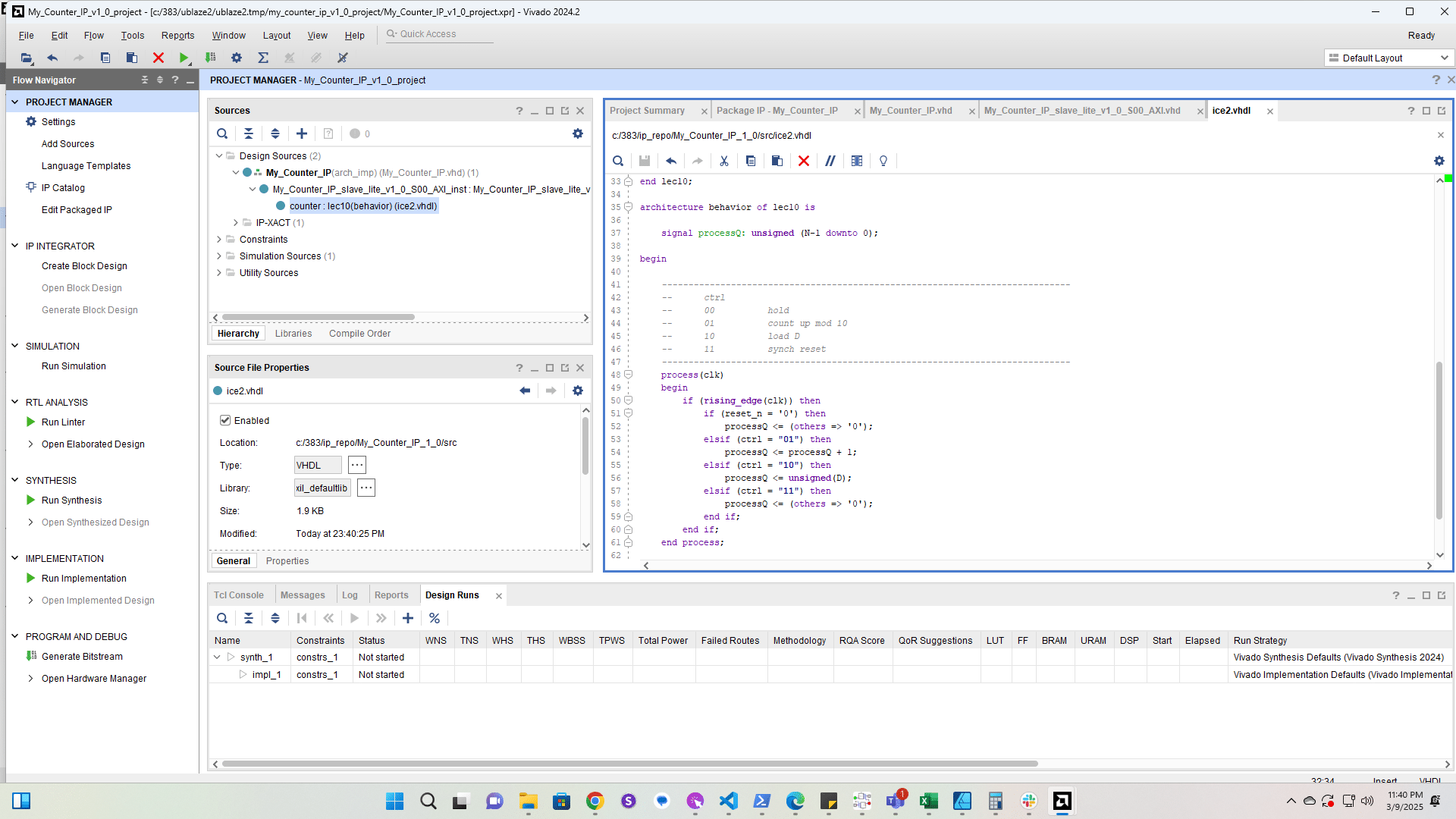
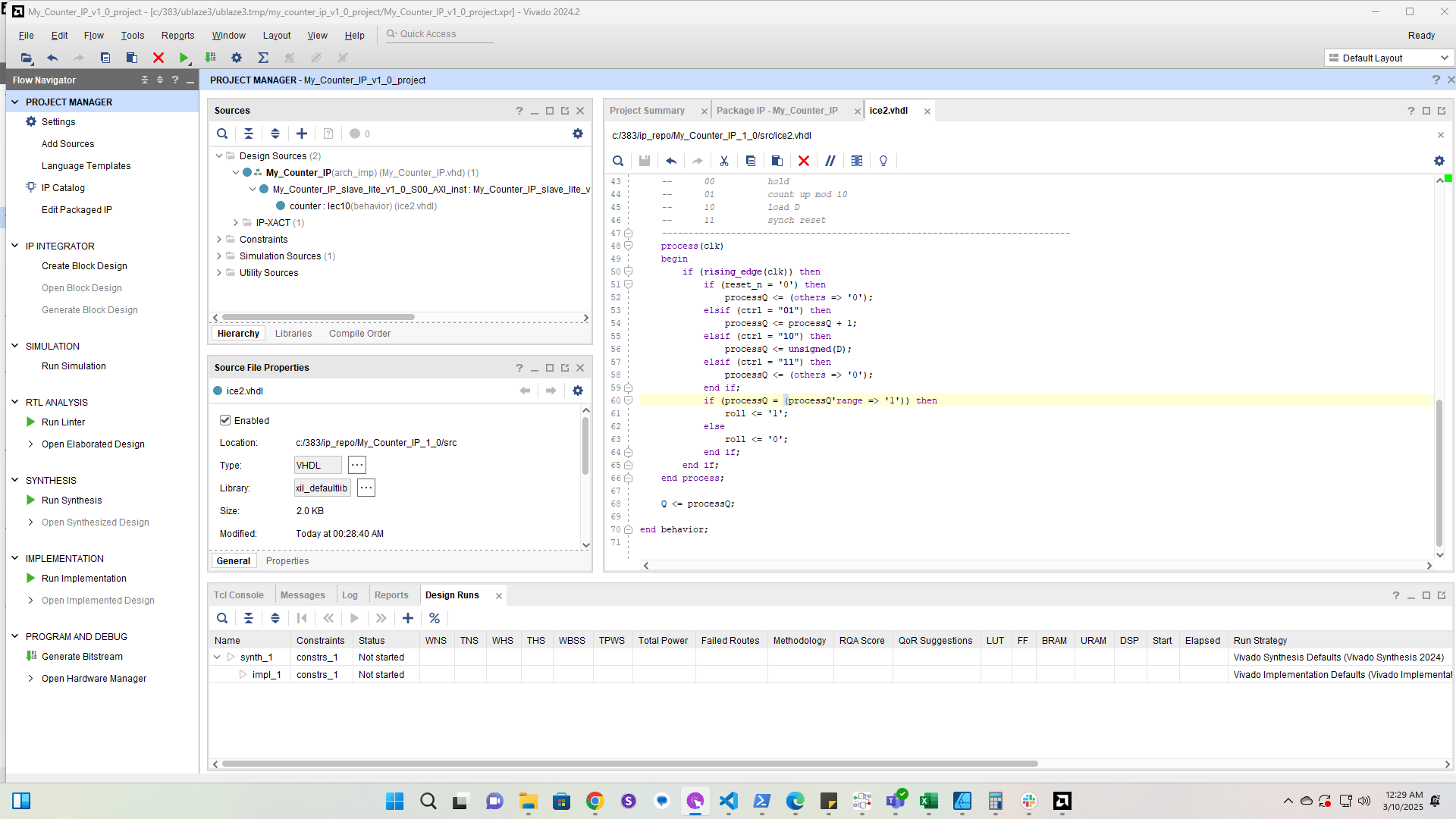
Add code for the roll signal

Add code for the roll signal
38

Click here

Click here
39

Click here

Click here
40

Click here

Click here
41

Click here

Click here
42

Click here

Click here
43

Click here

Click here
44

Click here

Click here
45

Click here

Click here
46

Click here

Click here
47

Click here

Click here
48

Click here

Click here
49

Click here

Click here
50

Click here

Click here
51

Click here

Click here
53

Click here

Click here
54

Click here

Click here
55

Click here

Click here
56

Click here

Click here
57

Click here

Click here
58

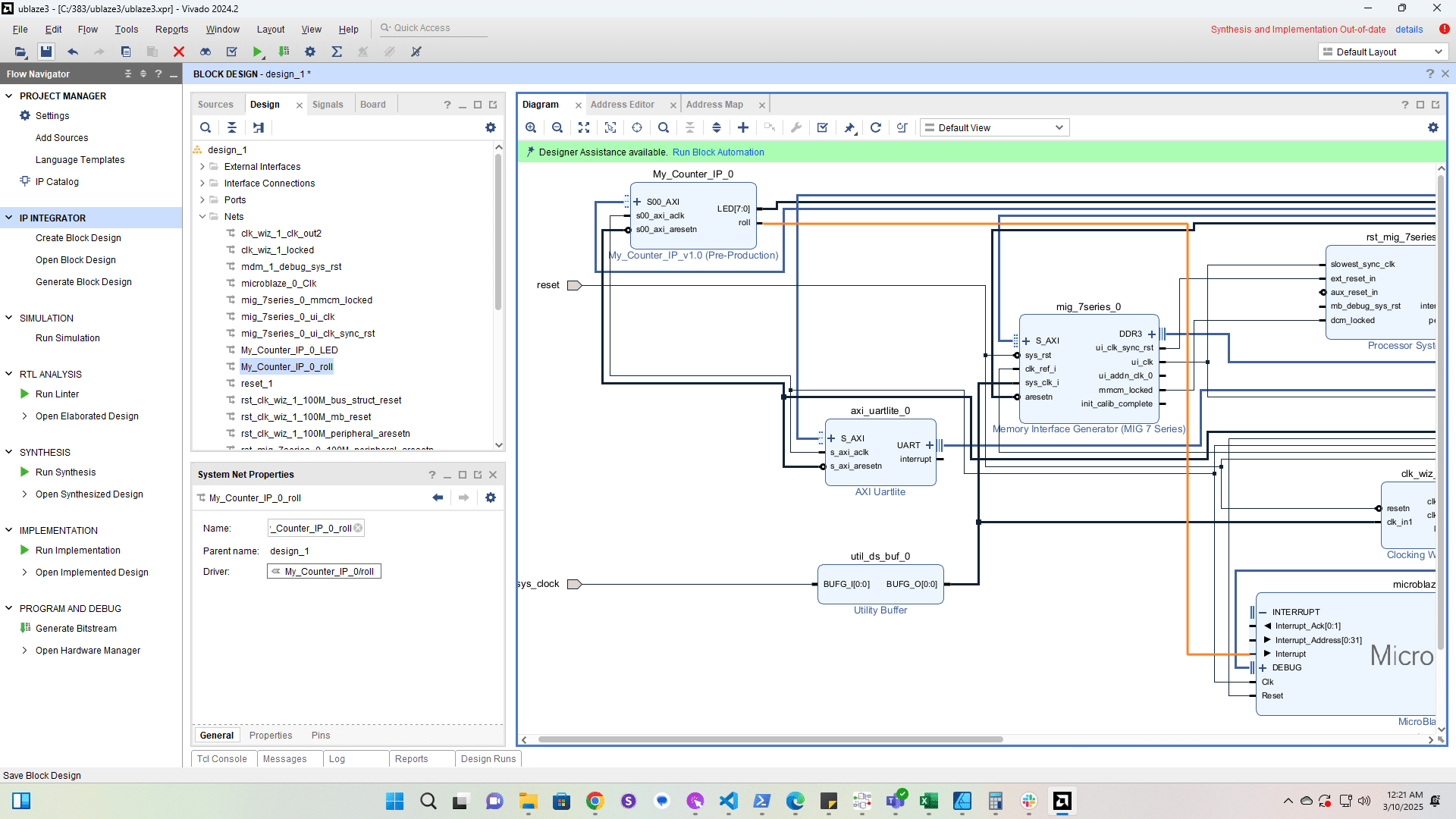
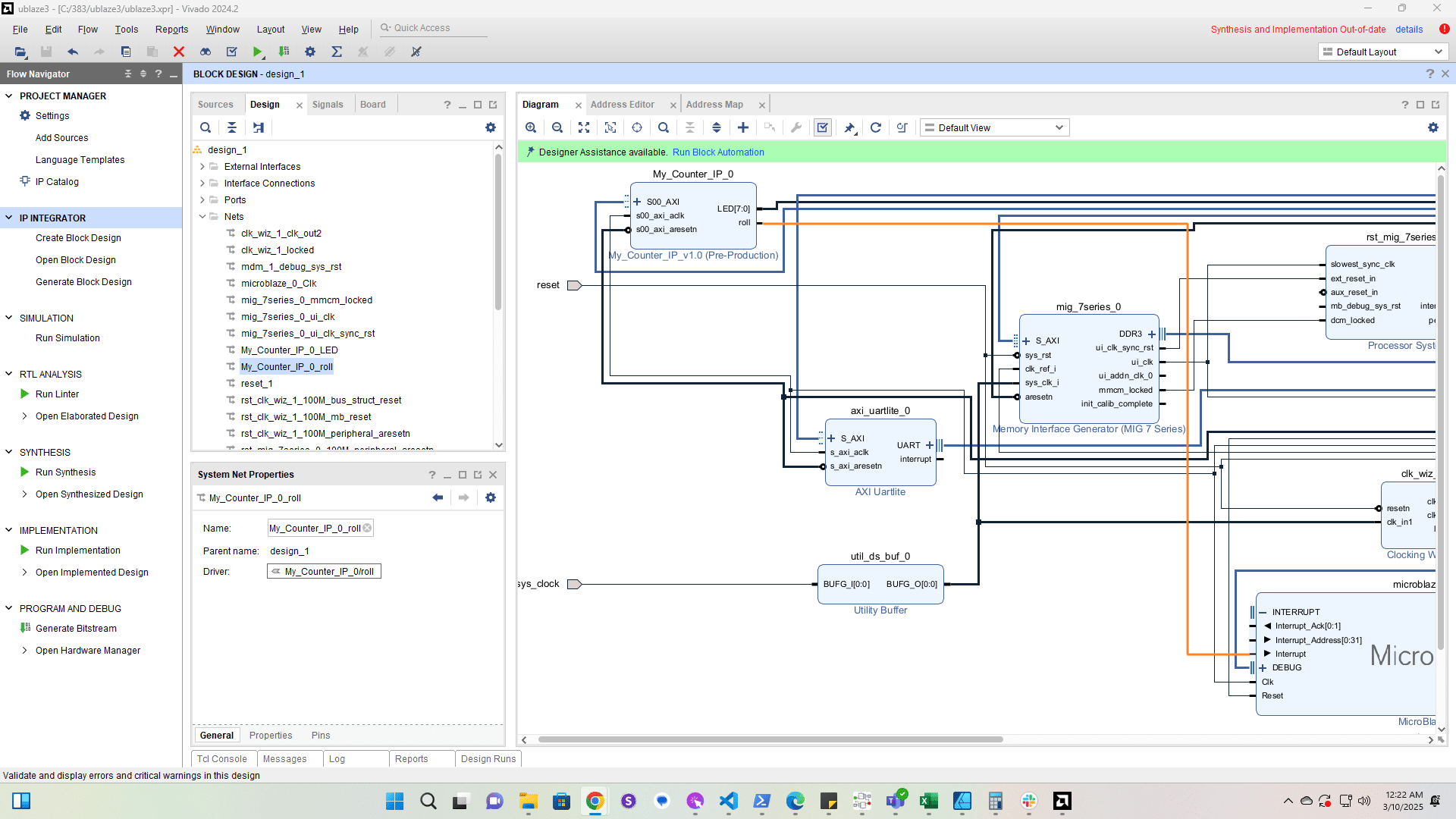
Connect roll to the interrupt input on the MicroBlaze
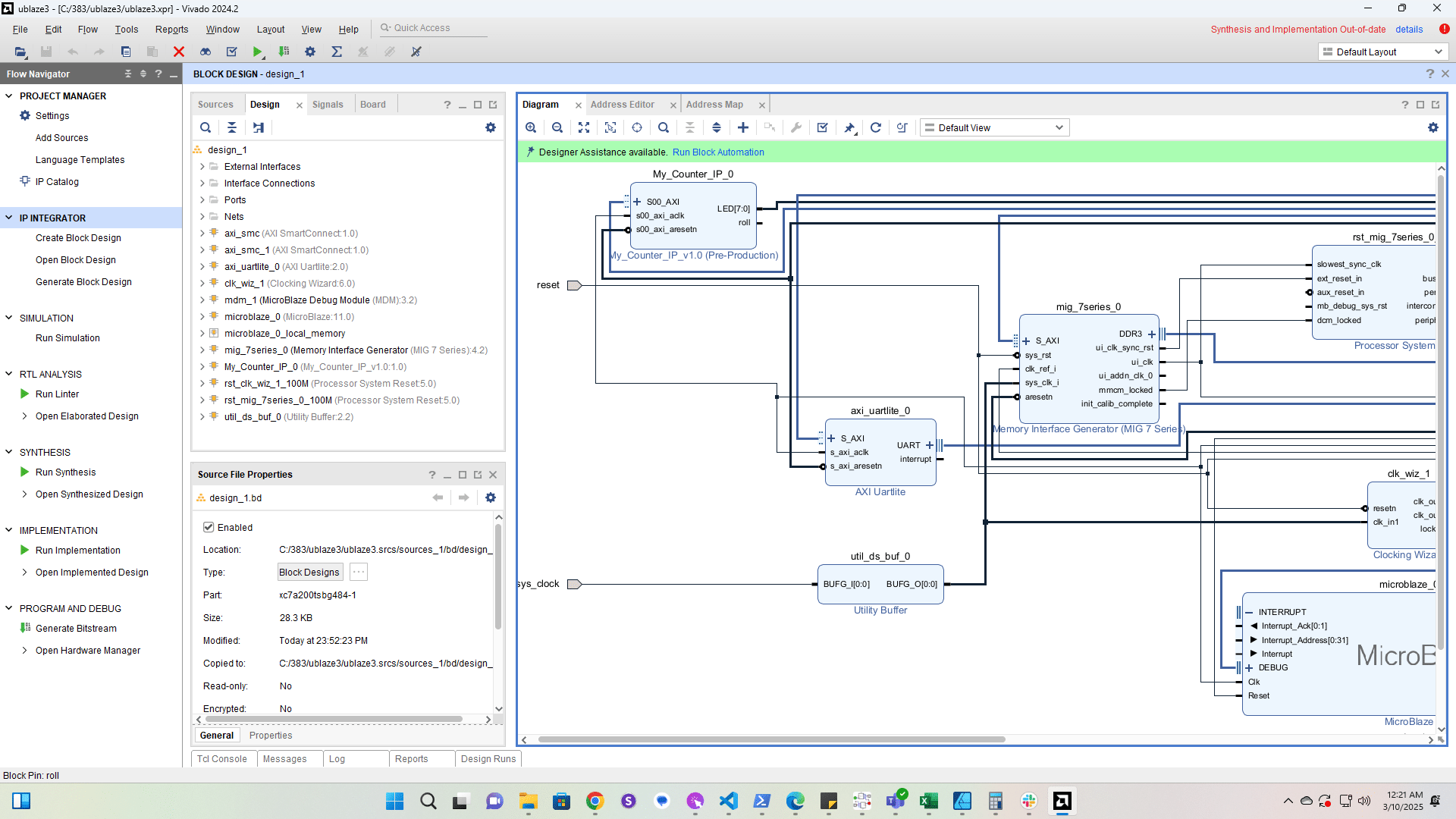
Connect roll to the interrupt input on the MicroBlaze
59

Click here

Click here
60

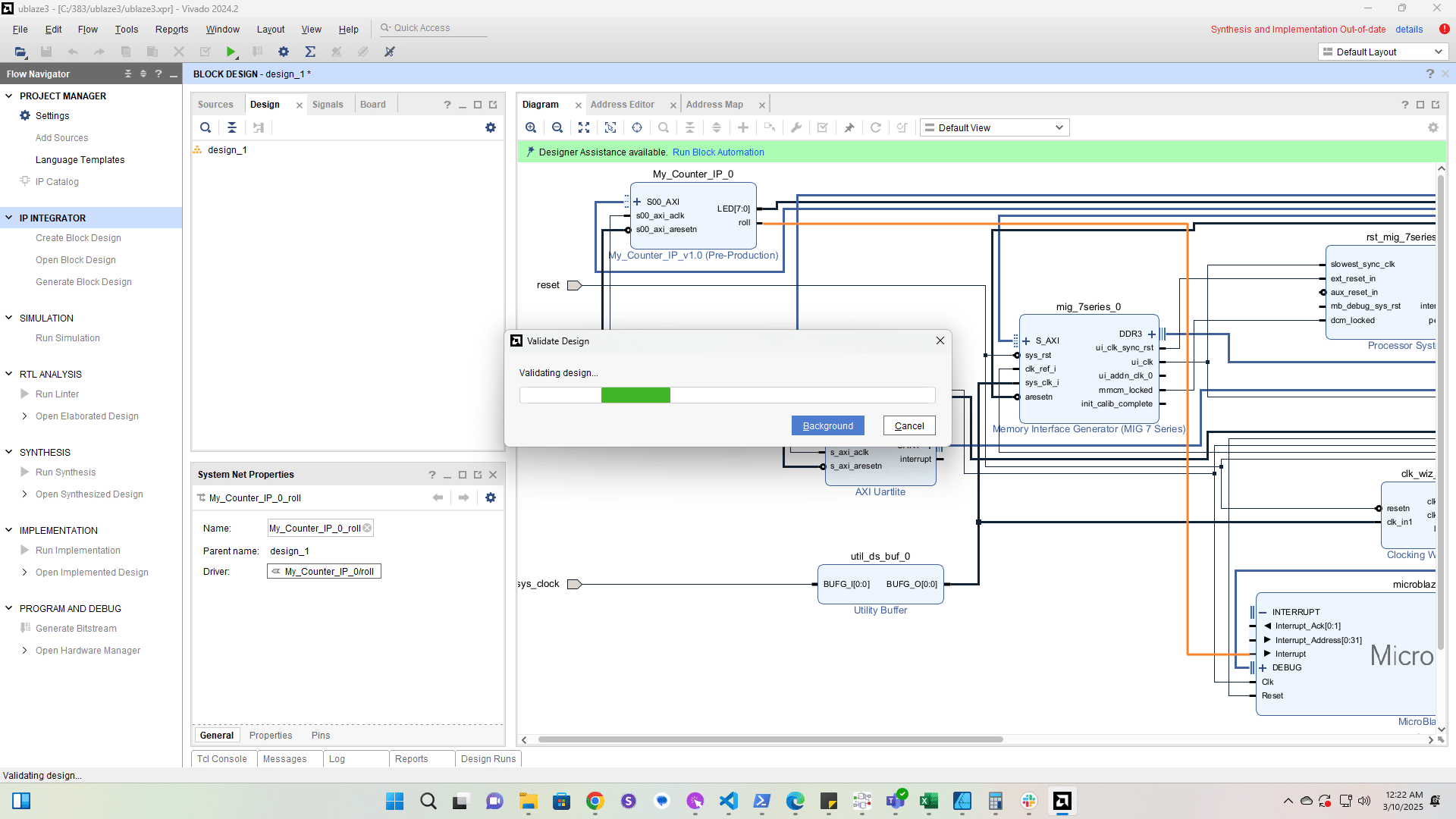
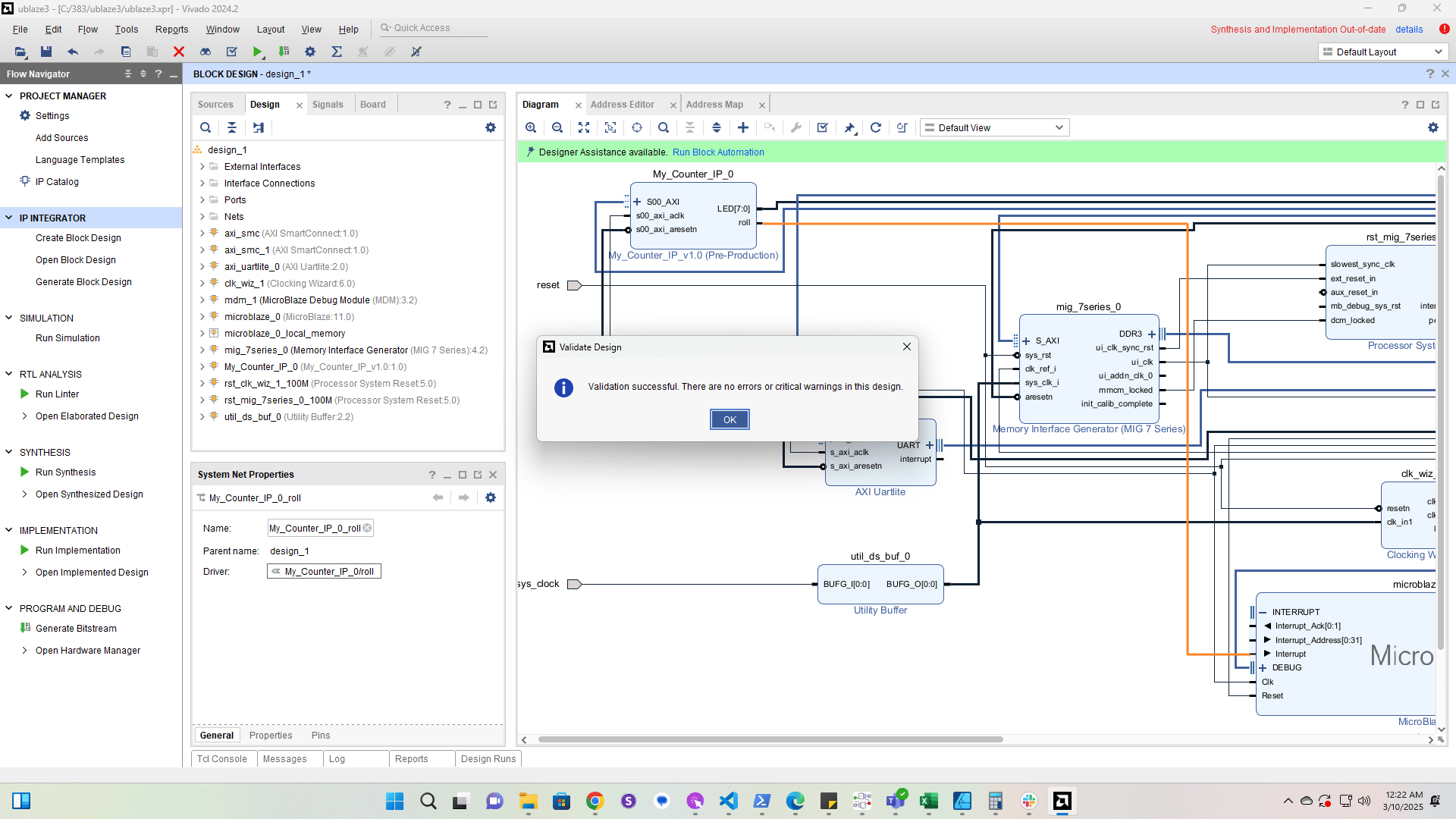
Validate the design

Validate the design
61

Click here

Click here
62

Click here

Click here
63

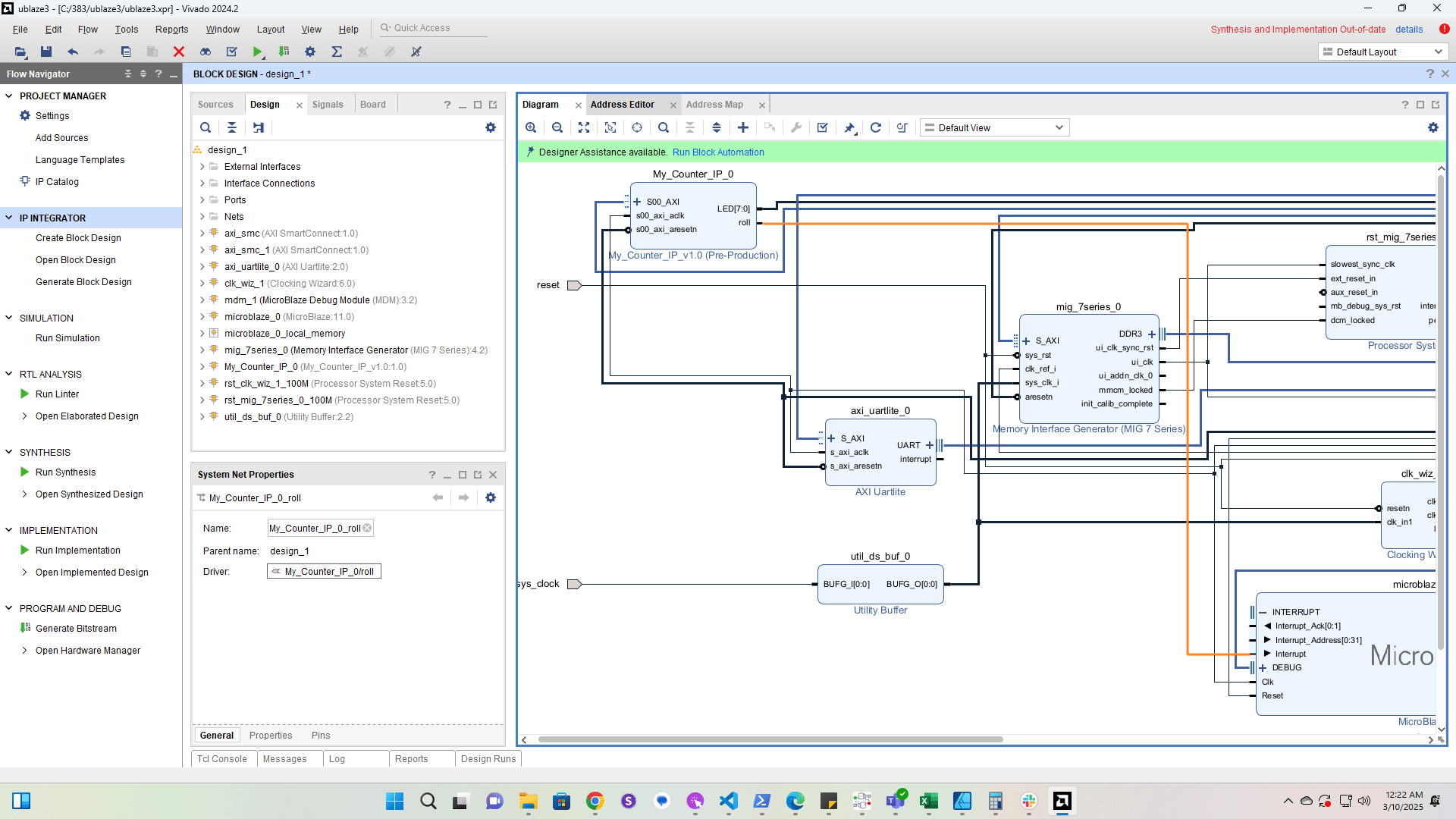
Take a look at the address space

Take a look at the address space
64

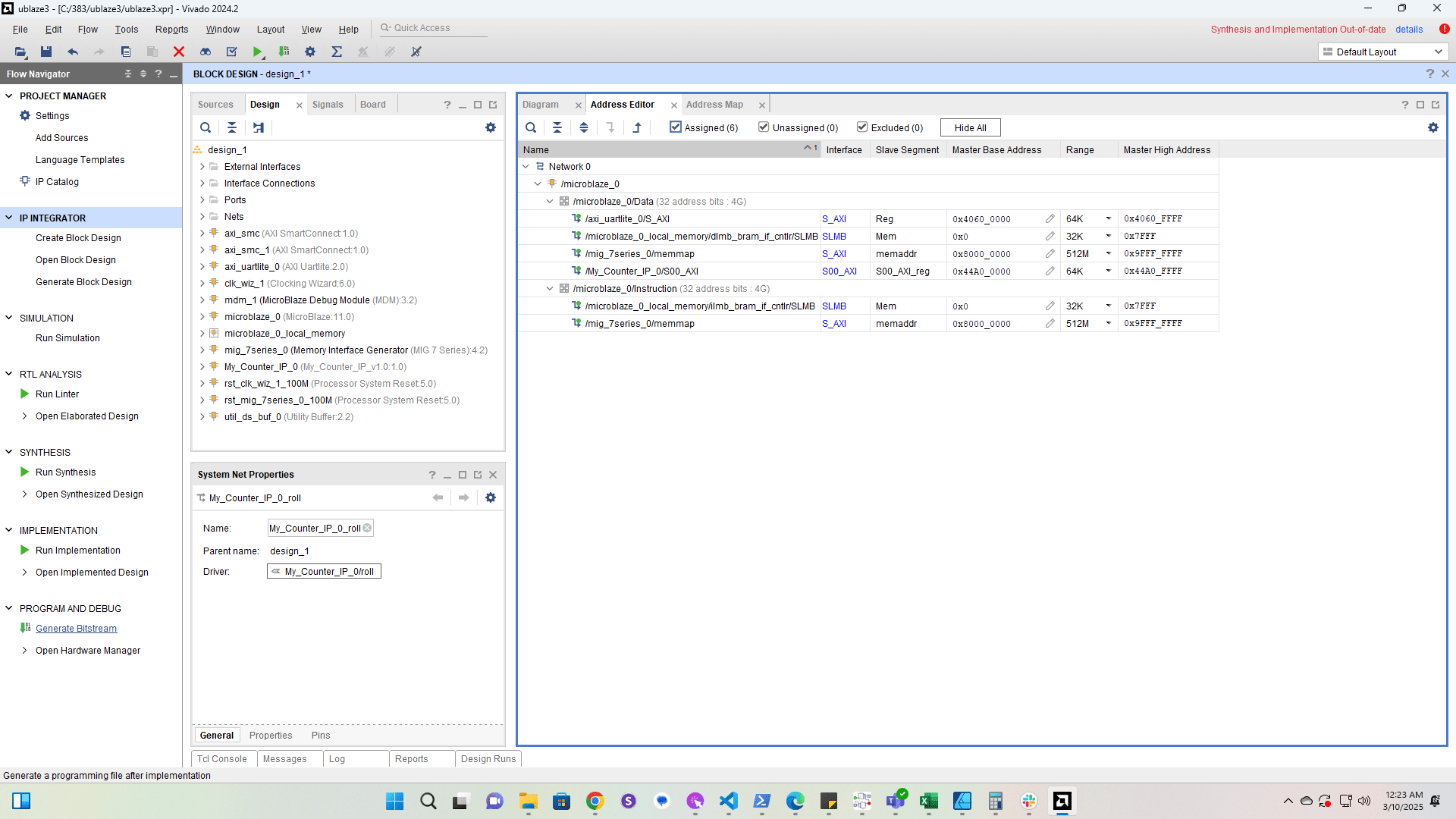
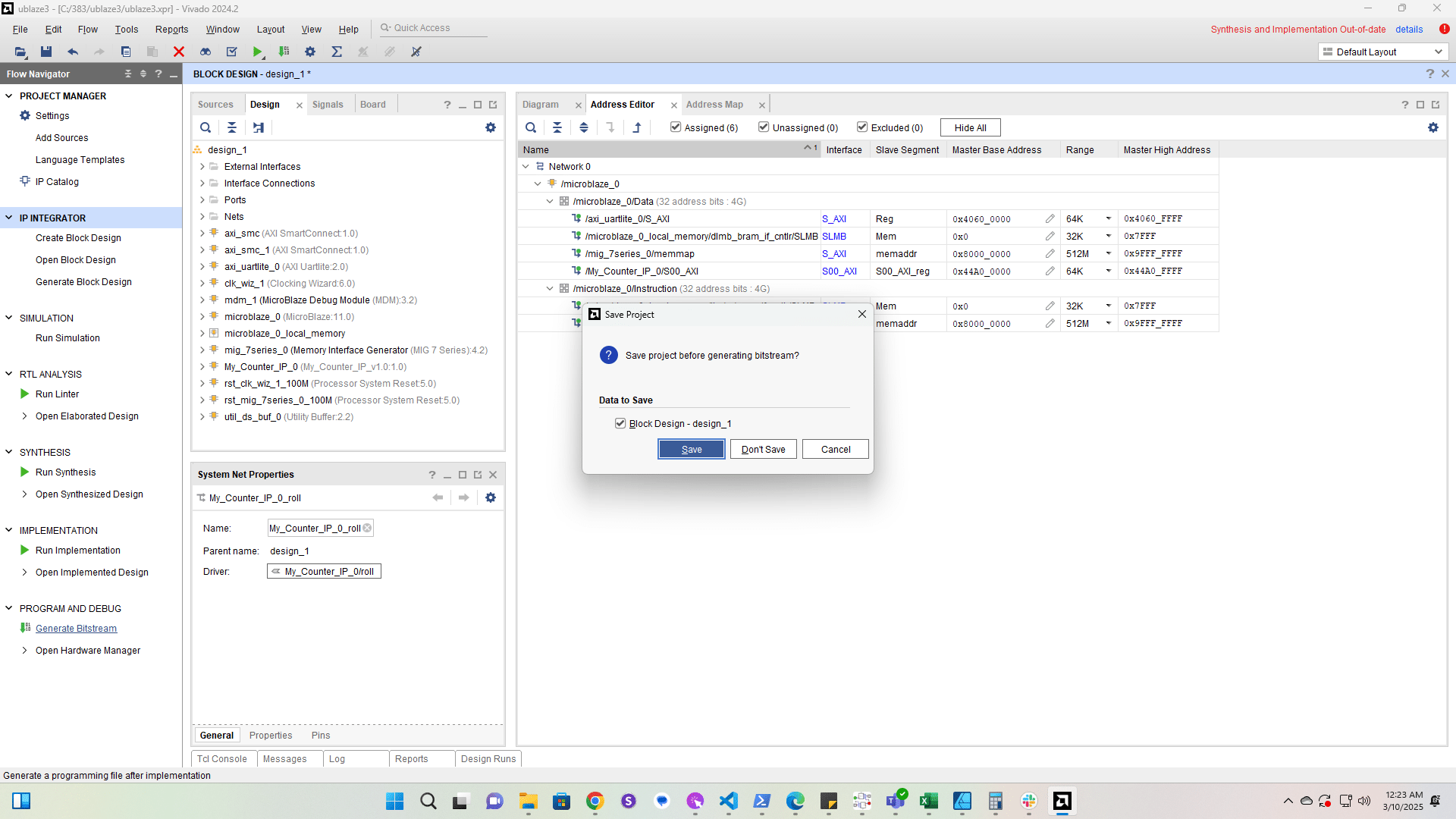
Generate the bitstream

Generate the bitstream
65

Click here

Click here