GEC ECPro - Book an Intro Lesson
Navigate to https://grahamequestriancenter.ecpro.us/
Before scheduling a lesson, you must register on the site, and be sure to add a rider to your account. For adult riders the client and the rider are the same person, for children the client is the parent and the rider is the child. Siblings should be riders under the same parent. In the case of a family riding, one parent is the client, and the parent and children are all setup as riders.
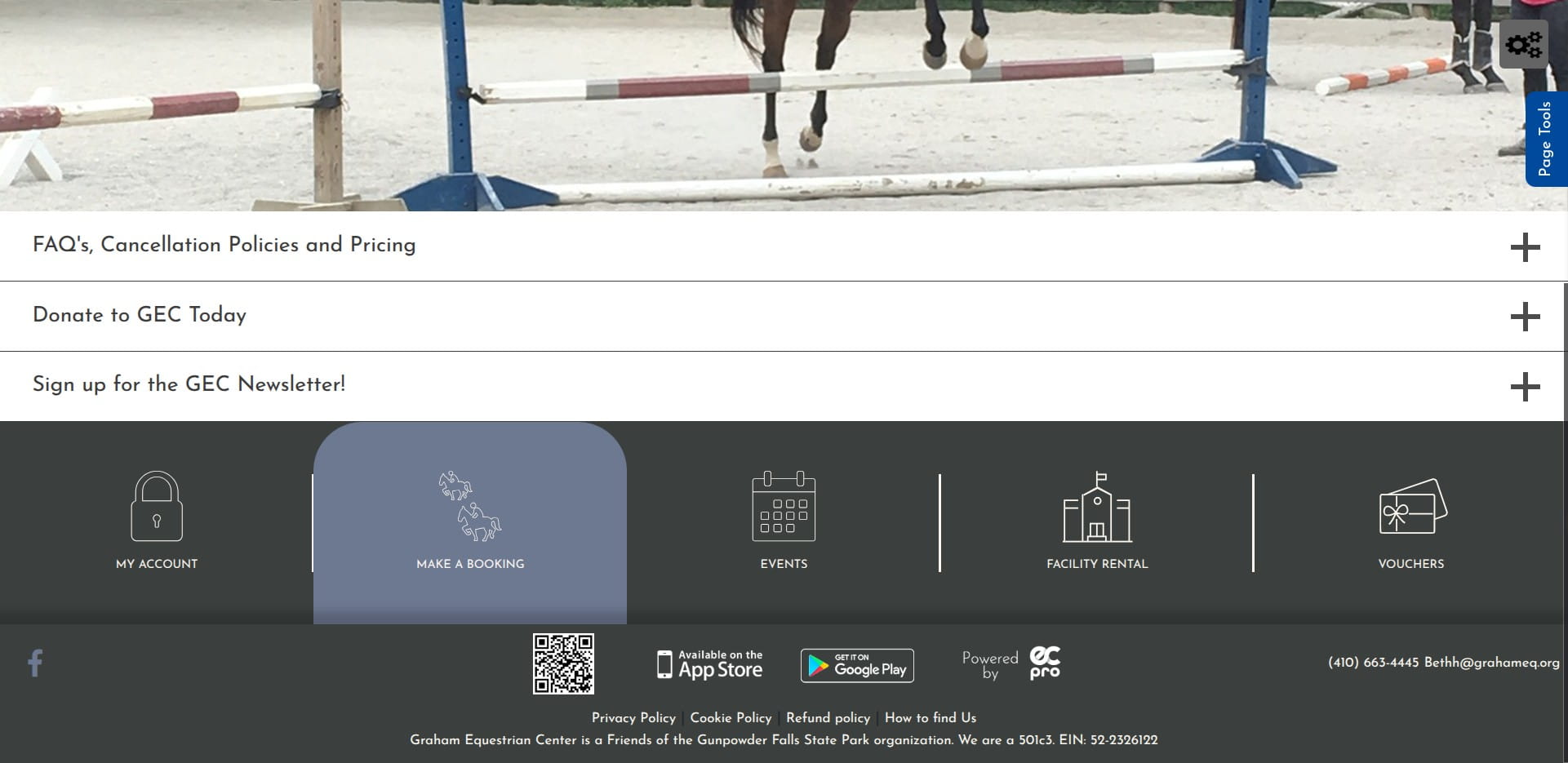
Scroll down and click 'Make a Booking'
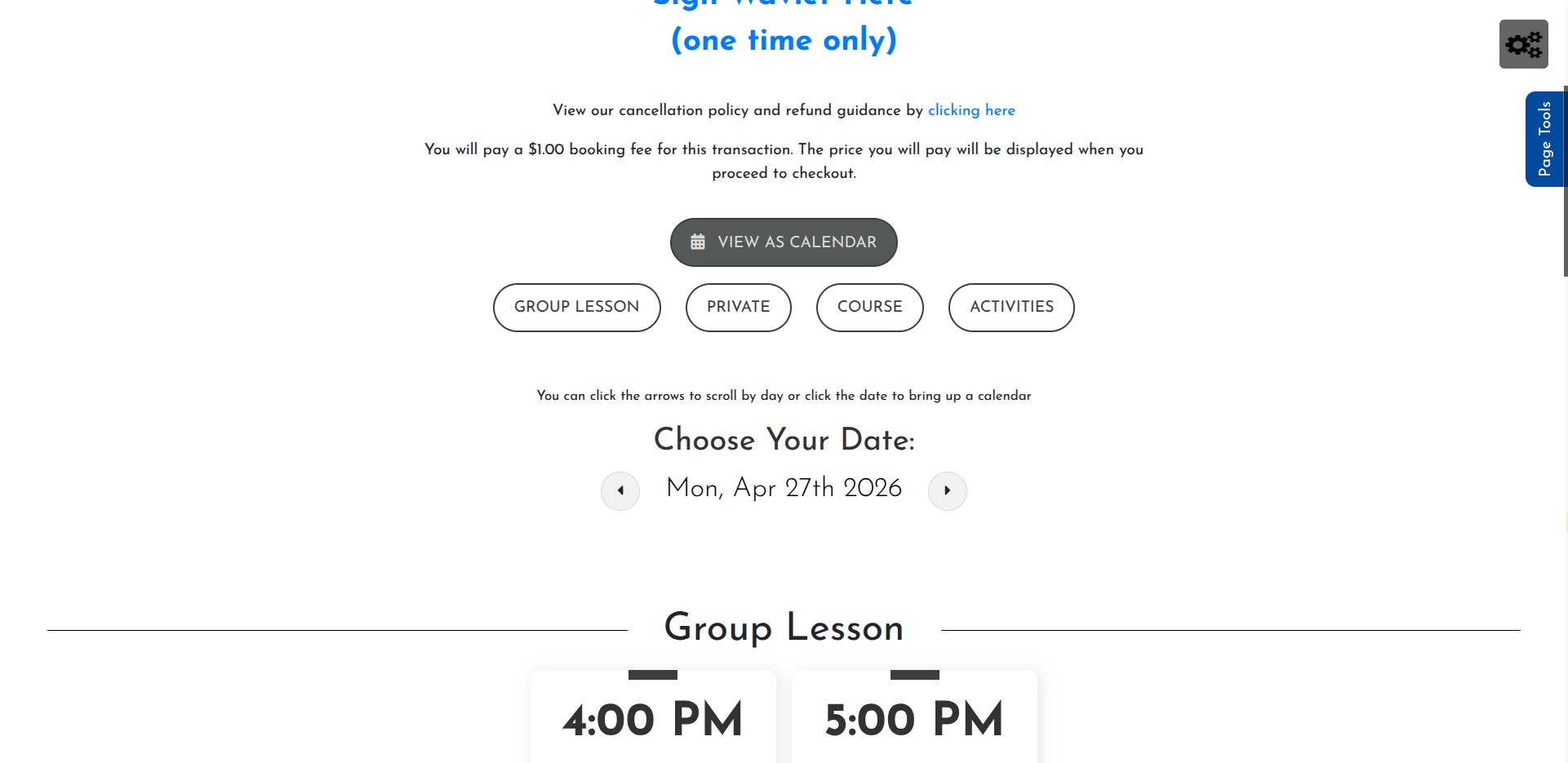
Click 'View as Calendar'
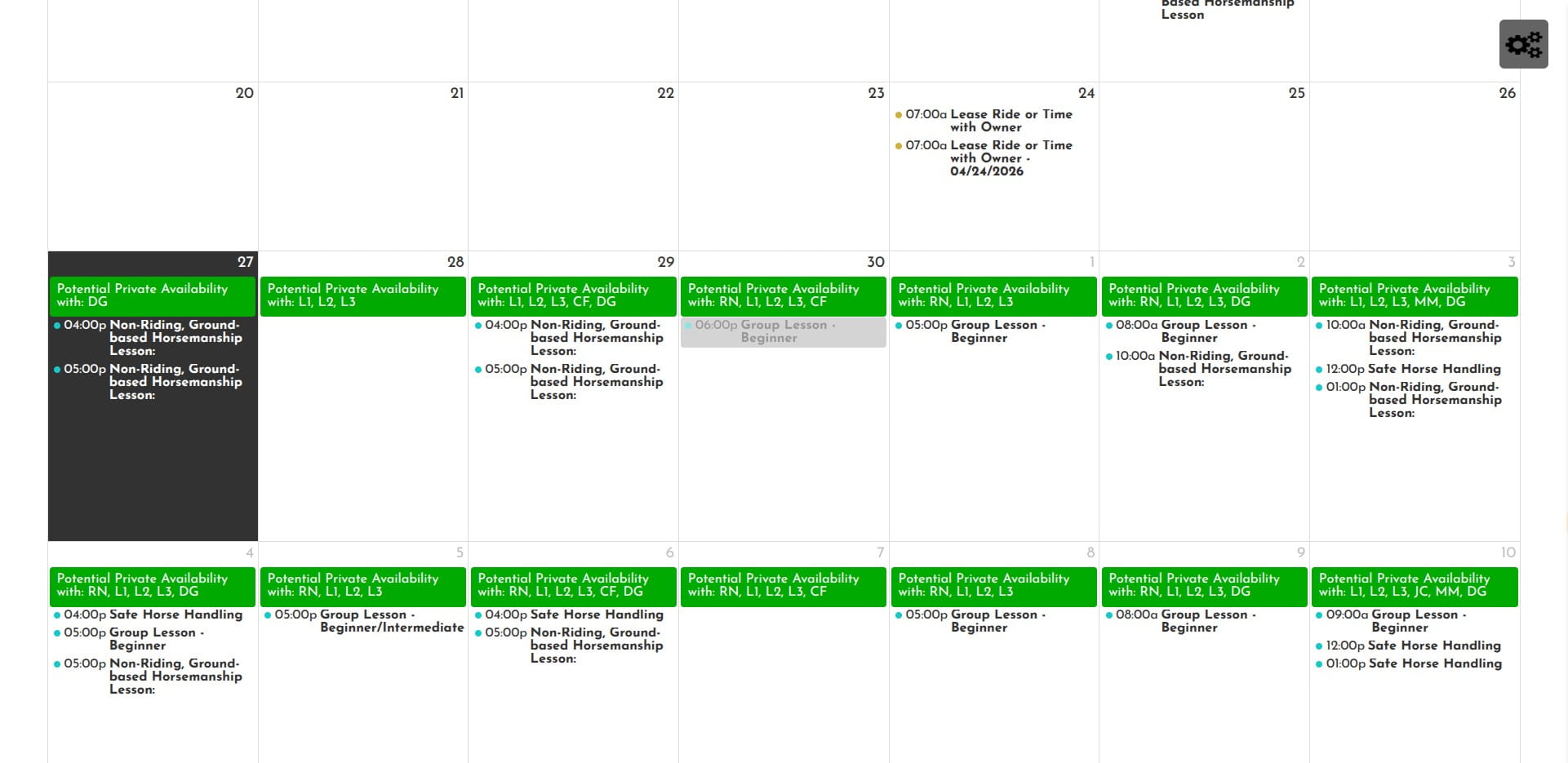
Click on a date with "Potential Private Availability" with: RN, JW, DG, MM or CF. Do not select a date that only shows L1, L2 or L3
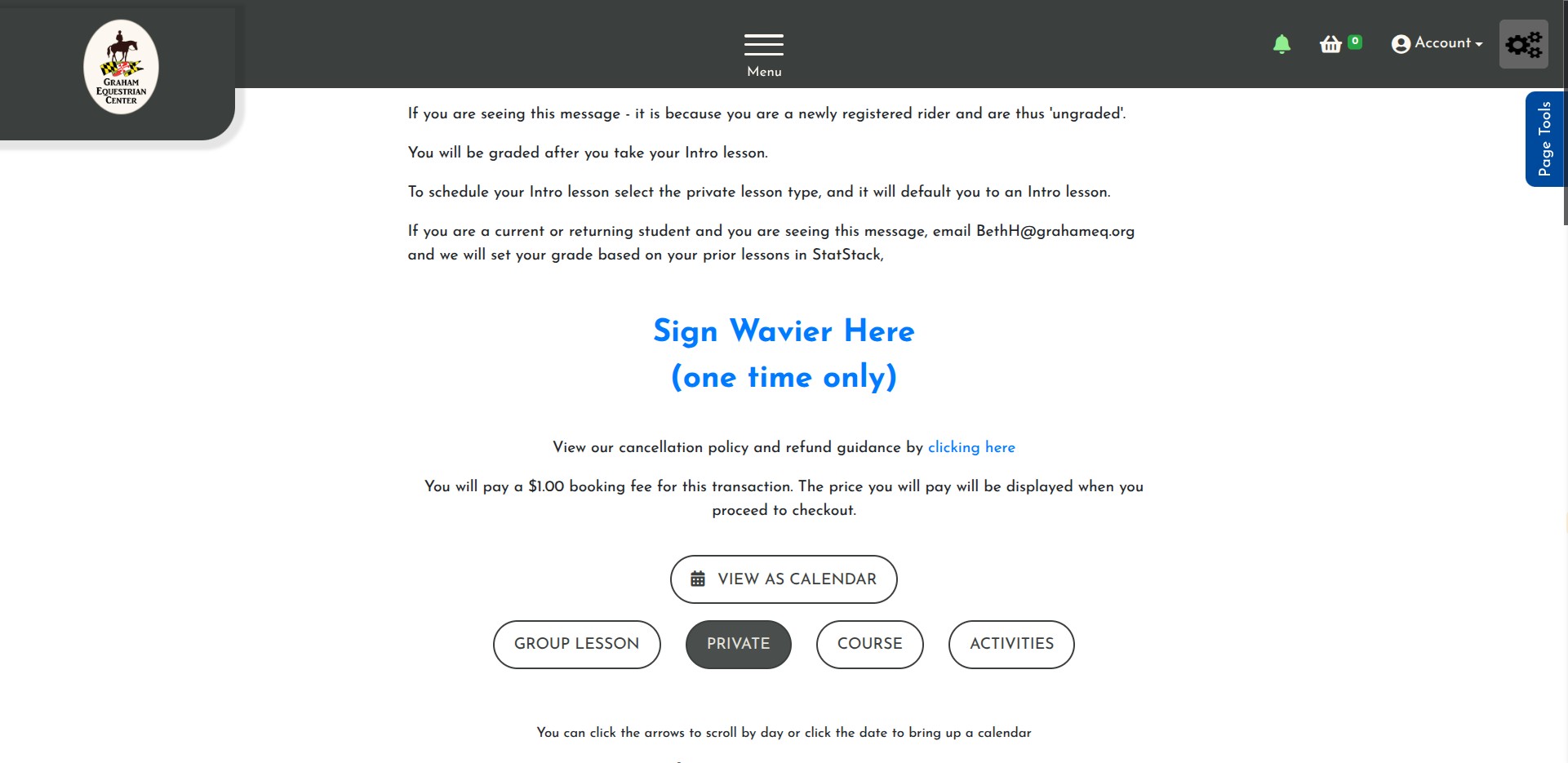
Click on "Private"
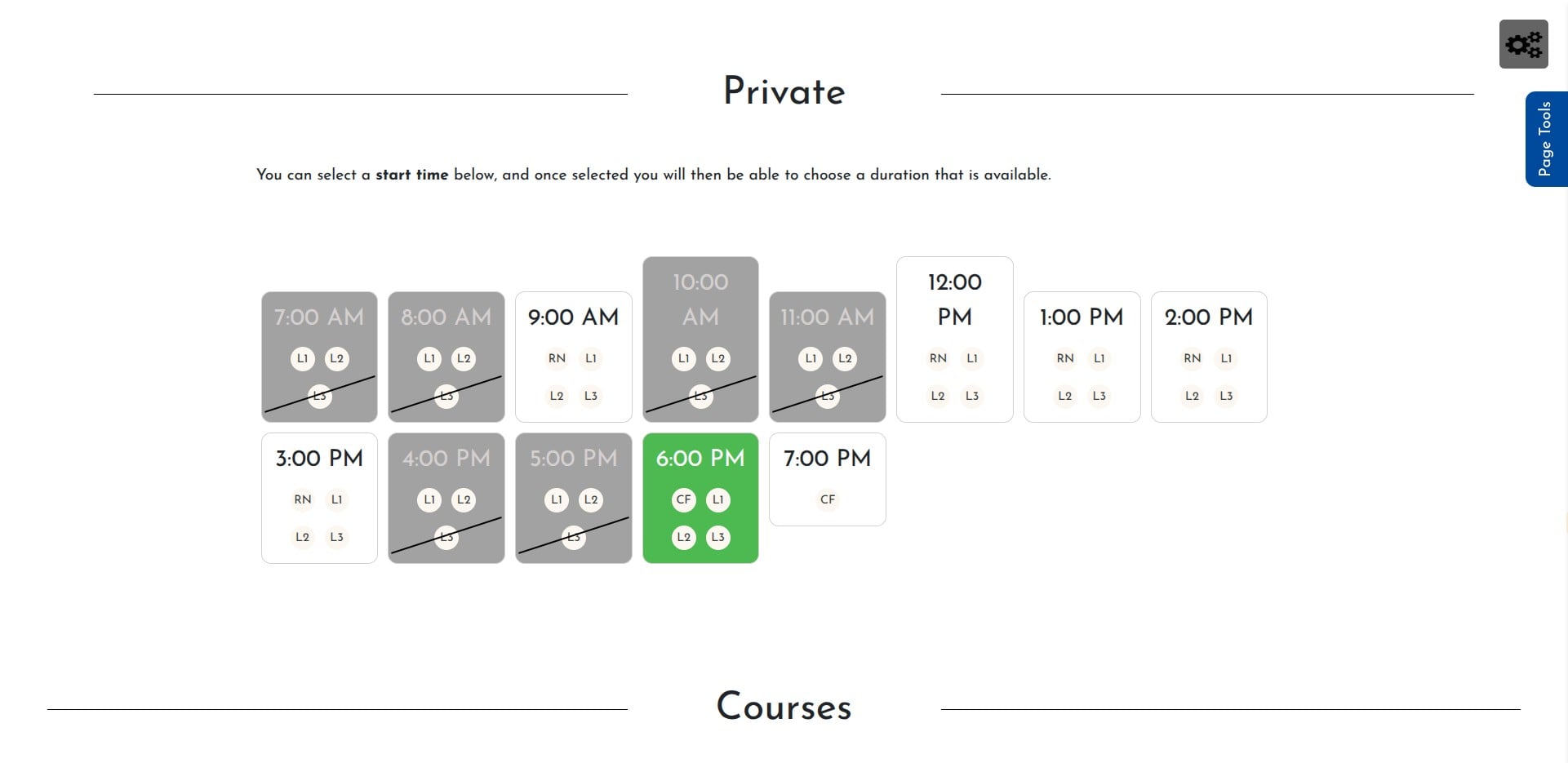
Select a time with RN, JW, DG, MM or CF
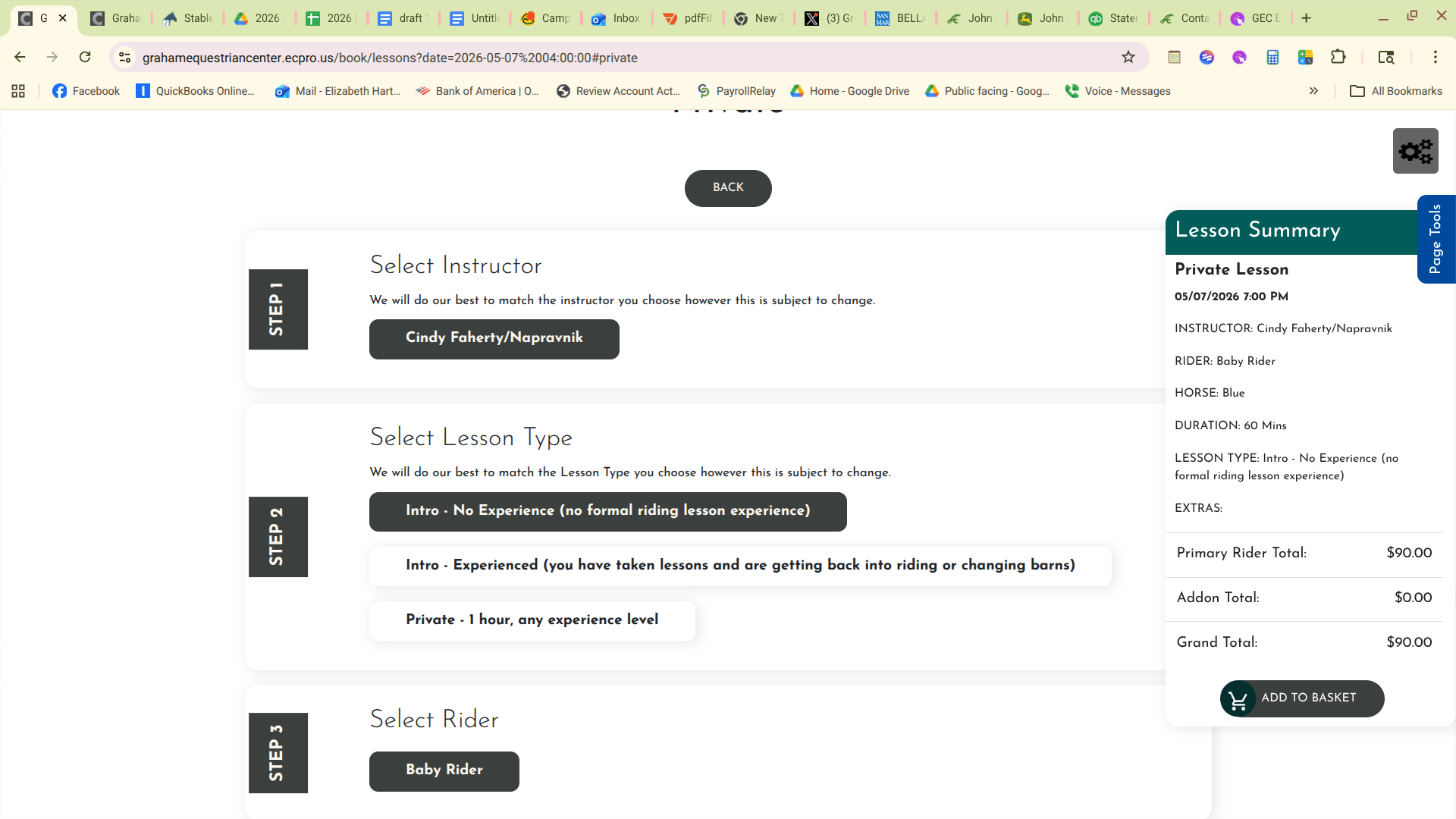
Select Intro Lesson
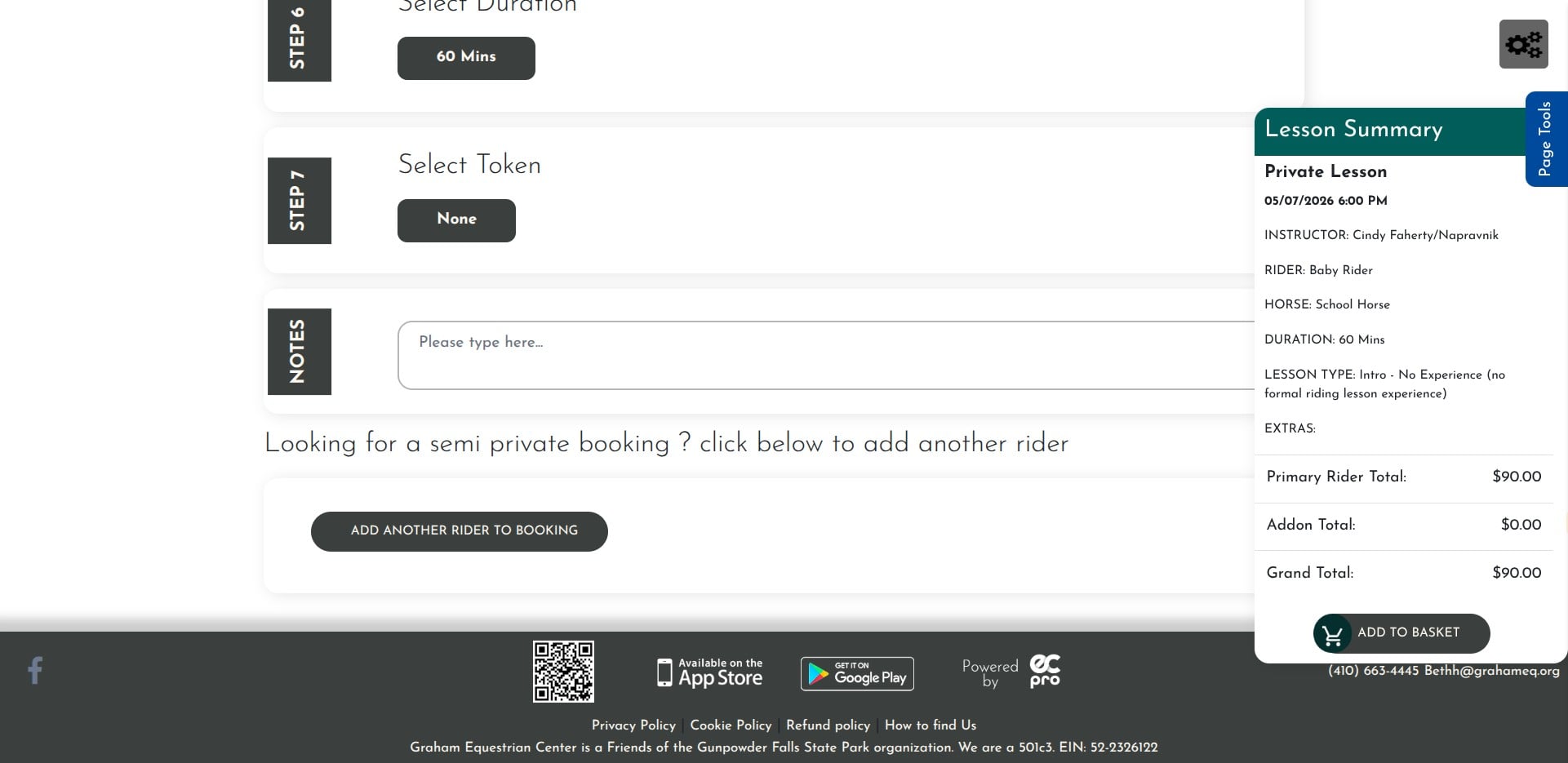
Click on "Add to Basket"
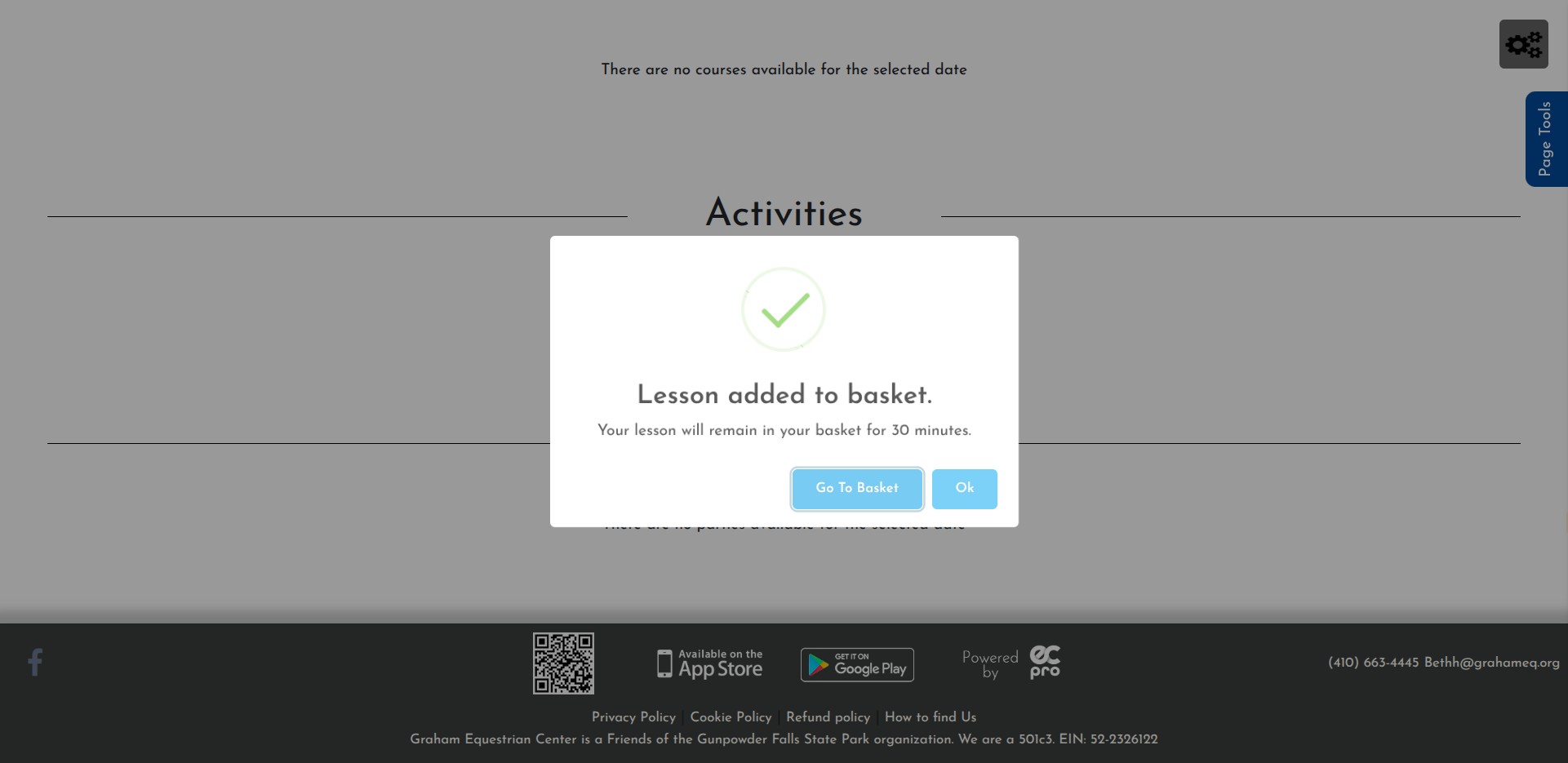
Click on "Go To Basket"
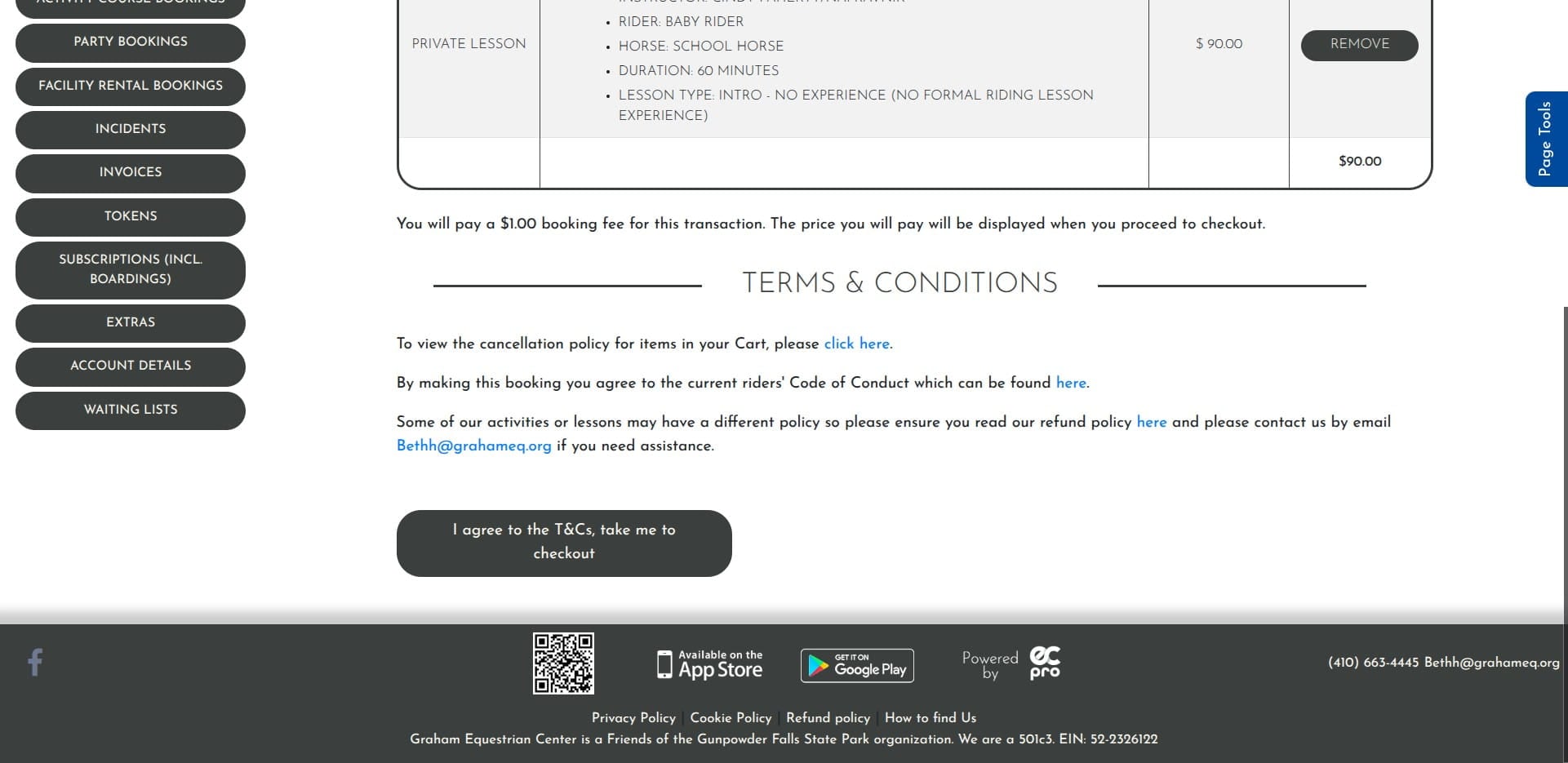
Click on "I agree to the T&Cs, take me to checkout"
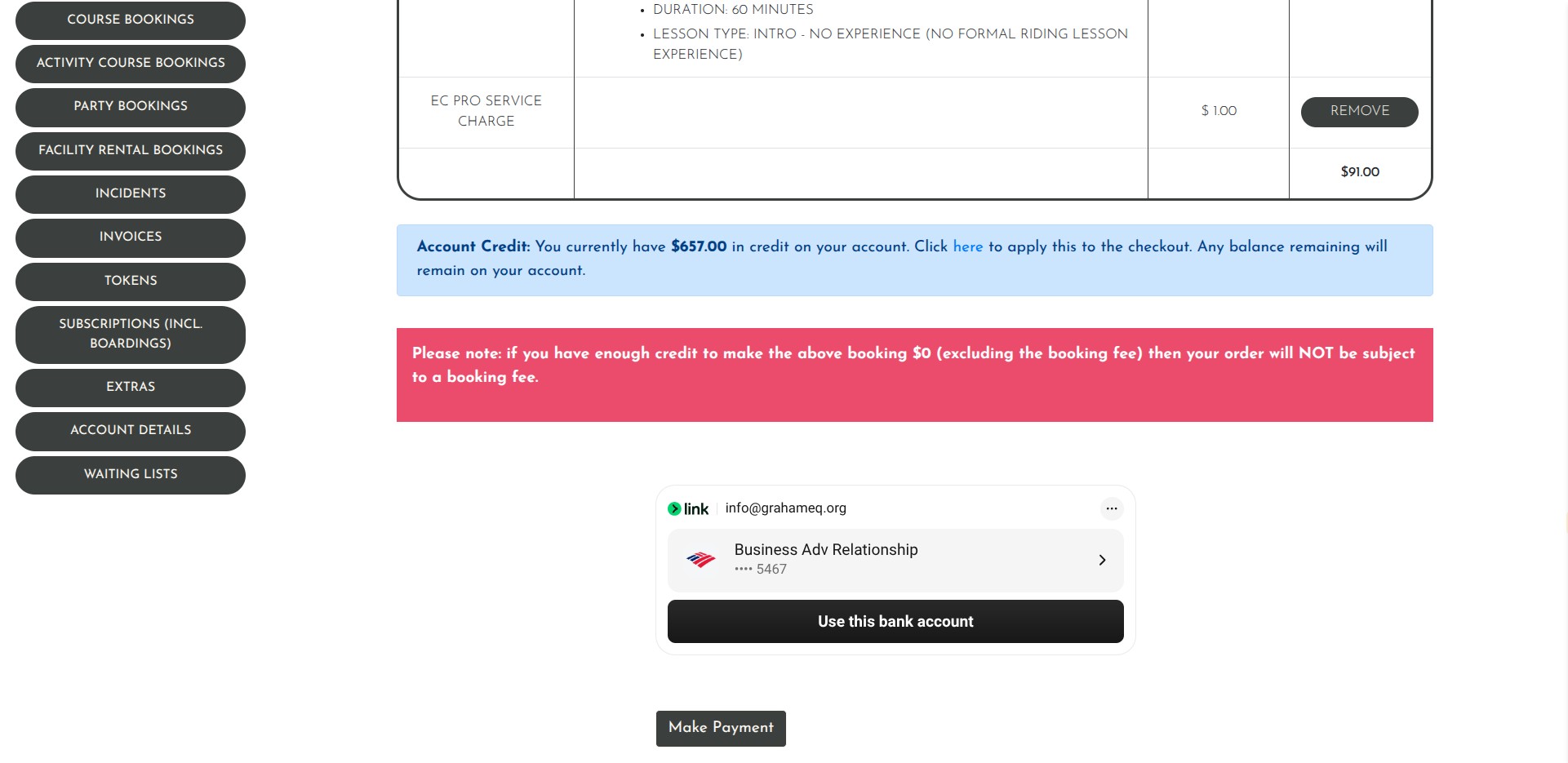
Continue with the checkout process. You cannot book additional lessons until you have had the intro lesson and the instructor assigns you a grade.
Lesson FAQ - https://grahameq.org/lesson-faq/
- Lesson FAQ