GuildLink - Import SOPs
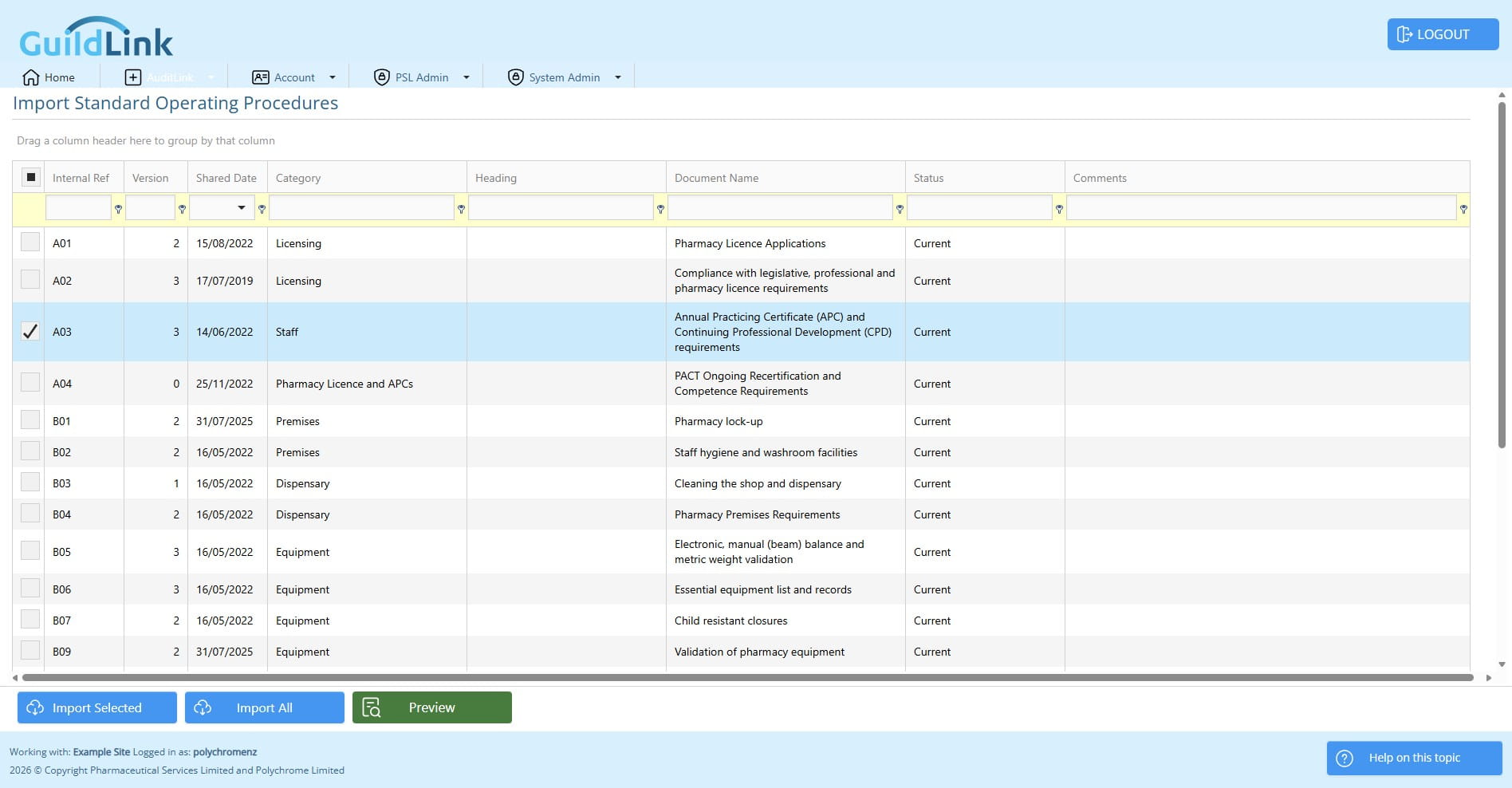
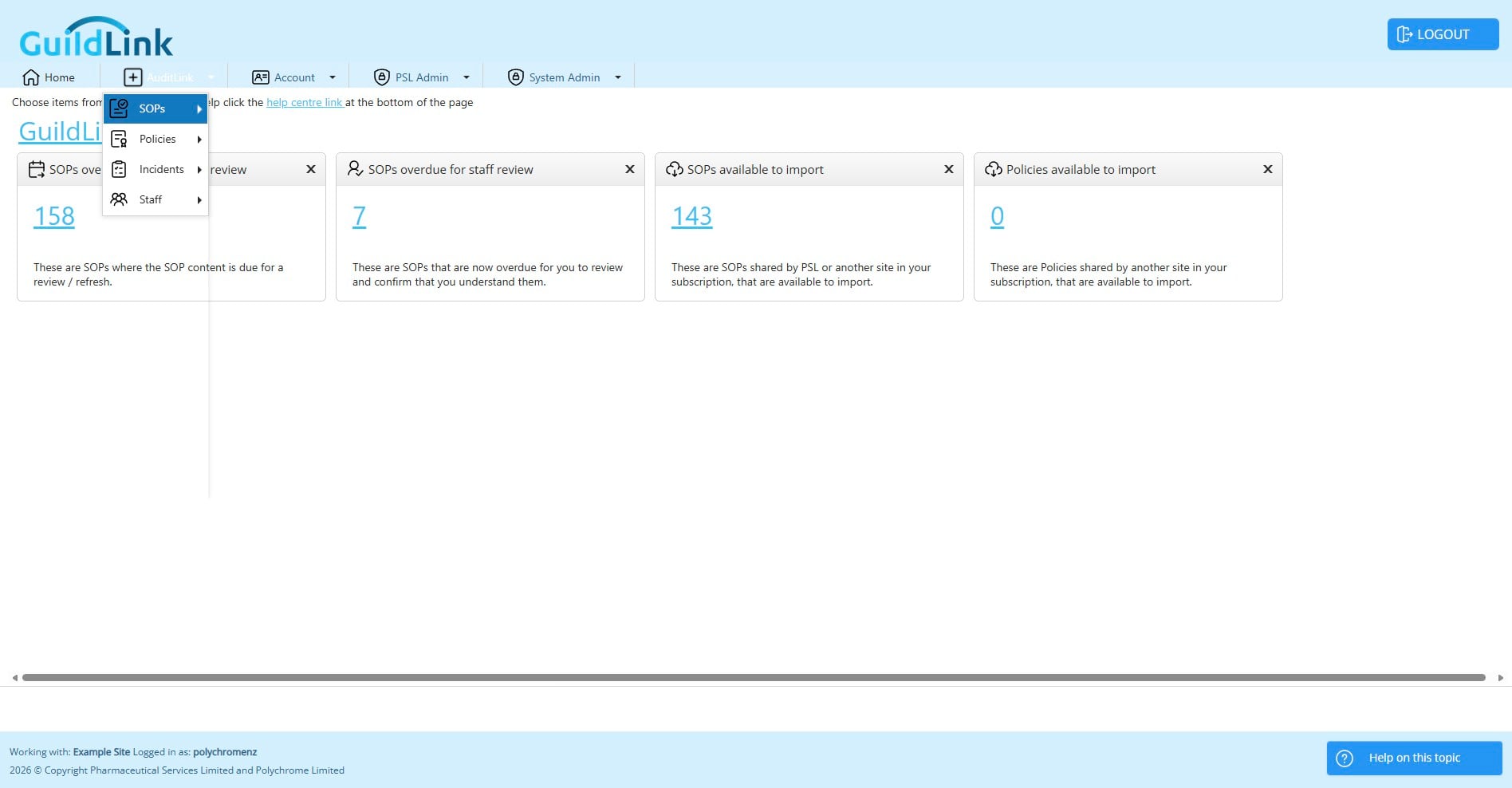
Navigate to AuditLink > SOPs. Import SOPs
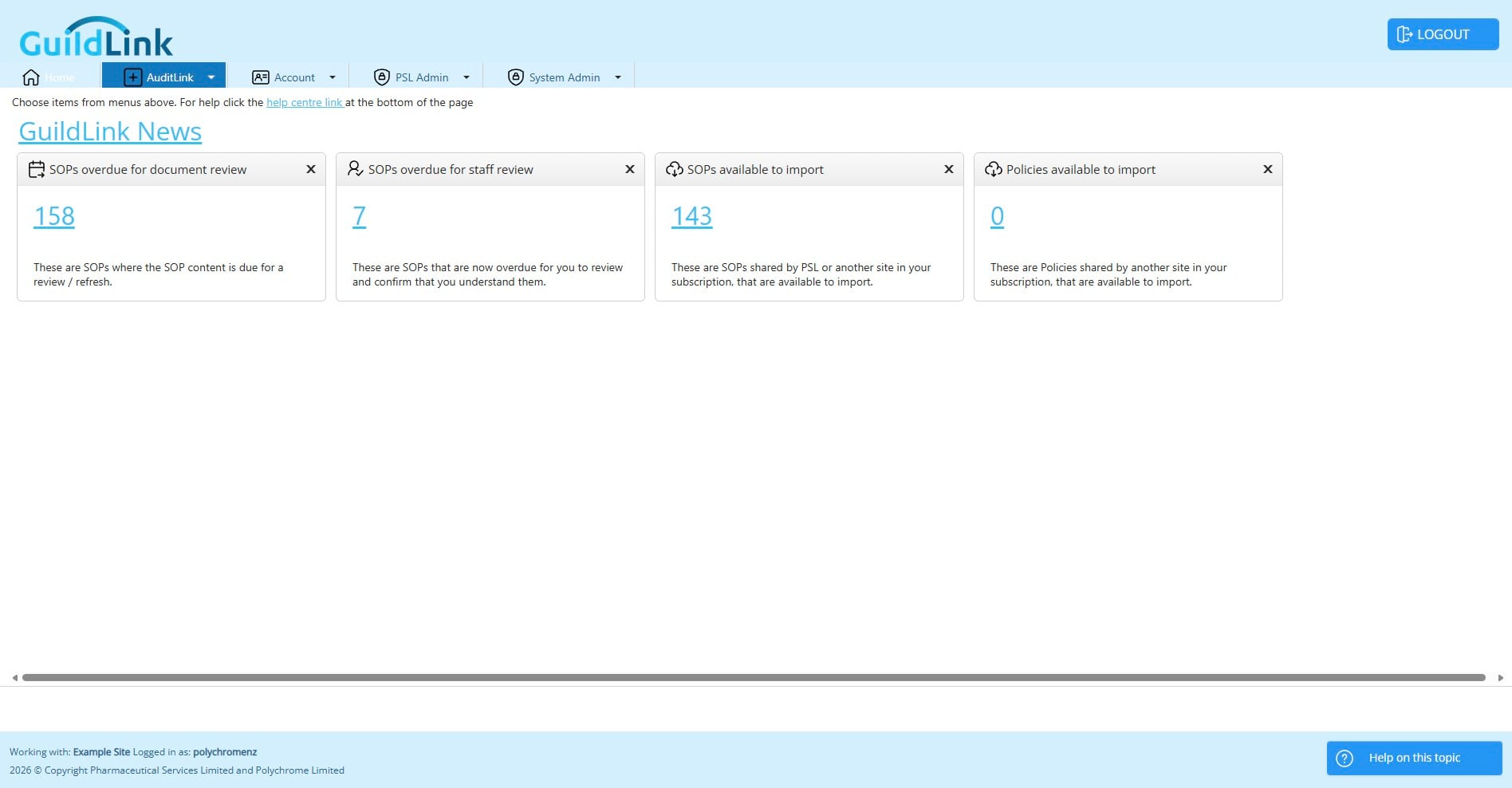
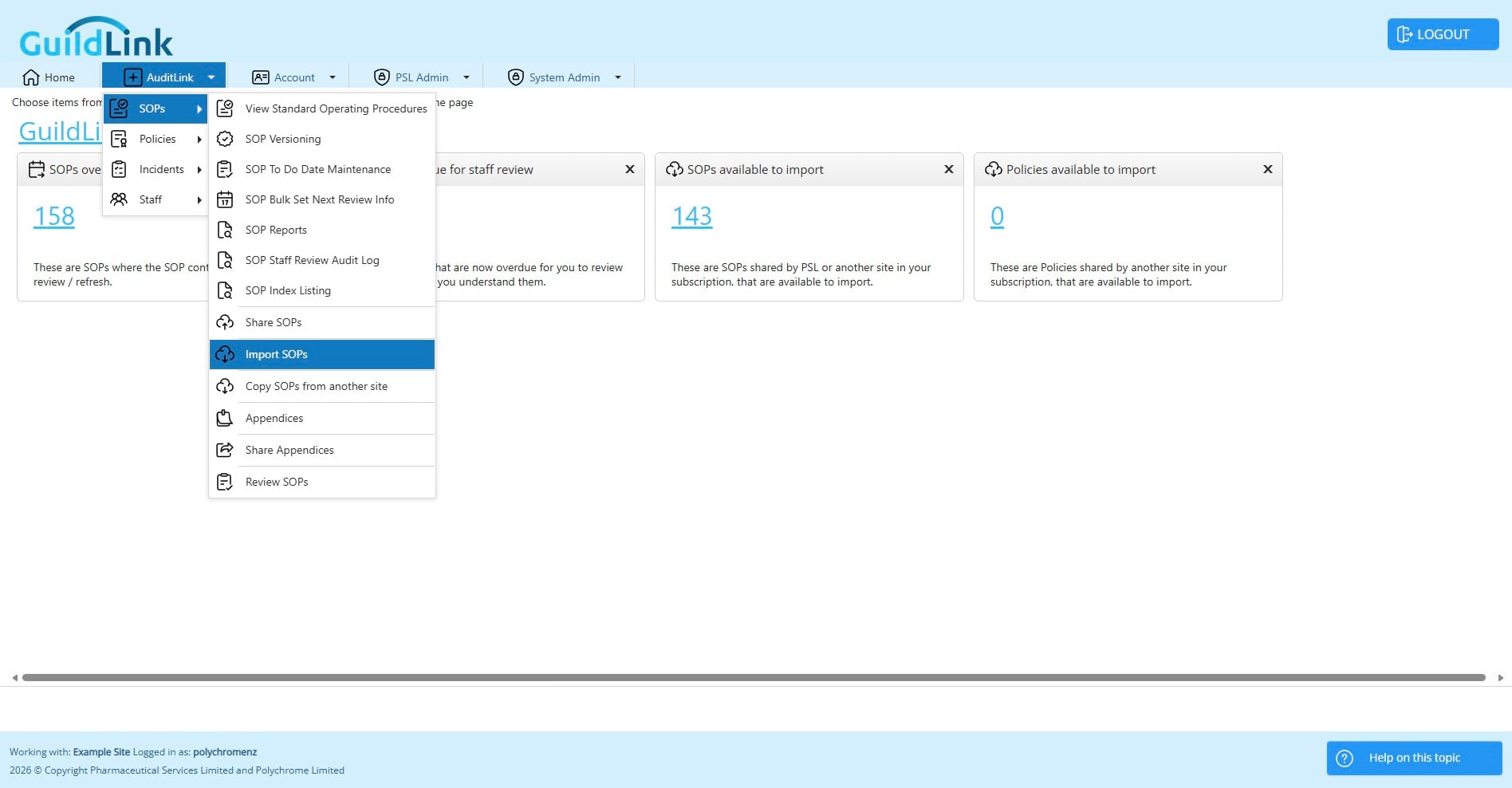
Before you start there are some things to understand. When you first subscribe to GuildLink there are no SOPs in the system. PSL will share SOPs and occasionally they will issue new SOPs and sometimes replacement SOPs.
As you import SOPs they are removed from this list. If you only import a few SOPs it will be hard to know which SOPs have been added. We recommend that you import ALL SOPs and then retire any that you don't need. You can always change the status of a retired SOP back to current if you later decide that you want to use it.
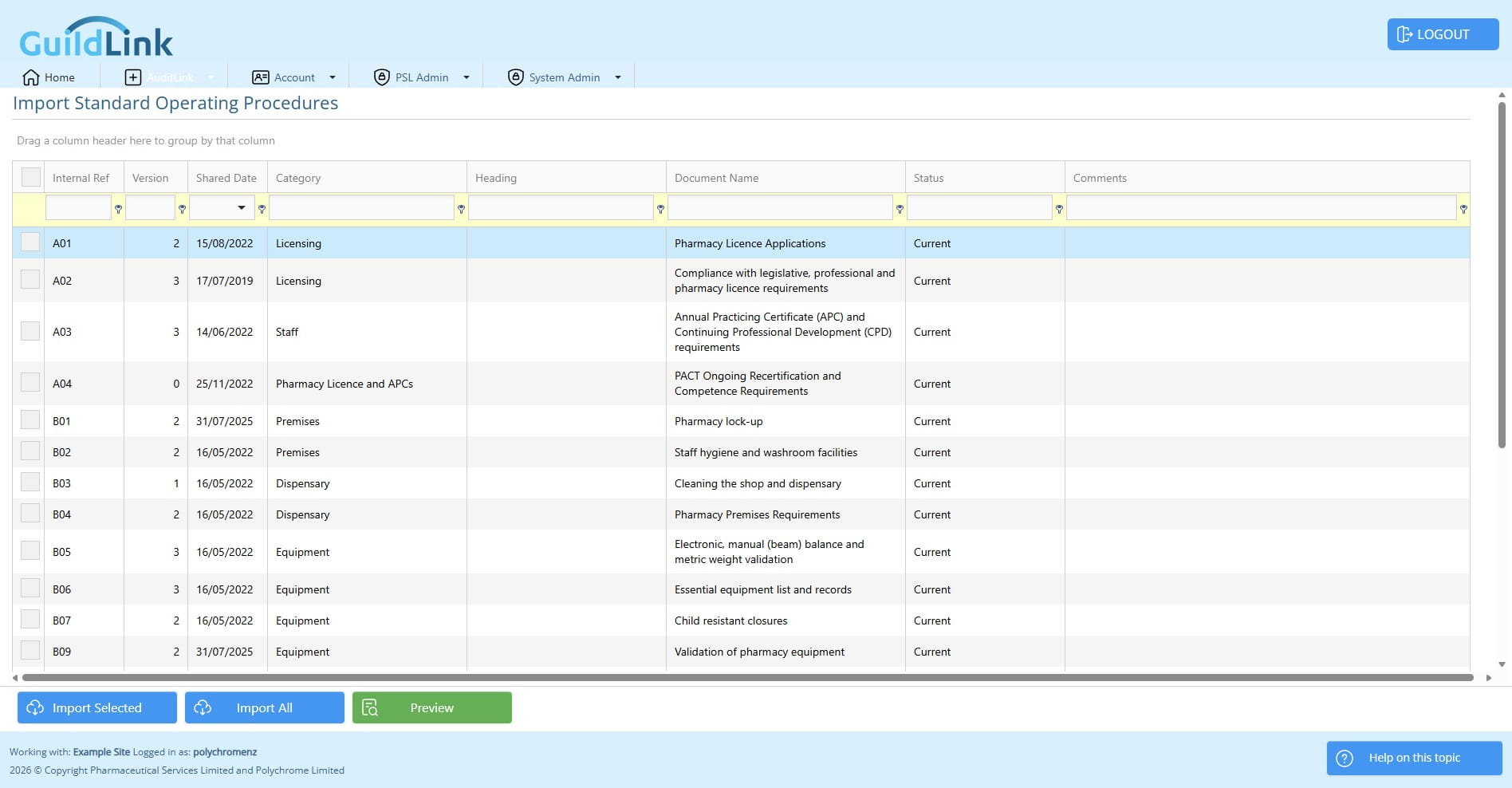
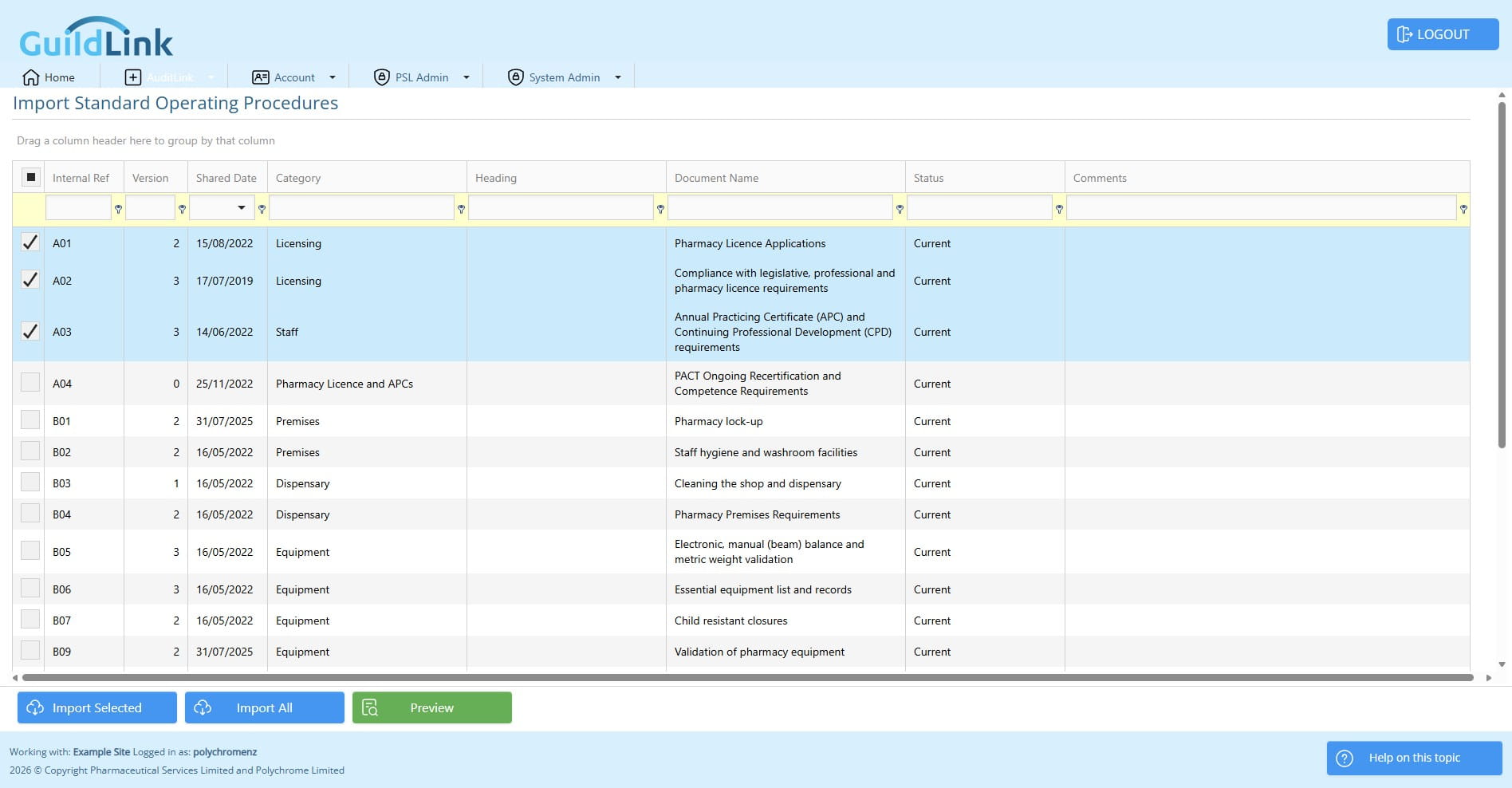
You can click one or more SOPs to import
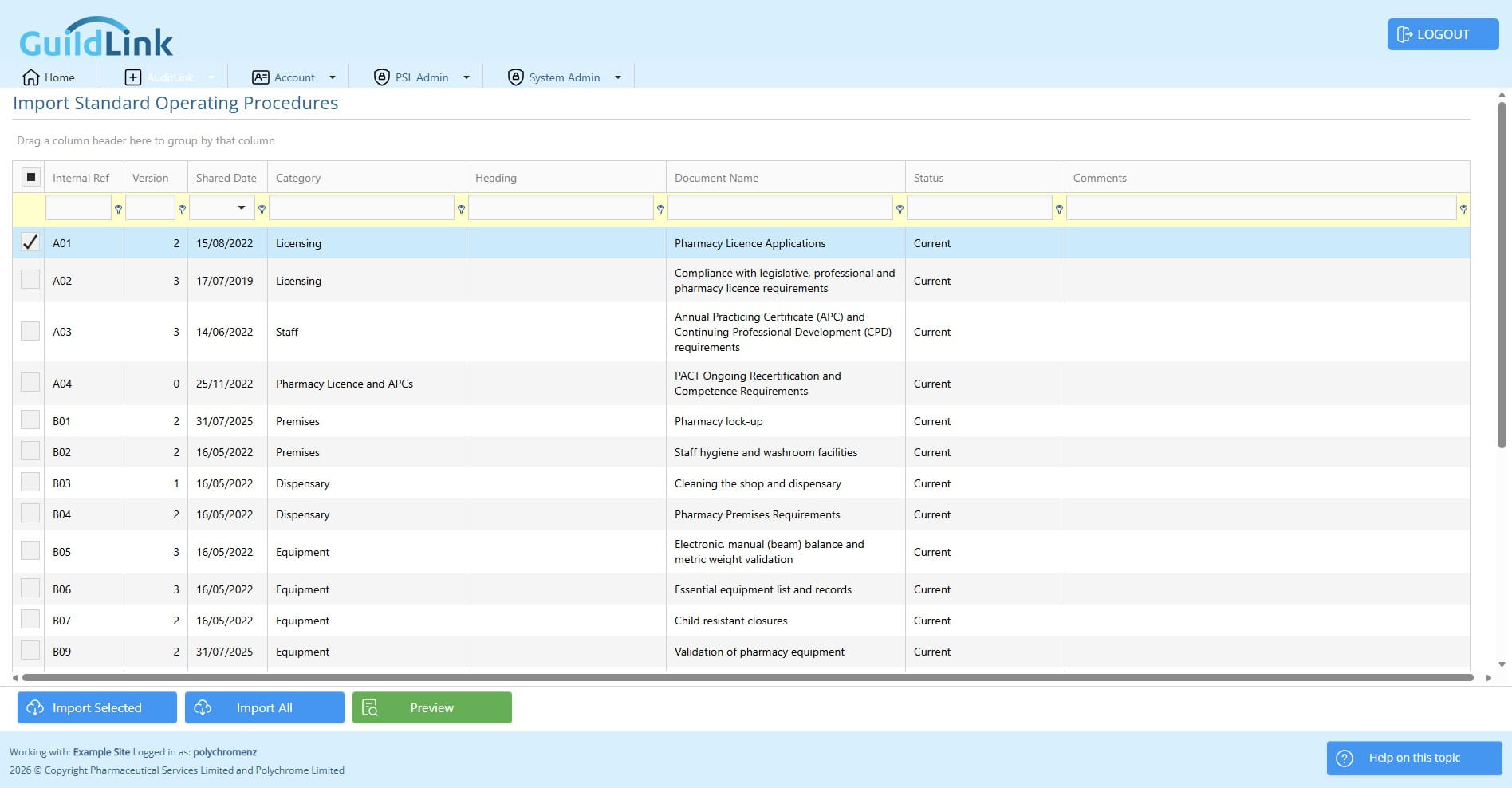
Then click Import Selected to import just these SOPs
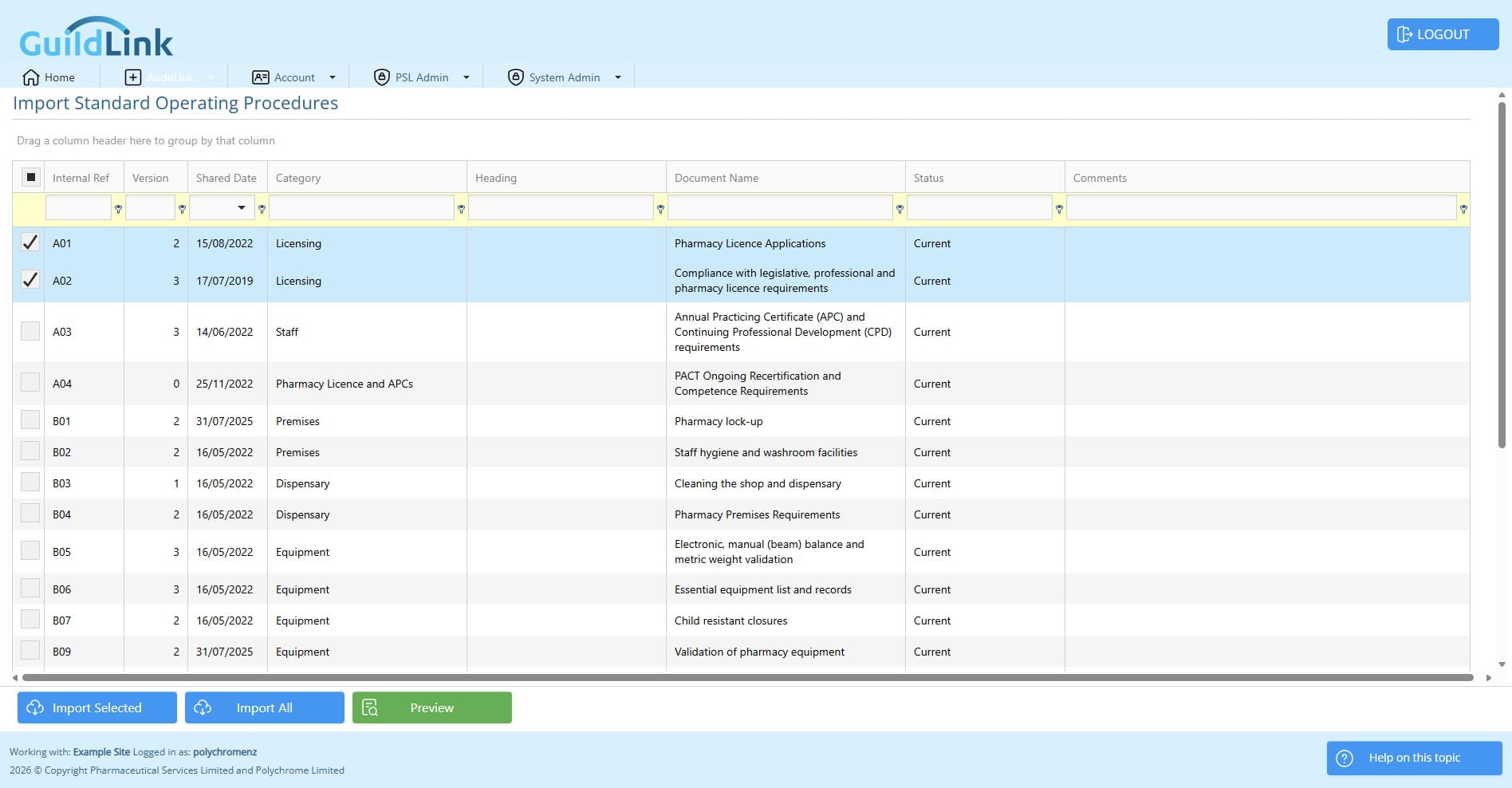
You can choose to Import All
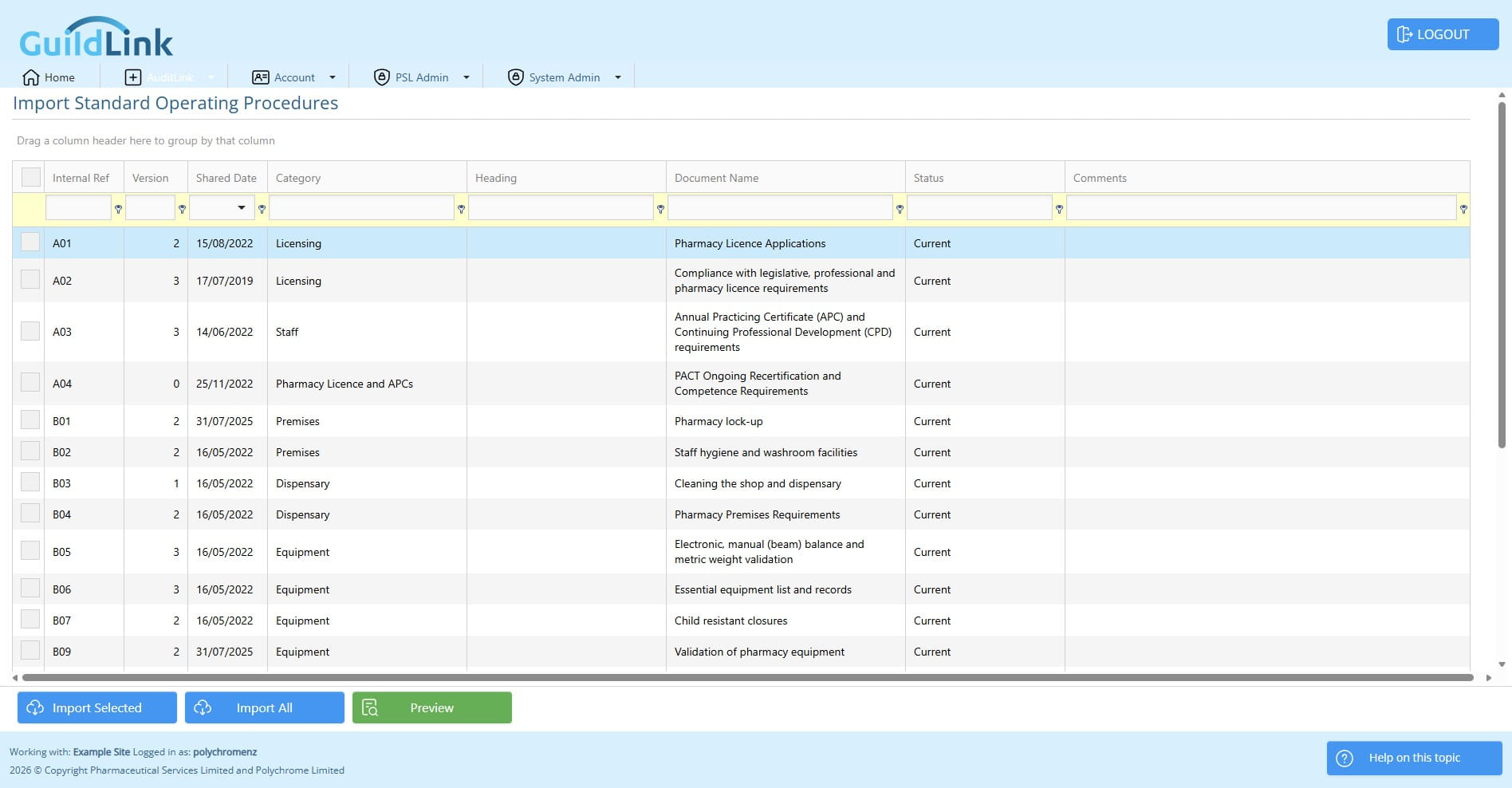
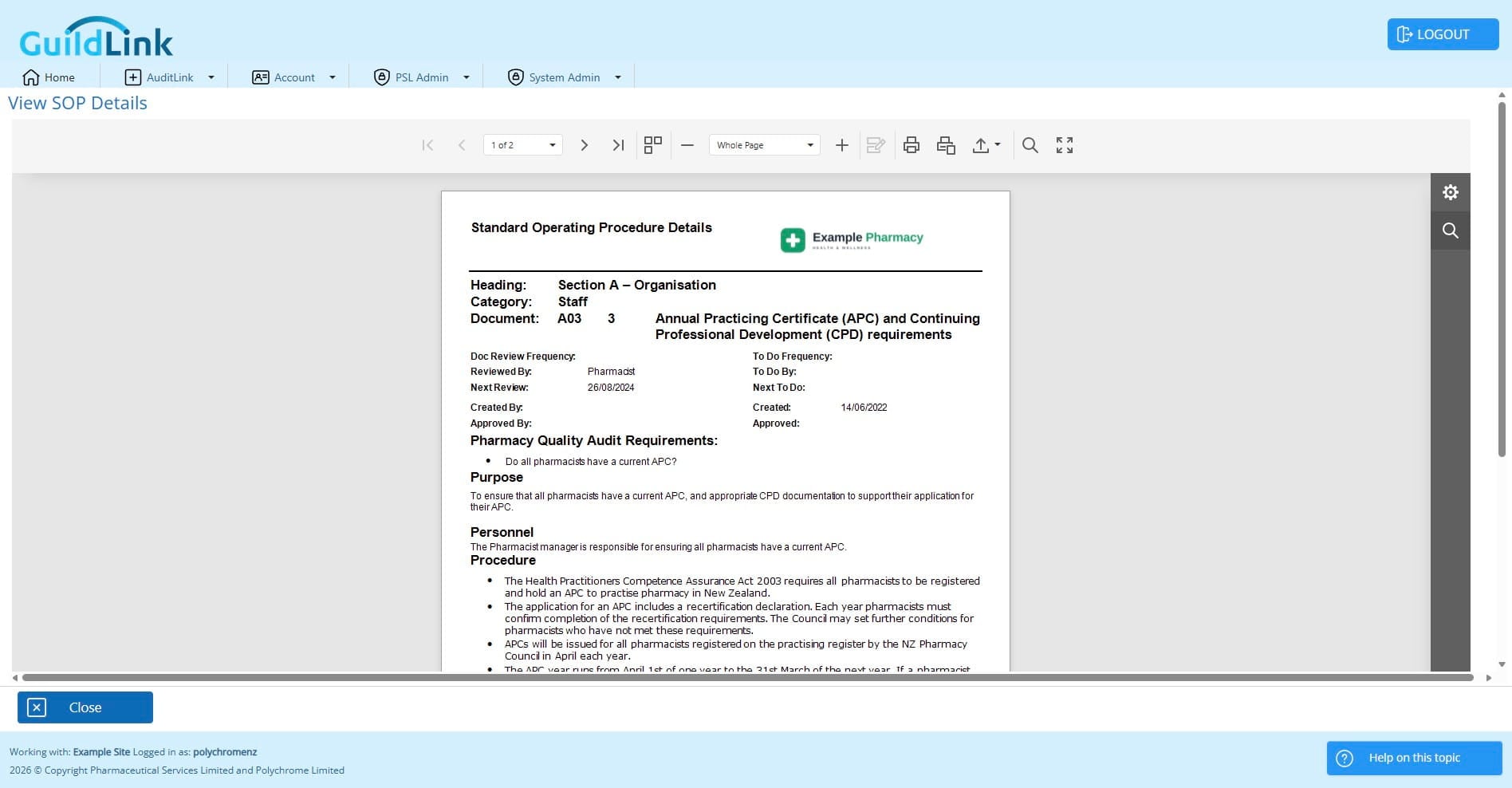
You can preview any SOPs before importing, to see if you need it
Click on "Preview"