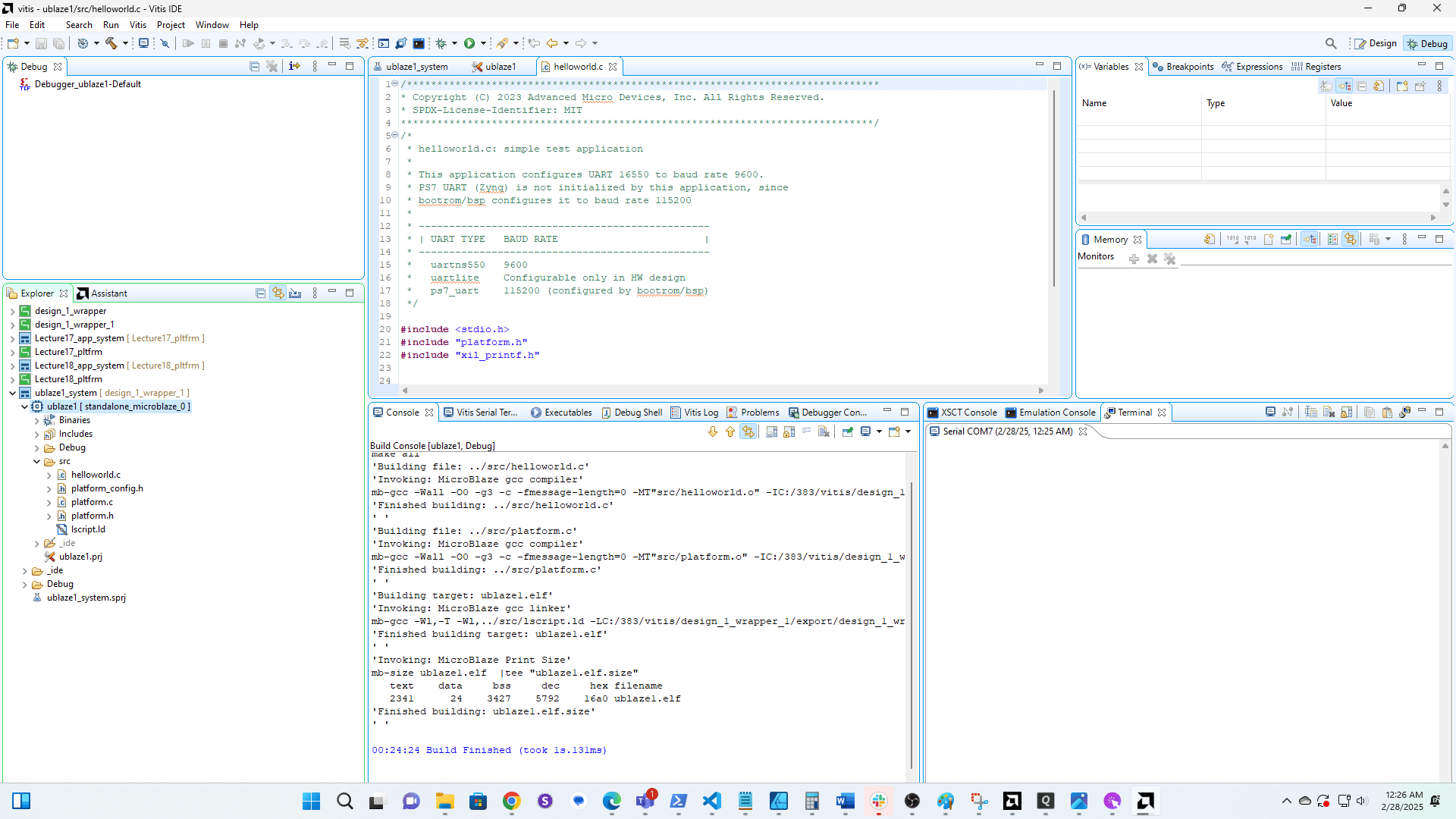
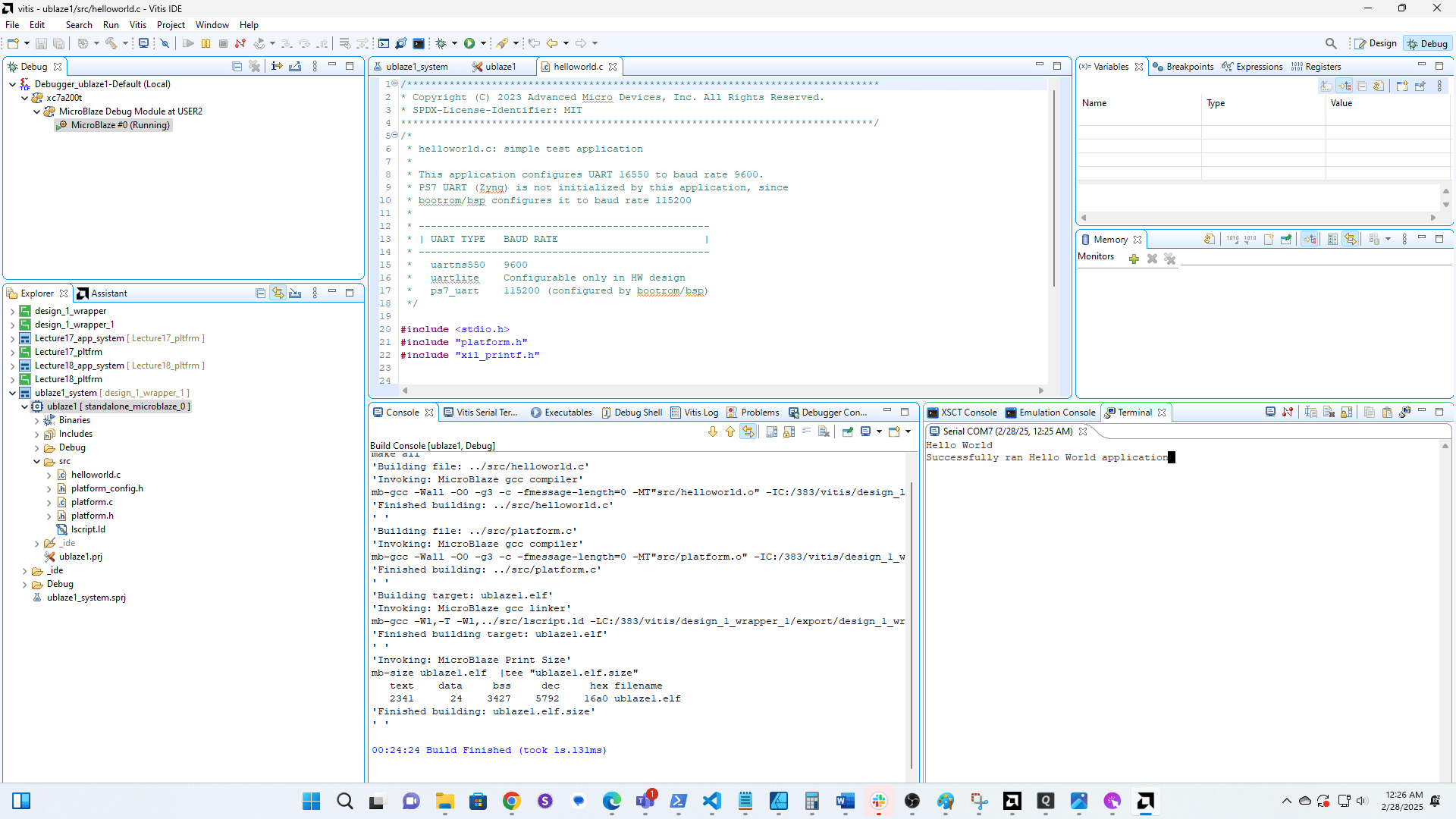
ECE 383 - Microblaze ICE 1 Part 2
1
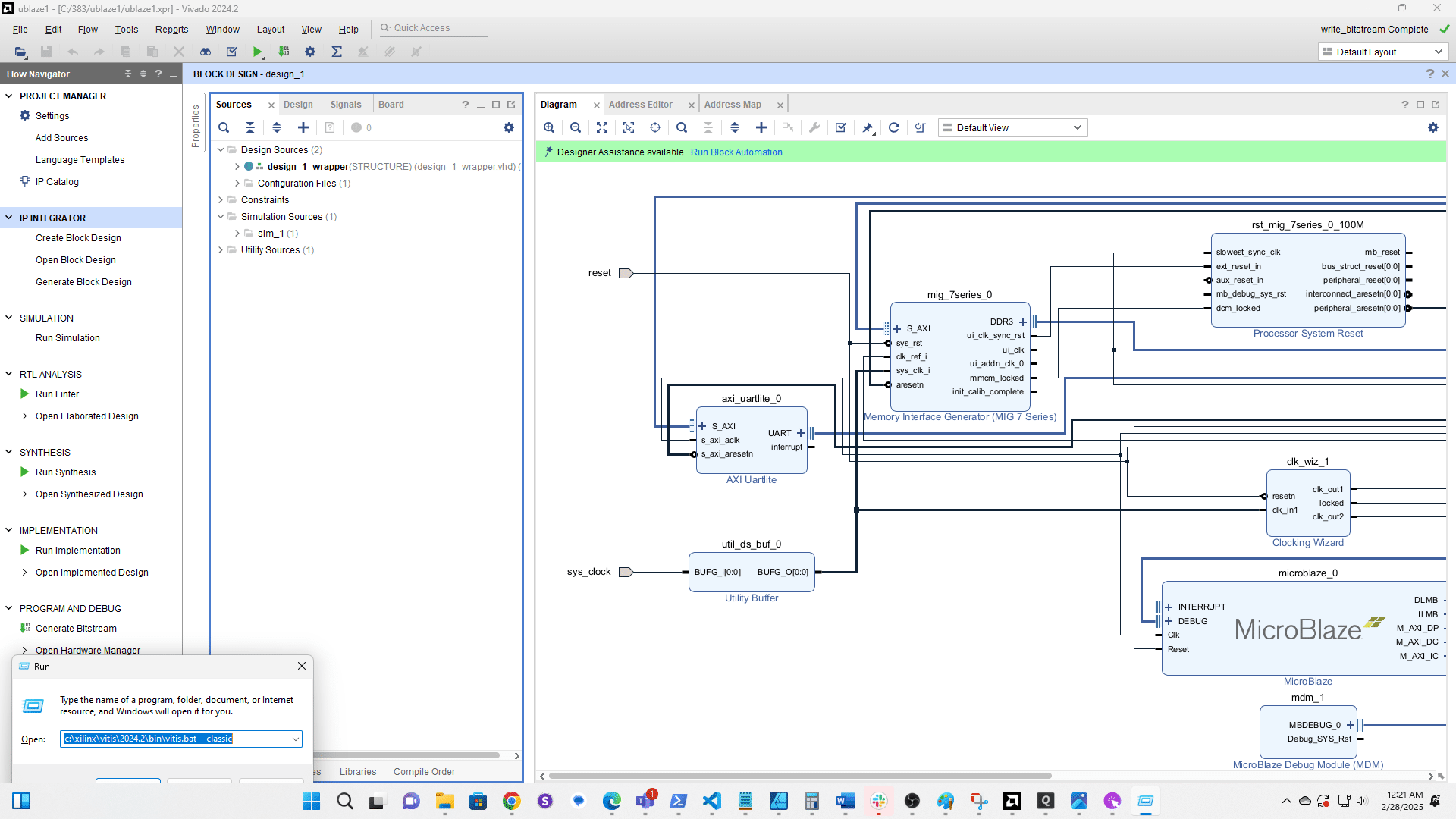
Run the Vitis IDE in Classic mode with the command c:\xilinx\vitis\2024.2\bin\vitis.bat --classic
2
Click here
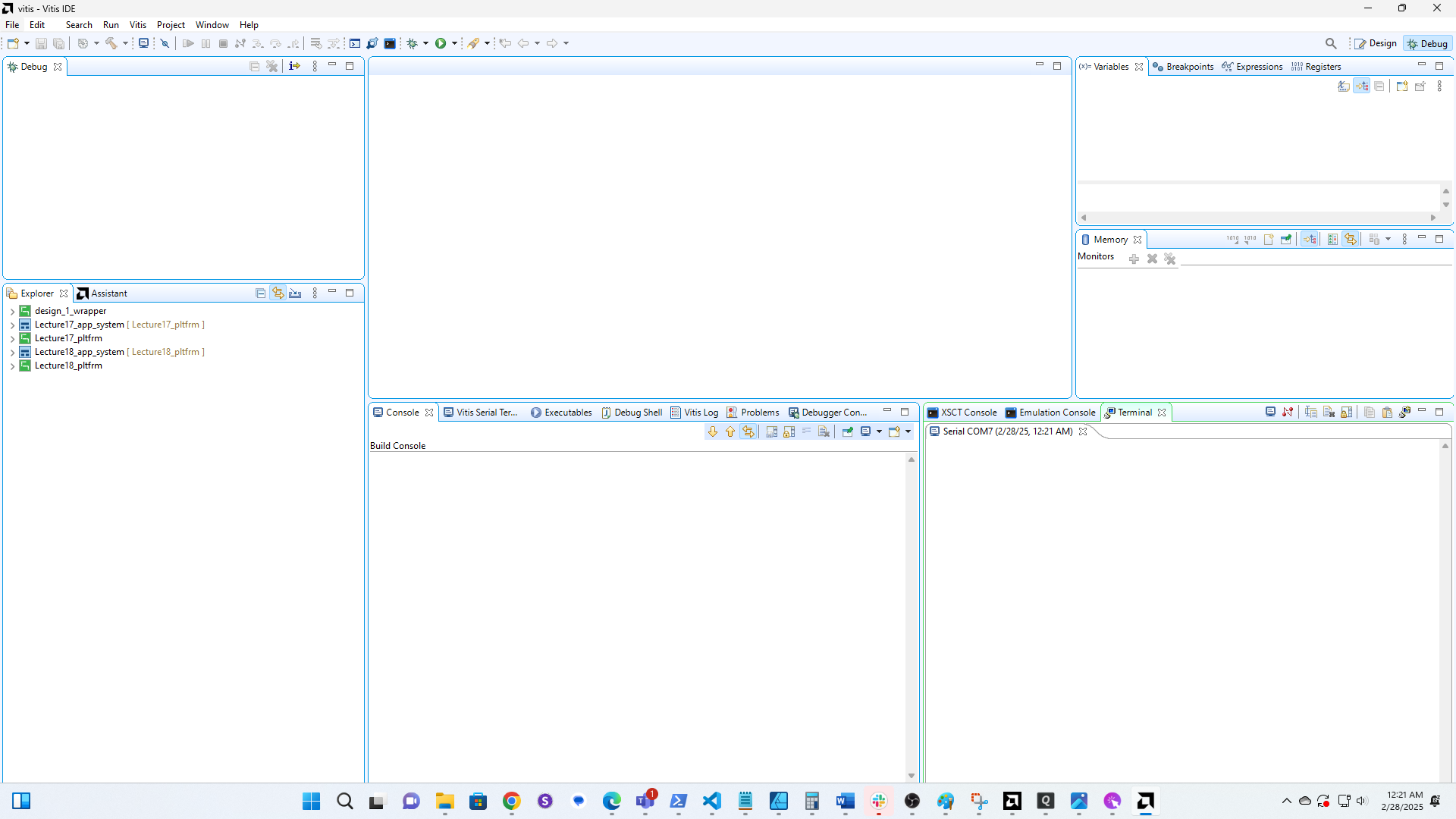
3
Click here
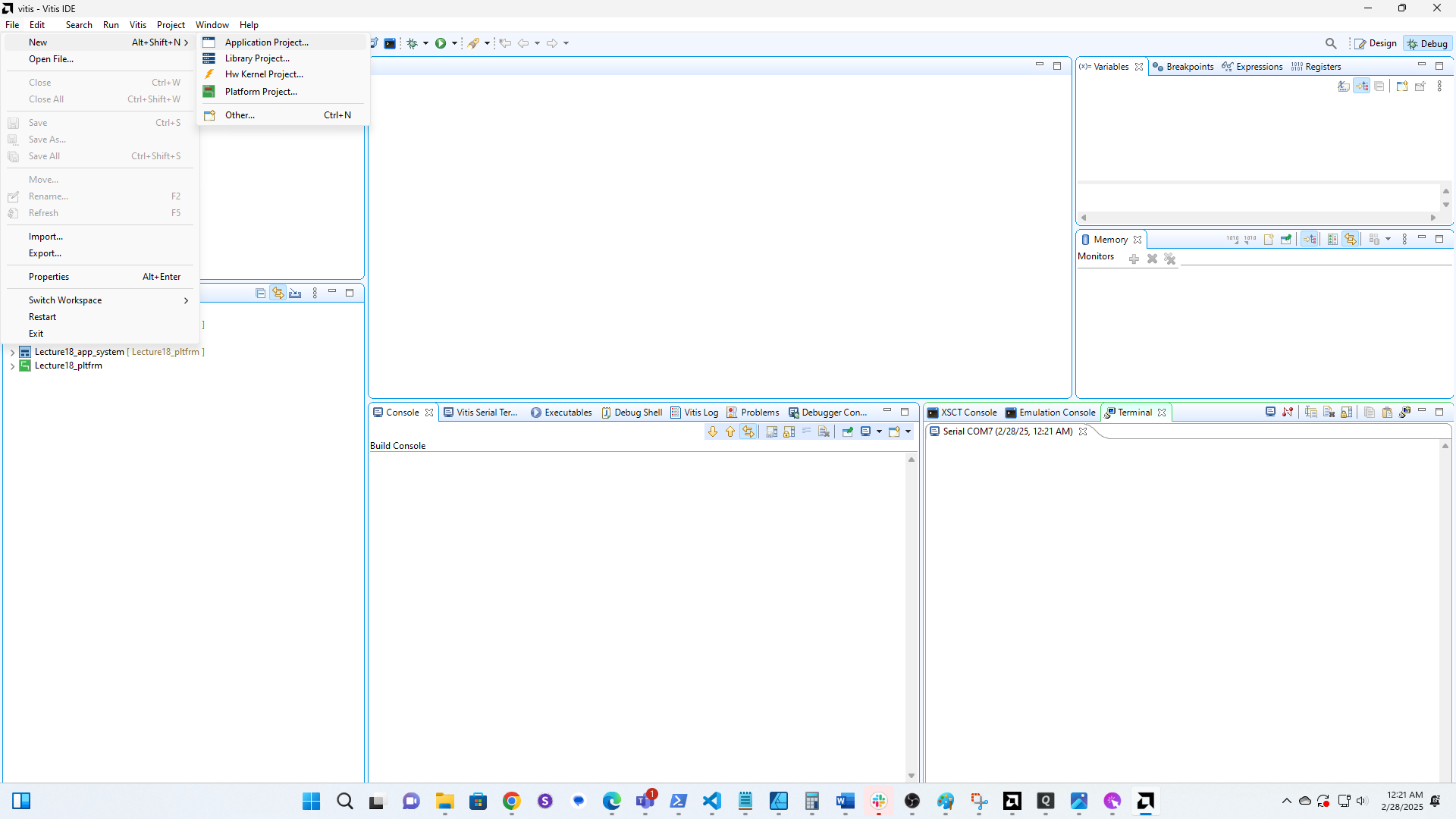
4
Click here
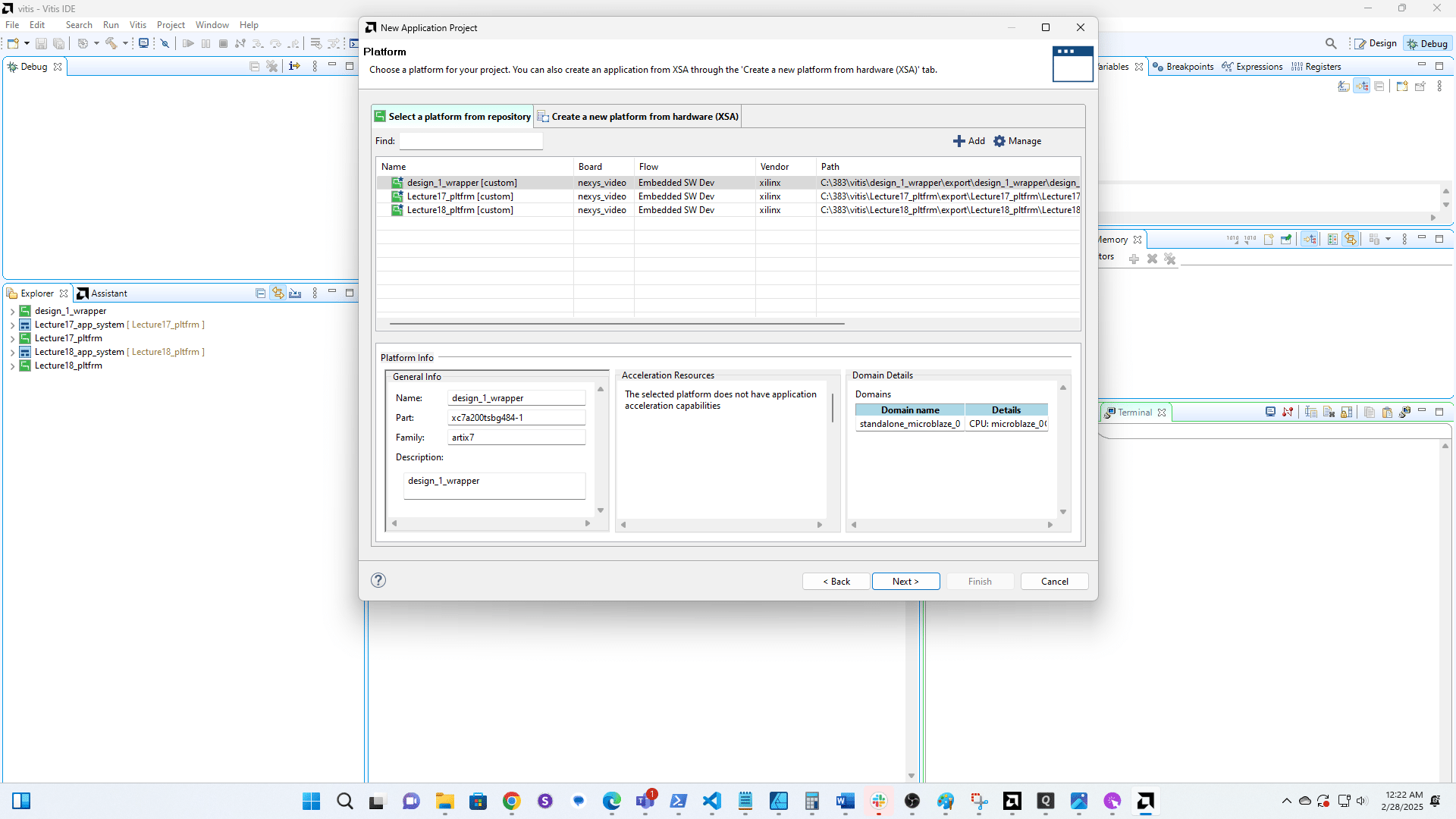
5
Browse and find the hardware you exported.
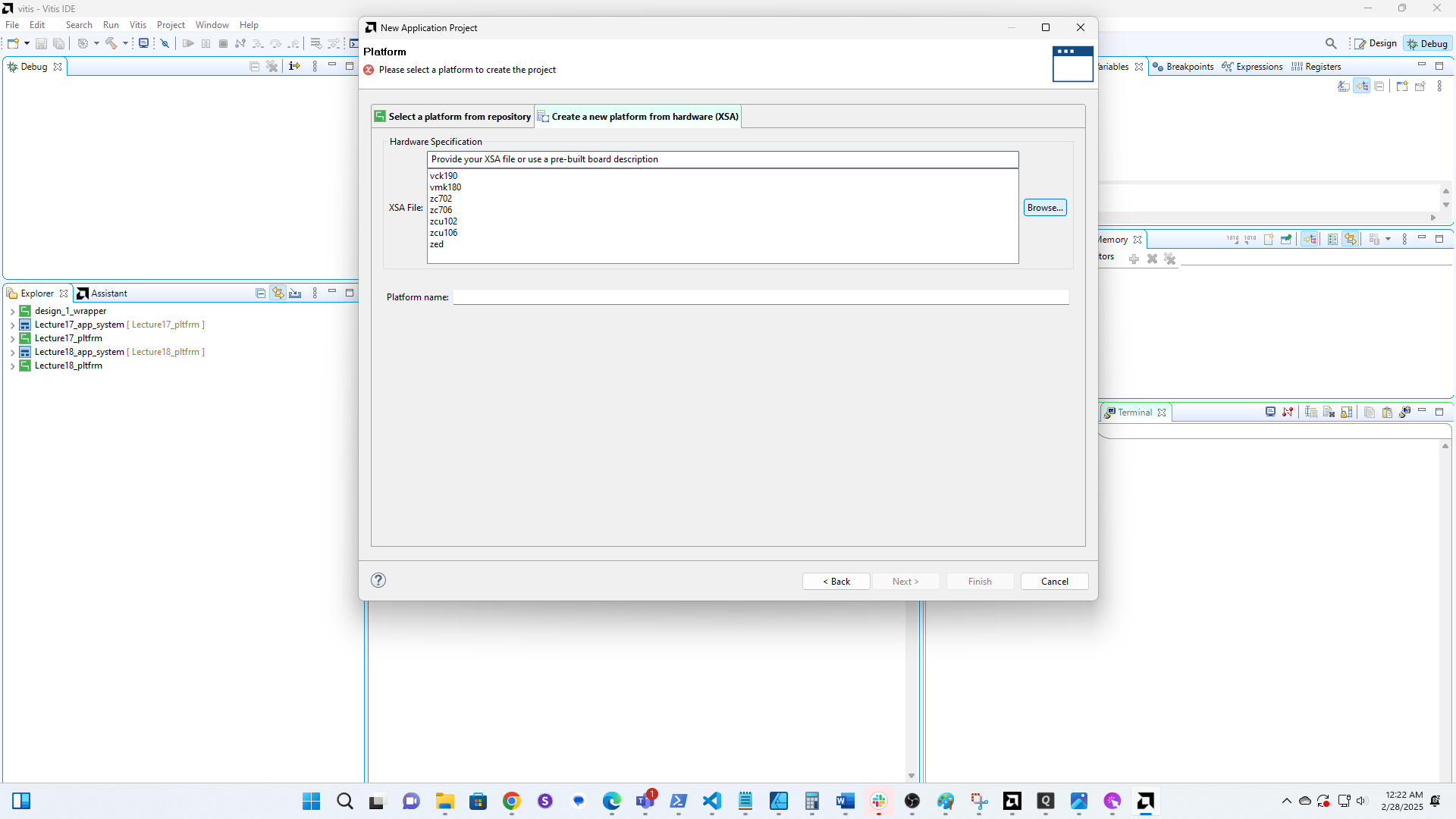
6
Click here
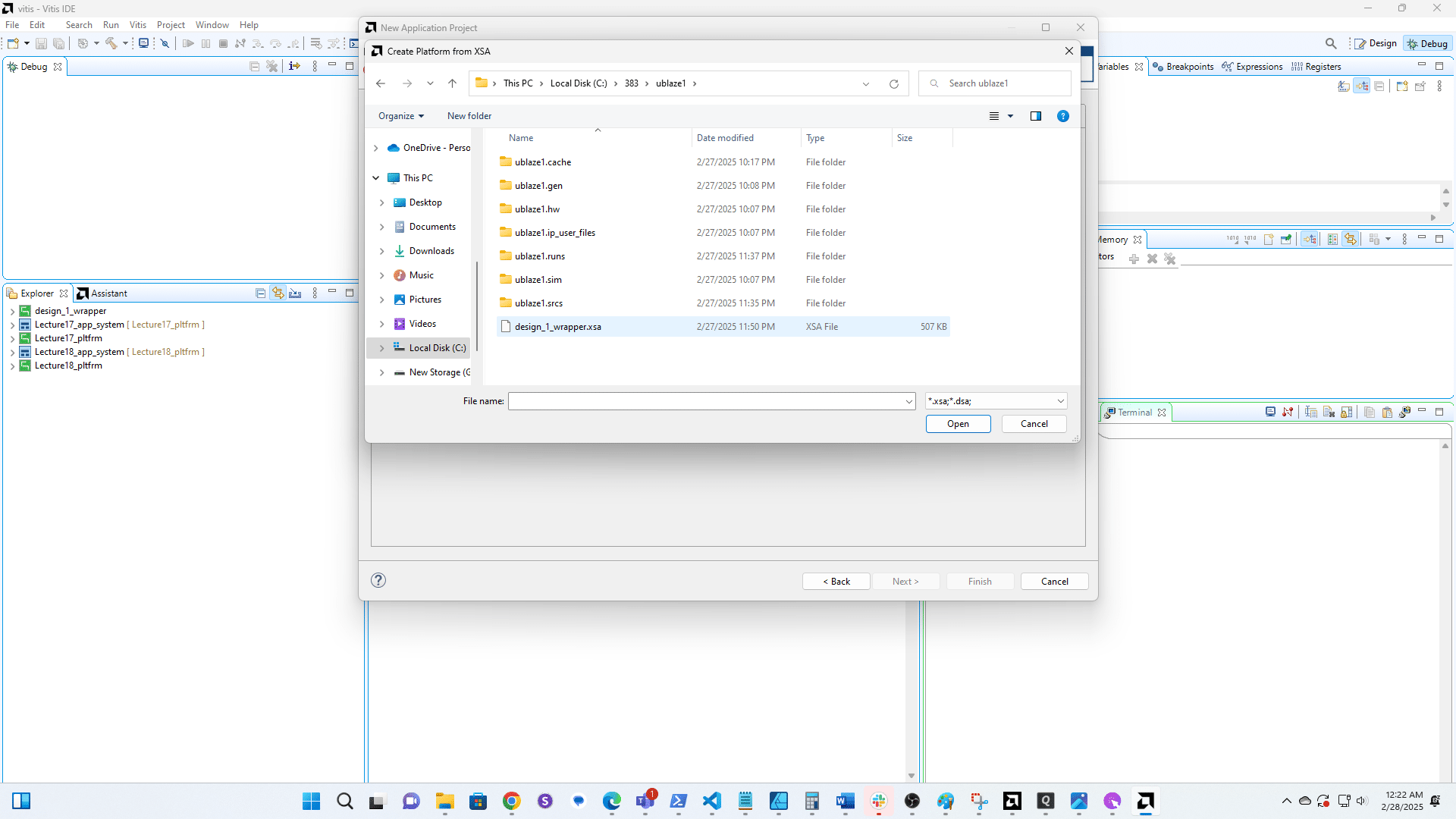
7
Click here
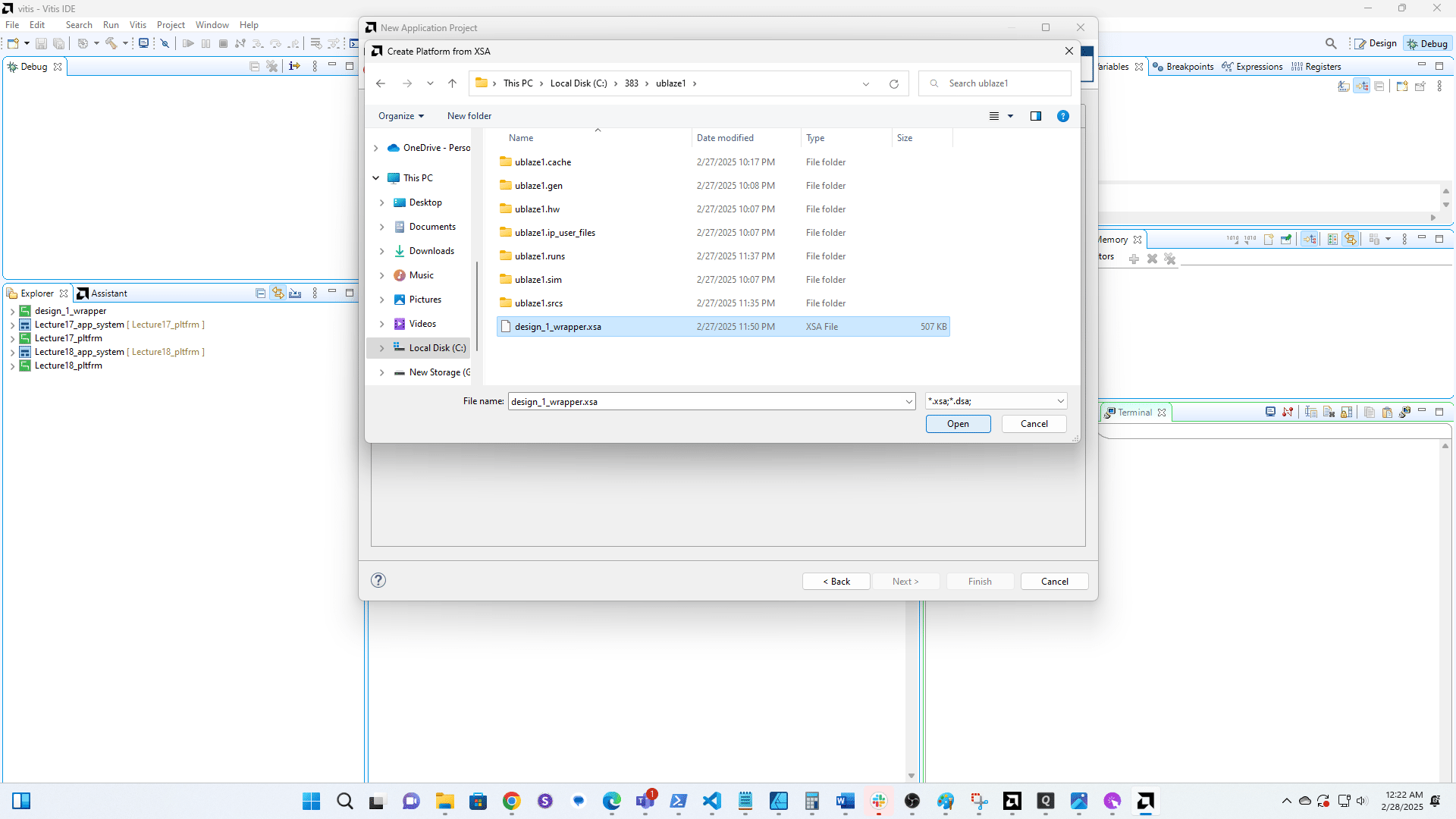
8
Click here
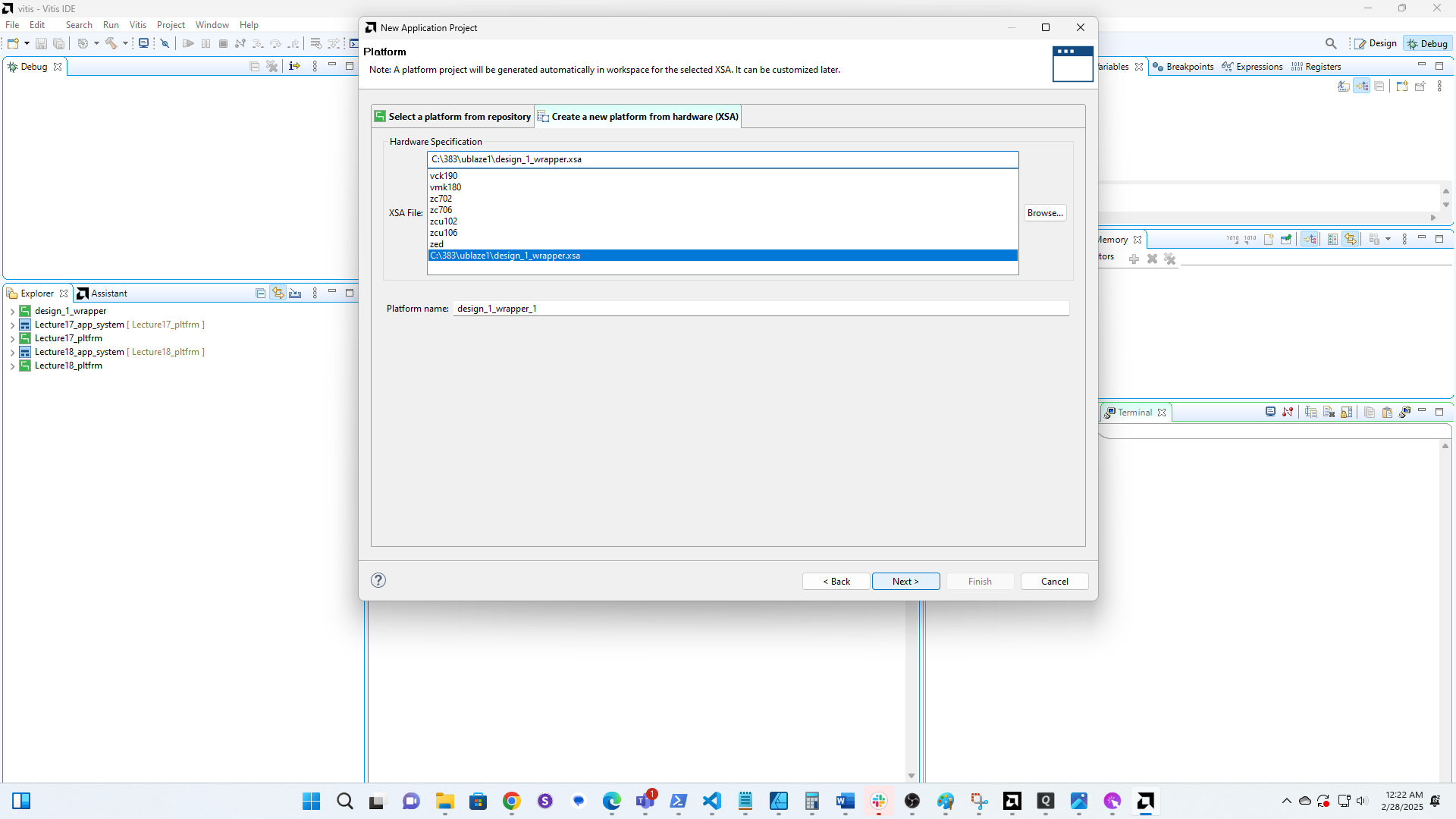
9
Name this project
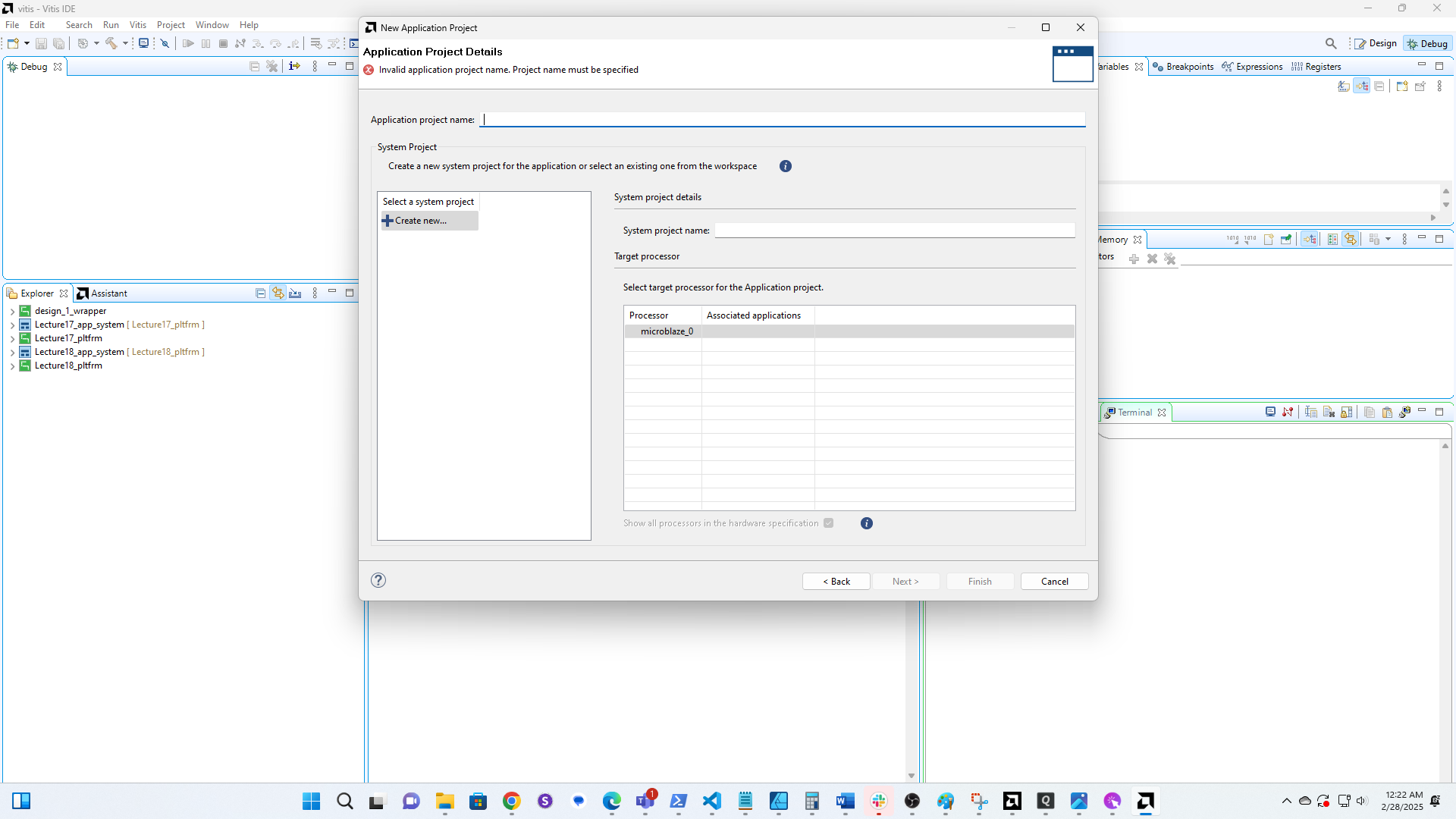
10
Click here
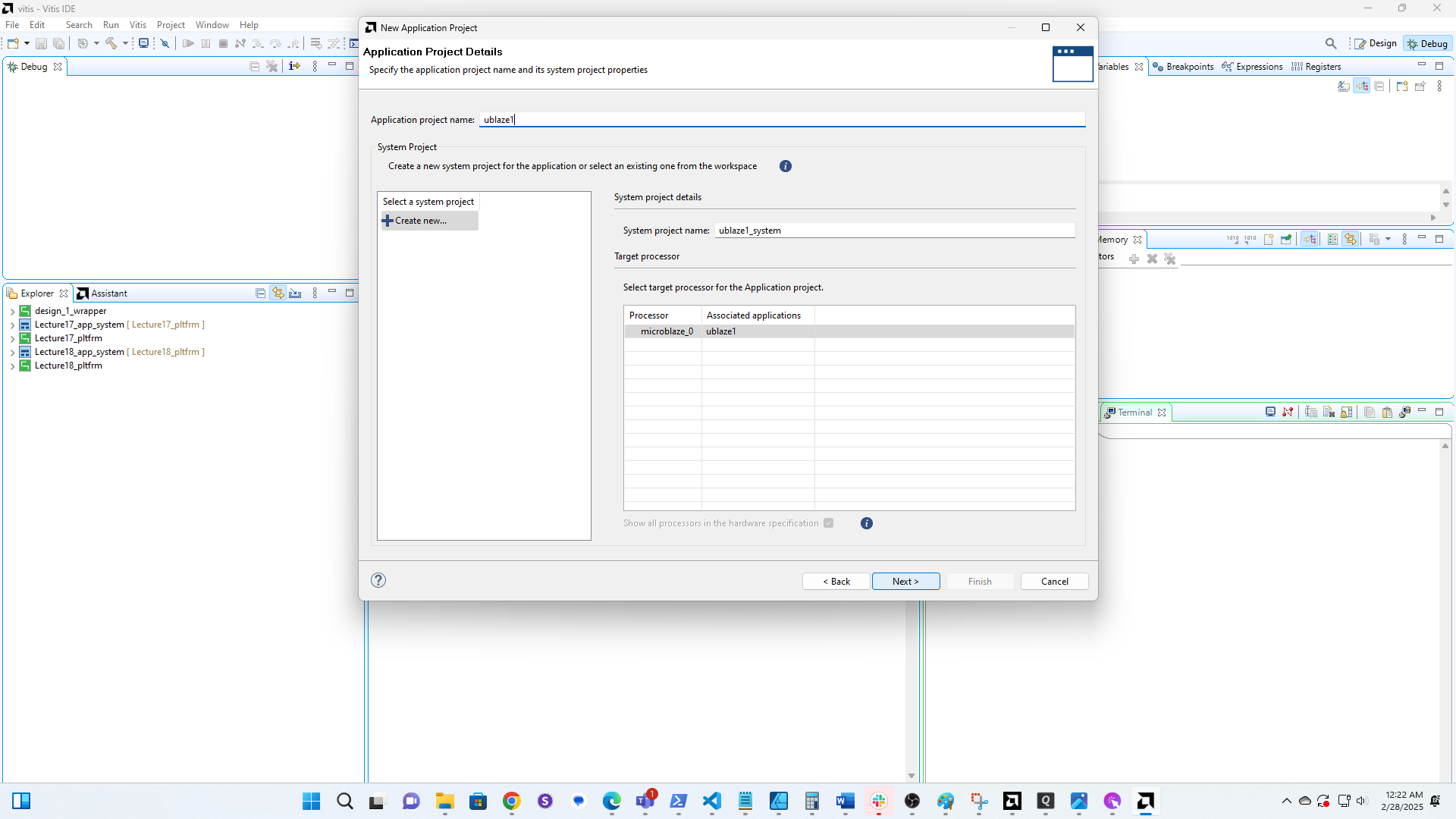
11
Click here
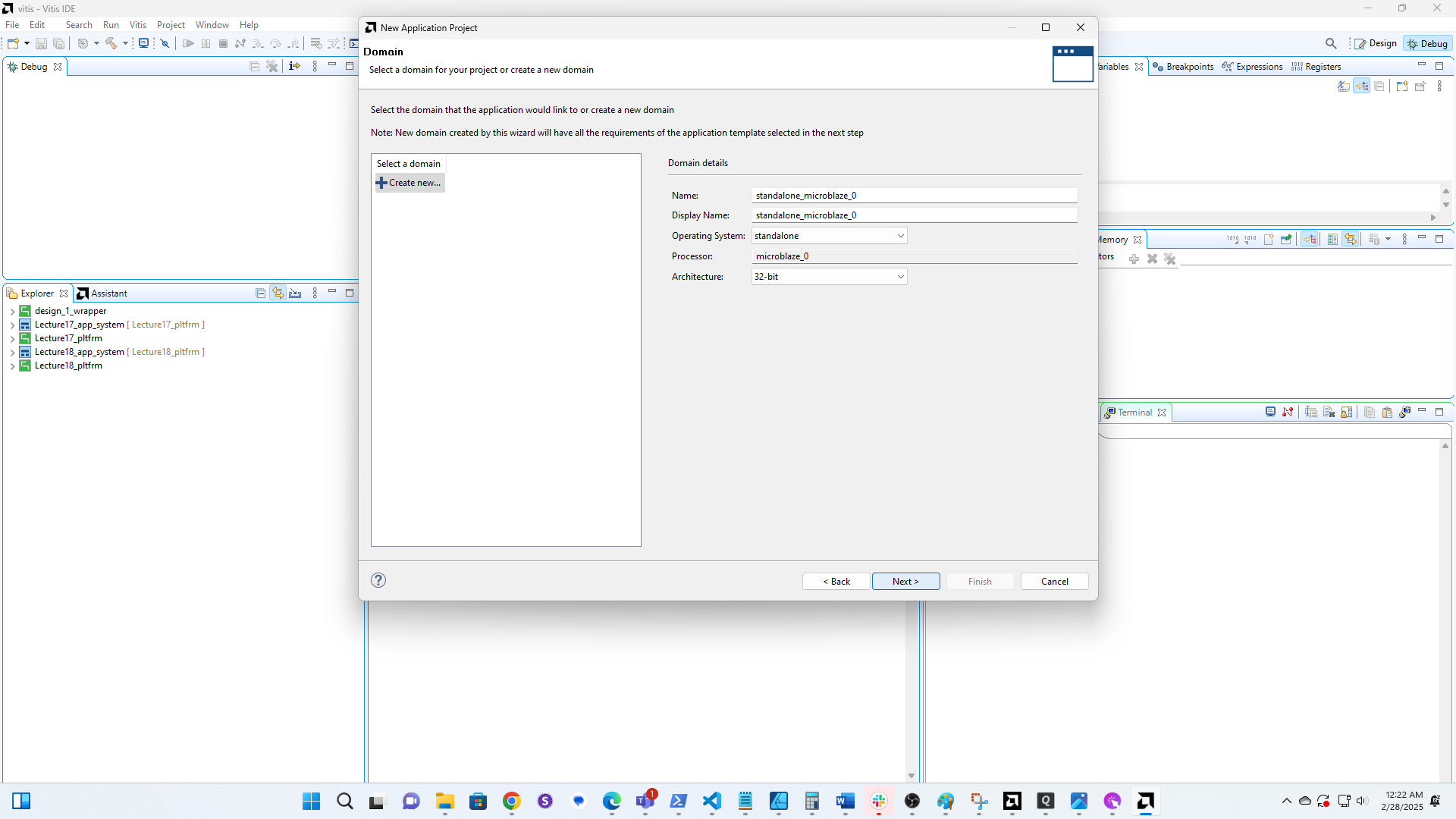
12
Open the Hello World Example
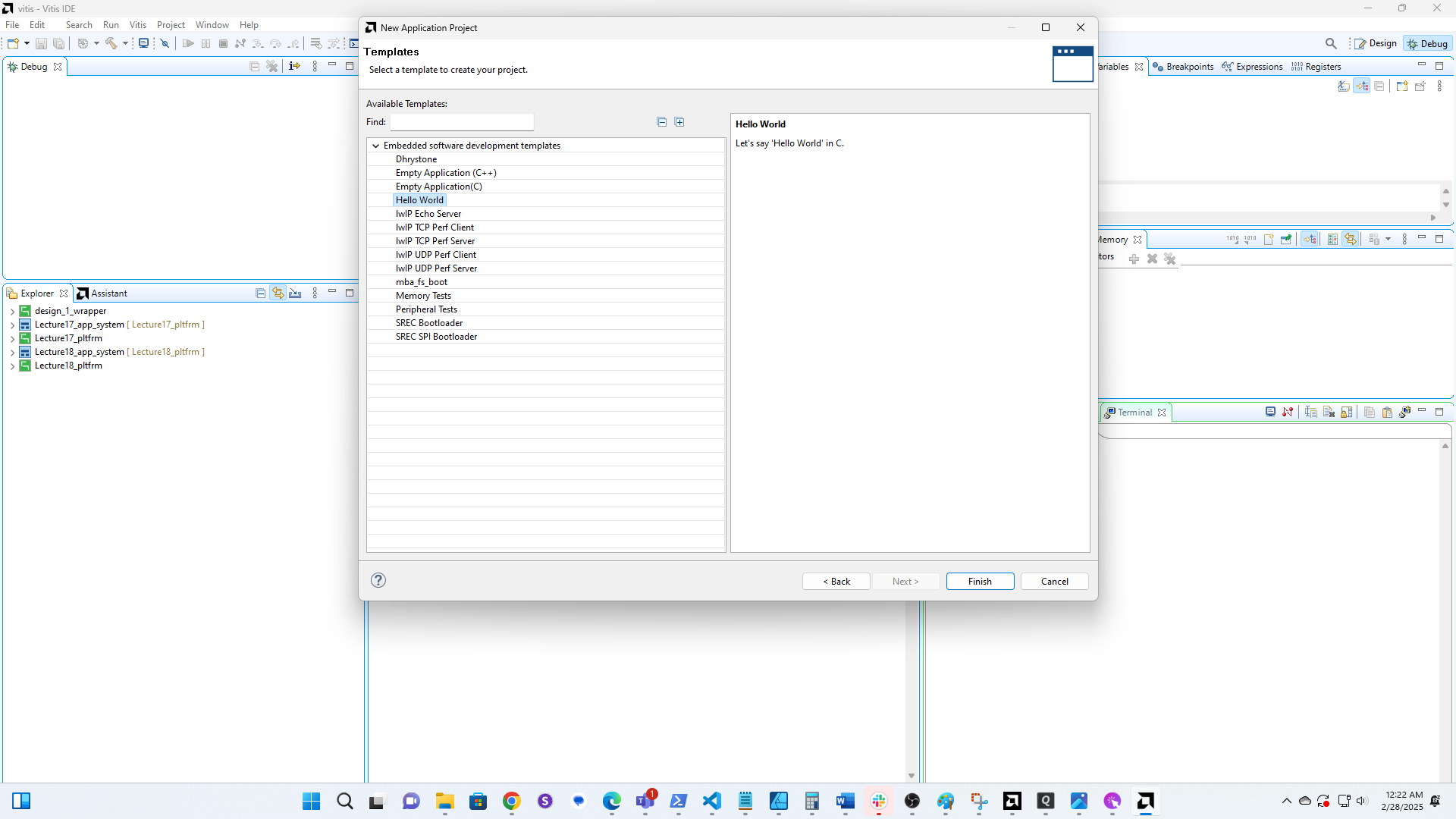
13
Click here
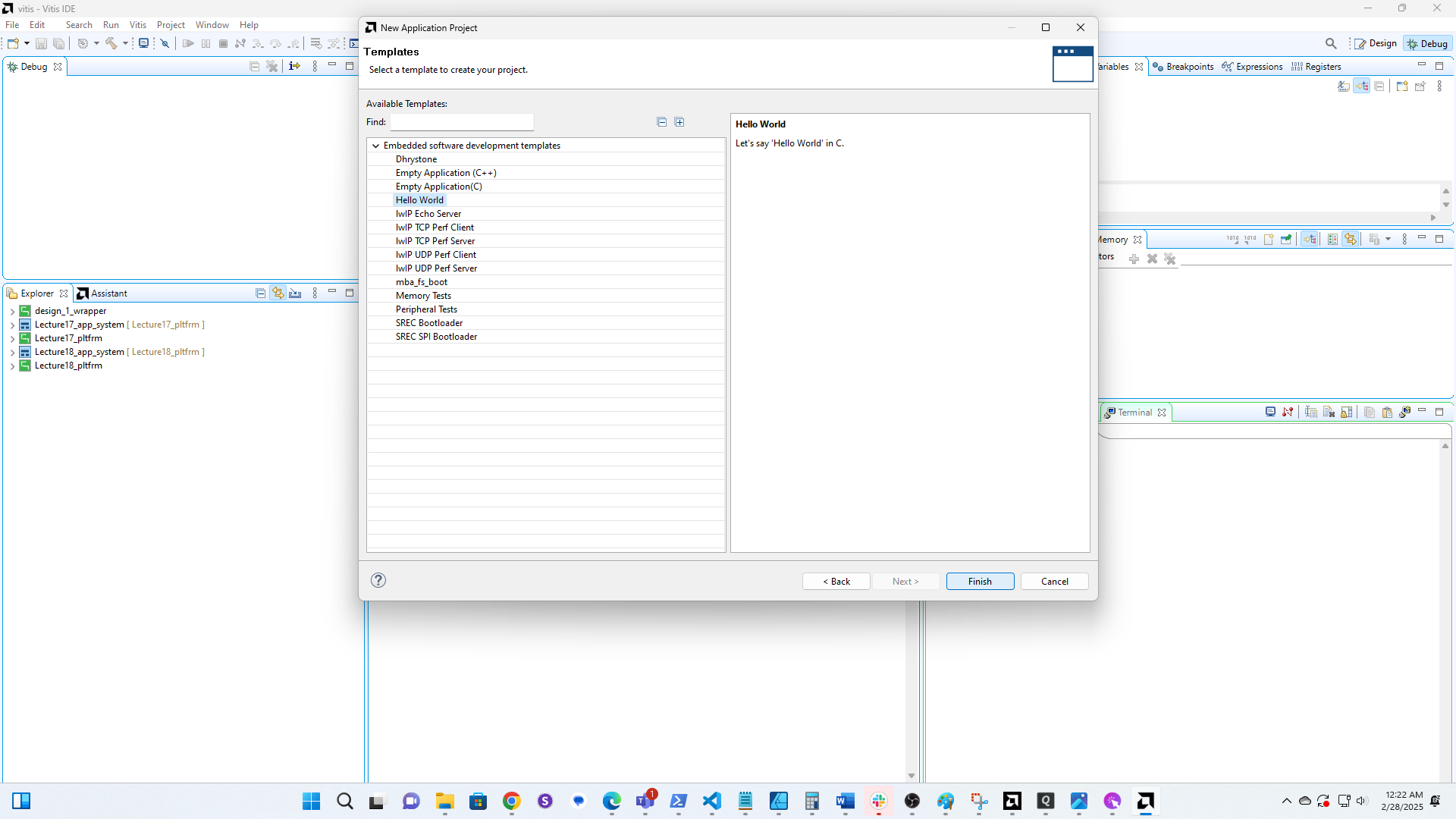
14
Click here
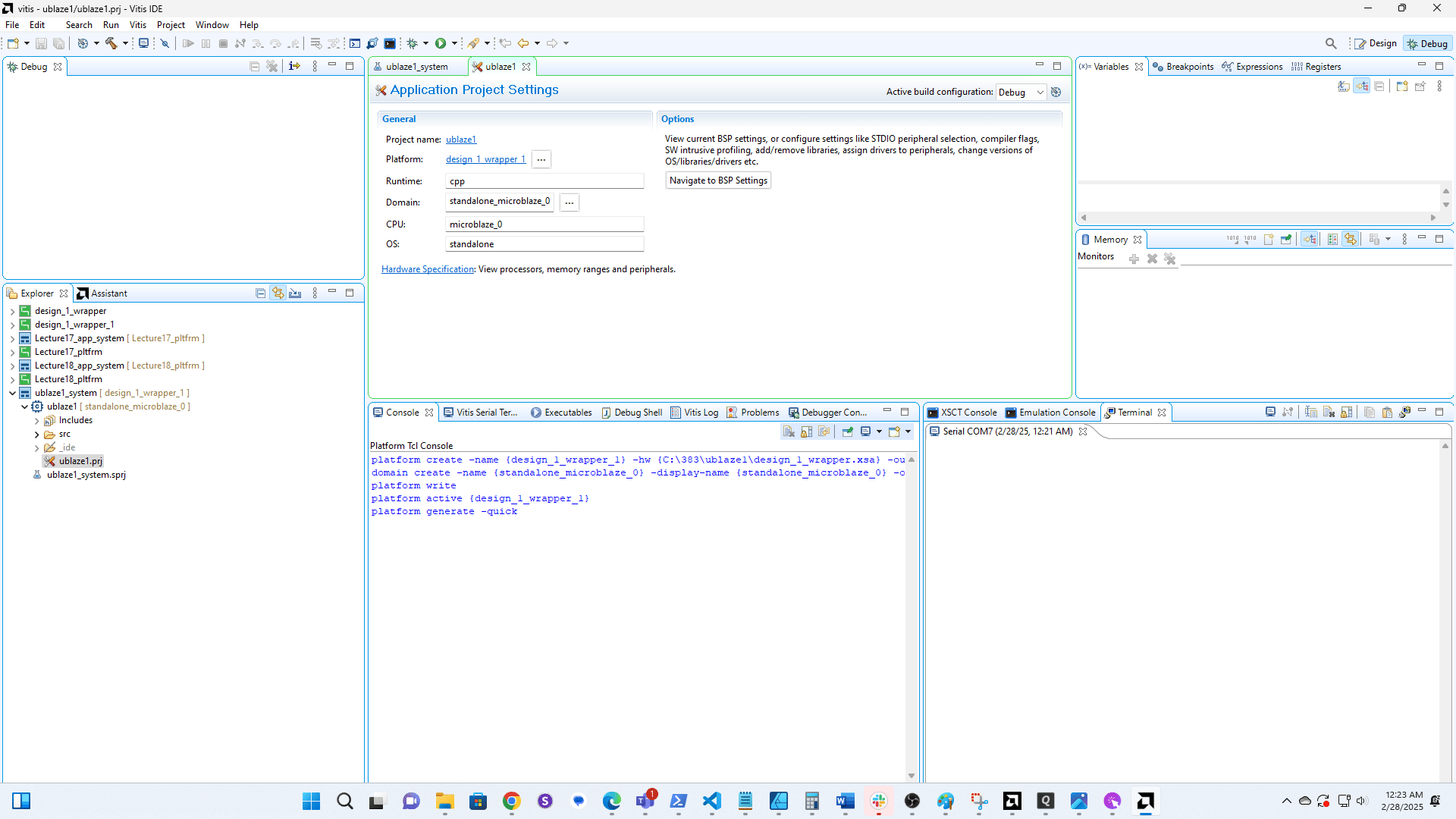
15
Open the example code
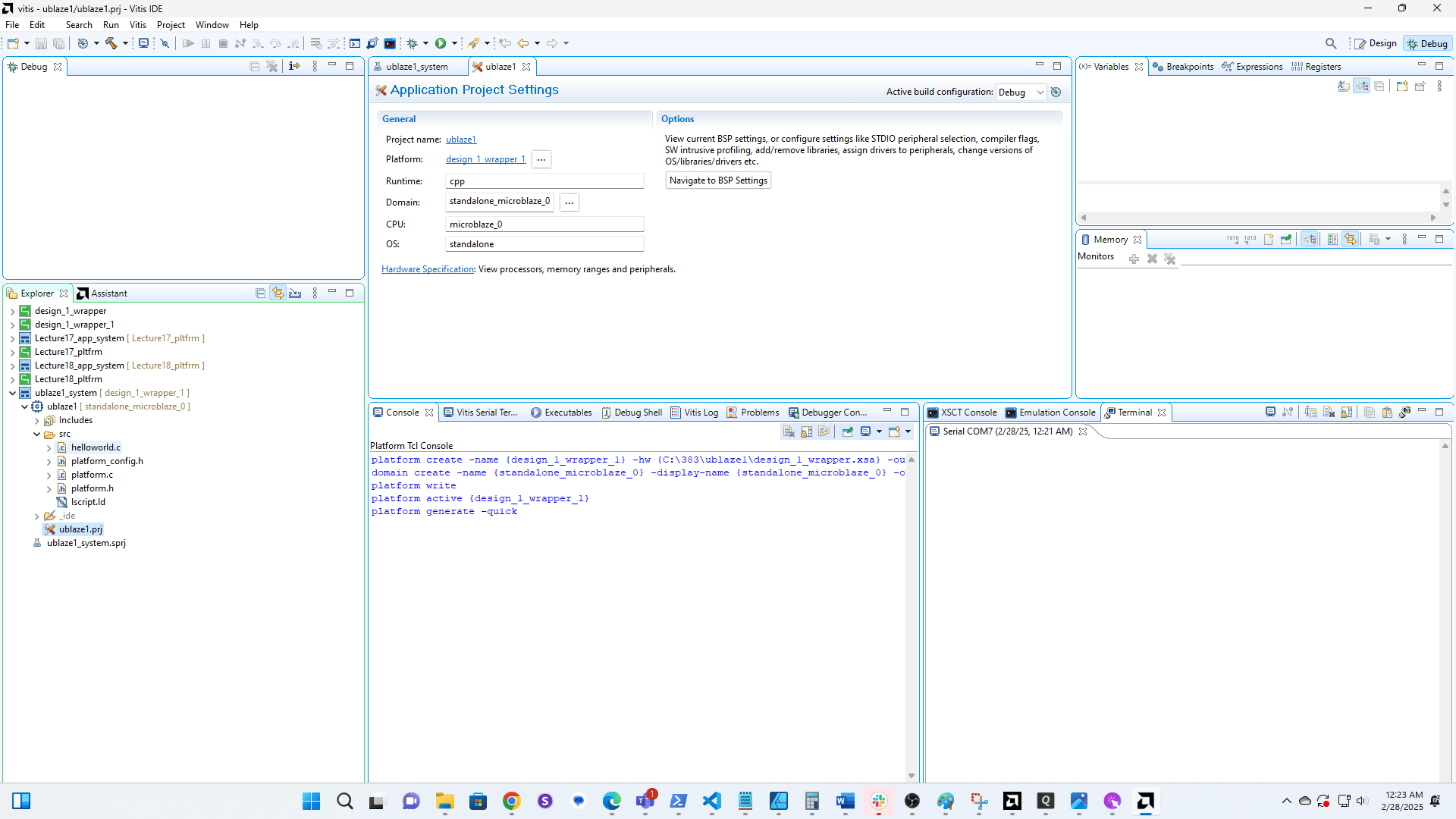
16
Click here
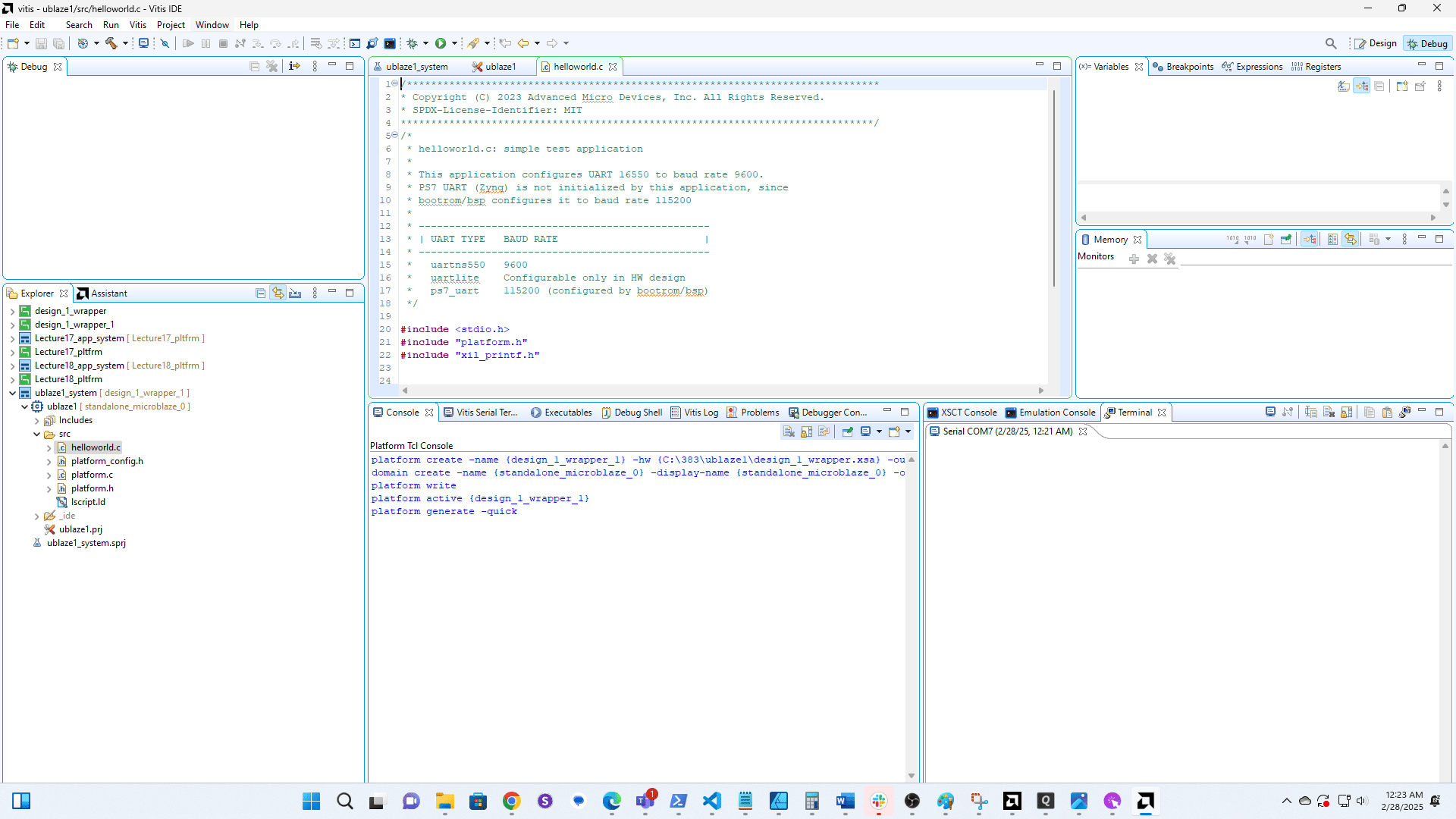
17
Click here
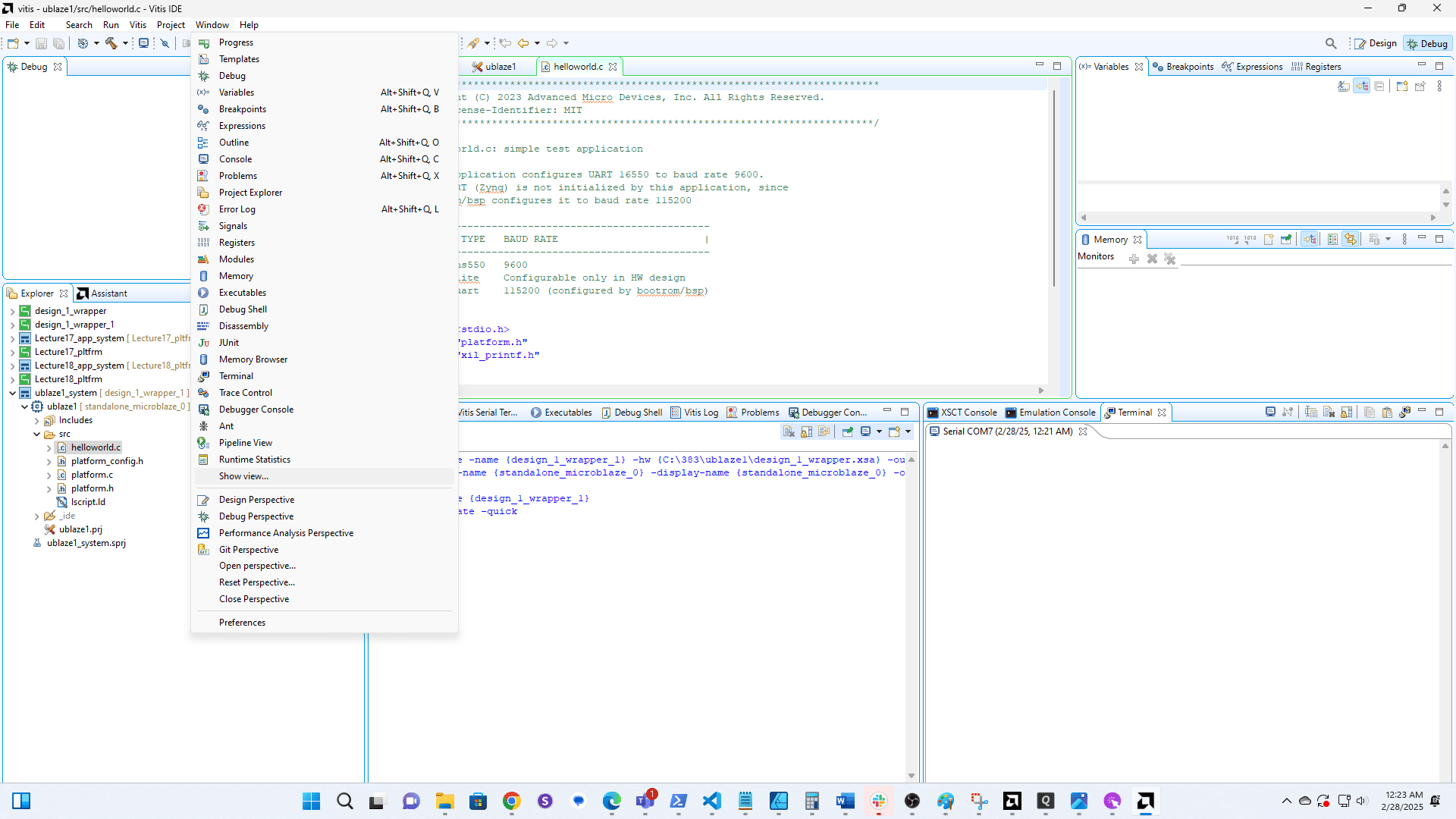
18
Click here
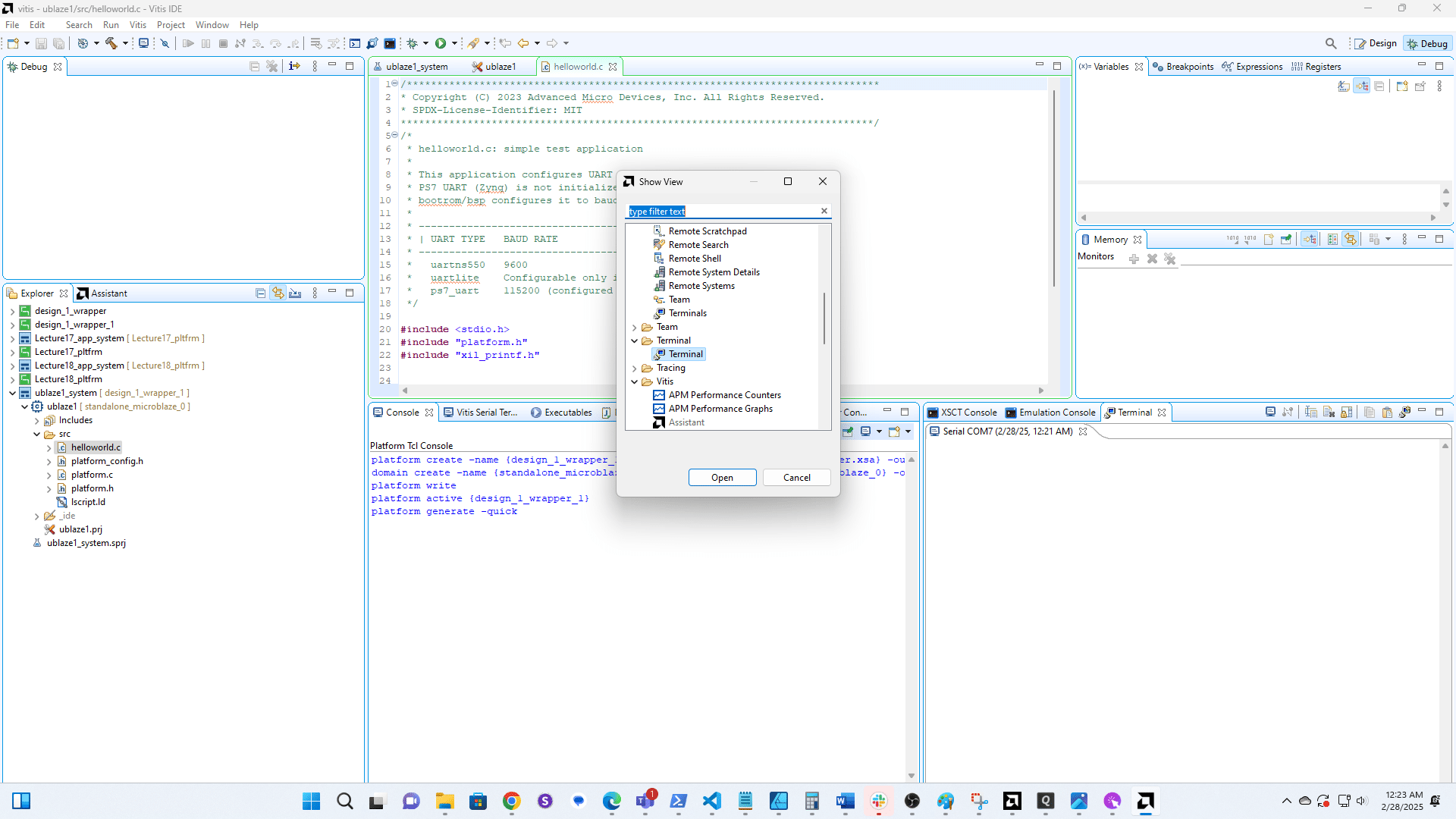
19
Click here
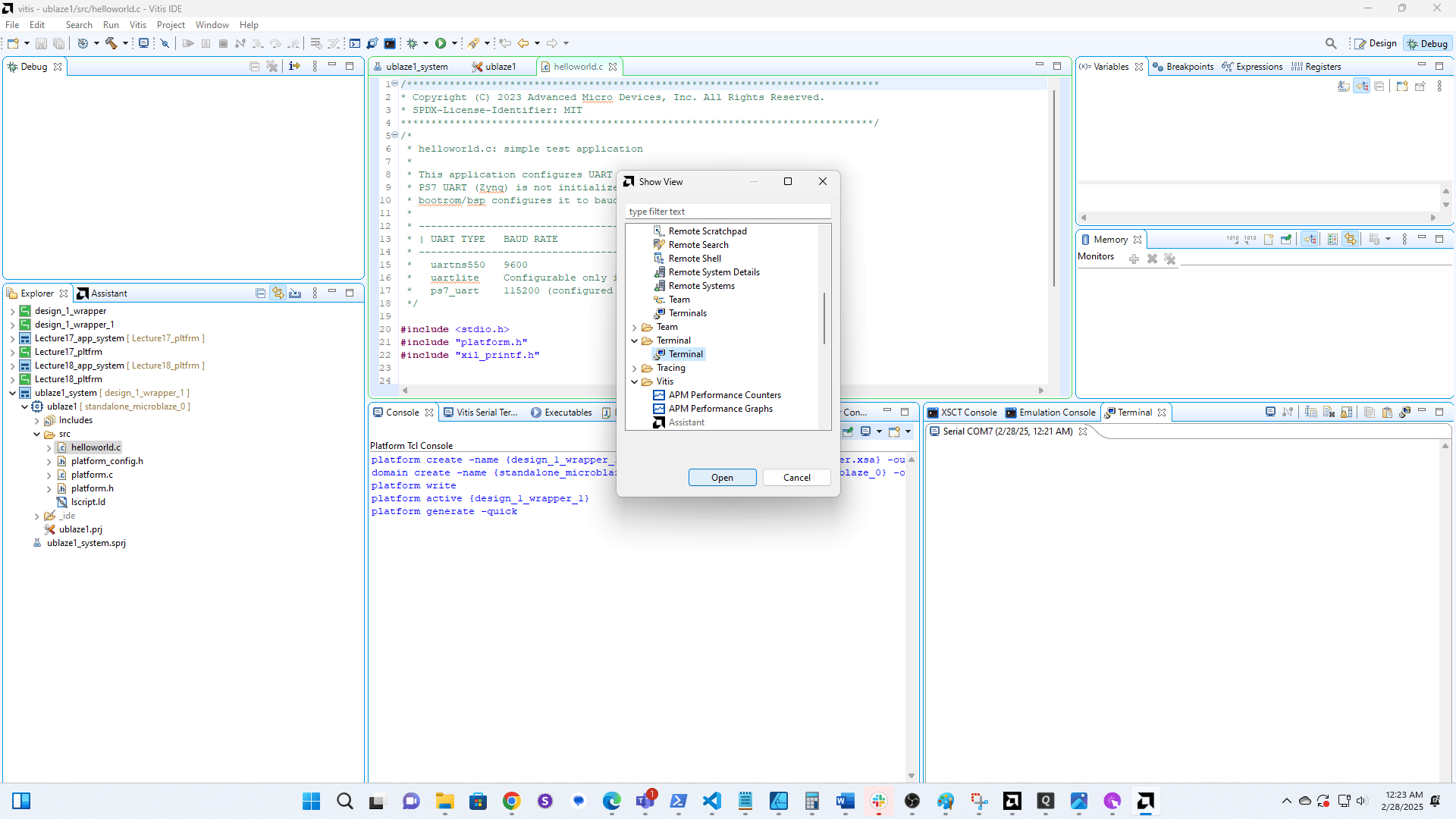
20
Click here to open the serial connection. Note that you must have both the Prog and UART cables plugged in on your board.
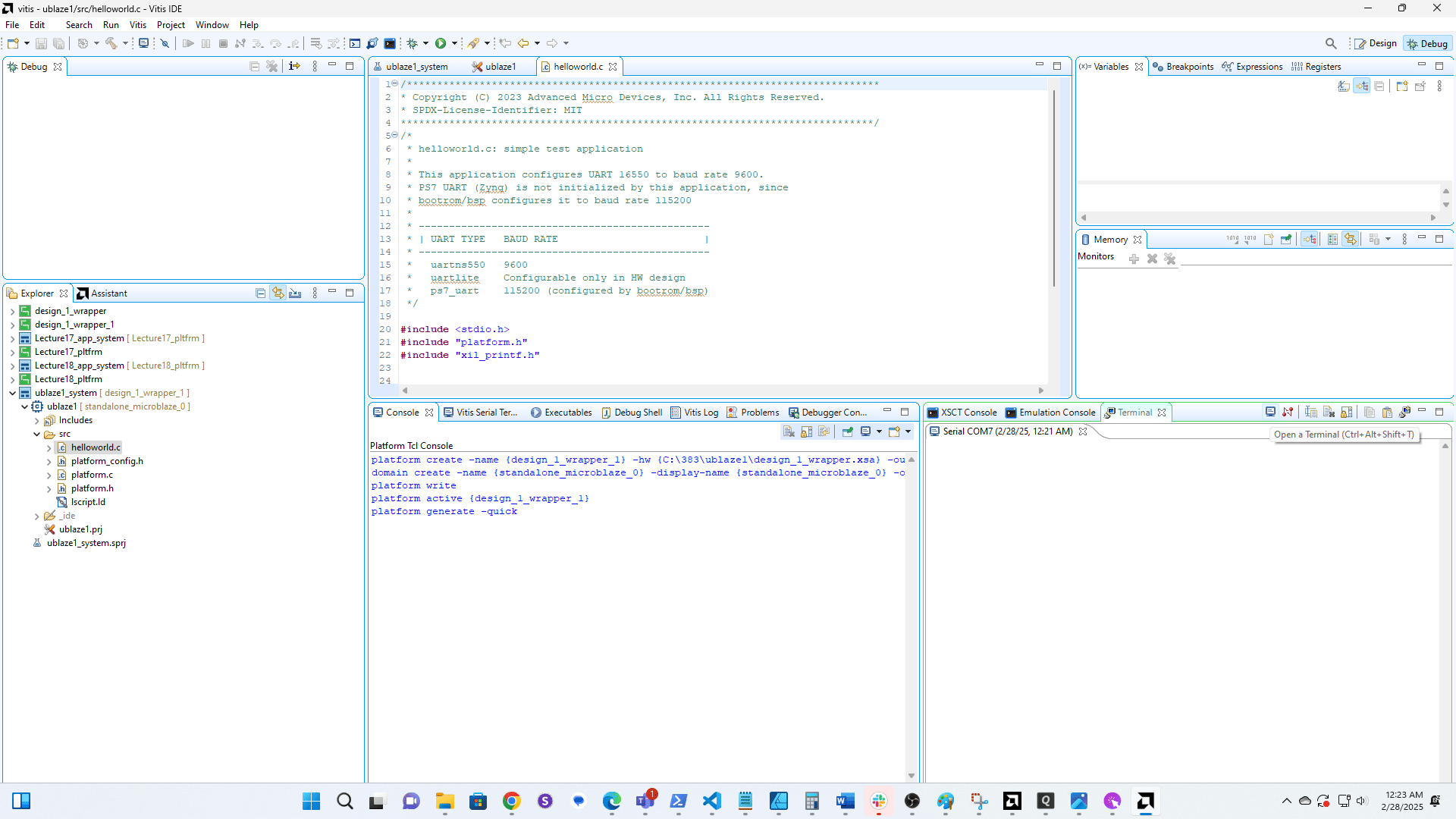
21
Click here
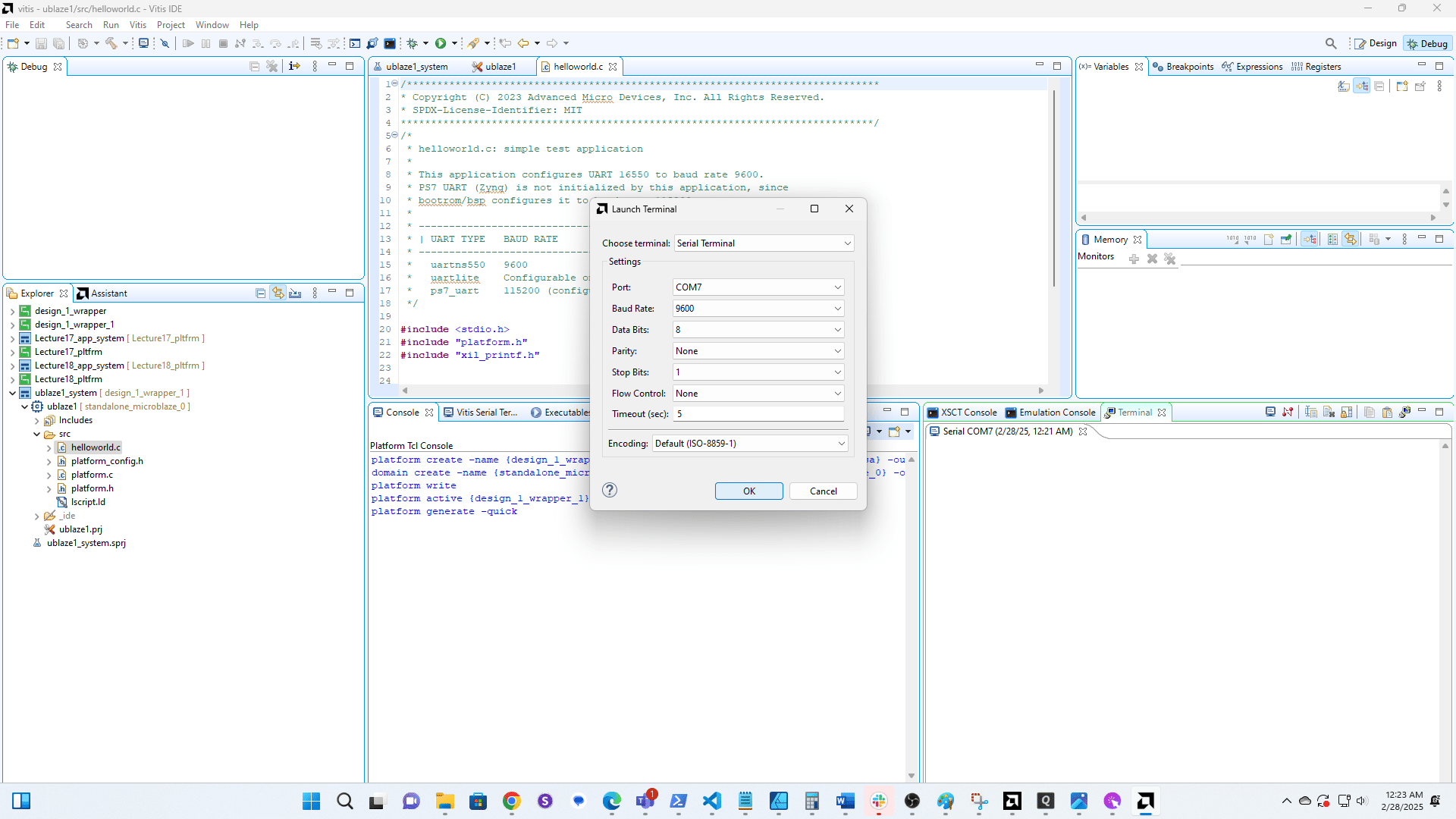
22
Right-click here
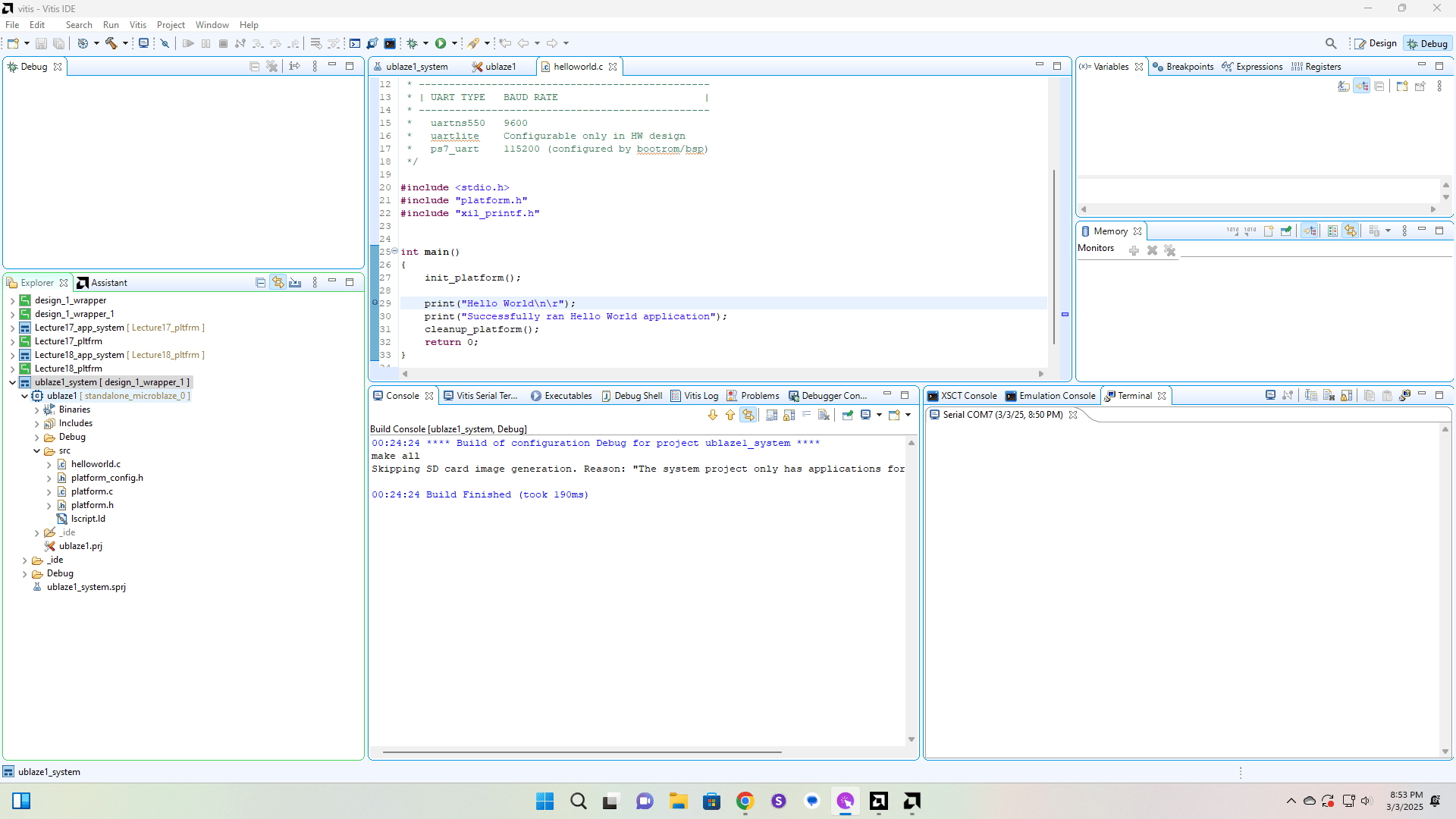
23
Click here
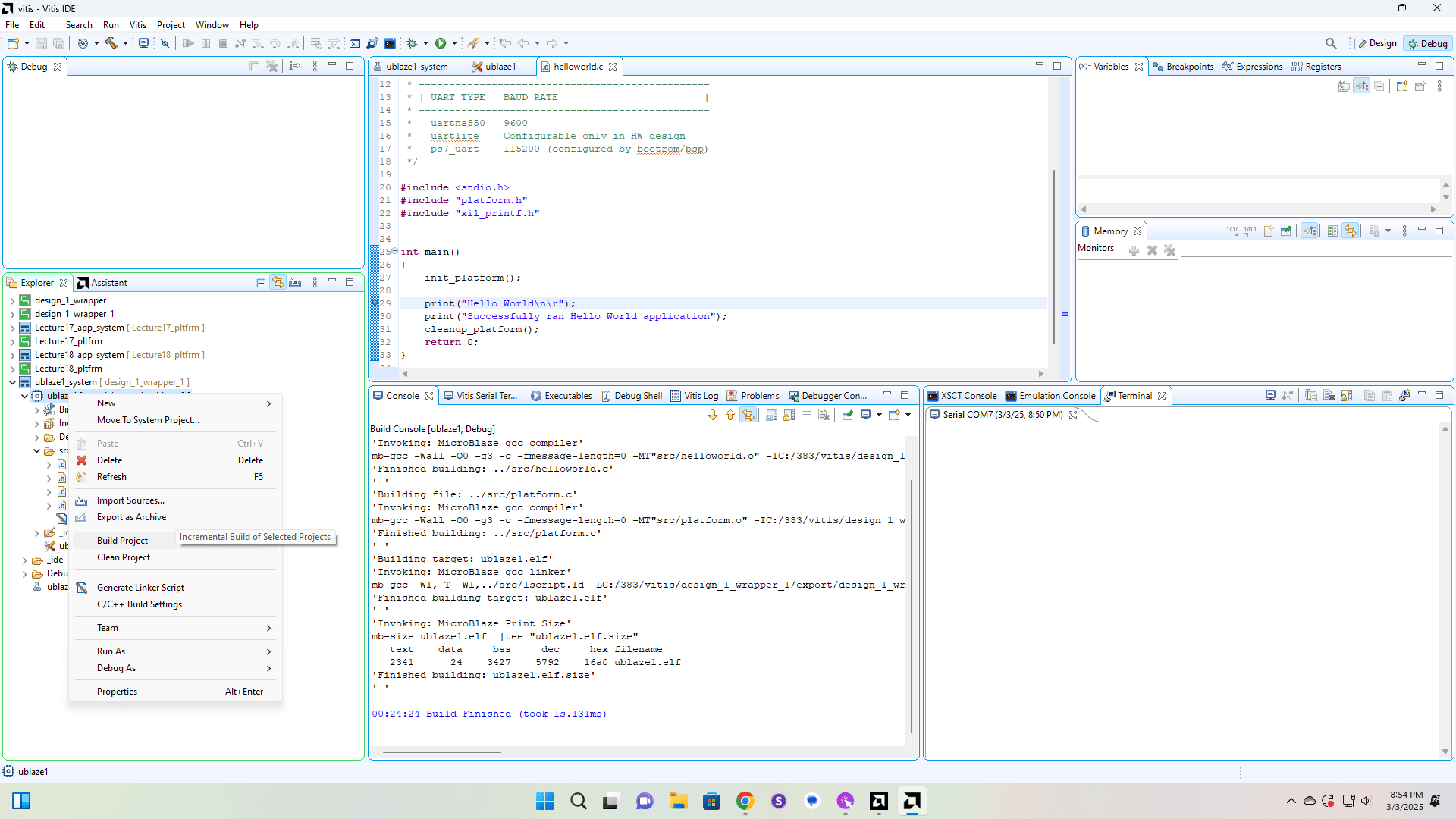
24
Click here
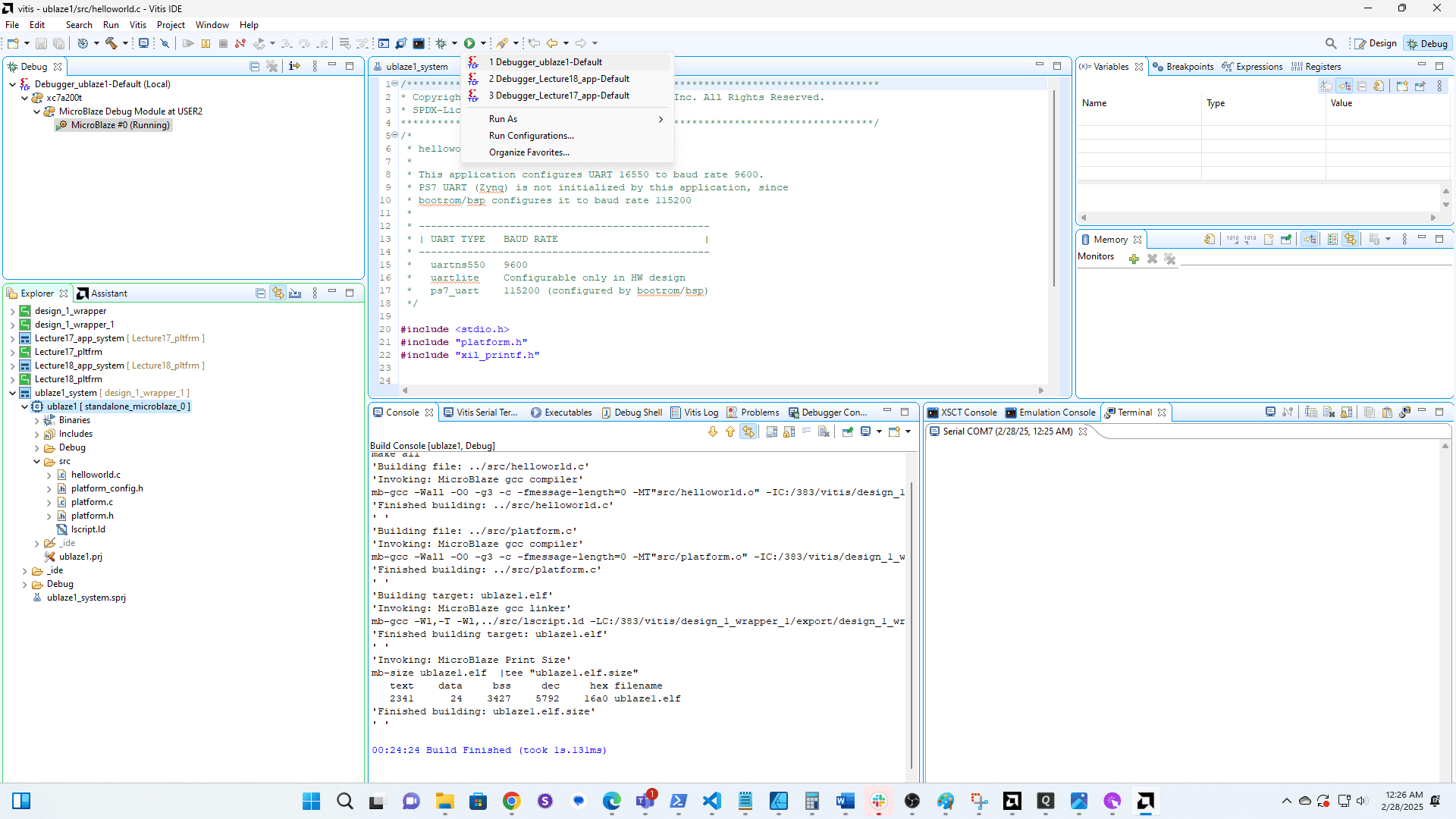
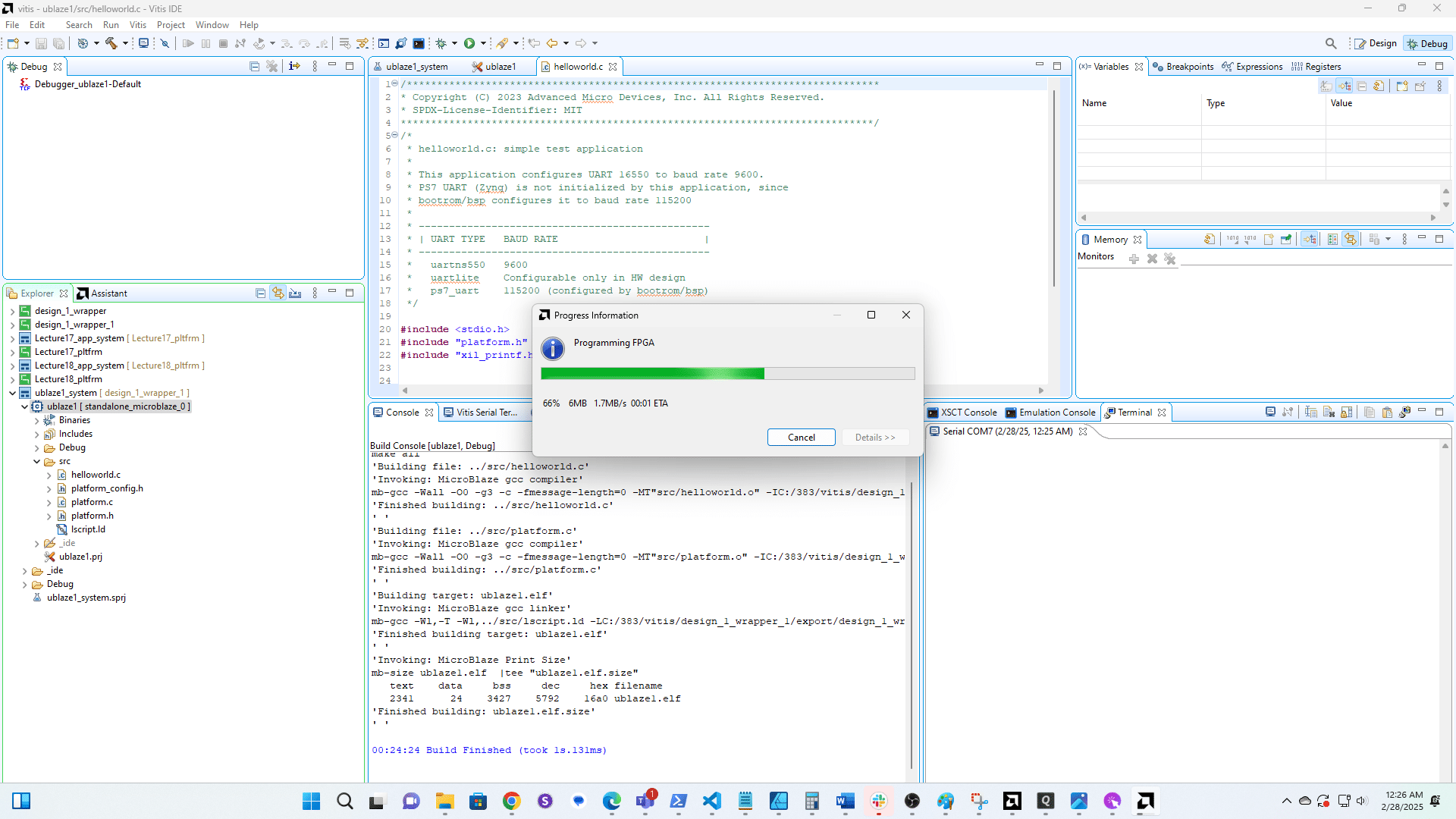
26
Click here