GuildLink - Edit Appendices
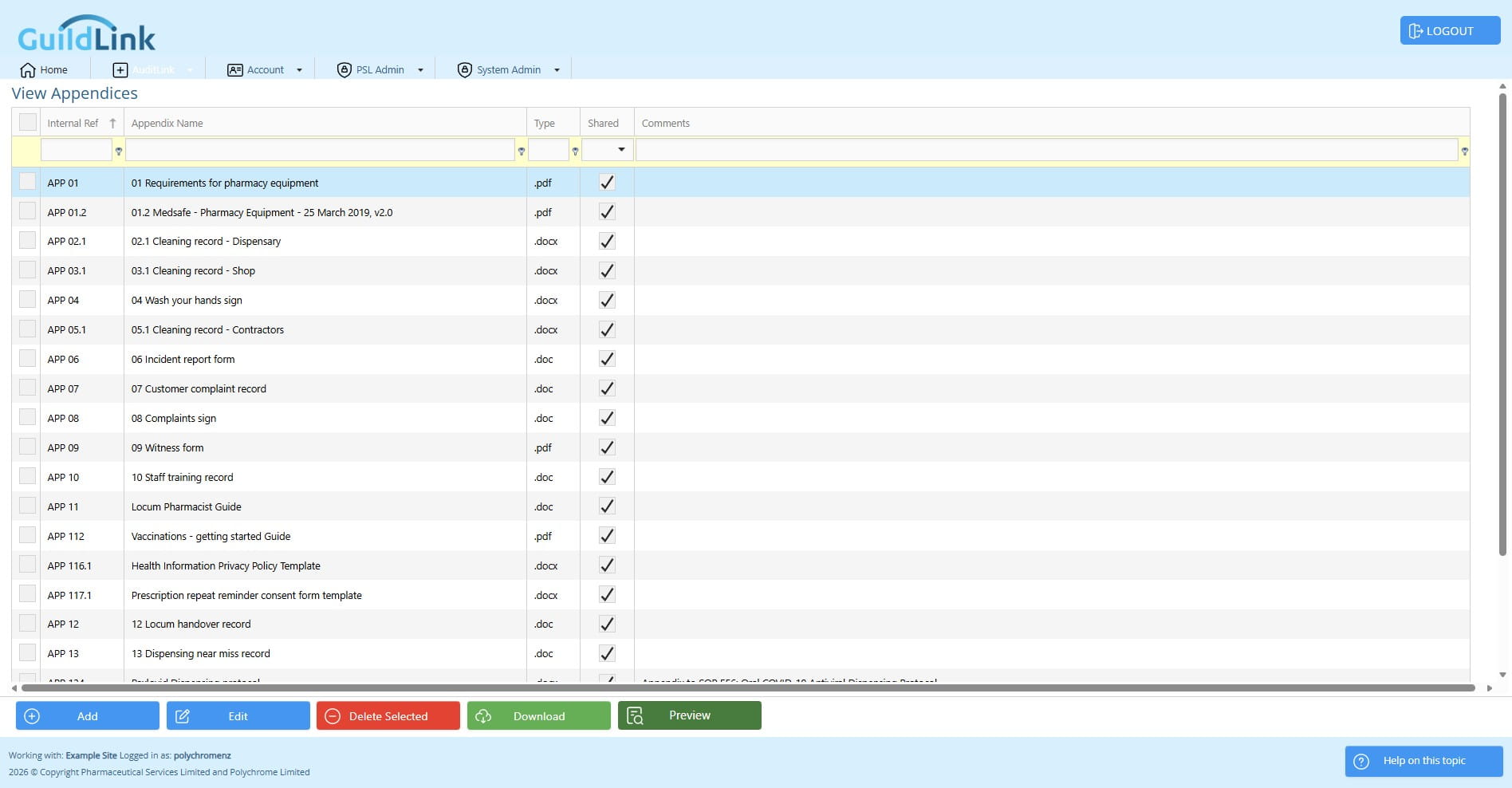
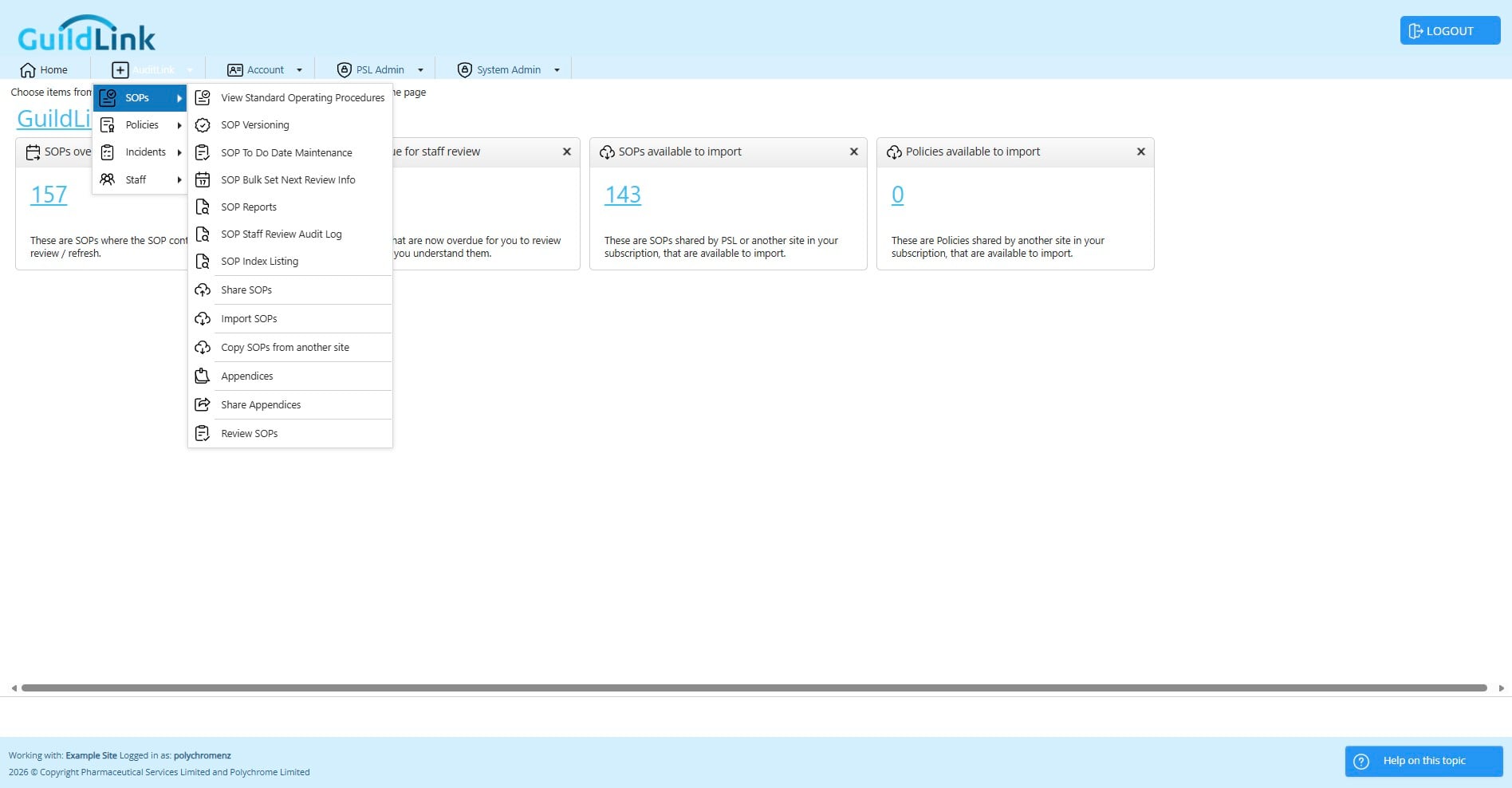
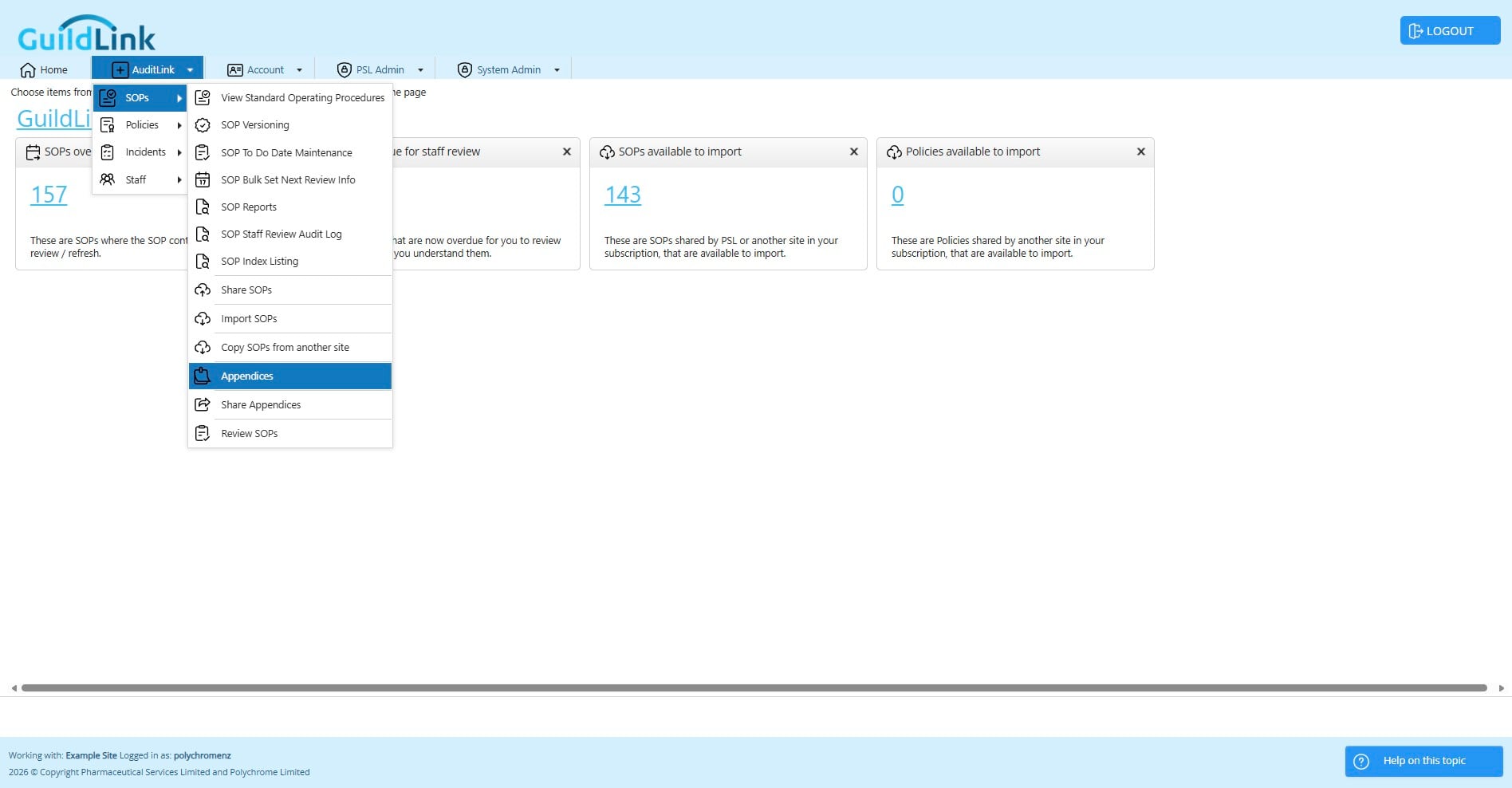
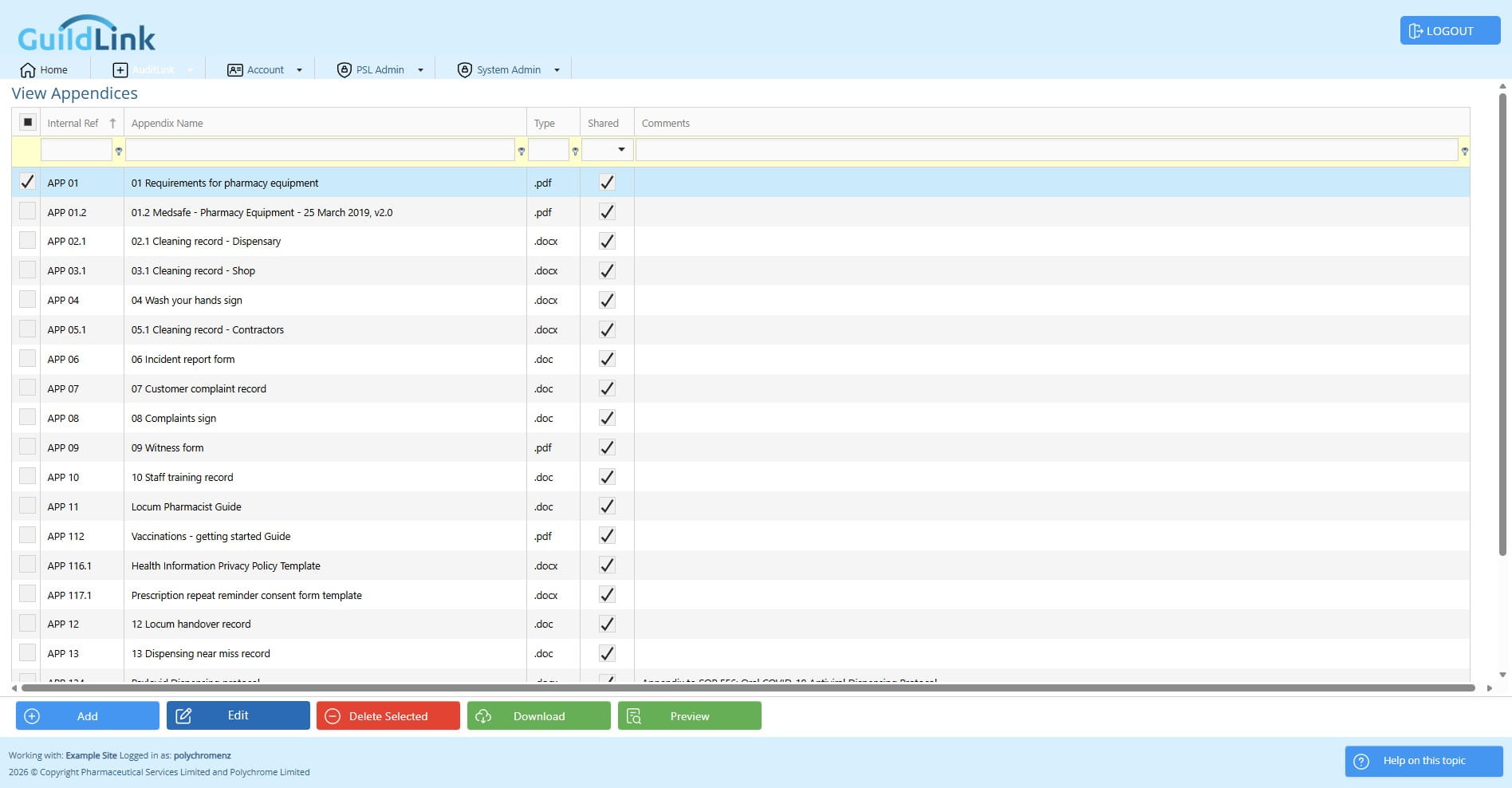
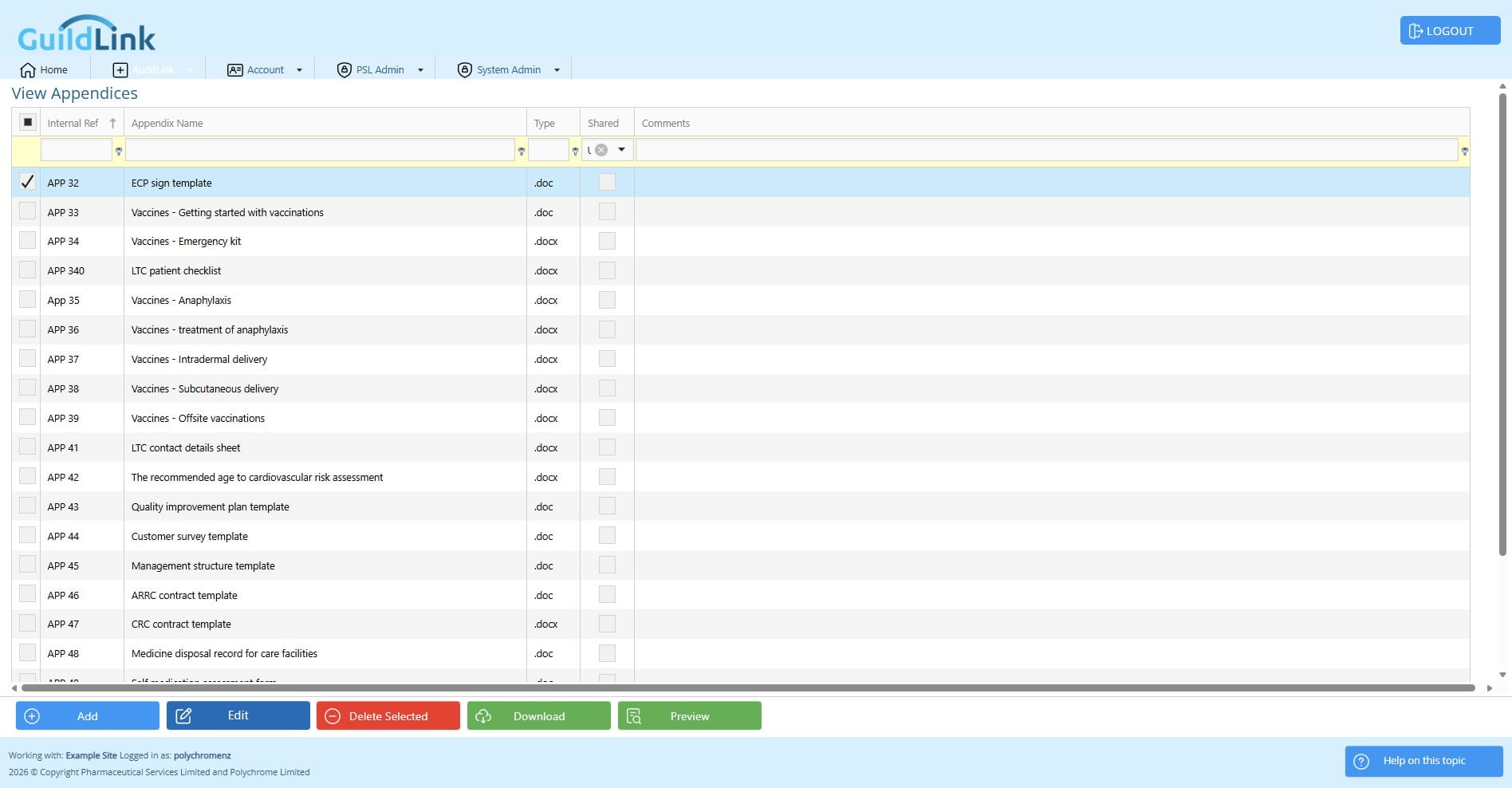
Navigate to AuditLink > SOPs > View Appendices
Appendices exist to give staff access to common documents. If you access GuildLink remotely you might still need access to these documents, this way they live in the cloud.
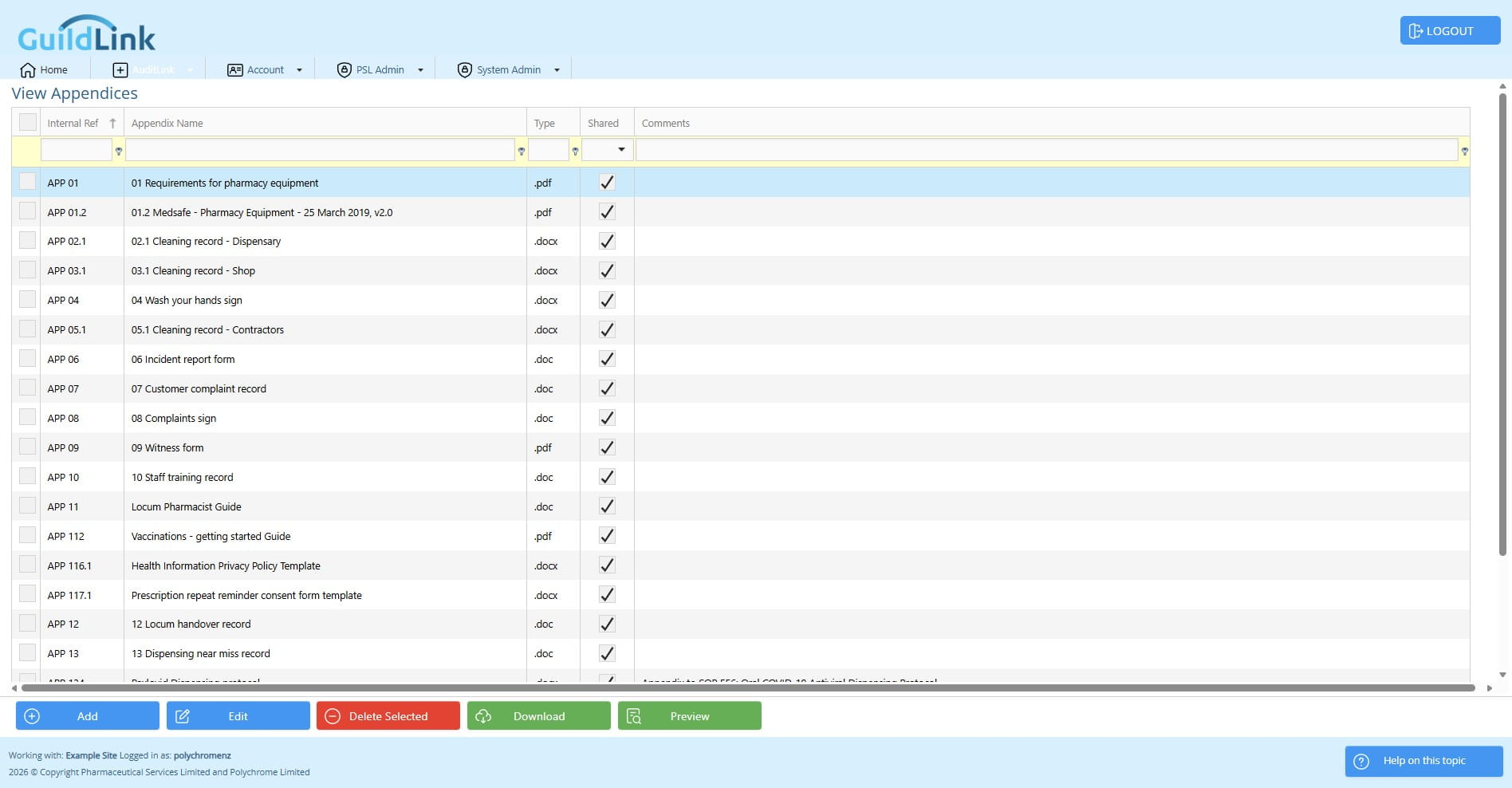
New stepThere are two types of appendices. Your own and Appendices shared by PSL. Many appendices are common and as supporting documents they never change. We can share these differently to things like SOPs which must be edited. Because these are a simple share, you don't need to import them and make a copy, they just show.
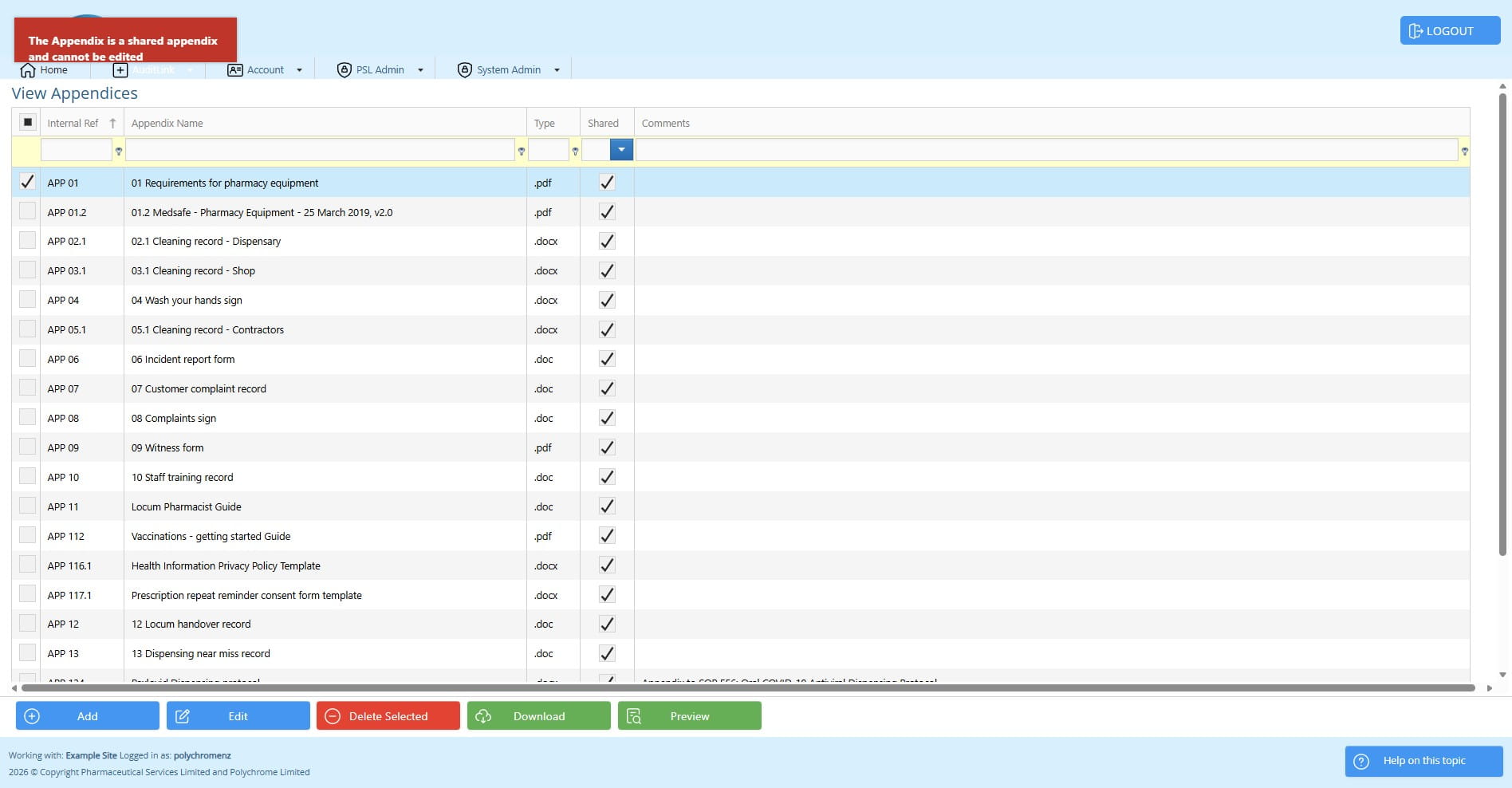
You cannot edit or delete shared appendices but you can add your own and upload your own documents and they can be replaced later if the document chanes.
Click on "Download" to fetch the latest version of this appendix.
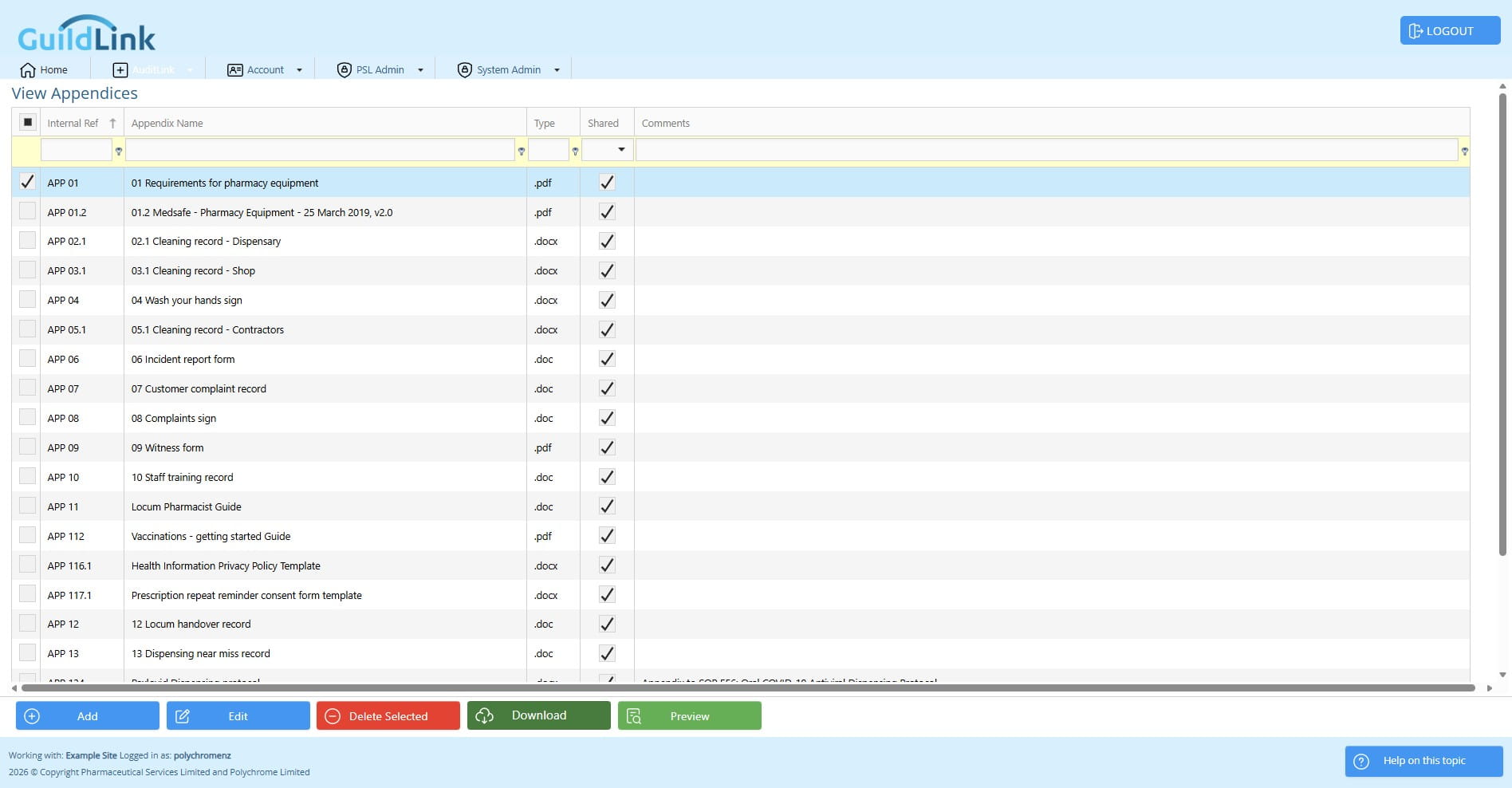
Note you cannot edit shared content, only PSL can edit those.
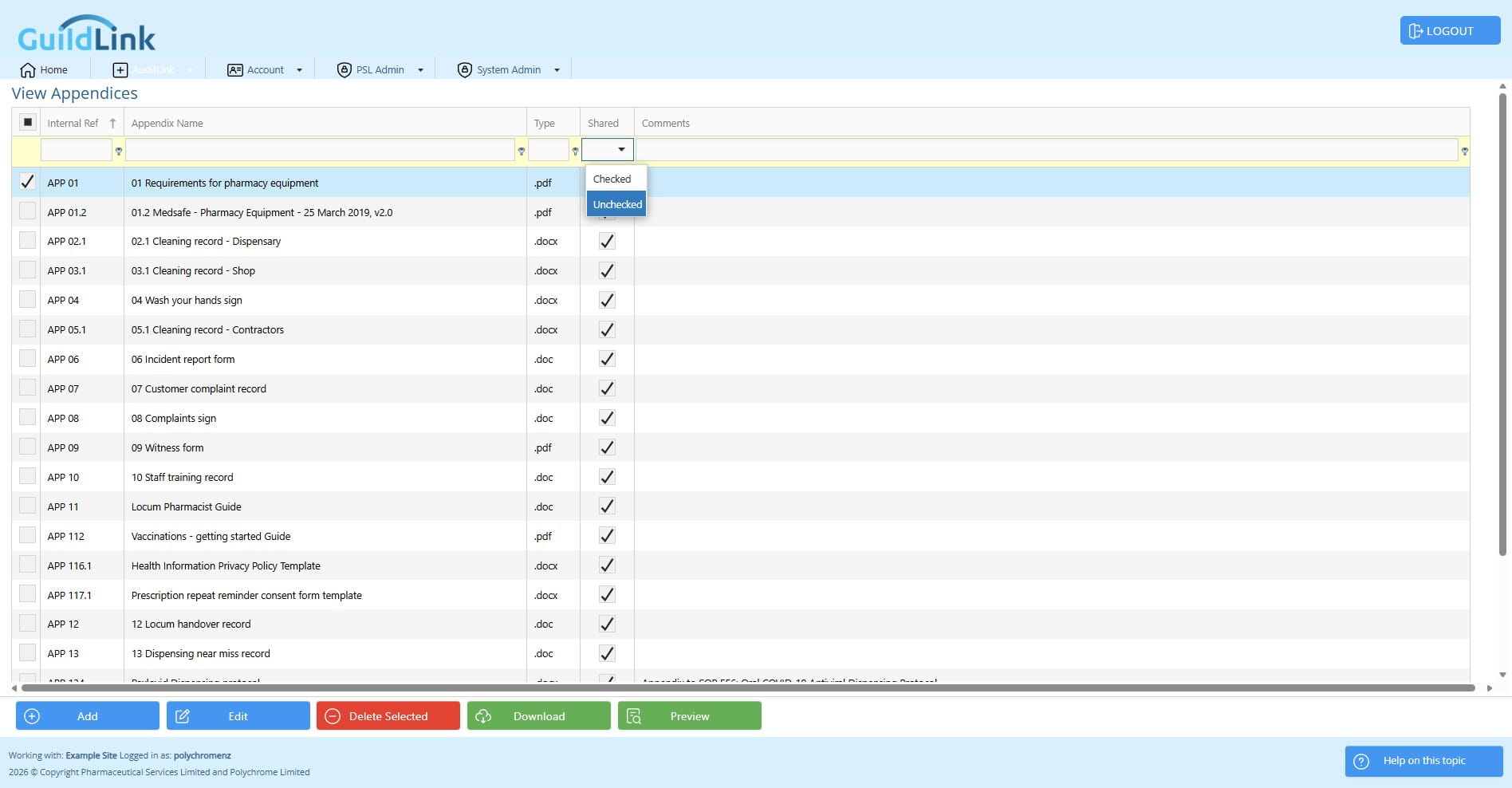
Click on "Unchecked" to see appendices for your pharmacy, documents you have uploaded.
Let's look at one, Add and Edit work the same way.
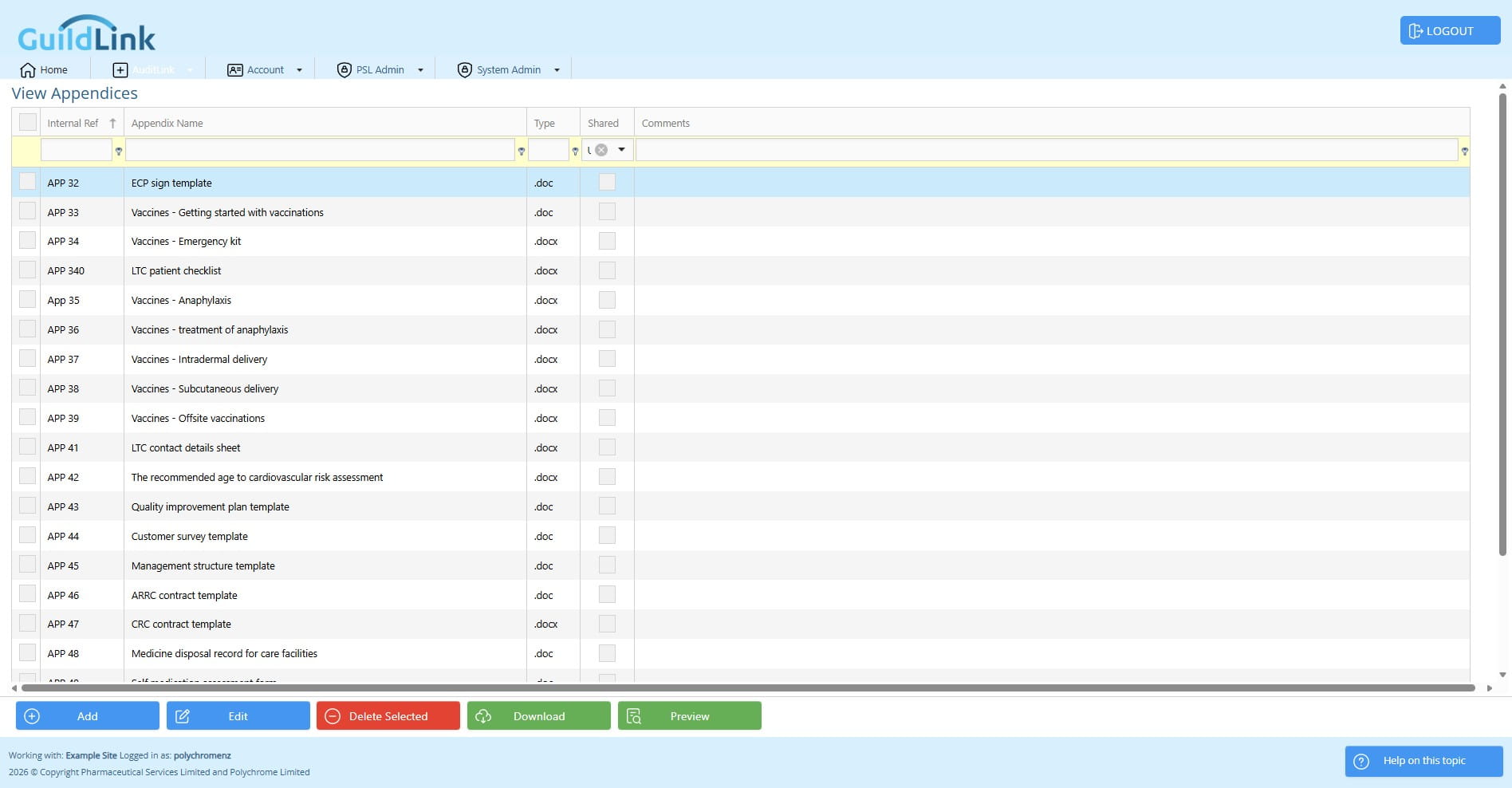
Click edit to edit this appendix.
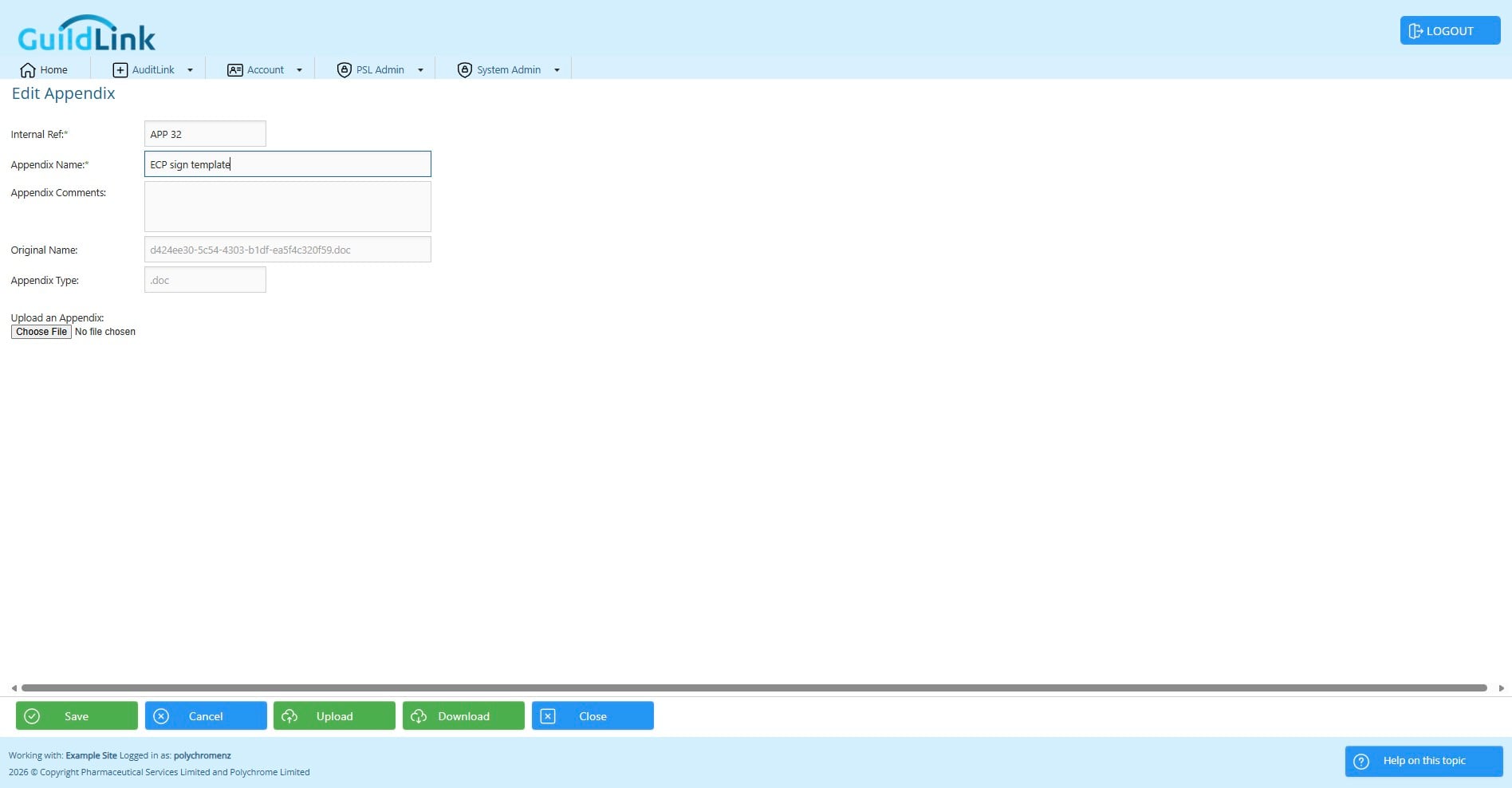
Enter the info. It's important to make this clear so that staff don't need to download an item just to see what it is.
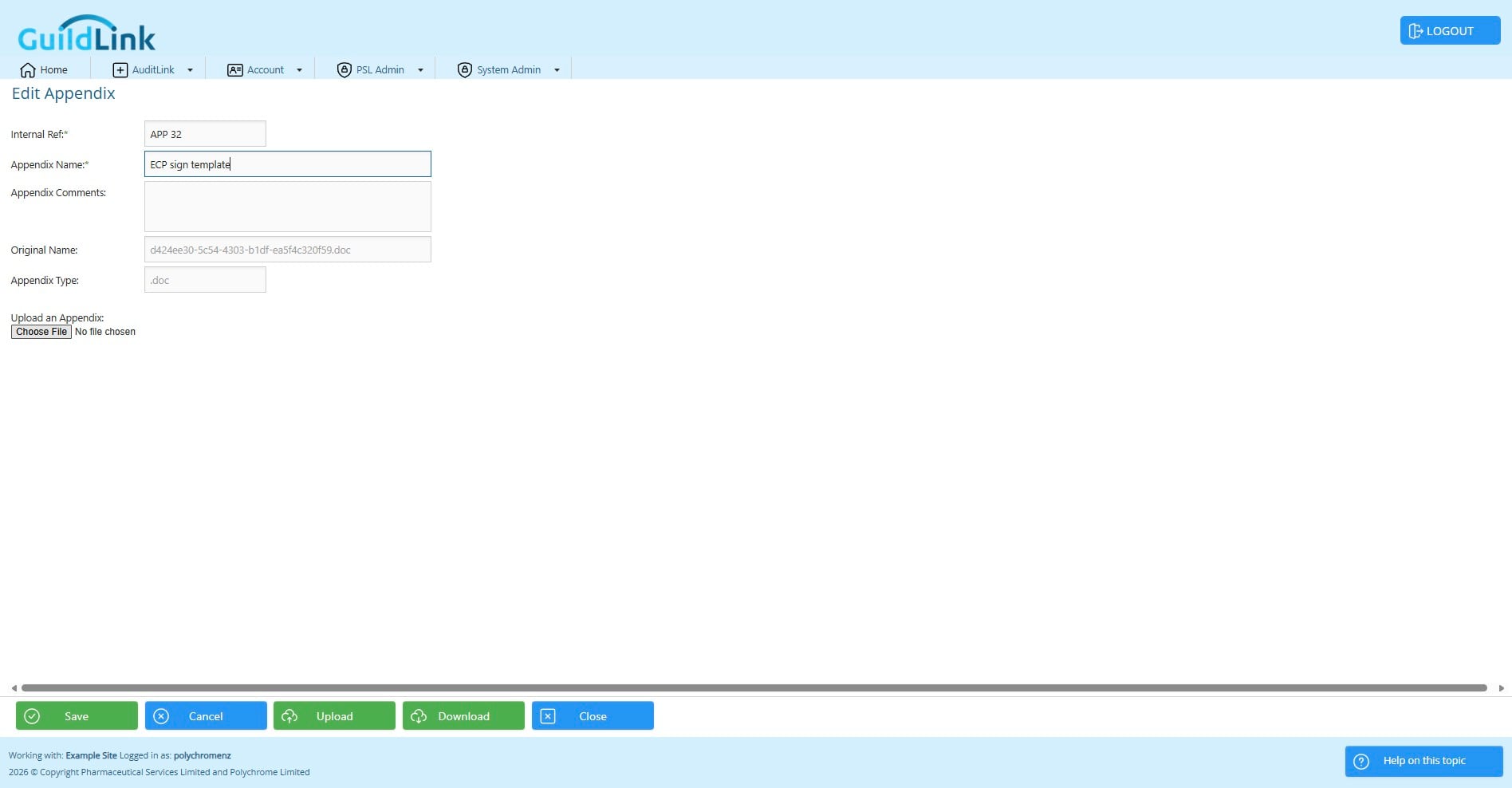
Choose a file to upload either when adding a new appendix or replacing the content on an existing appendix.
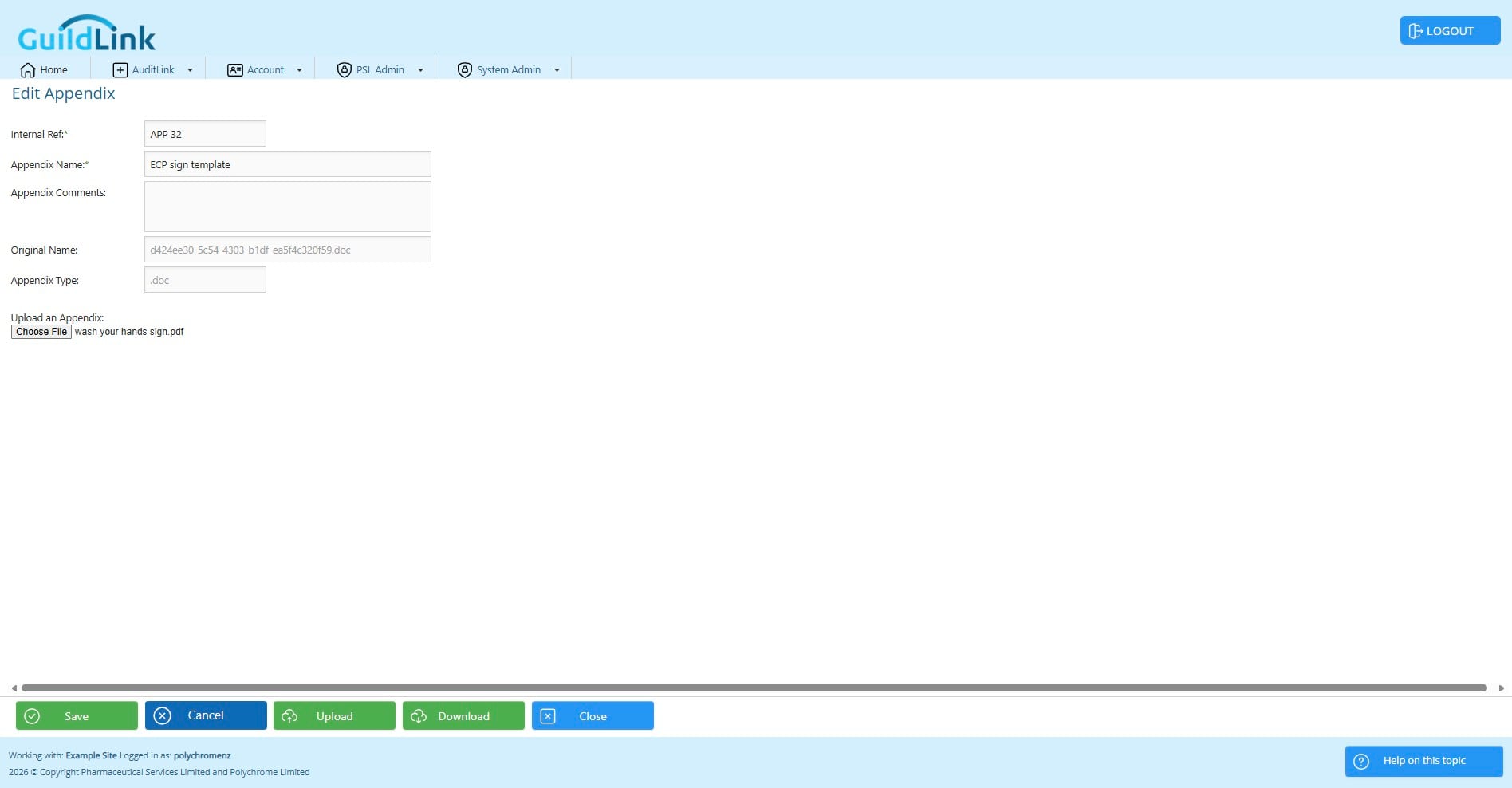
Click on Upload to Save and Upload the document
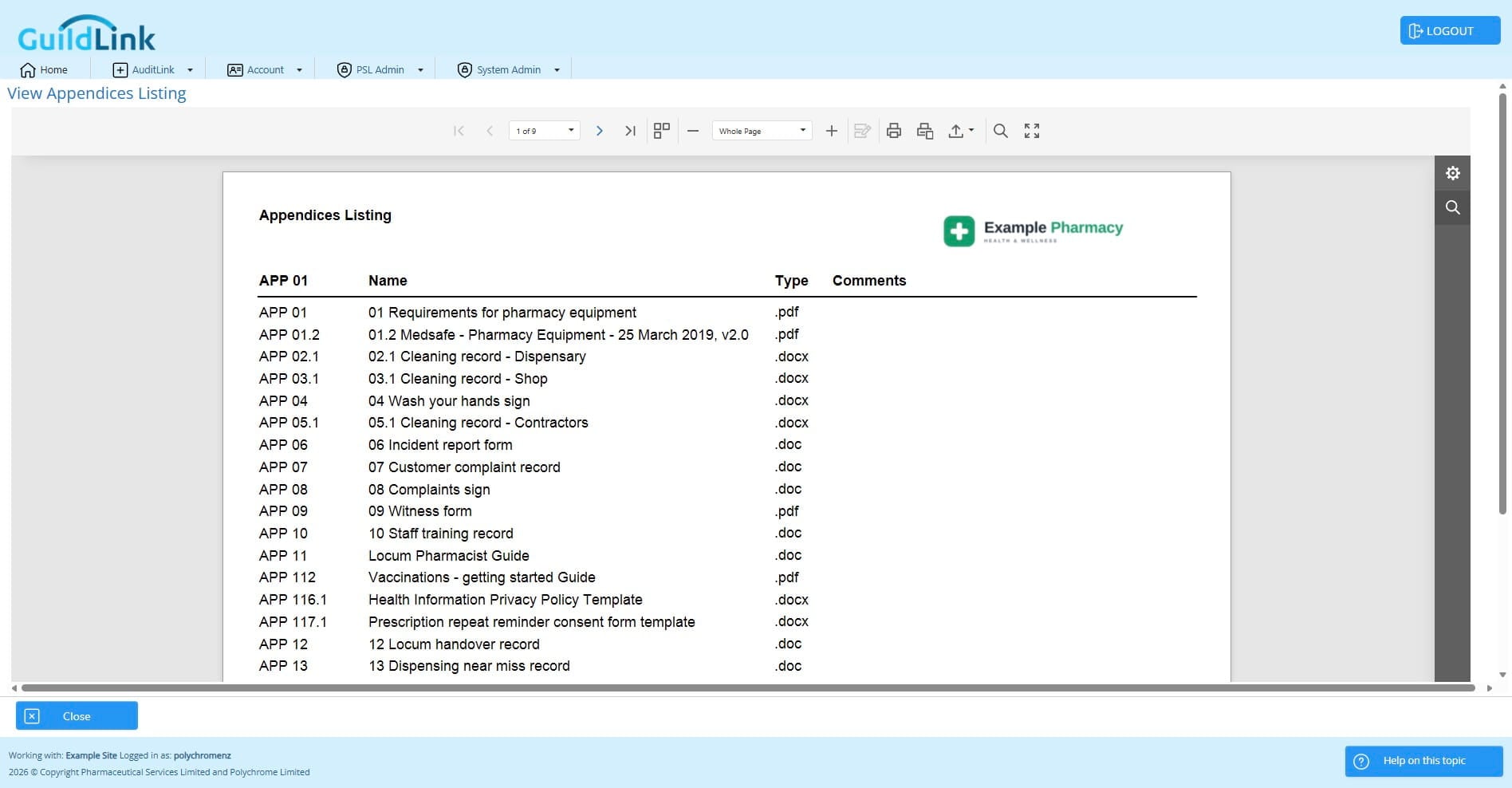
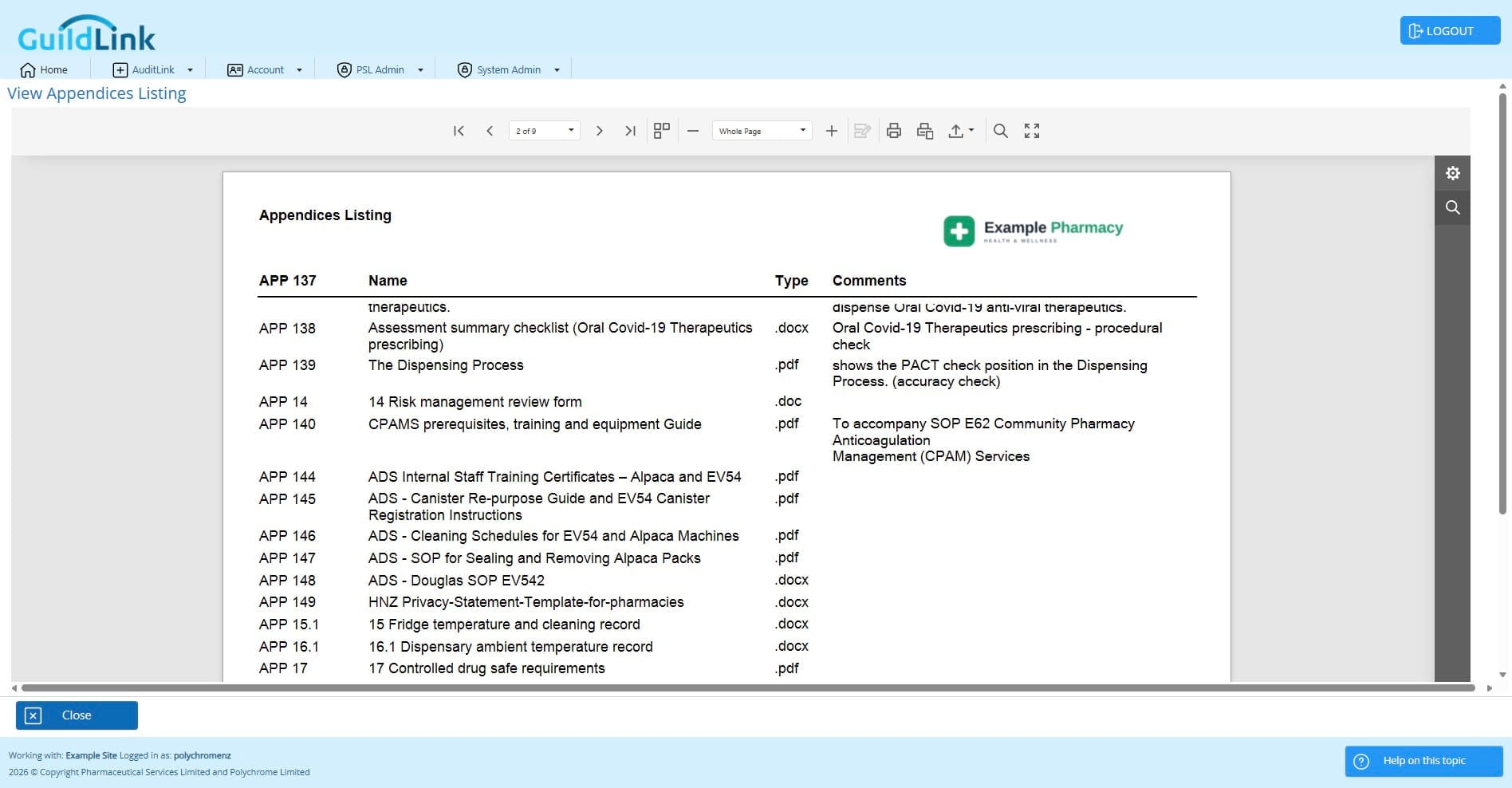
Click on "Preview" to view a list of all the appendices in the system.