Changing Your Facebook Page URL
Oct 26, 2026●
1
Navigate to your Facebook Page
2
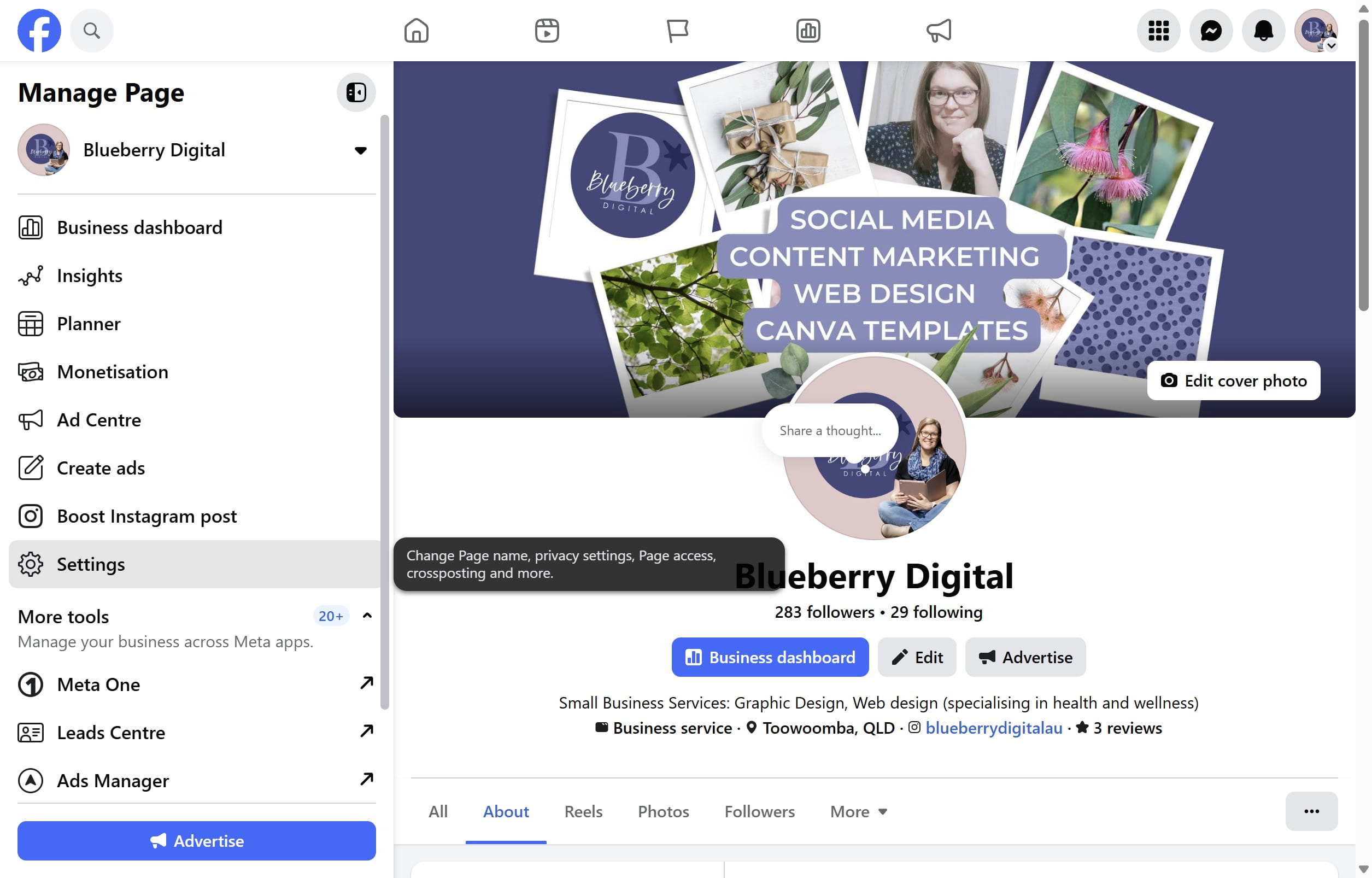
Click on "Settings"
3
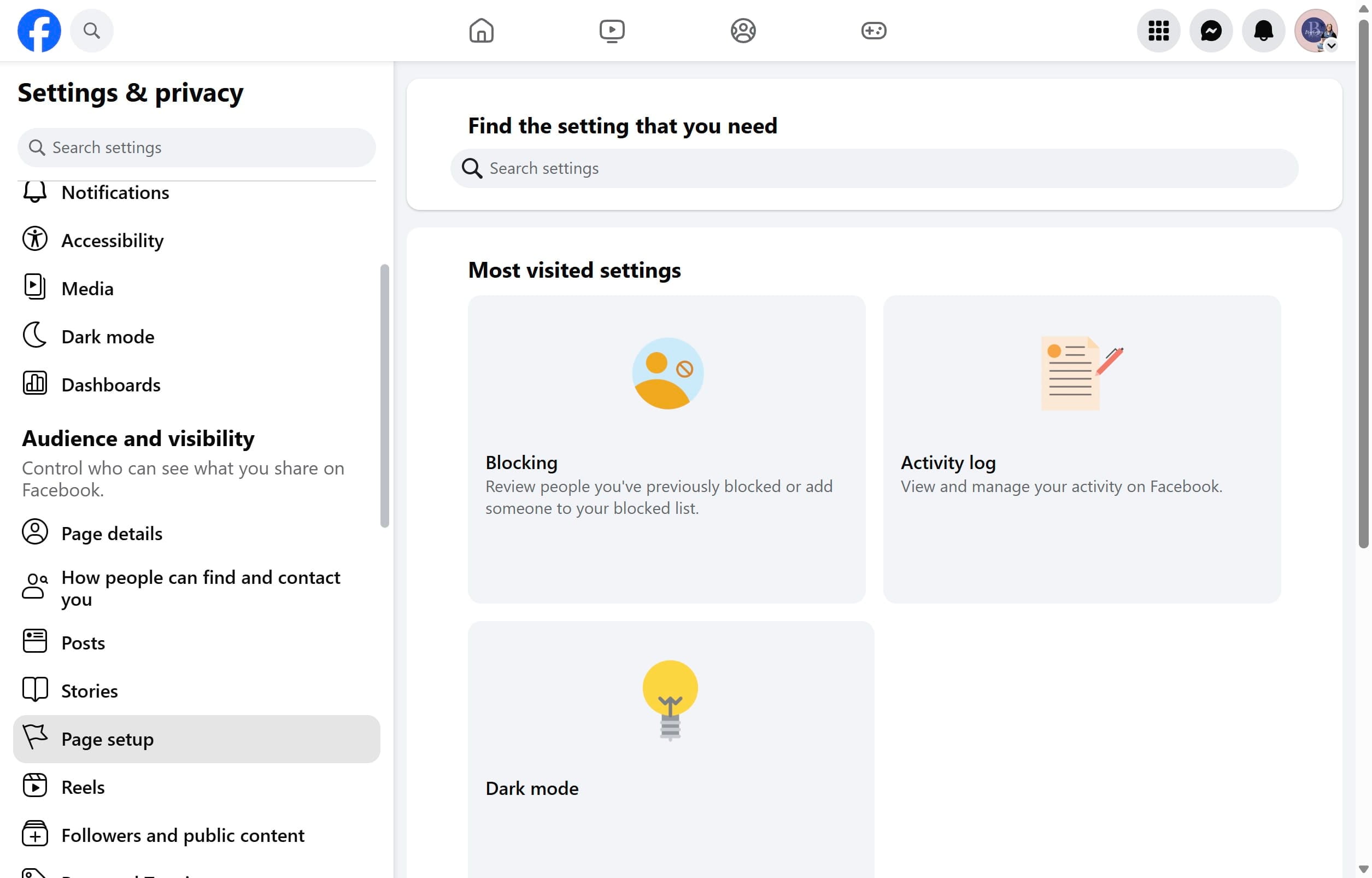
Click on "Page setup"
4
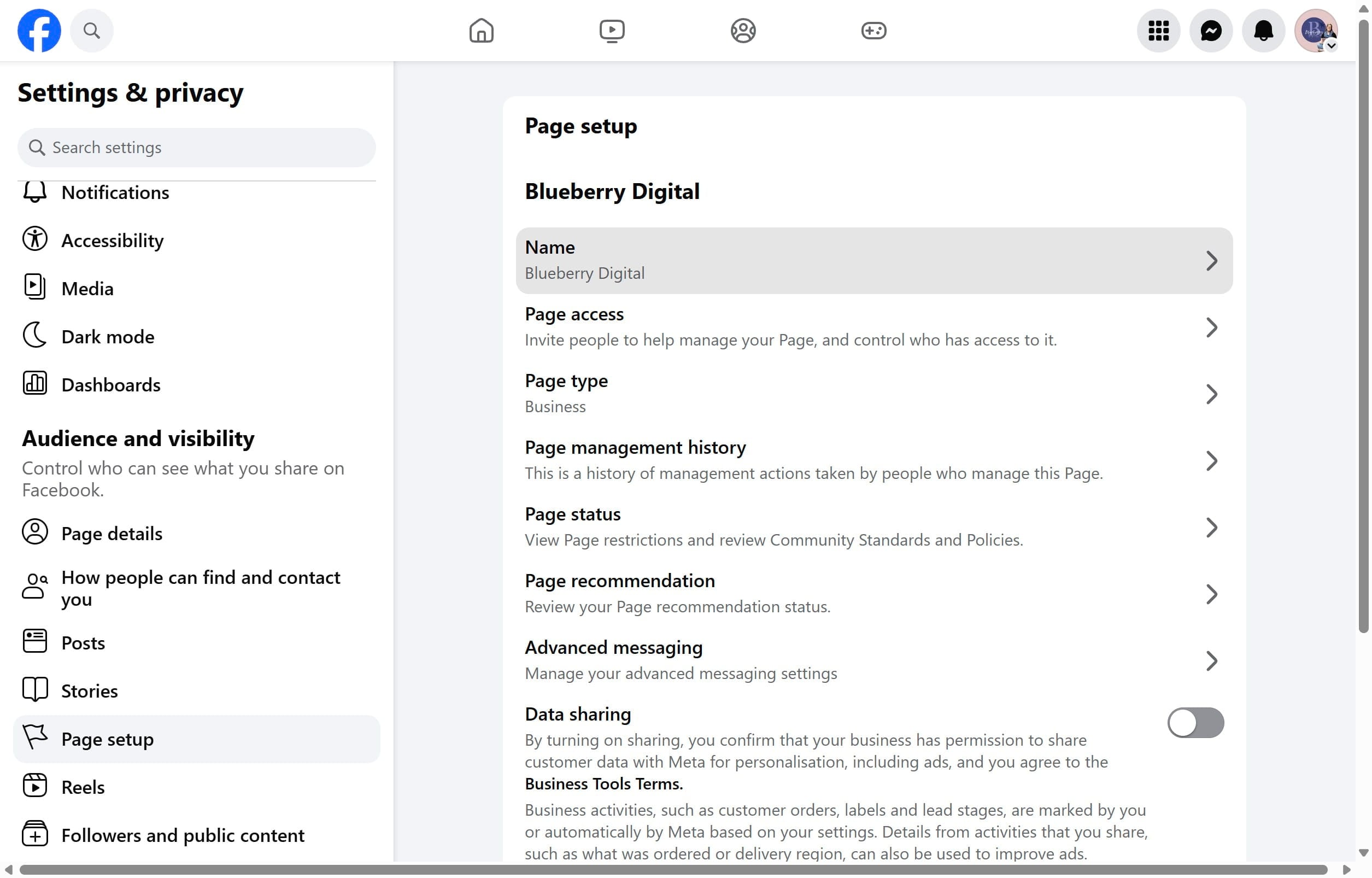
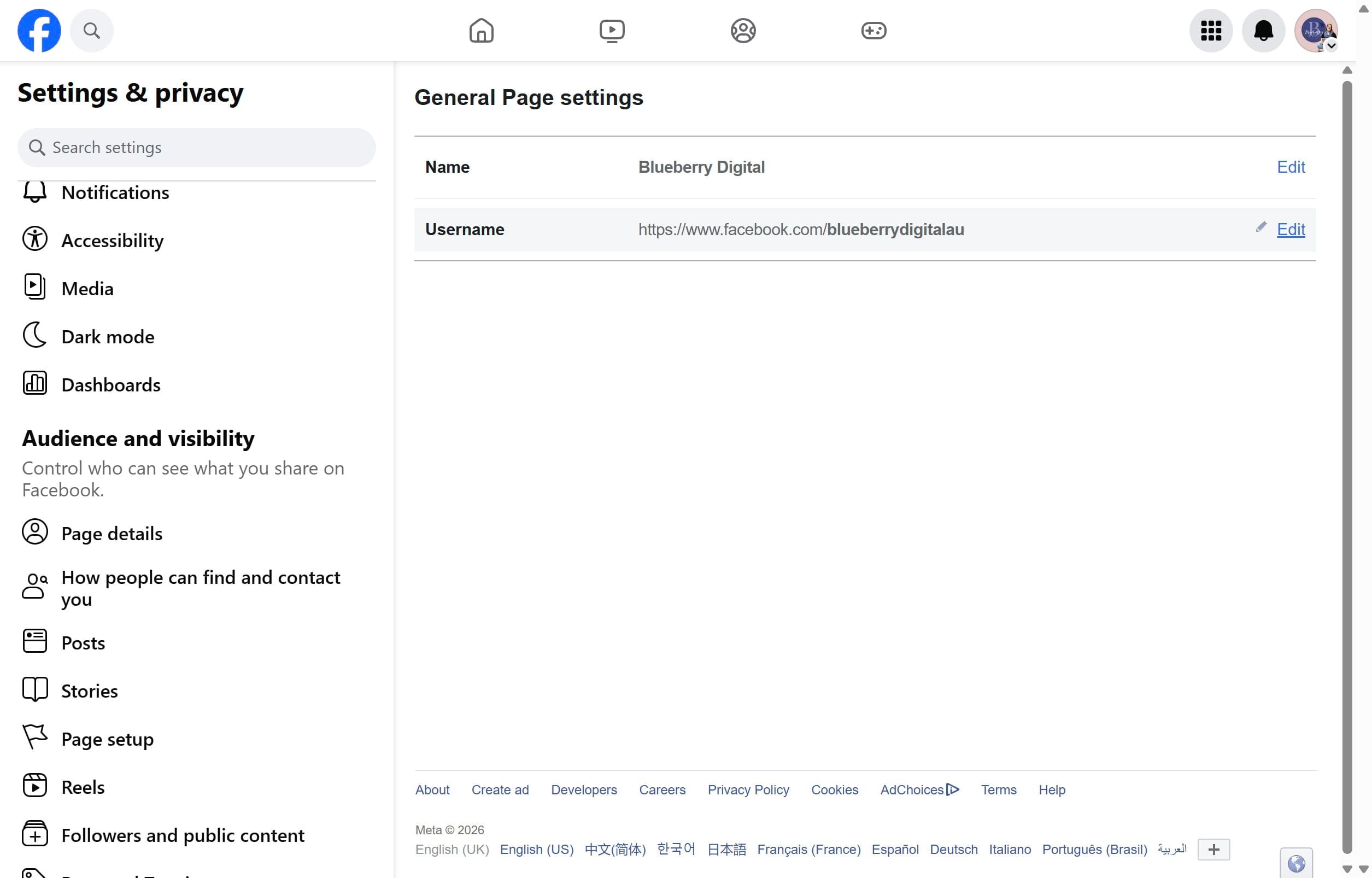
Click on "Name"
5
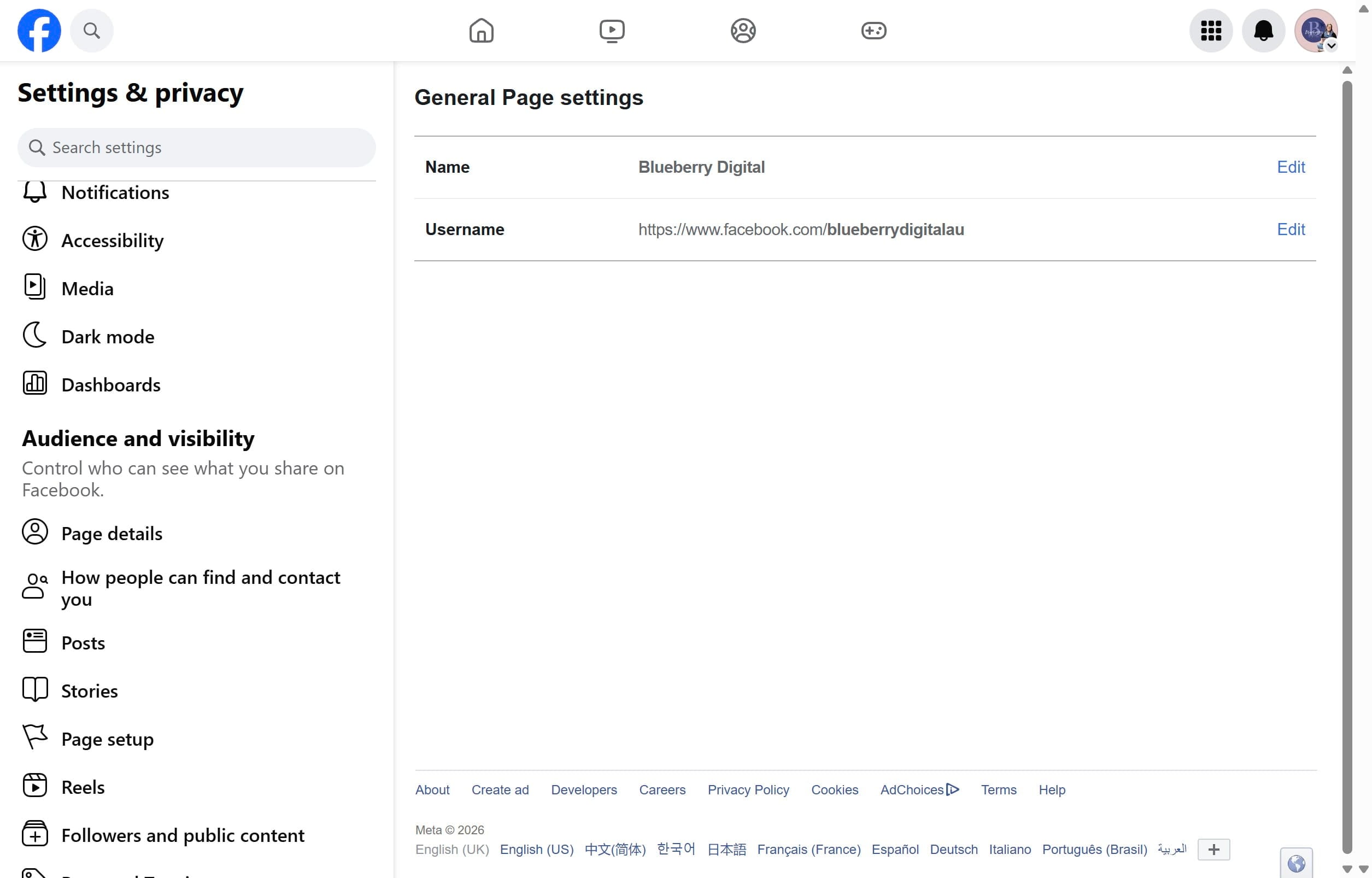
The Username is what you want to edit. Click on "Edit" and choose a username that matches your website or Instagram handle.
6
Done 🚀